
Get any PDF form from the DocHub library of ready-made templates - Page 1727
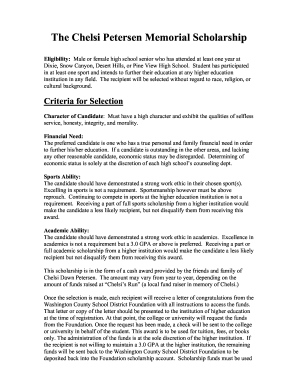
The Chelsi Petersen Memorial Scholarship
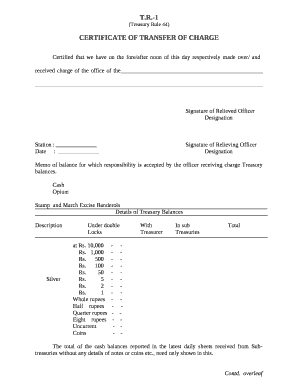
Certificate of transfer of charge rule 44
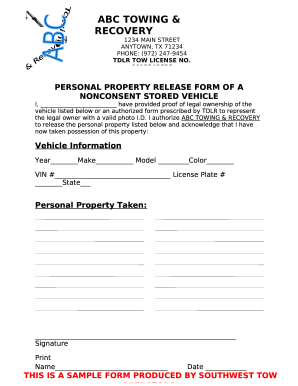
PERSONAL PROPERTY RELEASE FORM OF A
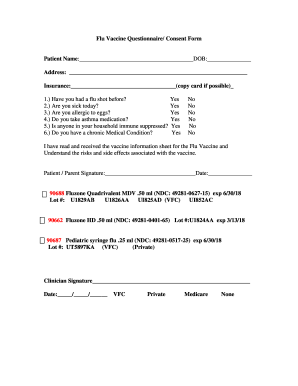
Flu shot form
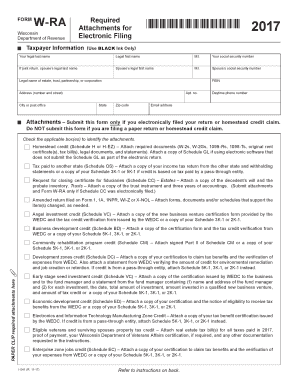
Wisconsin wra 2017-2019 form
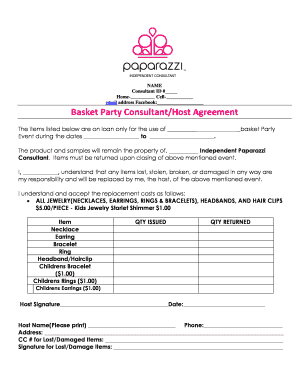
Consultant ID #
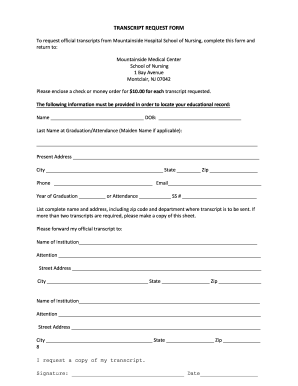
Mountainside transcripts school
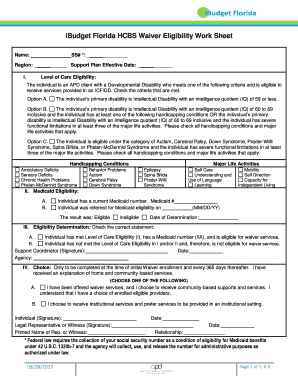
Fl waiver eligibility work search

2018 Form 593-V - Payment Voucher for Real ... - Franchise Tax...
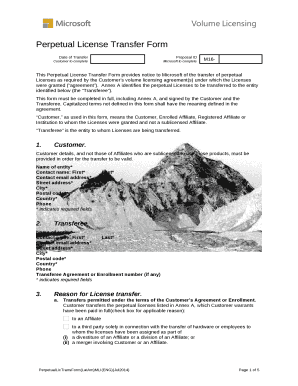
Perpetual license transfer form
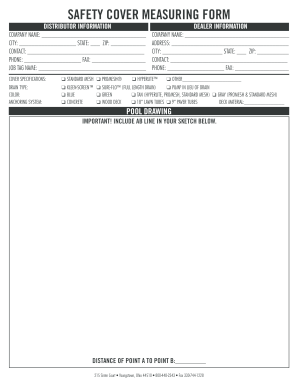
Safety cover measurement form

Bywater Mutual Homes, Inc
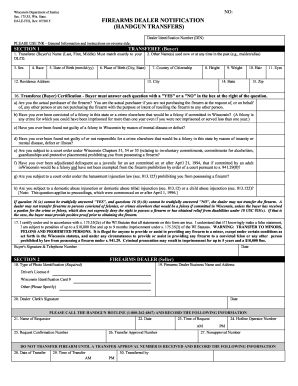
35, Wis

D 400tc 2016 form

Owner operator lease agreement

Cherries checklist pdf
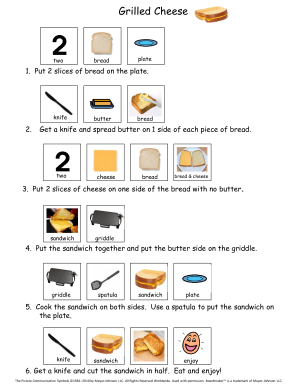
Put 2 slices of bread on the plate

Acceleration worksheet with answers pdf
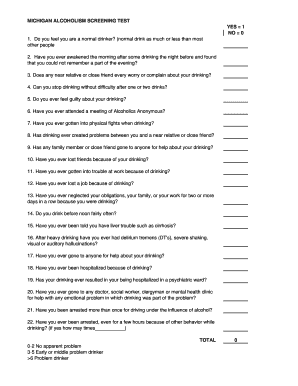
MICHIGAN ALCOHOLISM SCREENING TEST

Color correction - Client Consent Form

Vfs oci consent letter sample
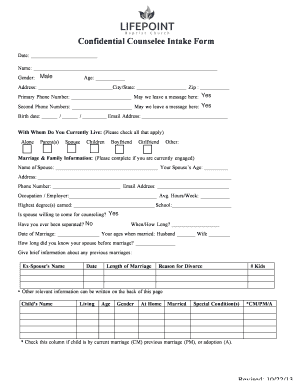
Mi 1040cr9

Borderline Personality Disorder Test

SOUTH CAROLINA FORECLOSURE ABSTRACT - -CP- COUNTY:
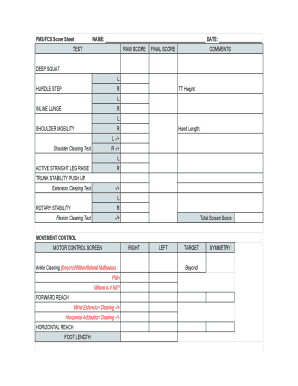
Fms score sheet

Vehicle Handover Form

ACTIVITY PARTICIPATION RECORD

Form 4 of 4
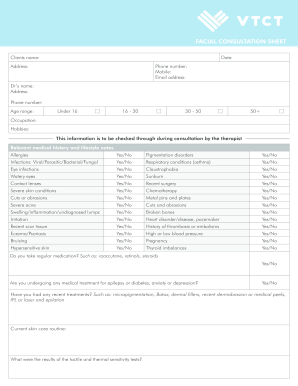
Facial consultation sheet
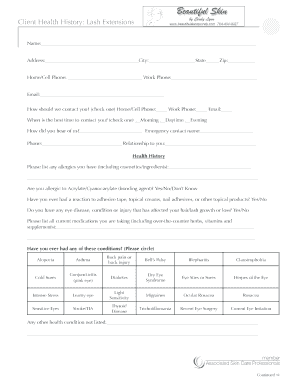
Client Health History: Lash Extensions
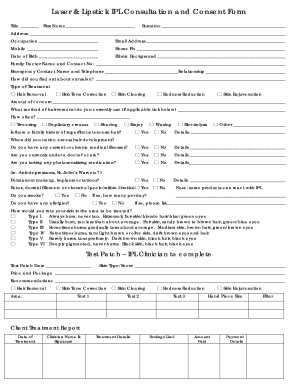
Laser & Lipstick IPL Consultation and Consent Form

Facial Acupuncture Intake Form
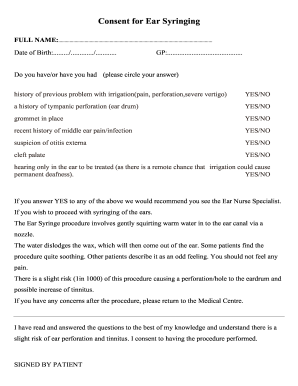
Consent ear
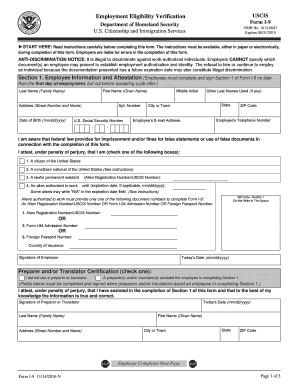
Form I-9 11/14/2016 N

Journal of Pediatric Critical Care (JPCC )

Form Approved Exp

Gp55229

Tb screening form
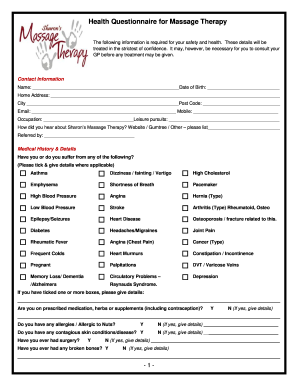
Health Questionnaire for Massage Therapy
CHAIR MASSAGE SIGN UP SHEET FOR
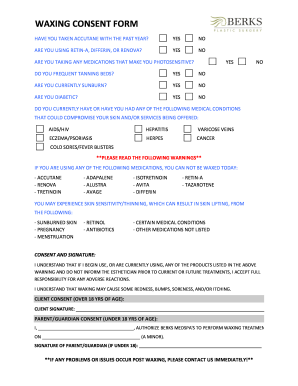
When You're Extra Sensitive to Sunlight: What You Need to Know ...

WAXING INTAKE FORM
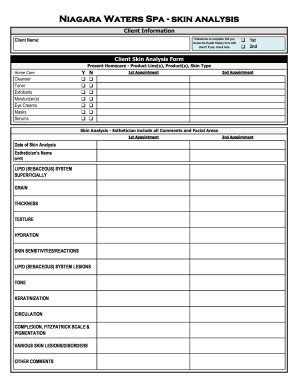
Niagara Waters Spa - skin analysis

Medical Consultation Request Form

CHARLES RUTENBERG REALTY OF ILLINOIS, LLC, ("Company") and (Contractor),

Account reference number:

Identity wheel blank
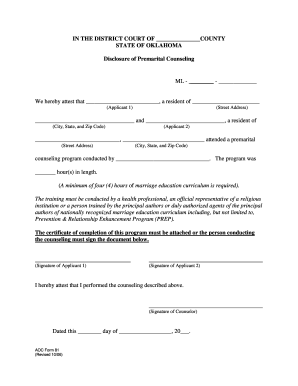
IN THE DISTRICT COURT OF COUNTY
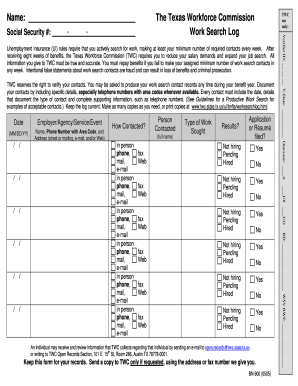
Unemployment Insurance (UI) rules require that you actively search for work, making at least your minimum number of required contacts every week

Case Conceptualization Outline
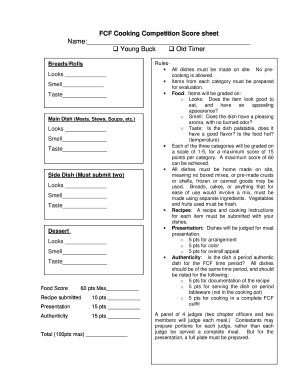
Cooking contest score sheet template
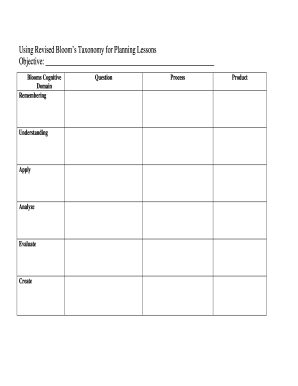
Using Revised Blooms Taxonomy for Planning Lessons
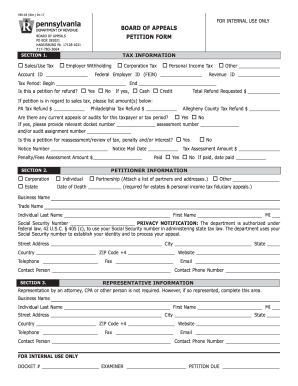
How to electronicall file rev65
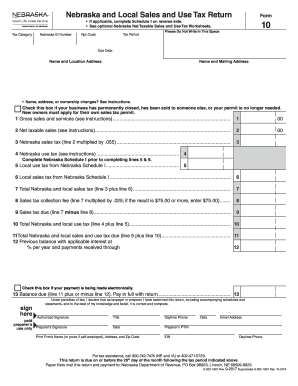
Nebraska form 10
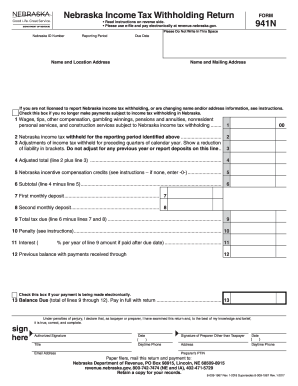
Form 941n nebraska
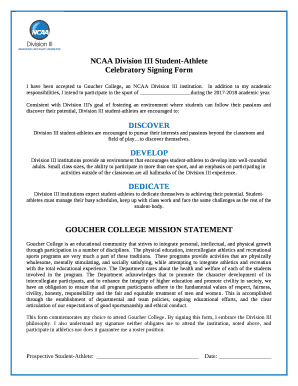
D3 celebratory signing form pdf
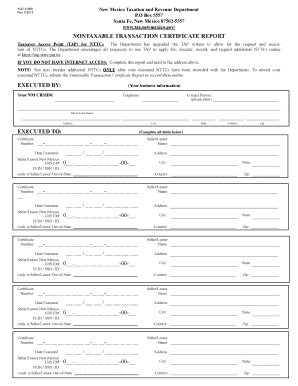
Acd 31098 form
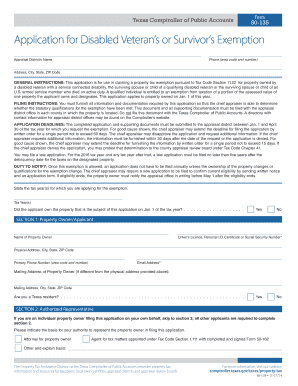
50 135 2017 form
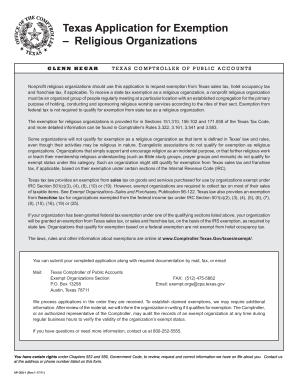
Taxes exempt

Ap 201

Form 1042 2017
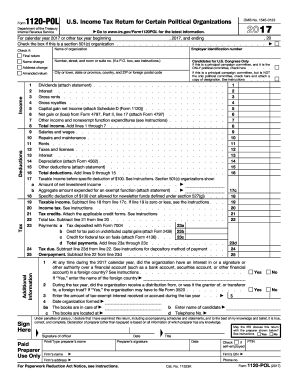
2017 form 1120
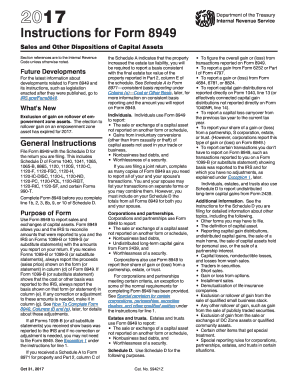
Form 8949 instructions 2017
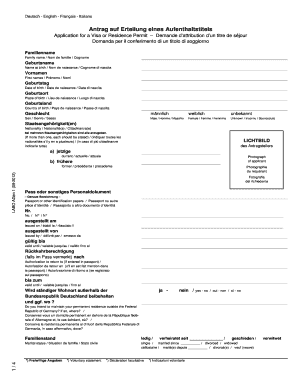
Antrag auf Erteilung eines Aufenthaltstitels
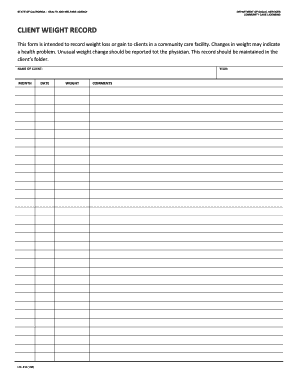
Lic 618
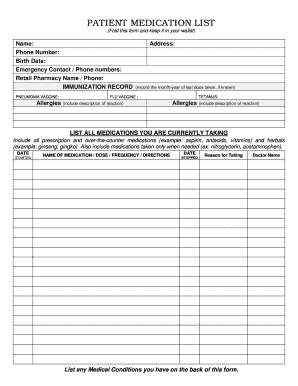
(Fold this form and keep it in your wallet)
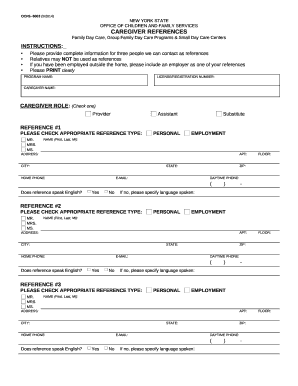
CAREGIVER REFERENCES
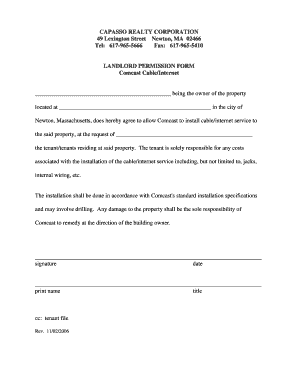
CAPASSO REALTY CORPORATION
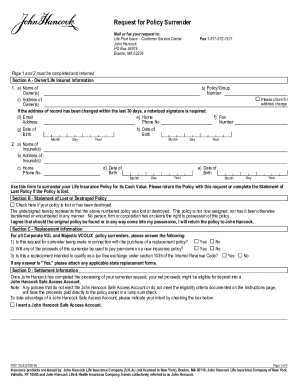
Request for Policy Surrender
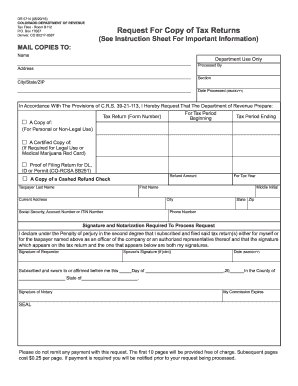
Dr 5714
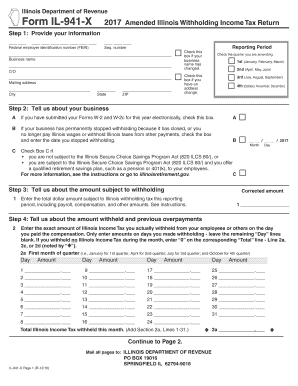
Il 941 x 2017 form

Illinois iternal revnue 4506
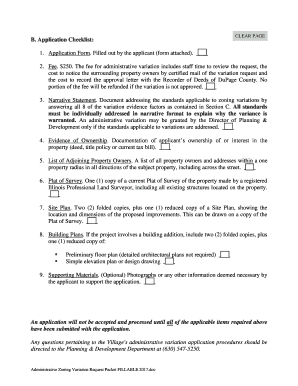
Administrative Zoning Variation
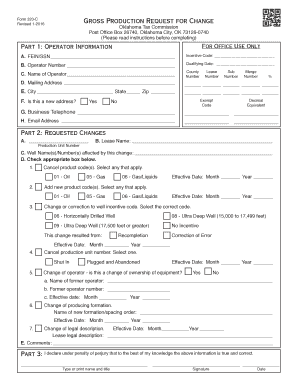
Oklahoma tax form 320 c
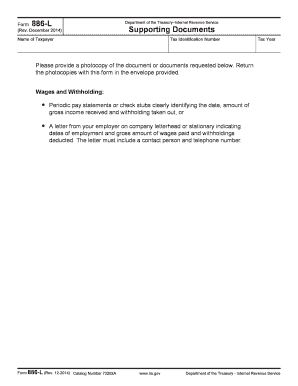
Form 886 l
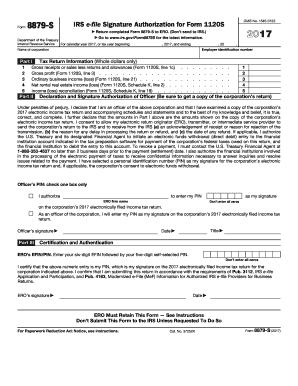
Form 8879 2017
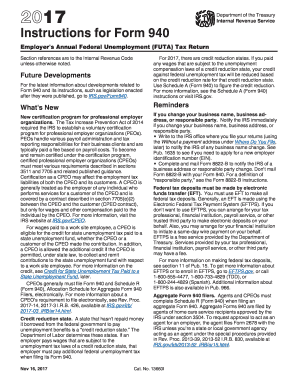
Instruction 940 form 2017
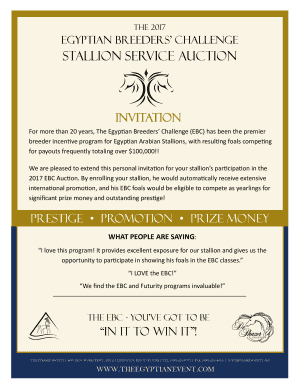
Egyptian Breeders Challenge
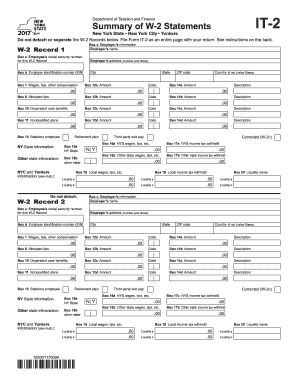
Form it 2 2017-2019

Yale global tic severity scale pdf
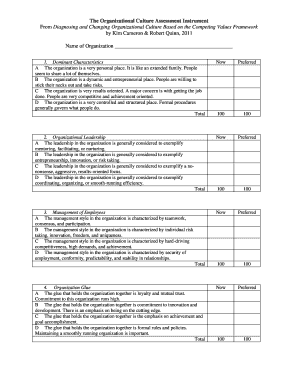
The Organizational Culture Assessment Instrument
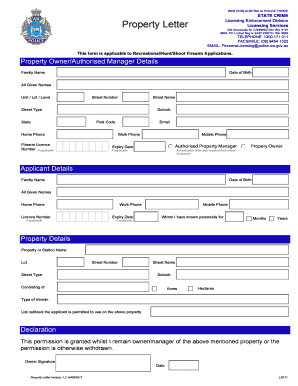
Licensing enforcement division
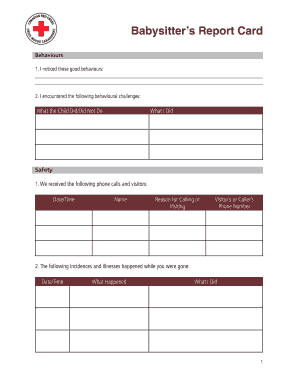
Babysitters report
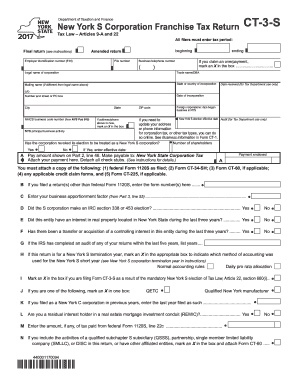
Ct 3 s form 2017
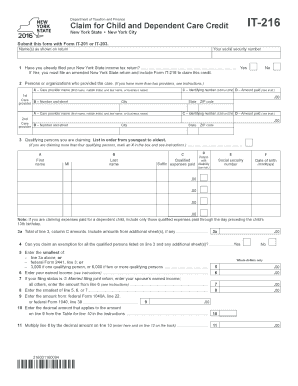
It 216 2016 form
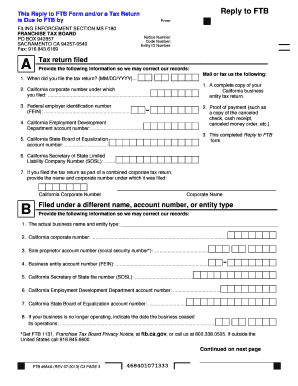
Ftb form 4684

Elements compounds and mixtures diagrams explaination and answers
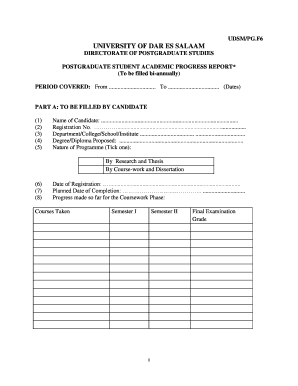
Udsm postgraduate progress report form
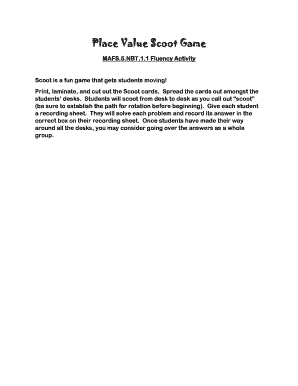
Scoot mafs5nbt printable
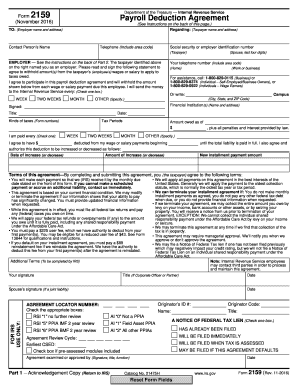
2159 2016 form
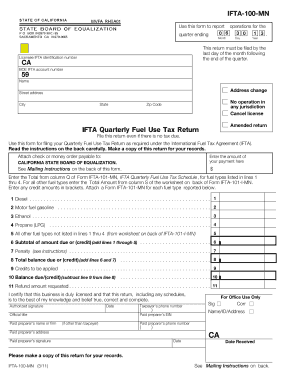
Ifta fuel tax return
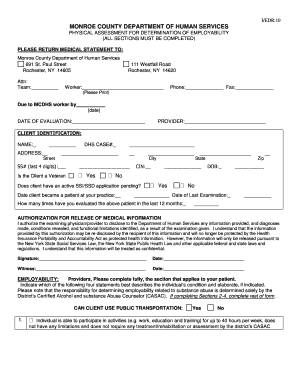
I/EDR:10
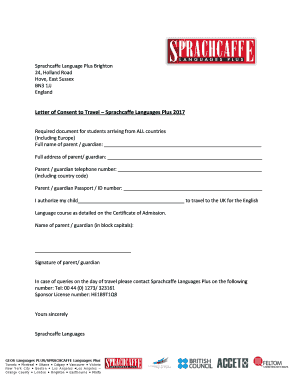
Sprachcaffe Language Plus Brighton
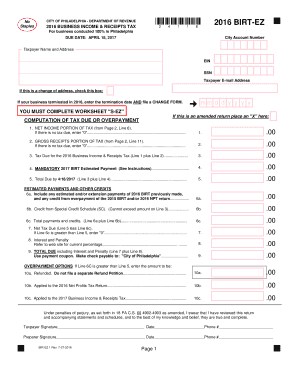
2016 philadelphia ez form
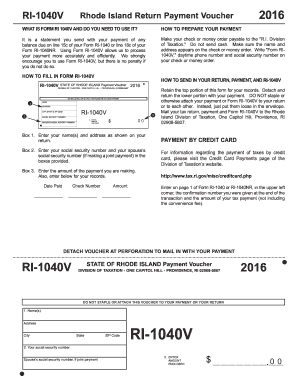
Ri voucher 2016 form

Tc 51 2017-2019 form
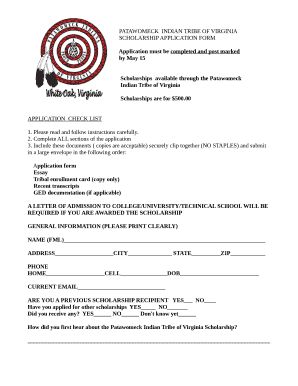
PATAWOMECK INDIAN TRIBE OF VIRGINIA
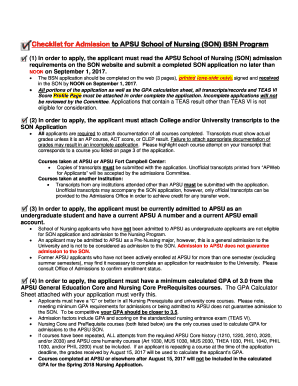
Checklist for Admission to APSU School of Nursing (SON) BSN Program
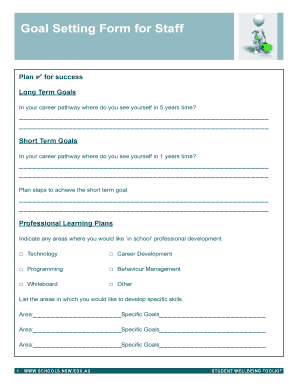
Goal Setting Form for Staff

2017 wi form
Benefit from the DocHub online library of fillable PDF forms
Searching the PDF forms doesn't have to be a tedious and time-consuming process. With the DocHub online library, it has become easier to find the fillable PDF forms and modify them in your browser. The service allows you to adjust the document to your needs using powerful editing tools.
You can use online document editing features to modify almost any type of document with ease. You just need to find the template of your choice, open it in the editor, and use the toolbar to make the necessary corrections.
Follow this guide to get your document done with DocHub:
- Find the PDF template you need.
- Click the Get Form button to open the file in the editor.
- Use the toolbar to fill out and edit the document.
- Easily add and highlight text, insert images, checkmarks, and symbols.
- Drop new fillable fields, and rearrange or delete pages from your file.
- Save changes and download your record.
DocHub empowers everyone to streamline document editing, signing, and distribution, and form completion. Create an account and benefit from our well-organized PDF Forms library and comprehensive editor.