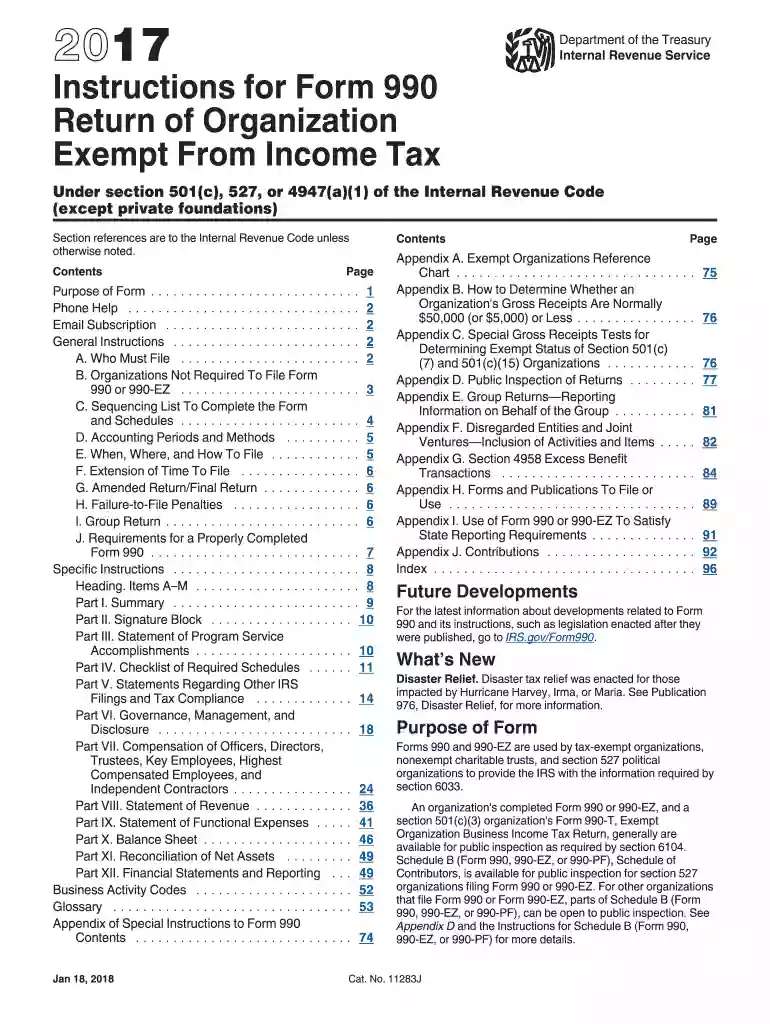
2017 990 instructions form-2026

Get Form
2017 form 990 instructions Preview on Page 1

Here's how it works

01. Edit your 2017 form 990 instructions online
Type text, add images, blackout confidential details, add comments, highlights and more.

02. Sign it in a few clicks
Draw your signature, type it, upload its image, or use your mobile device as a signature pad.

03. Share your form with others
Send it via email, link, or fax. You can also download it, export it or print it out.

The best way to modify 2017 990 instructions form online

Form edit decoration
9.5
Ease of Setup
DocHub User Ratings on G2
9.0
Ease of Use
DocHub User Ratings on G2

With DocHub, making adjustments to your documentation requires only a few simple clicks. Make these fast steps to modify the PDF 2017 990 instructions form online free of charge:

  1. Sign up and log in to your account. Log in to the editor using your credentials or click on Create free account to test the tool’s features.
  2. Add the 2017 990 instructions form for editing. Click the New Document button above, then drag and drop the document to the upload area, import it from the cloud, or using a link.
  3. Adjust your document. Make any adjustments required: insert text and images to your 2017 990 instructions form, highlight details that matter, remove parts of content and replace them with new ones, and add symbols, checkmarks, and fields for filling out.
  4. Finish redacting the template. Save the modified document on your device, export it to the cloud, print it right from the editor, or share it with all the parties involved.

Our editor is very intuitive and effective. Try it out now!

See more 2017 990 instructions form versions

We've got more versions of the 2017 990 instructions form form. Select the right 2017 990 instructions form version from the list and start editing it straight away!
Versions Form popularity Fillable & printable
2023 4.2 Satisfied (24 Votes)
2022 4.8 Satisfied (41 Votes)
2021 4.8 Satisfied (55 Votes)
2020 4.3 Satisfied (76 Votes)
2019 4.4 Satisfied (192 Votes)
2019 4.4 Satisfied (96 Votes)
2018 4.4 Satisfied (103 Votes)
2017 4.2 Satisfied (84 Votes)
2016 4.4 Satisfied (280 Votes)
2015 4.3 Satisfied (216 Votes)
2014 4.4 Satisfied (241 Votes)
2011 4.4 Satisfied (66 Votes)
be ready to get more

Complete this form in 5 minutes or less

Get form

Got questions?

We have answers to the most popular questions from our customers. If you can't find an answer to your question, please contact us.
Contact us
Form 990-N (e-Postcard) is an annual notice. Form 990 is the IRS primary tool for gathering information about tax-exempt organizations, educating organizations about tax law requirements and promoting compliance. Organizations also use the Form 990 to share information with the public about their programs.
A nonprofit with gross receipts of $500,000 or more, such as a regional food bank serving multiple counties, would need to file the 990 Standard. This form provides comprehensive details about its financial health, programs, and governancea level of transparency that may also attract larger grants or major donors.
Form 990 is the IRS primary tool for gathering information about tax-exempt organizations, educating organizations about tax law requirements and promoting compliance. Organizations also use the Form 990 to share information with the public about their programs.
IRS Form 990 data can be obtained from many sources, including the IRS. In addition, there are portions of the IRS Form 990, such as a roster of the board, leadership compensation, and governance information, one would not find in an audited financial statement.
Form 990 serves as an annual report, shedding light on an organizations mission and financial activities. Form 990-T addresses income generated from unrelated business activities.

Security and compliance

At DocHub, your data security is our priority. We follow HIPAA, SOC2, GDPR, and other standards, so you can work on your documents with confidence.

Learn more
ccpa2
pci-dss
gdpr-compliance
hipaa
soc-compliance
be ready to get more

Complete this form in 5 minutes or less

Get form

People also ask

Every year, you are required to account for all of your financial data on nonprofit tax form 990. You may also have state tax requirements, such as California Form 199 or 199N. The W-9 gets you started on reporting your non-employee compensation for freelancers, independent contractors, and other gig workers.
Form 990, Return of Organization Exempt From Income Tax An organization must file Form 990, if it is: An organization with either: ► gross receipts of $200,000 or more, or ► total assets of $500,000 or more. A sponsoring organization of one or more donor-advised funds.

Related links