




01. Edit your 2017 ut tax form online
Type text, add images, blackout confidential details, add comments, highlights and more.

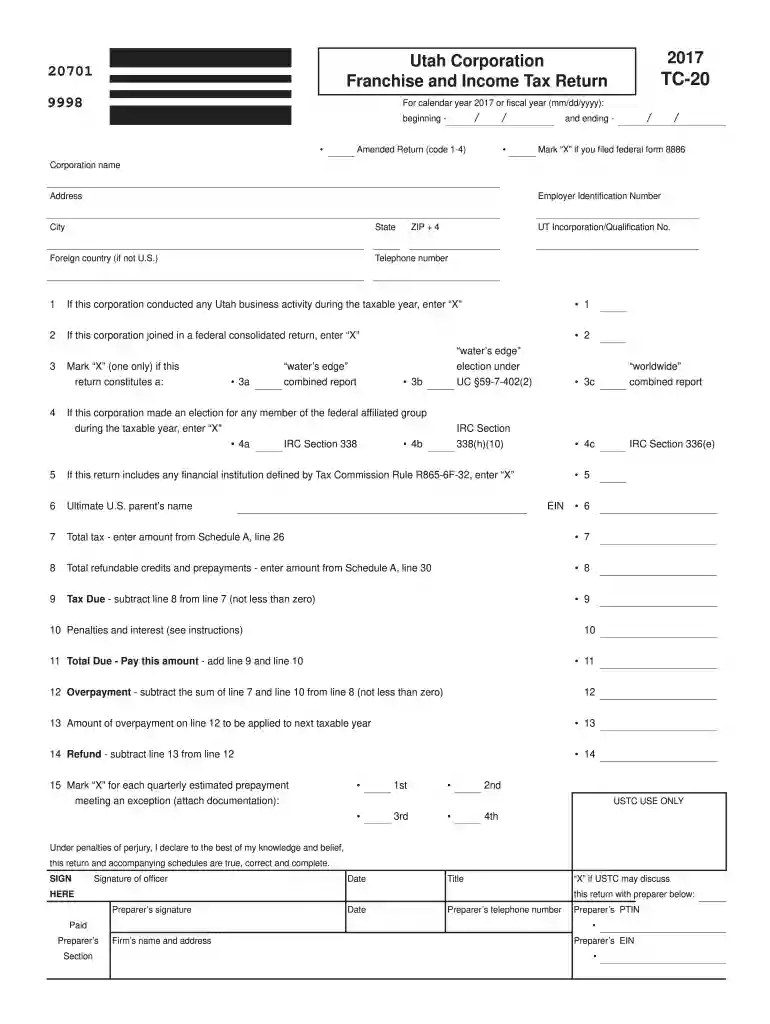
Type text, add images, blackout confidential details, add comments, highlights and more.

Draw your signature, type it, upload its image, or use your mobile device as a signature pad.

Send 2017 ut tax forms via email, link, or fax. You can also download it, export it or print it out.

Start using our platform today to fill out your forms online for free!
We've got more versions of the 2017 ut tax form form. Select the right 2017 ut tax form version from the list and start editing it straight away!
| Versions | Form popularity | Fillable & printable |
|---|---|---|
| 2025 | 4.1 Satisfied (29 Votes) | |
| 2024 | 4.2 Satisfied (43 Votes) | |
| 2023 | 4.7 Satisfied (53 Votes) | |
| 2022 | 4.3 Satisfied (59 Votes) | |
| 2021 | 4.8 Satisfied (148 Votes) | |
| 2020 | 4.4 Satisfied (117 Votes) | |
| 2019 | 4.3 Satisfied (171 Votes) | |
| 2018 | 4.2 Satisfied (73 Votes) | |
| 2017 | 4.3 Satisfied (133 Votes) | |
| 2016 | 4.4 Satisfied (259 Votes) | |
| 2015 | 4.4 Satisfied (582 Votes) | |
| 2014 | 4.4 Satisfied (63 Votes) | |
| 2012 | 4.4 Satisfied (65 Votes) | |
| 2011 | 4.1 Satisfied (30 Votes) |
At DocHub, your data security is our priority. We follow HIPAA, SOC2, GDPR, and other standards, so you can work on your documents with confidence.
Corporate income tax filers use form TC-20. Corporations required to file under the income tax provisions are those that derive income from Utah sources, butRead more
. 9 For the reasons discussed by the County, unrelated business income also does not indicate whether a property
Use form TC-20L to claim a refund of prior year tax for a loss carryback. 16 Utah net loss carried forward from prior years (attach documentation). 16. 17 NetRead more


