
Get any PDF form from the DocHub library of ready-made templates - Page 1700
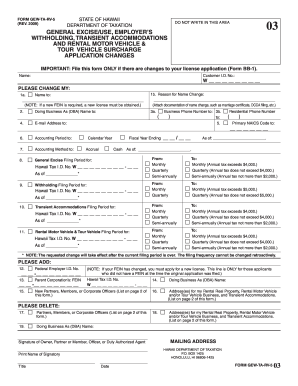
Gew ta rv 5 2009 form

Leitz credit only

City of denver department of excise and licenses general questionnaire instructions form
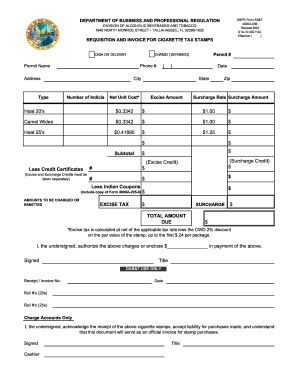
Florida dbpr requisition

Anna sosenko assist trust

Jcahpo application for examination
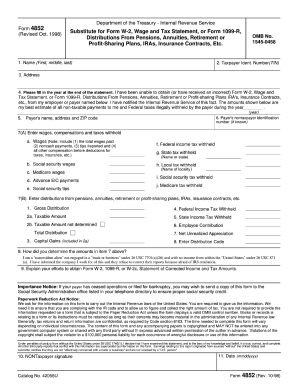
Irs form 4842 1998
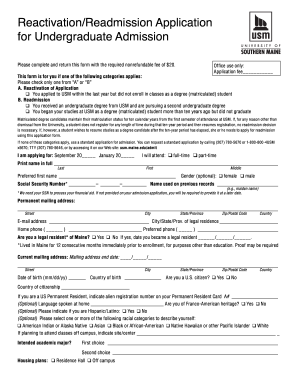
Usm readmission
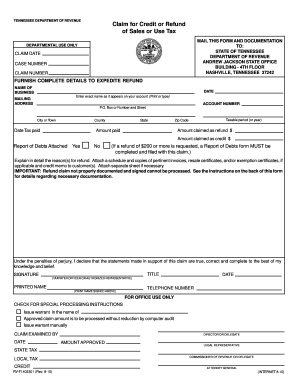
Sales tax tn
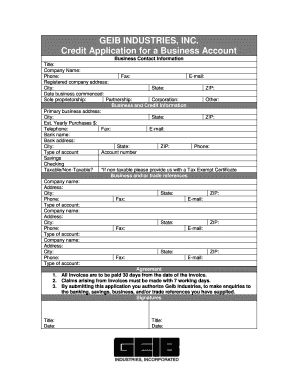
Blank credit application
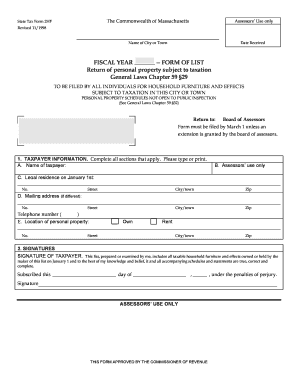
Massachusetts state tax form 2hf
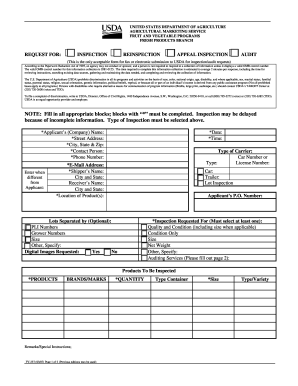
Usda request inspection form

Ut food service health
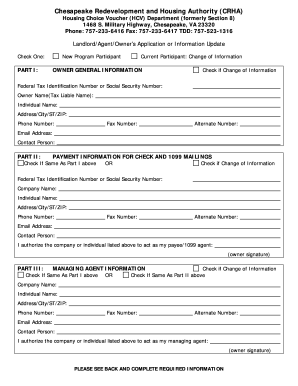
Crha form
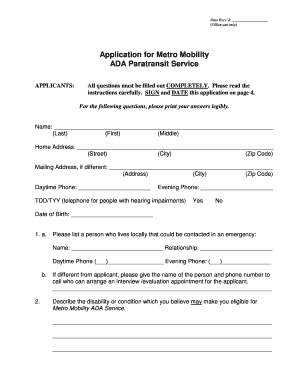
Metro mobility application
Missouri tax exemption renewal 2008 form
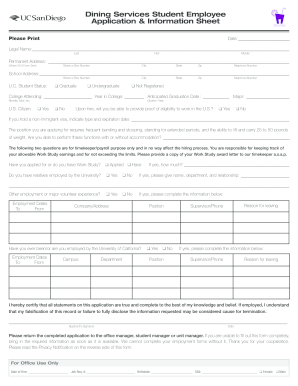
Download Dining Services Application ( pdf ) - hdh ucsd
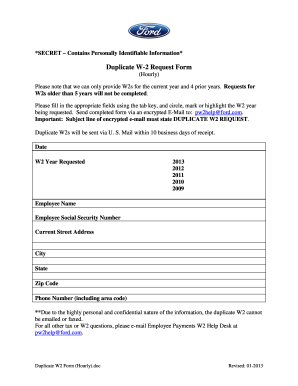
Pw2help ford com
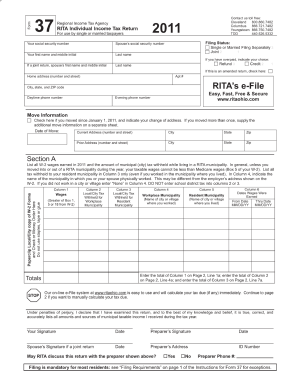
Rita form 37 pdf 2011

6378 exemption certificate
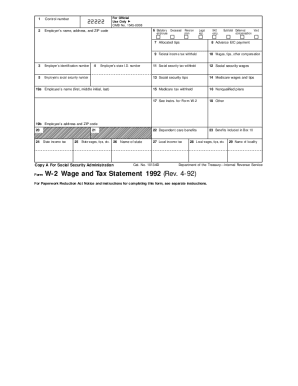
Form W-2 Wage and Tax Statement 1992 (Rev. 4-92) - irs
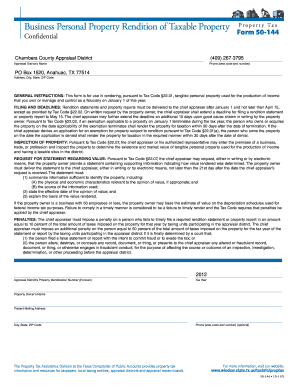
Texas form 50 144 fillable 2011
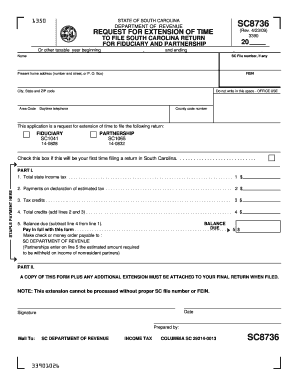
Sc8736 form
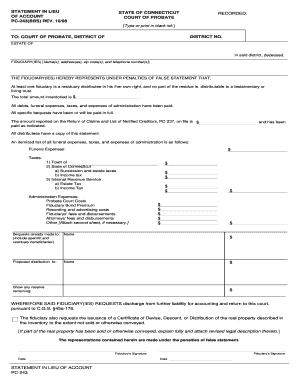
Conn probate form pc 243 statement in lieu of account
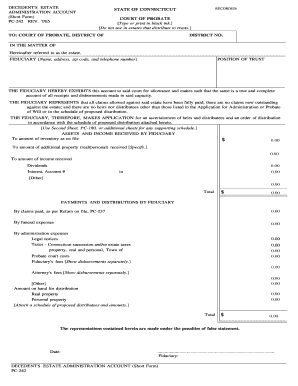
Pc 242 2005 form
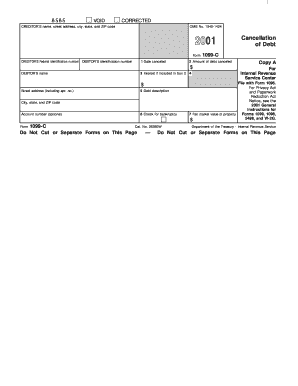
2001 Form 1099C. Cancellation of Debt - irs

Mississippi fill in form 89 140 2006
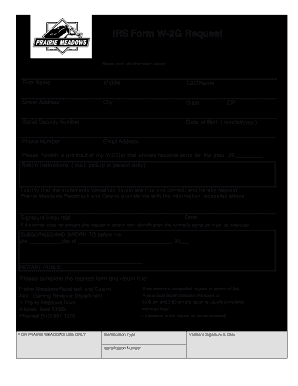
W2g form and prairie meadows altoona iowa
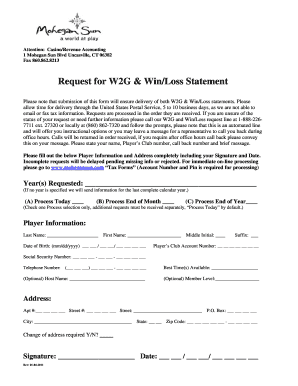
Mohegan sun win loss form 2011
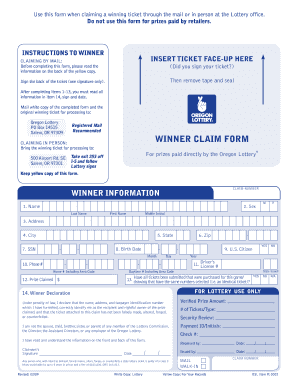
Poweball forms 2009
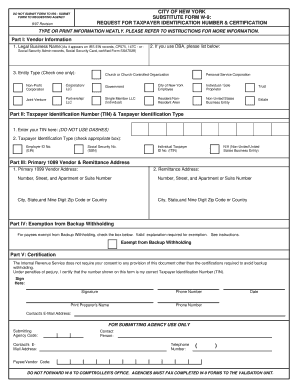
City of new york substitute form w 9 revision 907 2007
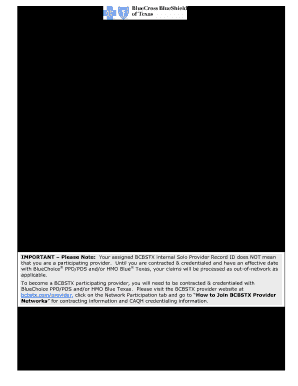
Solo provider record id information form fillable bcbs texas 2012
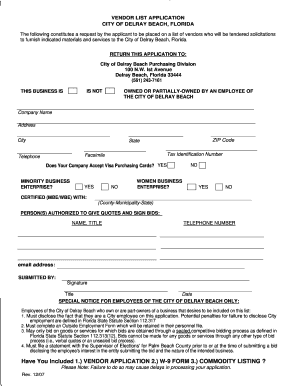
Vendor application
Cpgorg 2011 form
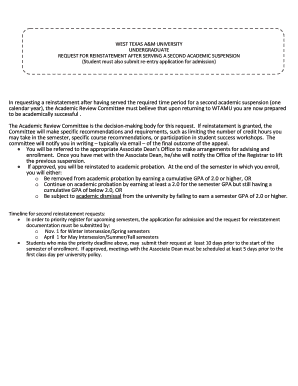
Request for Reinstatement After Serving Second Academic ... - wtamu
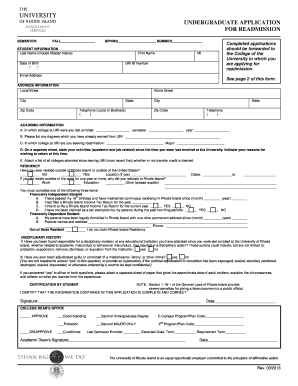
Uri readmission
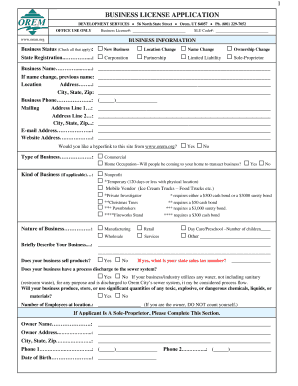
Orem city business license

Csun previously disqualified printable form
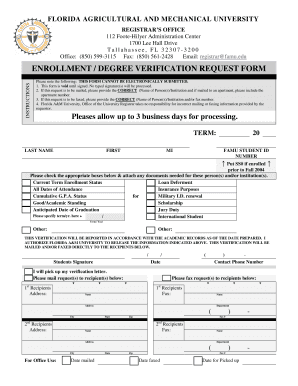
Famu enrollment verification pdf form
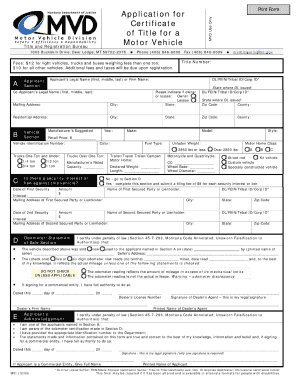
Mv1 form ontario

Vp104 cigarette 2011 form
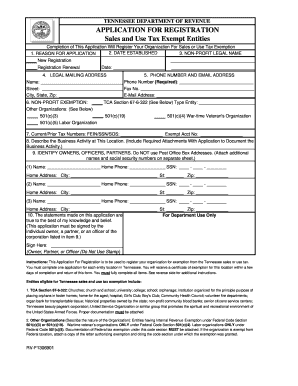
TENNESSEE DEPARTMENT OF REVENUE APPLICATION FOR REGISTRATION Sales and Use Tax Exempt Entities or State and Federally Chartered Credit Unions - tennessee
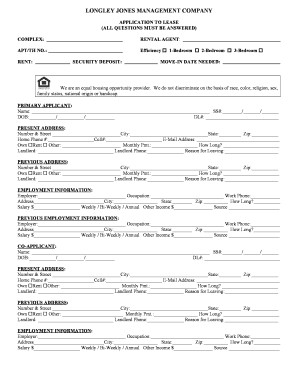
Longley jones management companyapplication form
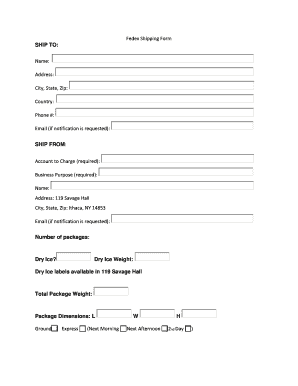
Shipping forms

Term change form
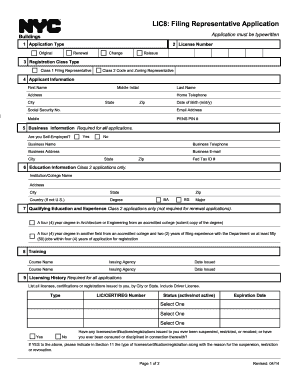
Lic8 do i

Rsa hardship withdrawal

Non employment affidavit

Rochester geneological society

Miniature Diploma Request Form - University of Virginia - virginia
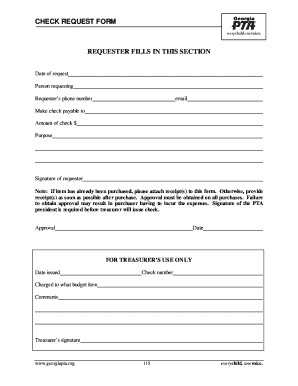
Ga pta check request form
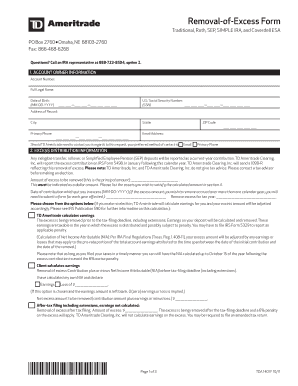
Td ameritrade w9
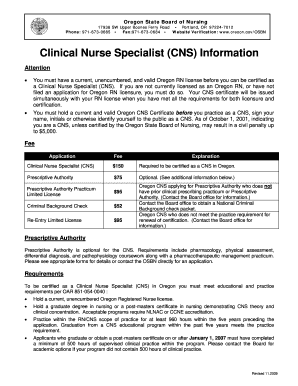
OSBN CNS Application packet - Oregon . gov - oregon
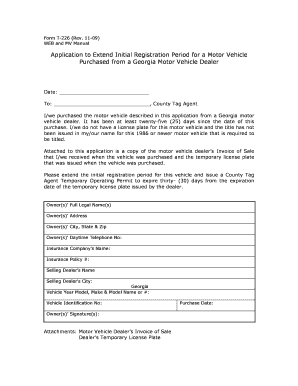
T226 form

Wc 207
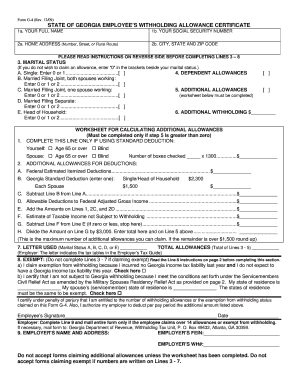
Form W-4 - Employee's Withholding Allowance Certificate
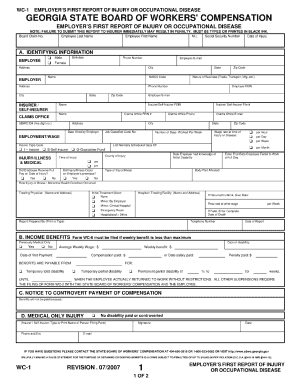
Georgia wc 1 fillable form
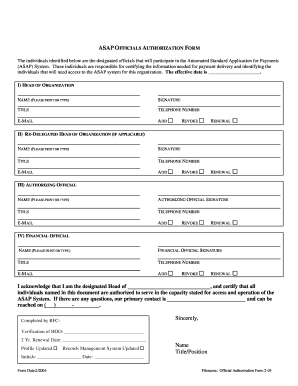
ASAP Officials Authorization Form - Financial Management Service - fms treas
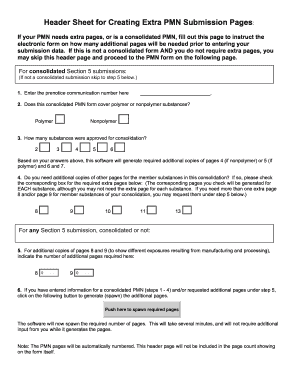
Epa form 7710 25
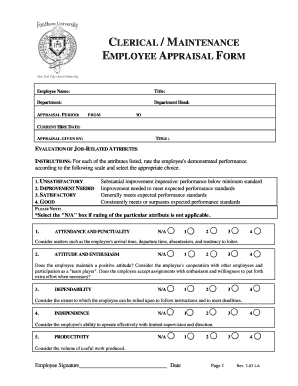
Appraisal Form for Clerical & Maintenance - Fordham - fordham

Information update form
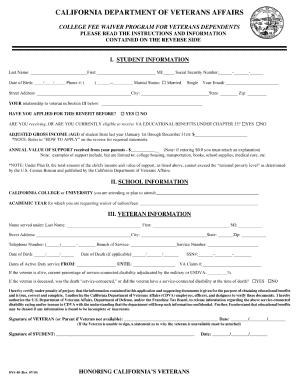
Dvs 40
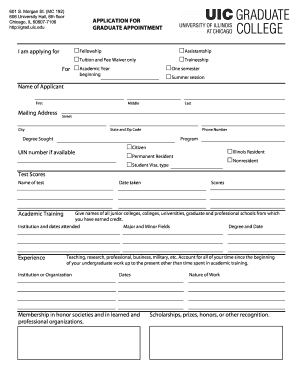
Application for graduate appointment uic

Stanford transcript request form
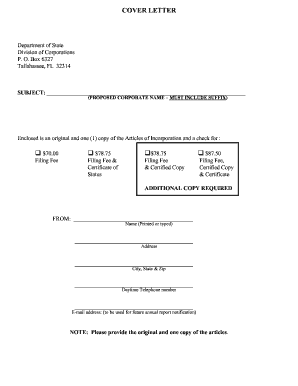
Sunbiz articles of incorporation 2013 form
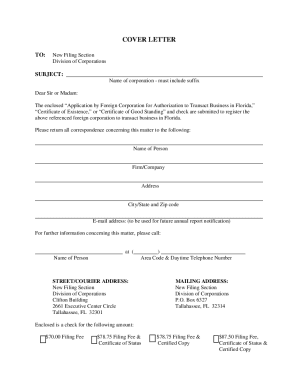
Florida cr2e007 form

Wichita half fare card form
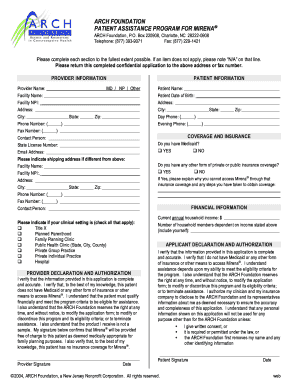
Arch foundation iud
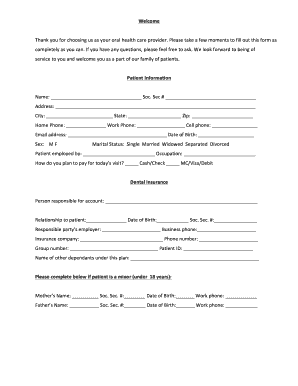
Dental routing slip template
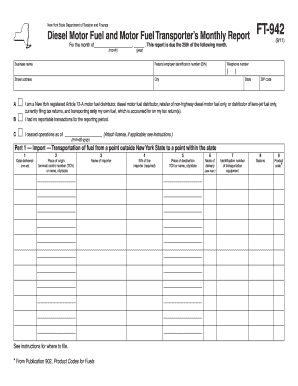
You ft 942 form
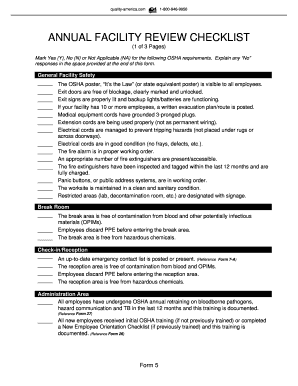
Download our free Annual Facility Review Checklist ... - HCPro Blogs
Baylor drop form

Application for Specialty Plates - DMV - dmv ne
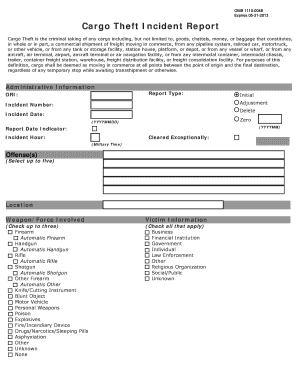
Cargo Theft Form - njsp
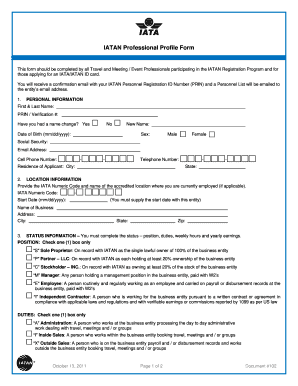
Iatan professional profile form

Dwc 9 form for w c in florida
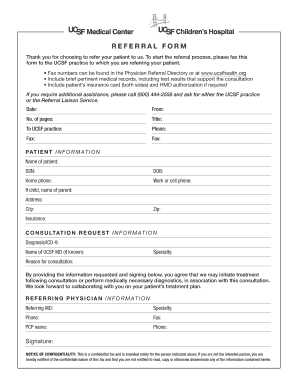
Ucsf referral form

Ucsf radiology billing
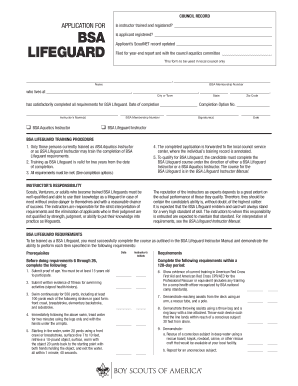
Bsa lifeguard
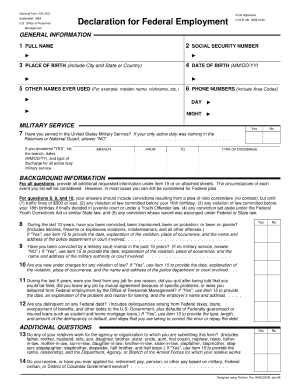
Omb no 3206 0182 1994 form
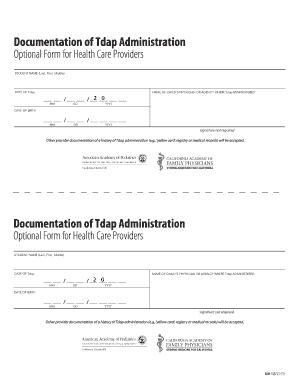
Tdap administration form
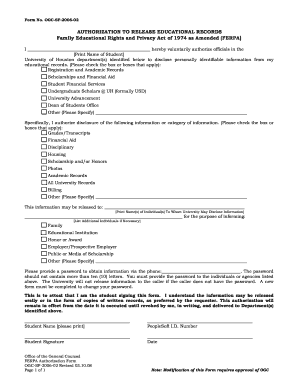
Authorization release records

Faa form 8310 3
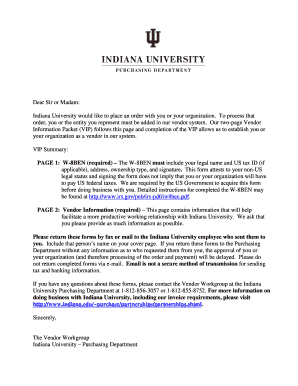
Iupui foreign vendor packet
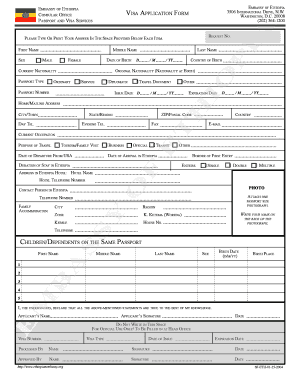
On line ethiopian passport renewal
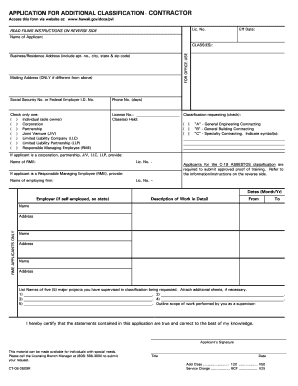
Hawaii application additional classification
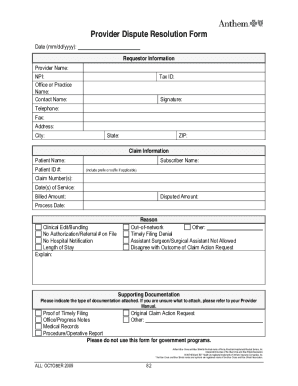
Anthem provider appeal form pdf
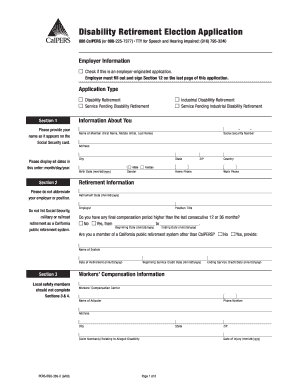
Calpers disability retirement fillable 2008 form

Ca pers09m0227 system fillable
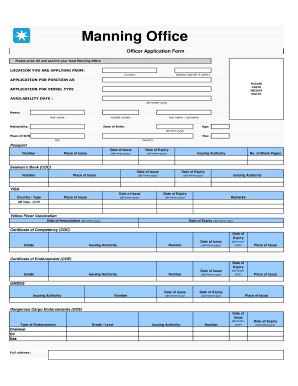
Maersk application form
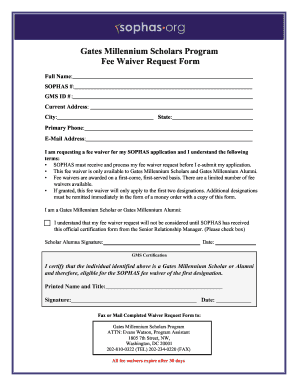
Gates Millennium Scholars Program Fee Waiver Request Form - sophas
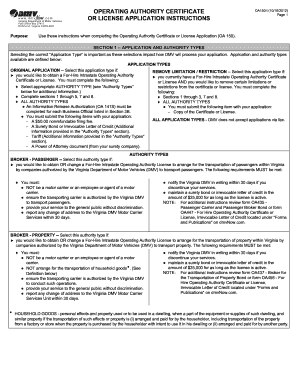
Virginia dmv forms
Signed authorization form first advantage
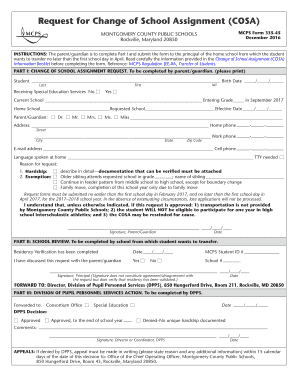
Cosaweb forms
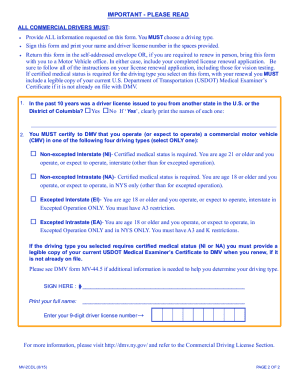
Mv 2cdl
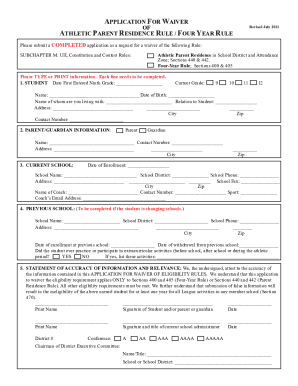
Uil parent residence waiver form

Cooperative red imported fire ant project

ReccheckreqformUnlocked.doc - fire ca
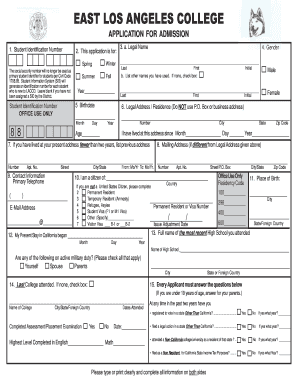
Elac application for admisson 6-06 - elac
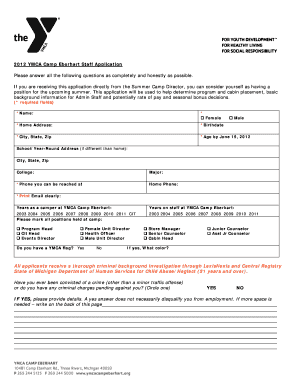
Ymca job application
Benefit from the DocHub online library of fillable PDF forms
Searching the PDF forms doesn't have to be a tedious and time-consuming process. With the DocHub online library, it has become easier to find the fillable PDF forms and modify them in your browser. The service allows you to adjust the document to your needs using powerful editing tools.
You can use online document editing features to modify almost any type of document with ease. You just need to find the template of your choice, open it in the editor, and use the toolbar to make the necessary corrections.
Follow this guide to get your document done with DocHub:
- Find the PDF template you need.
- Click the Get Form button to open the file in the editor.
- Use the toolbar to fill out and edit the document.
- Easily add and highlight text, insert images, checkmarks, and symbols.
- Drop new fillable fields, and rearrange or delete pages from your file.
- Save changes and download your record.
DocHub empowers everyone to streamline document editing, signing, and distribution, and form completion. Create an account and benefit from our well-organized PDF Forms library and comprehensive editor.