
Get any PDF form from the DocHub library of ready-made templates - Page 1701
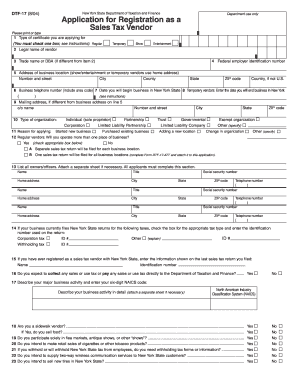
Nys sales tax form dtf 17 r 2004
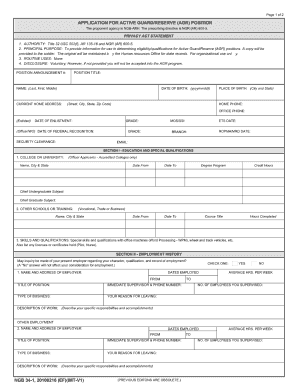
Ngb 34 1

Registratiin sheet for car show judging form
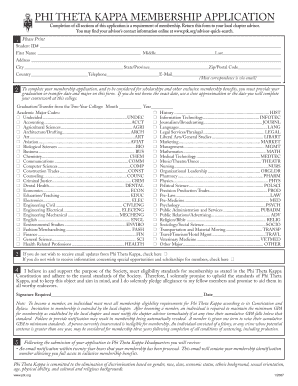
Phi theta kappa fillable membership application form
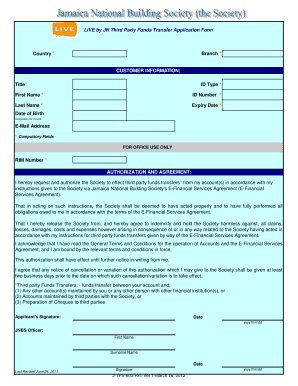
LIVE by JN Third Party Transfer Application Form - Jamaica National ...

Liheap application form california pdf alameda county

Blank registration forms
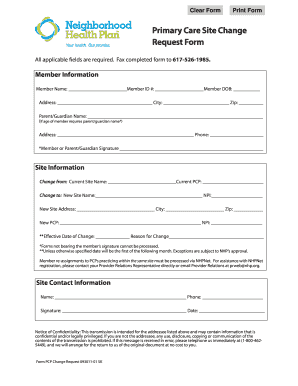
Physical Health Plan Change Request Form - Mountain View ...
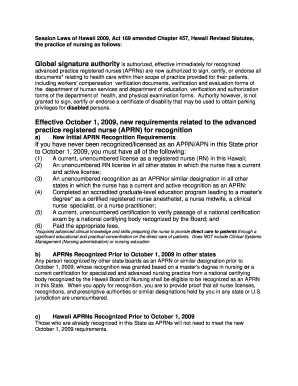
Hawaii aprn forms
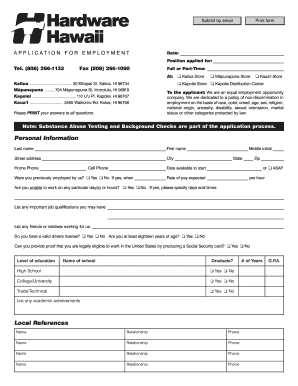
Hardware hawaii employment application form
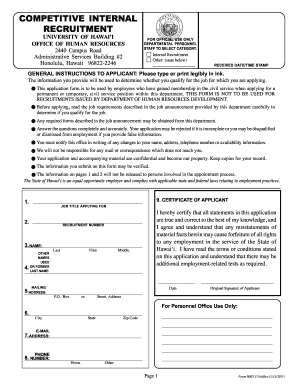
Hrd 315a dot competitive internal recruitment application 2011 form
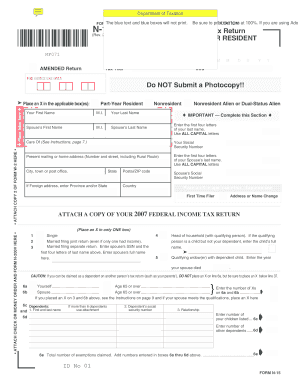
N-15 Rev 2007 NonResident and Part-Year Resident Income Tax ...
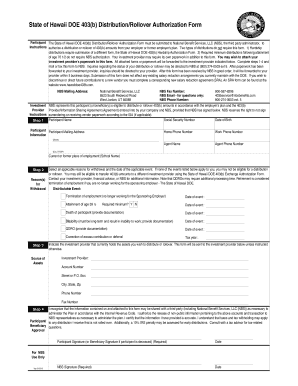
Nbs doe hawaii
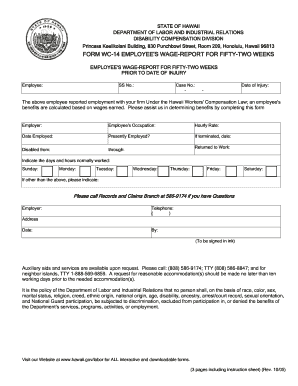
Out wc 14
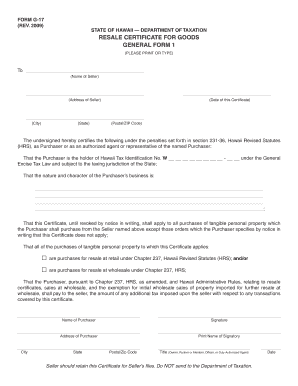
State hawaii form g 17
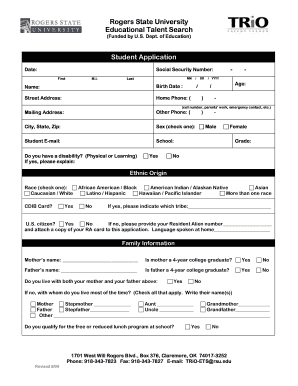
Rogers State University Educational Talent Search Student ... - rsu
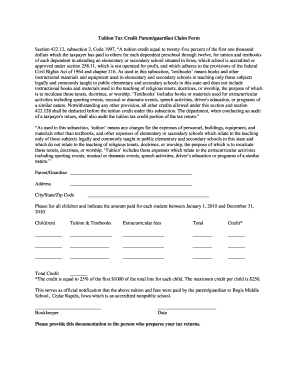
Tuition tax credit parentguardian claim form
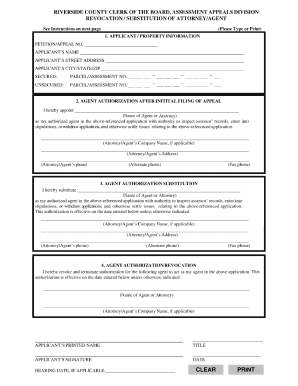
Riverside county recorder forms
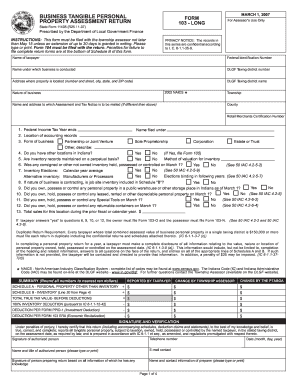
Tennessee tangible personal property schedule form
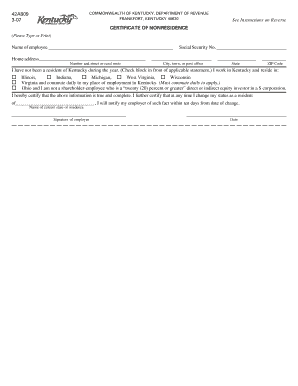
Certificate of nonresidence

Health corps program

Certificate of finances sample
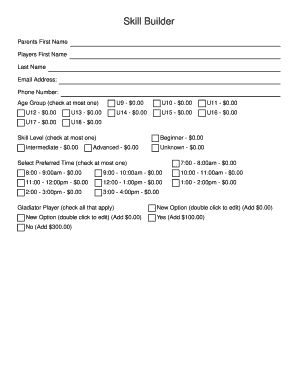
Pop warner homeschool eligibility form

Florida atlantic university immunization
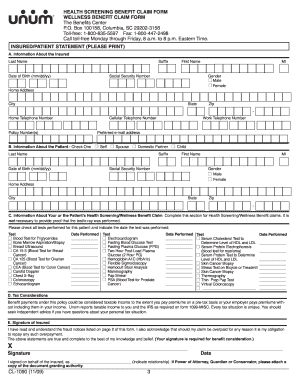
18006355597

Omb no 0938 0986

Wisconsin dnr form commission
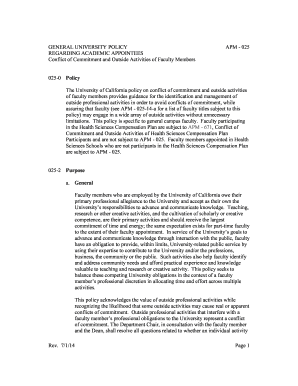
Apm 025
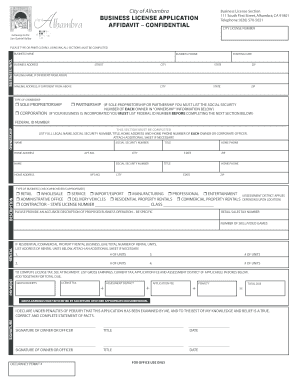
Alhambra business license
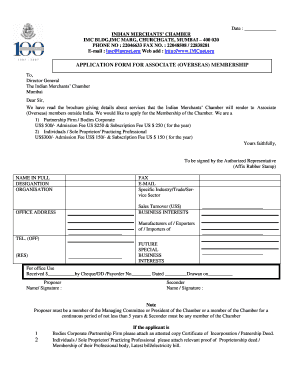
Scm imc

1040x 2003 form

Maryland uniform credentialing form
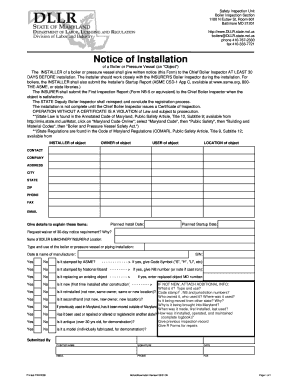
Maryland csd dllr
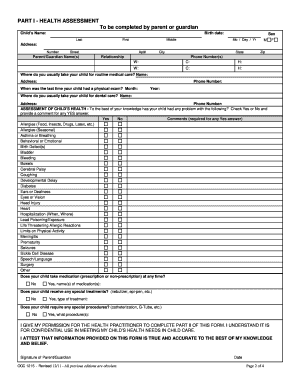
Health inventory for children in maryland schools 2011 form

Form n wealth tax
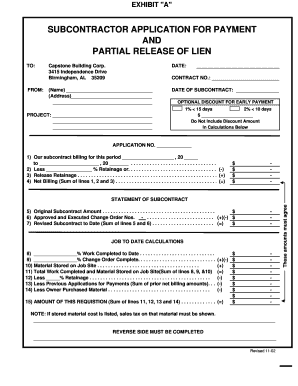
Application for payment
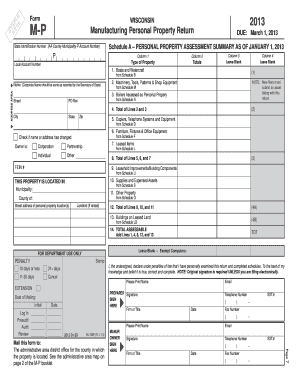
2013 wisconsin form
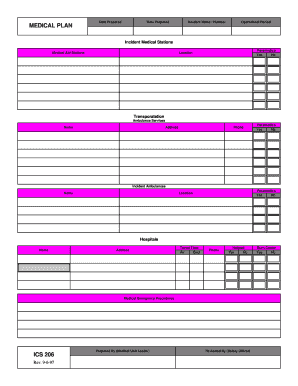
Nmt ics 206 form

1068 training
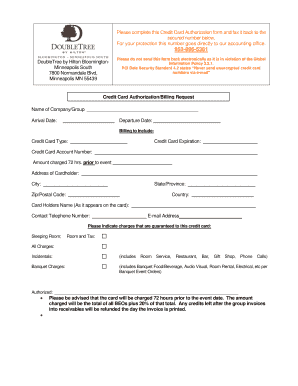
Doubletree by hilton credit card authorization form

Accessible unit evaluation form - Calgary Housing Company
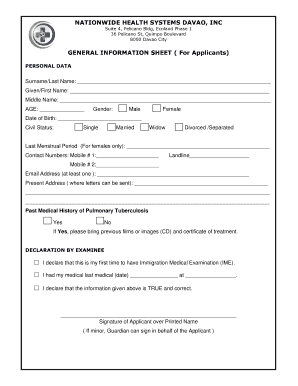
Nationwide health systems davao inc

1msearch com
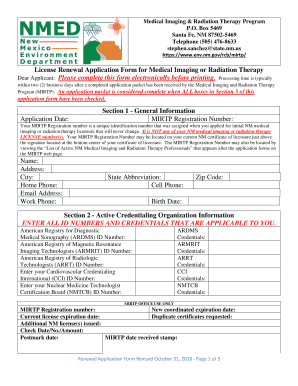
License medical
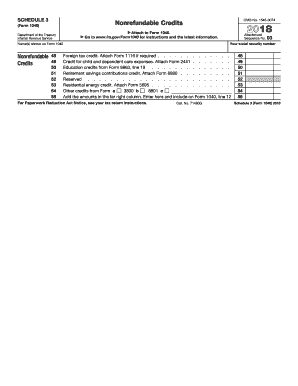
2018 schedule 3
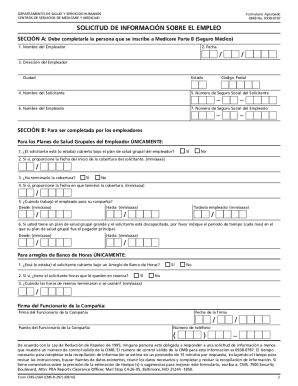
Cms l564 r297 form
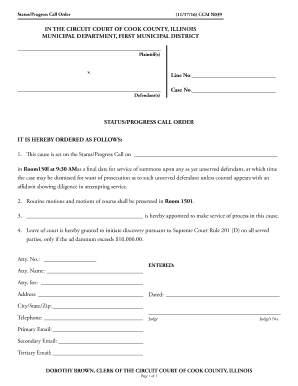
Status/Progress Call Order
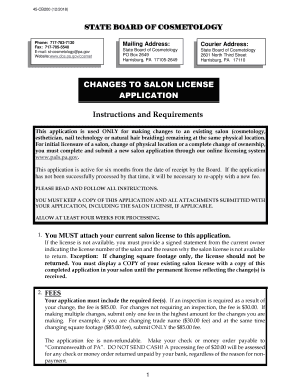
Pa salon cosmetology form
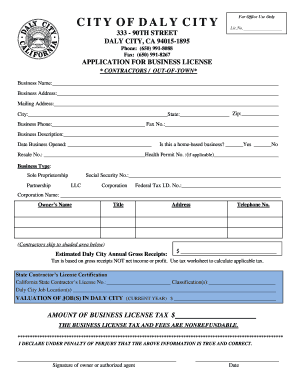
Application for business license
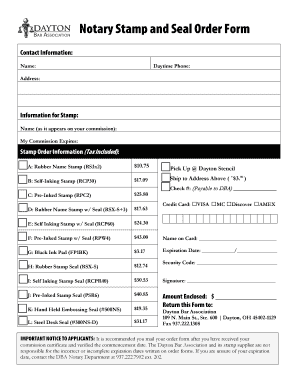
Notary Stamp and Seal Order Form
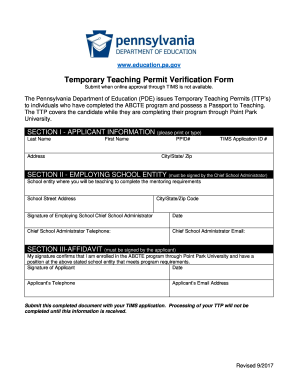
ABCTE Application Addendum. Application for a Temporary Teaching Permit
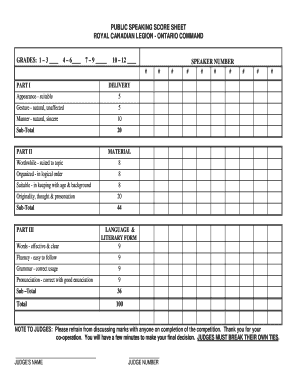
Judgement sheet for speech competition
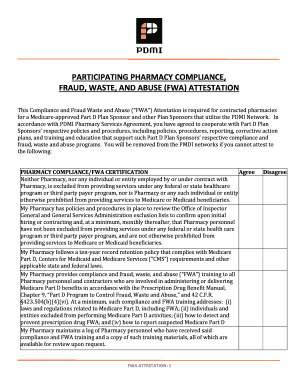
PDMI Letterhead General
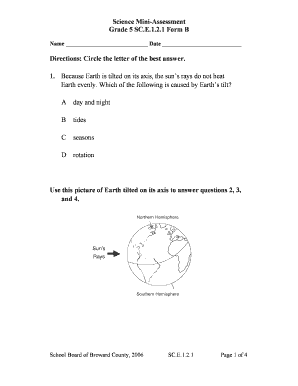
Science Mini-Assessment Grade 5 SC.E.1.2.1 Form B ... - Edmodo
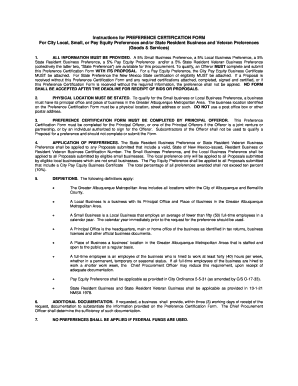
City of albuquerque modified w9
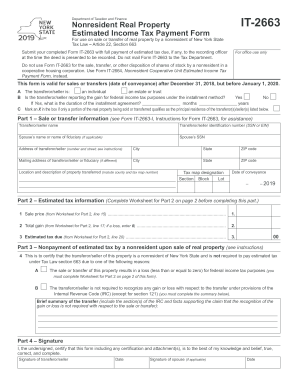
2019 it 2663 form no No Download Needed needed

It 2664
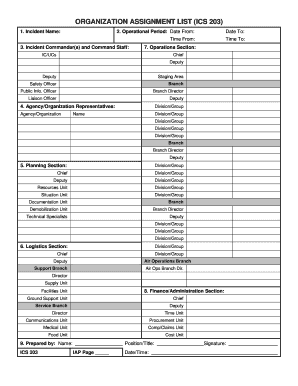
Ics 203

Compasskc

Vfw audit form

Wyoming wcd employees compensation

STALLS AT THE CARNIVAL ENTRY FORM SATURDAY
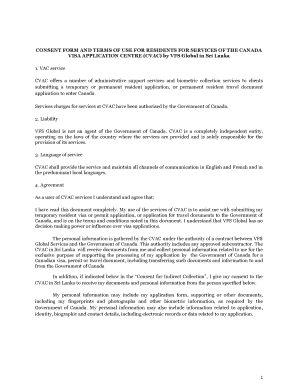
Vfs consent form sri lanka

Medical history form
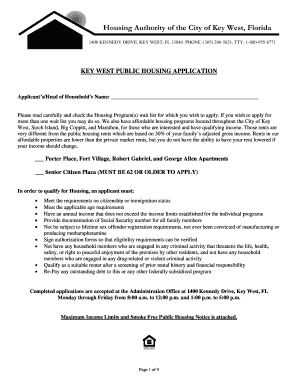
Key west housing authority waiting list
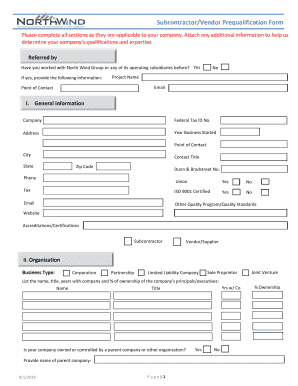
Vendor prequalification form

Pitch tendency chart

COMPLETE WITHDRAWAL FORM - Dixie State University
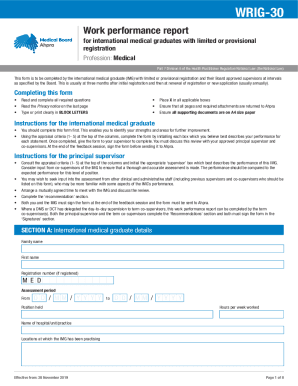
Wrig 30

SERE MEDICAL SCREENING FORM
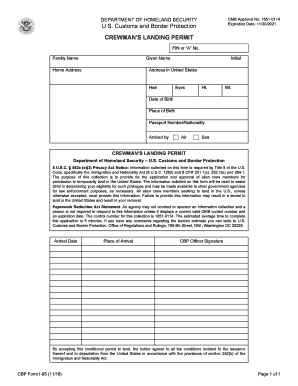
Form i 95
Mt trp login
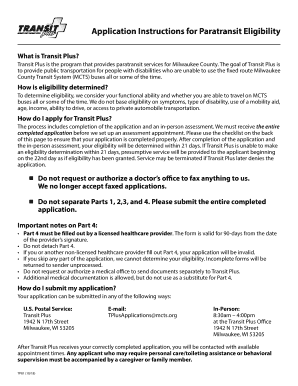
Transit plus application
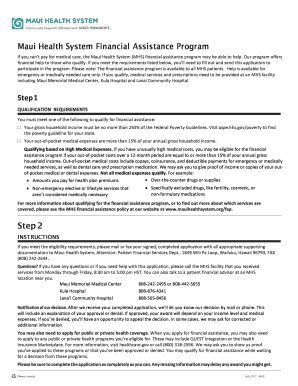
Mauihealthsystem org fap

Loudoun county building permit
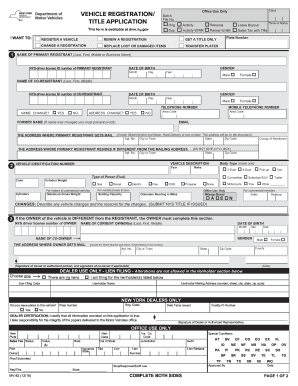
Mv82.pdf New York State Department of Motor Vehicles - DMV

Citizenship/Nationality

Emp5627
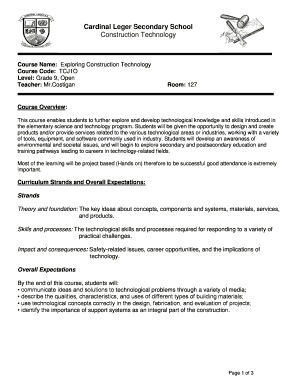
Cardinal Leger Secondary School Construction Technology

Liquor license purchase agreement
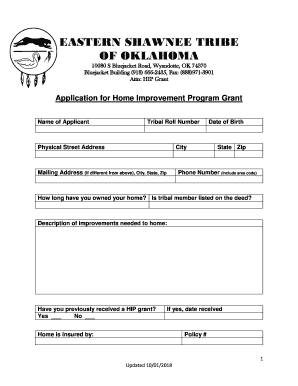
Eastern shawnee tribe of oklahoma forms
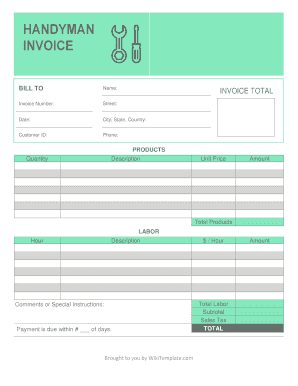
Handyman invoice pdf
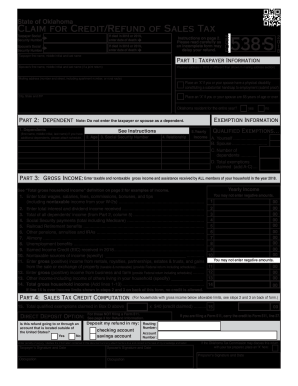
538 form

Application Form Scaffolding Permit - Malabon City
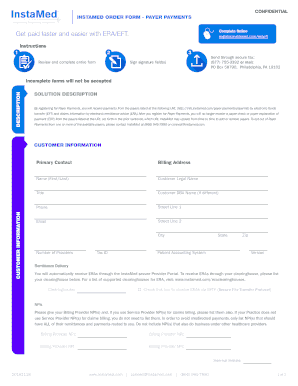
InstaMed Order Form - Payer Payments - CareSource

Vt 010 form

Da form 3349
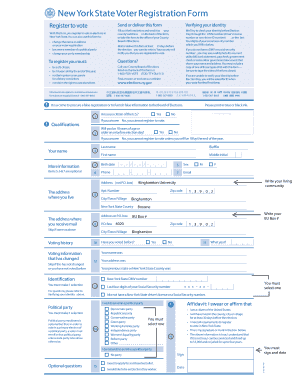
NYS Voter Reg Form-8.5x11

Utep student update
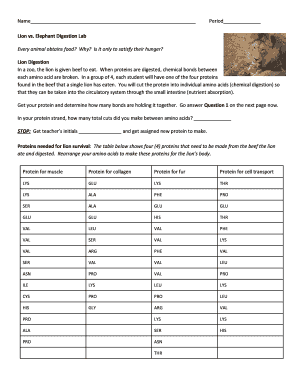
Lion vs elephant digestion lab answer key
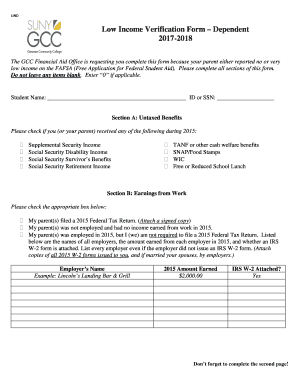
Low Income Verification Form Dependent
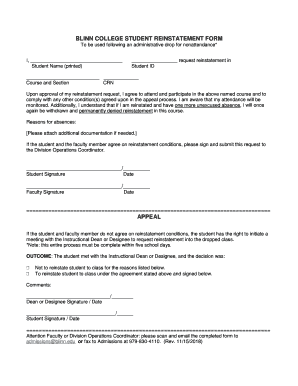
BLINN COLLEGE STUDENT REINSTATEMENT FORM APPEAL

Water and Sewer Service Application - Residential - City of Branson
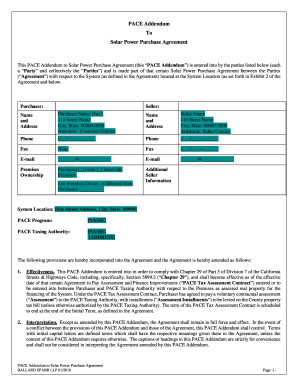
PACE Addendum To Solar Power Purchase Agreement
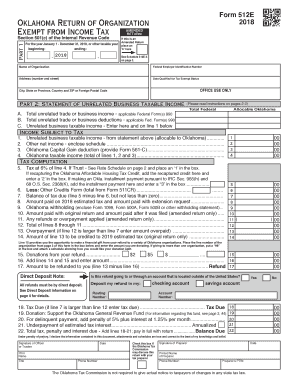
2018 oklahoma return of organization exempt from income tax form
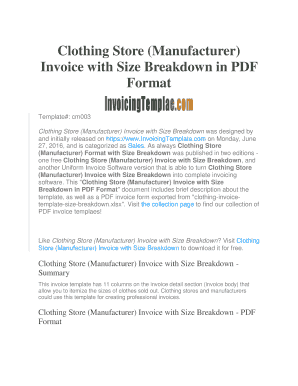
Clothing Store (Manufacturer) Invoice with Size Breakdown in PDF ...
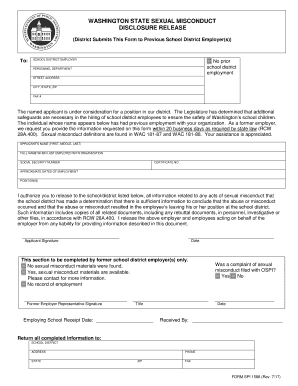
Sexual misconduct form
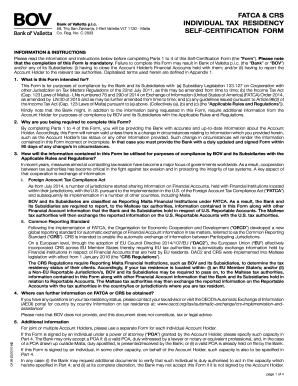
Bov fatca crs
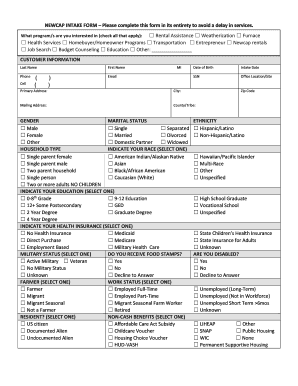
Newcap intake
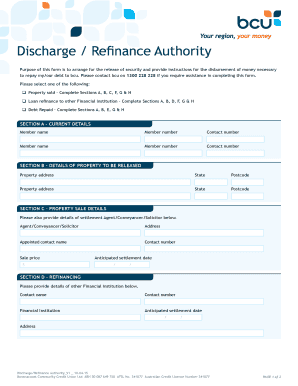
Bcu discharge authority
Benefit from the DocHub online library of fillable PDF forms
Searching the PDF forms doesn't have to be a tedious and time-consuming process. With the DocHub online library, it has become easier to find the fillable PDF forms and modify them in your browser. The service allows you to adjust the document to your needs using powerful editing tools.
You can use online document editing features to modify almost any type of document with ease. You just need to find the template of your choice, open it in the editor, and use the toolbar to make the necessary corrections.
Follow this guide to get your document done with DocHub:
- Find the PDF template you need.
- Click the Get Form button to open the file in the editor.
- Use the toolbar to fill out and edit the document.
- Easily add and highlight text, insert images, checkmarks, and symbols.
- Drop new fillable fields, and rearrange or delete pages from your file.
- Save changes and download your record.
DocHub empowers everyone to streamline document editing, signing, and distribution, and form completion. Create an account and benefit from our well-organized PDF Forms library and comprehensive editor.