
Get any PDF form from the DocHub library of ready-made templates - Page 1702
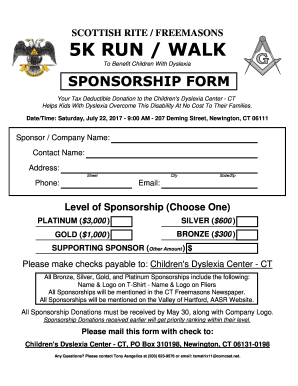
Childrens walk sponsored form template

FAIRFIELD HIGH SCHOOL
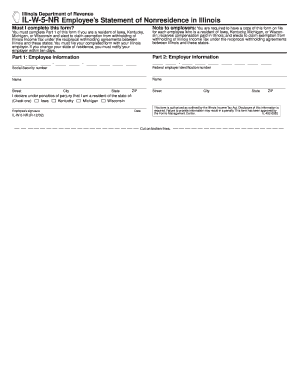
Il w 5 nr

Tceq occupational licensing
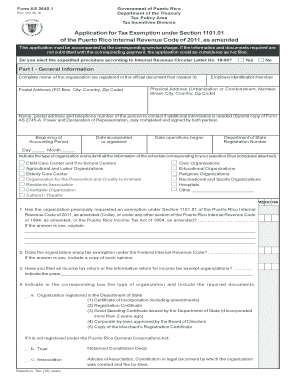
Pr application internal revenue code

2014 Form 1040 (Schedule D) - IRS.gov
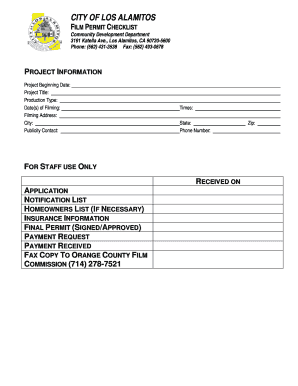
City of los alamitos location filming permit application
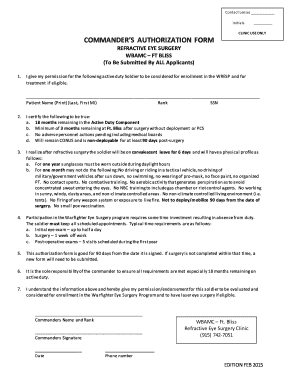
Wresp
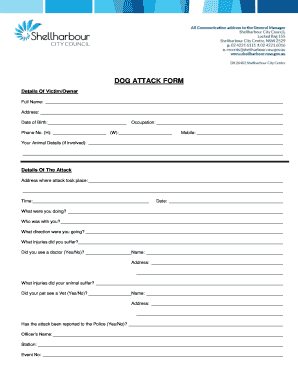
Dog attack form - Shellharbour City Council
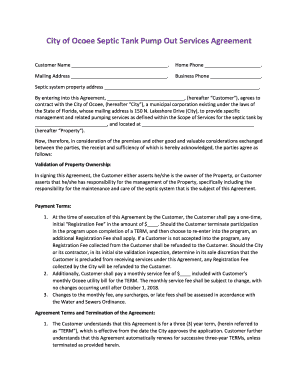
Septic Tank Customer Agreement 20150908.docx
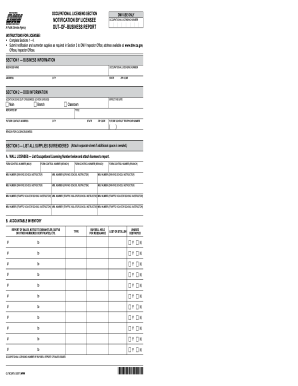
Ol79c

Preoperative checklist ppt
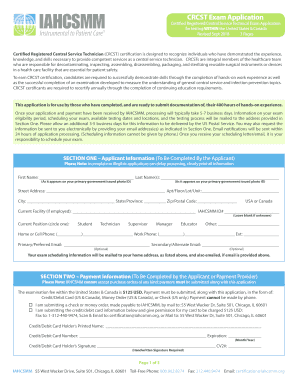
Application crcst
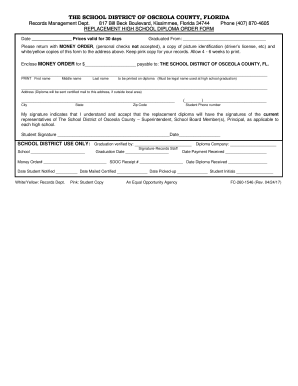
Diploma Request Form - School District of Osceola County
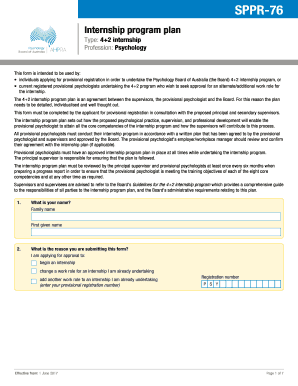
Sppr 76
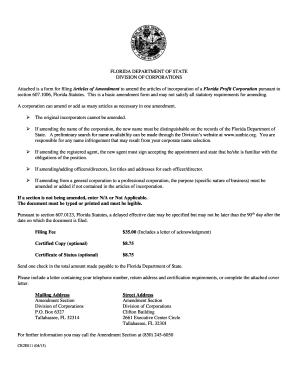
Florida articles of ammendment
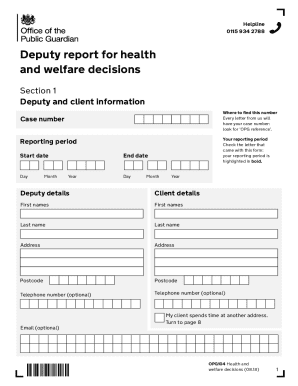
Uk welfare
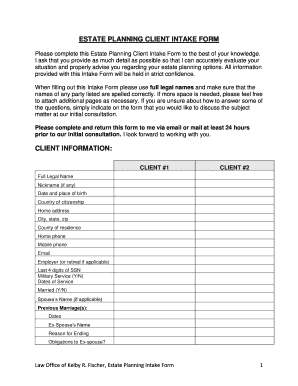
Please complete this Estate Planning Client Intake Form to the best of your knowledge

Ma share info
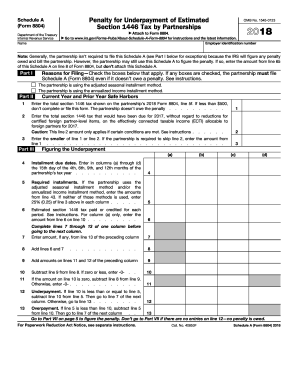
8804 instructions 2019
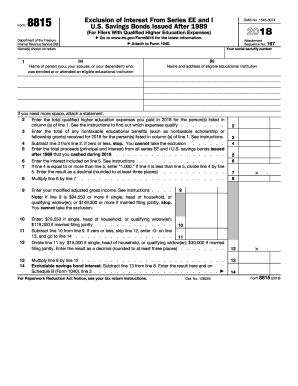
Irs form 8815

Submit Open Records Request - San Juan Basin Public Health
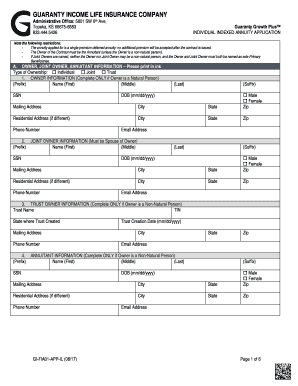
Topeka, KS 66675-8583
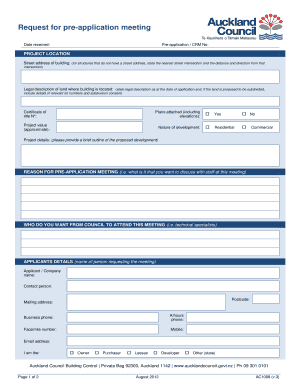
Request pre-application guidance - Auckland Council
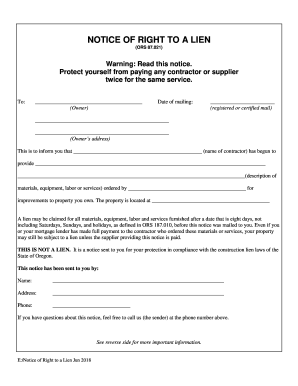
Notice of right to lien oregon
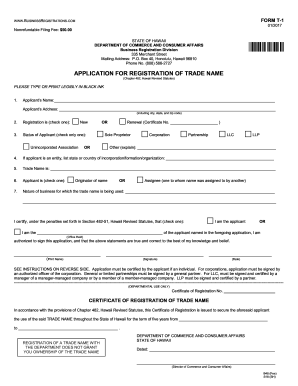
Hawaii t 1 form

PDF Forms - PDF benefits, Static PDF form and Dynamic PDF ...
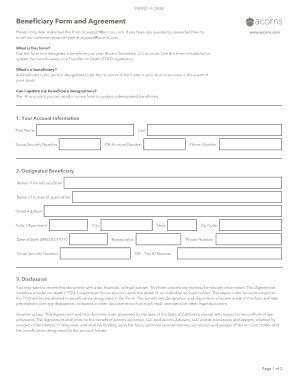
Acorns beneficiary
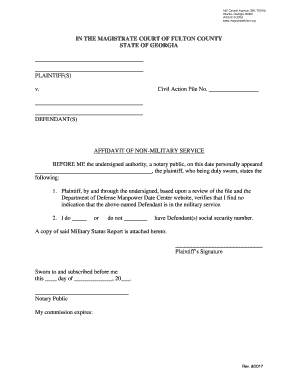
Affidavit of Non-Military Service - Fulton County Magistrate Court, GA
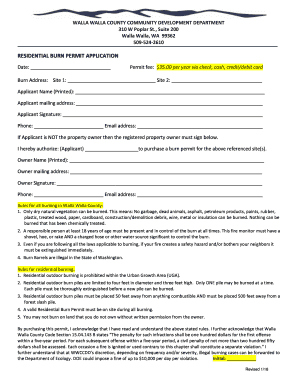
Walla walla county burn permit
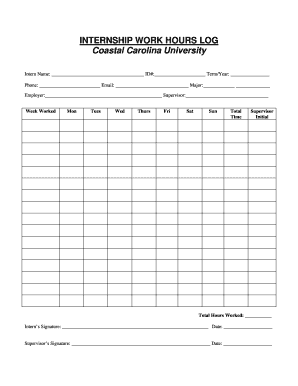
The Wokingham Paper March 23, 2017 by The Wokingham Paper ...
Newport HDC Application
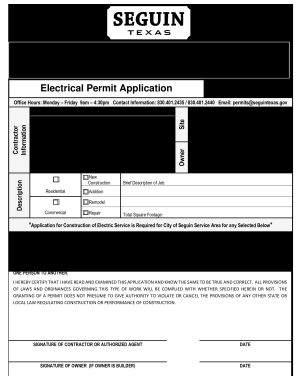
City of seguin permits
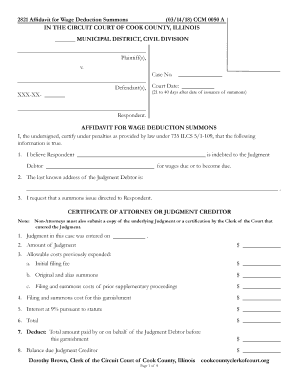
CCM 0050 - Clerk of the Circuit Court of Cook County

Qbcc referee report
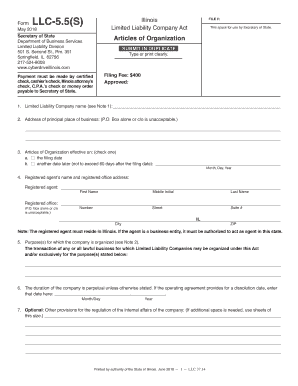
Llc 5 5 s
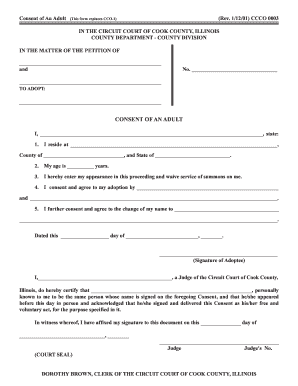
(This form replaces CCO-1)
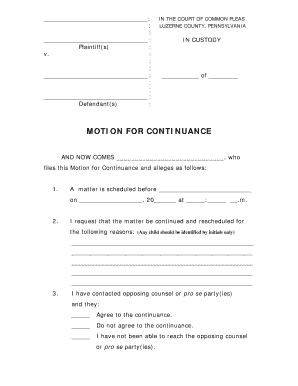
Motion for Continuance - Luzerne County
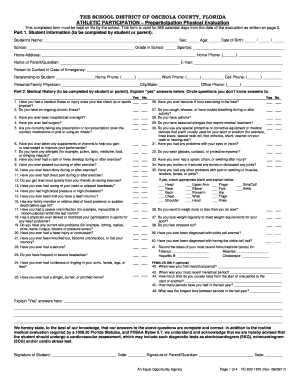
Osceola county sports physical form

Cc dcm 001
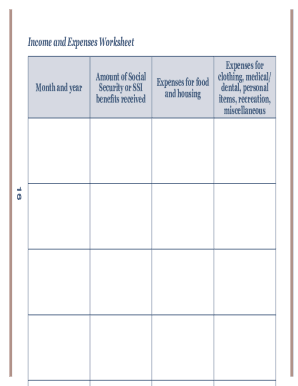
Ssa payees

Around the depart - Georgia Department of Education
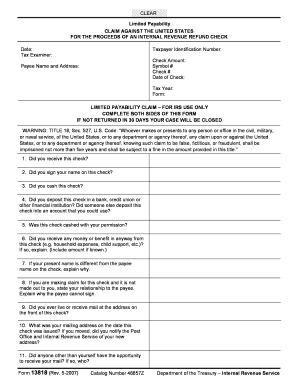
Form 13818 (5-2007). Limited Payability - Claim Against the United States

CEC-CF1R-ALT-01-E (Revised 09/18)
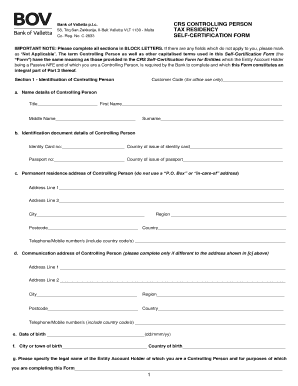
Bov fatca
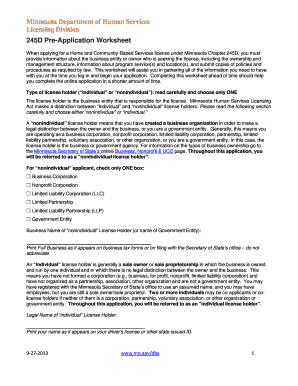
245d pre application worksheet

Form nsv 003
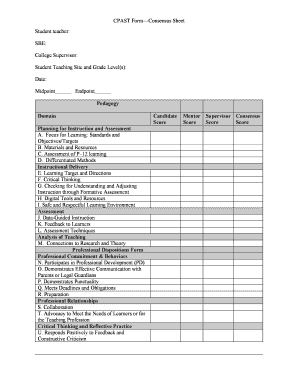
Cpast
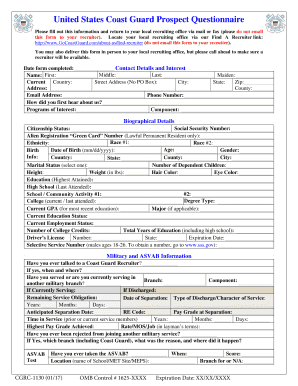
Coast guard prospect
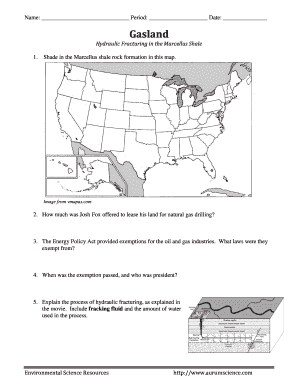
Gasland worksheet
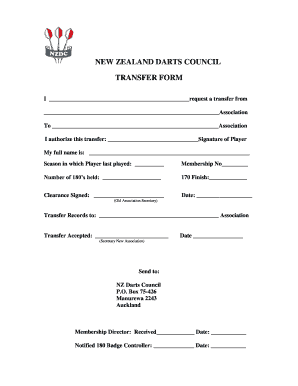
NEW ZEALAND DARTS COUNCIL TRANSFER FORM
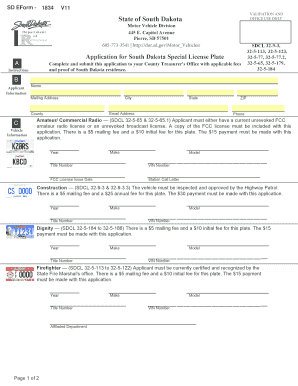
Application for South Dakota Special License Plate. Application for South Dakota Special License Plate
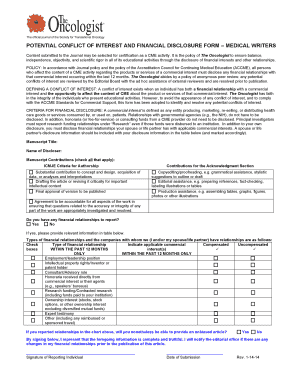
Contribution and Disclosure for Medical Writers - The Oncologist
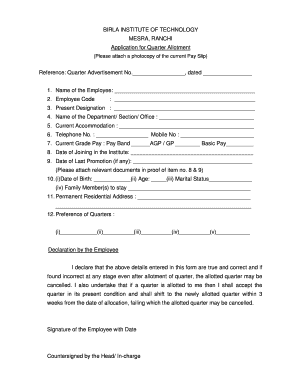
Quarter allotment form
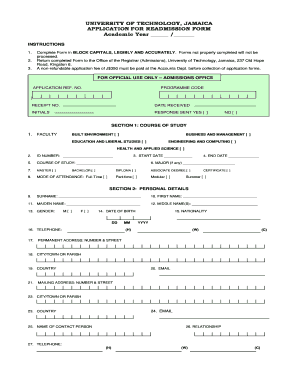
Utech readmission form
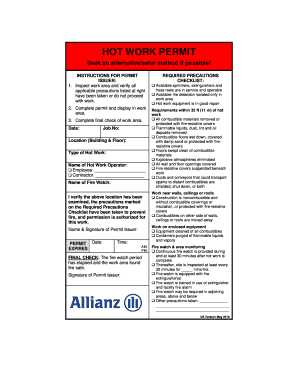
ARCN Hot Work Permit English US May 2010.doc
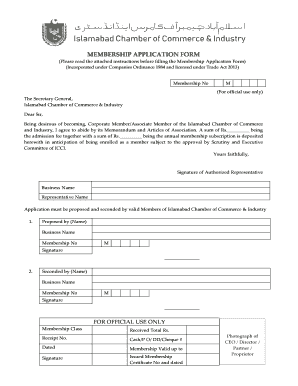
Islamabad chamber of commerce membership form
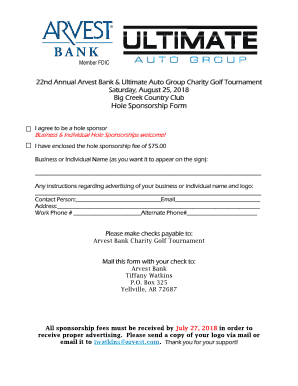
Arvest hole online
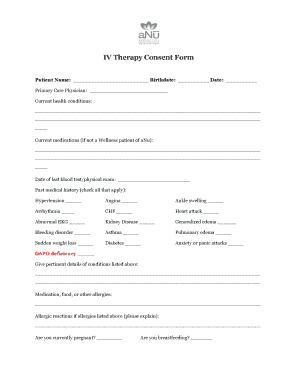
Iv therapy consent form template
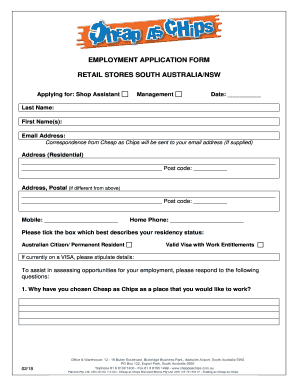
EMPLOYMENT APPLICATION FORM - cheapaschips.com
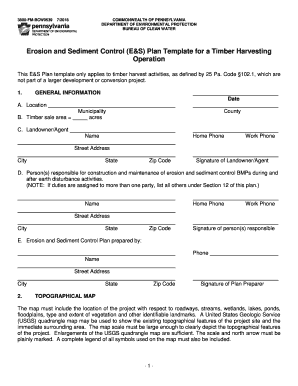
3800-FM-BCW0539
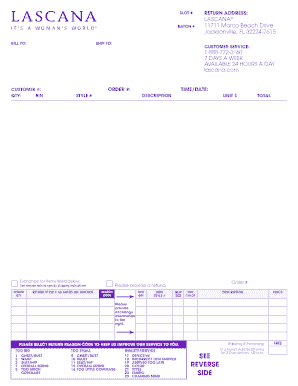
Lascana return label
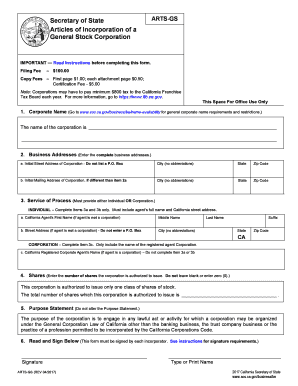
Arts gs form
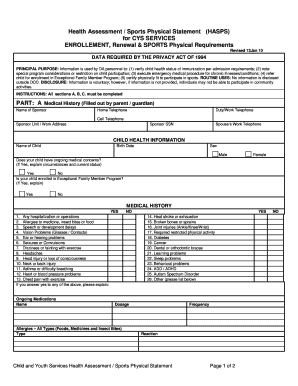
Sports health assessment
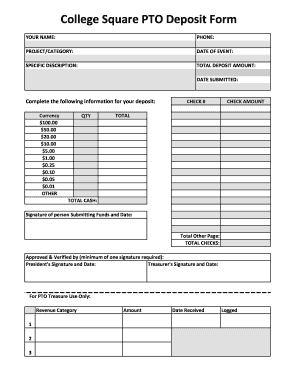
Pto deposit
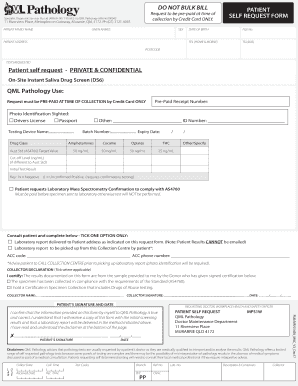
Getting Started with QML - Qt Blog
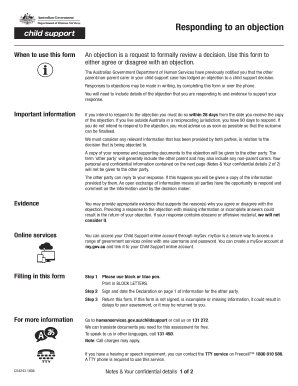
Cs4243 form
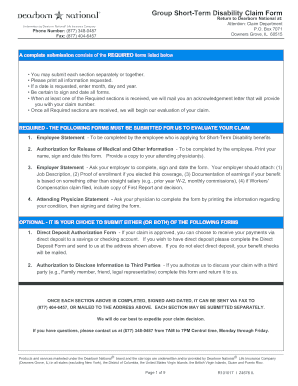
Benefits Home - Mesa Public Schools
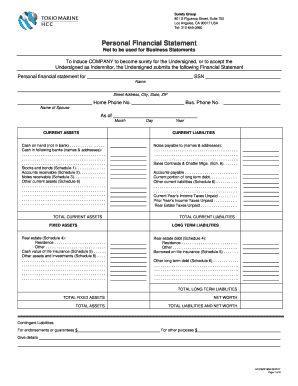
Surety - Tokio Marine HCC
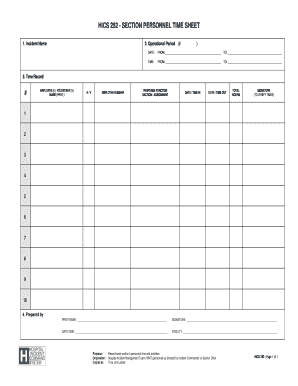
Hics 252
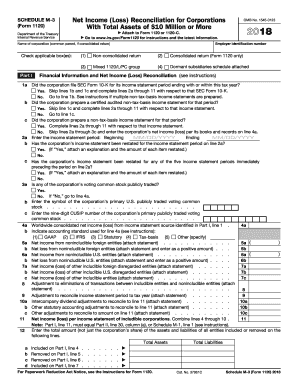
Irs 2016 m 3 form

Form 4952
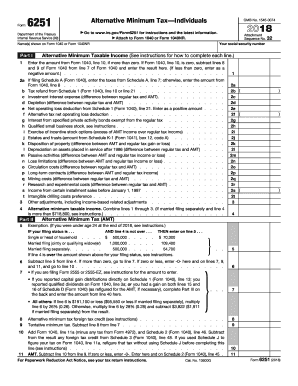
Irs form 6251 2014

Application & Procedure for Allocation of University Land

Ac 20 192

755 ilcs 5 25 1

Fa 4134v form

Idor 6 setr

Jd form stipulation

Mini cex form pdf

Judgement sheet for speech competition
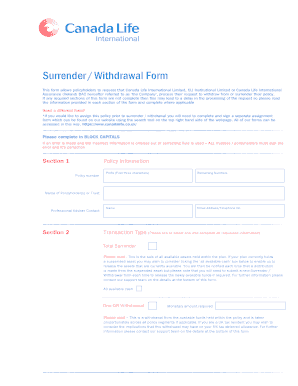
Canada life withdrawal form

Navitus health solutions exception to coverage request form
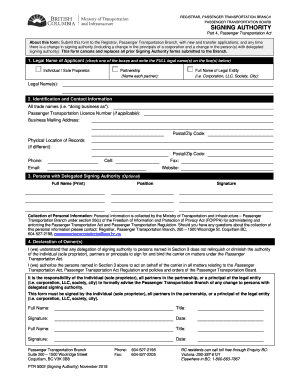
2018 Canada PTR 5002 - British Columbia
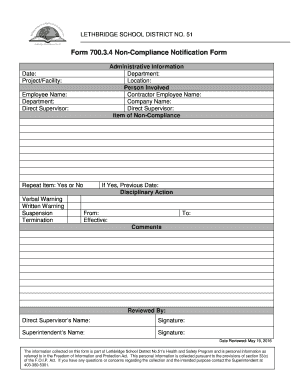
Non-Compliance Notification Form

Healthy habits questionnaire for students
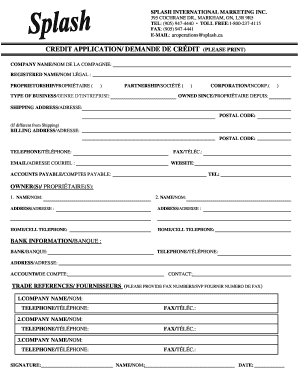
Splash international catalogue
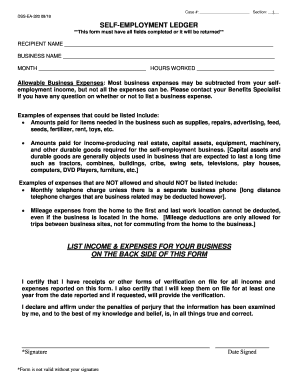
South dakota self employment
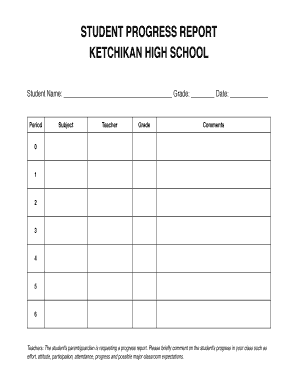
Student progress report template google docs
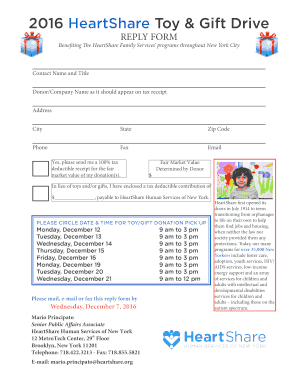
2016 Toy and Gift Drive Solicitation and Reply.indd
$325 FIA License
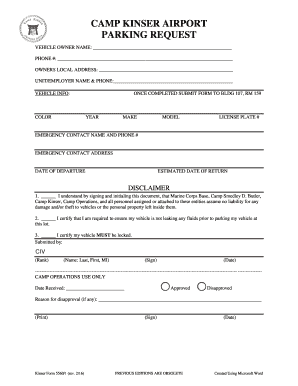
Camp kinser airport parking

Apro 60 form
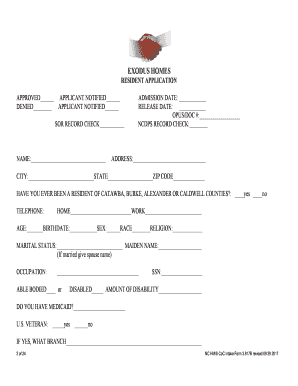
Exodus homes application

Novice moves in the field

Mammography Patient History Form Technologist - CDIok.com
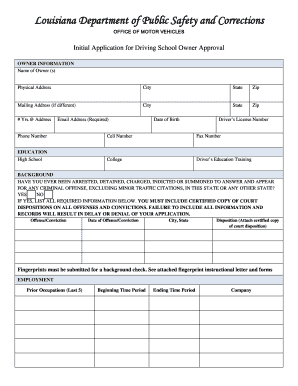
INITIAL APPLICATION FOR DRIVING SCHOOL OWNER APPROVAL - DPSMV2400
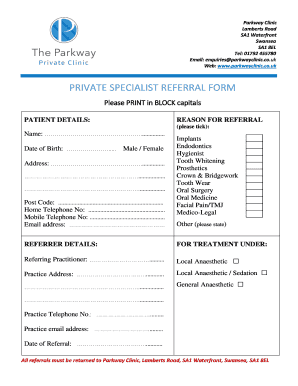
Private specialist referral form - Parkway Dental Clinic Swansea
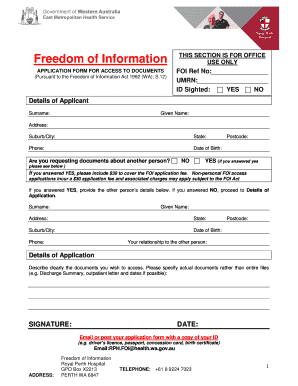
FOI Application Form July 18 approved - Royal Perth Hospital

Application for Temporary Use Permit - Charlotte County
Benefit from the DocHub online library of fillable PDF forms
Searching the PDF forms doesn't have to be a tedious and time-consuming process. With the DocHub online library, it has become easier to find the fillable PDF forms and modify them in your browser. The service allows you to adjust the document to your needs using powerful editing tools.
You can use online document editing features to modify almost any type of document with ease. You just need to find the template of your choice, open it in the editor, and use the toolbar to make the necessary corrections.
Follow this guide to get your document done with DocHub:
- Find the PDF template you need.
- Click the Get Form button to open the file in the editor.
- Use the toolbar to fill out and edit the document.
- Easily add and highlight text, insert images, checkmarks, and symbols.
- Drop new fillable fields, and rearrange or delete pages from your file.
- Save changes and download your record.
DocHub empowers everyone to streamline document editing, signing, and distribution, and form completion. Create an account and benefit from our well-organized PDF Forms library and comprehensive editor.