
Get any PDF form from the DocHub library of ready-made templates - Page 1685

How is the form of uc ssa image 2008

Omega society price list
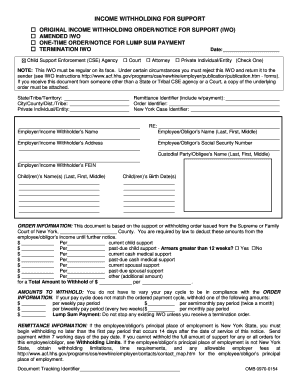
INCOME WITHHOLDING FOR SUPPORT - New York Child Support - childsupport ny
Illinois incidence association assistive
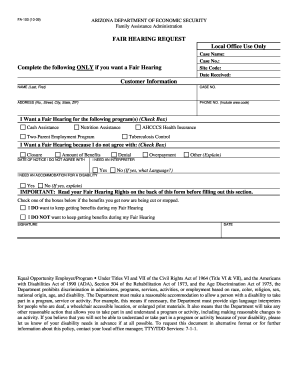
Arizona form fa 100DocHubcom 2009
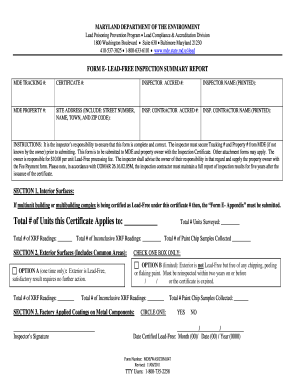
Maryland sales and use tax form fillable
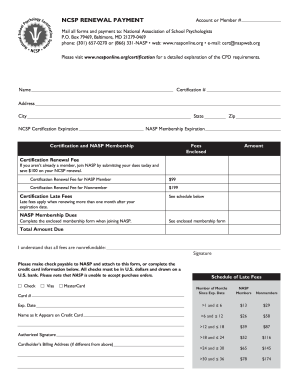
Certnaspweborg form
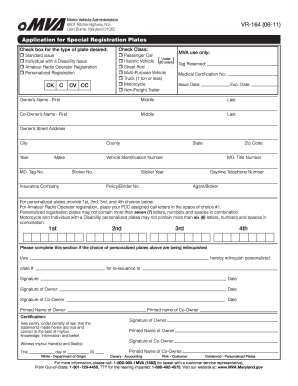
Vr164 form
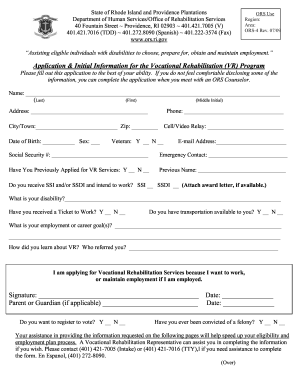
Ors ri application spanish espanol form

Metro access application

Silverscript pa form
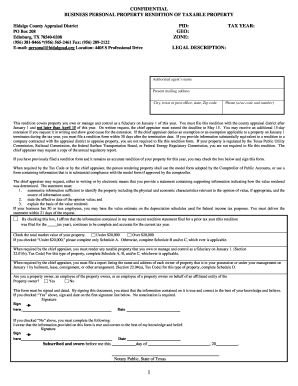
Property rendition hidalgo county 2007 form
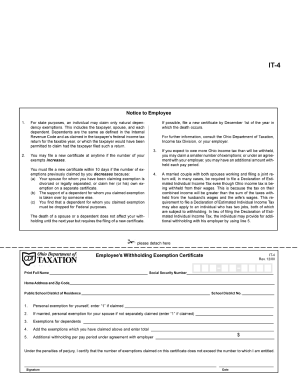
Ohio it 4 2000 form
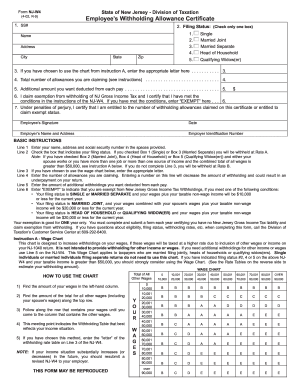
Help fill for nj withholding allowance certificate 2002 form

83 t5 fillable 2012 form
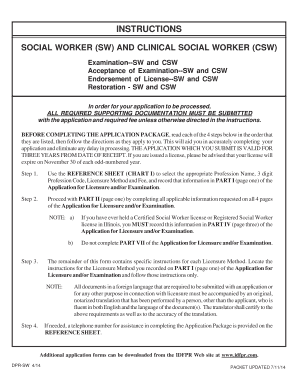
Il4860369 05 06 lcsw
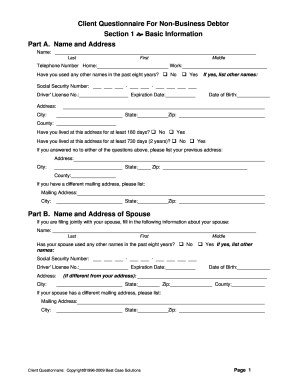
Bestcase client questionnaire florida form

SELECTION OF ATTORNEY/TITLE AGENT 1. I select: 5. Date 3 ... - forms sc egov usda
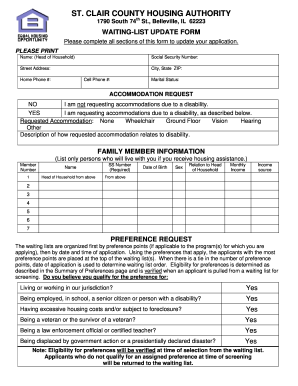
St clair county housing authority
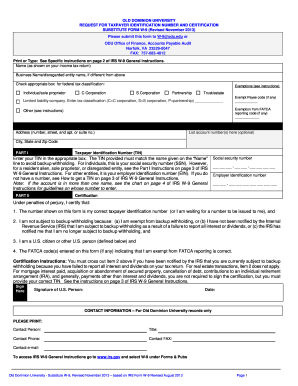
Blank w9 form

2011 Tax Return - Elizabeth Warren
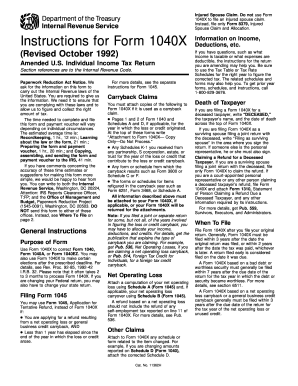
1040x fax 1992 form
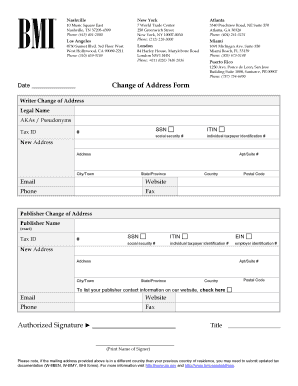
Bmi address update form
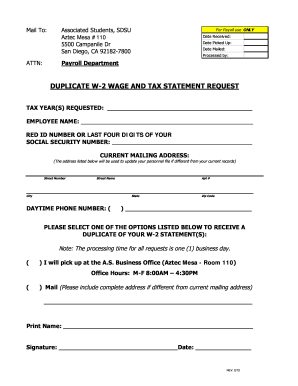
Diego state 2 statement request
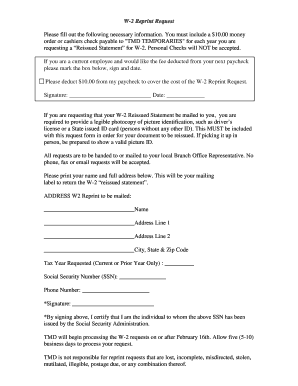
Tmd staffing payroll
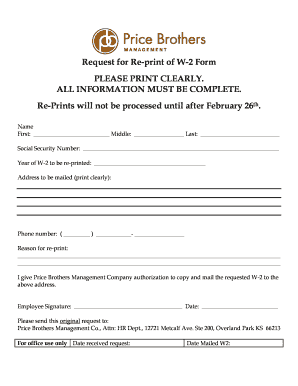
Request for Re-print of W-2 Form PLEASE PRINT ... - Price Brothers
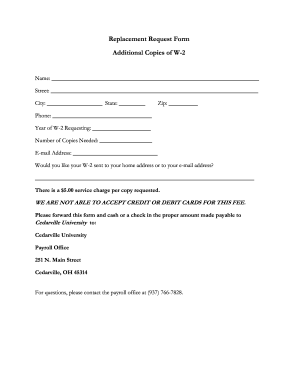
Request form additional w

W 2g request form
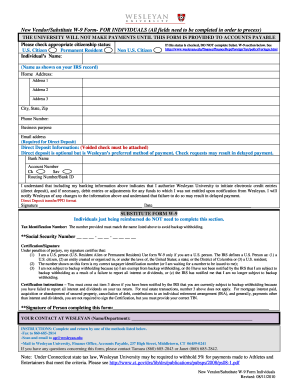
How to print w 9 form
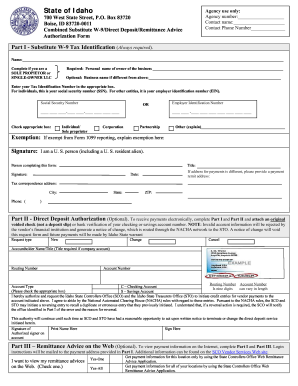
W9 idaho
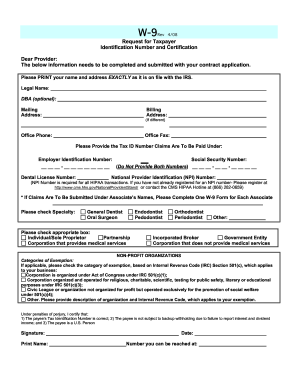
Anthem taxpayer form
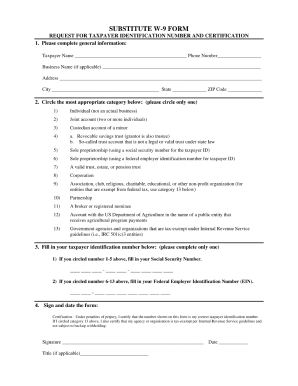
Tn substitute w 9 form

Annual report of uscg

Hondc cg 2010 form
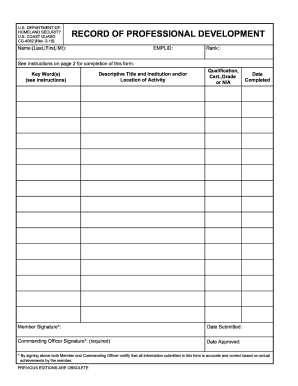
Uscg 2692 form
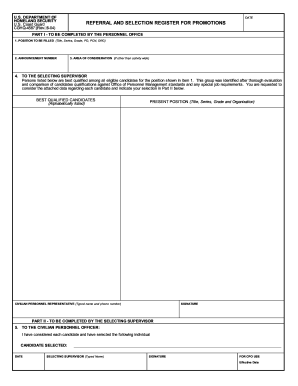
Selection register promotions

Cg3752
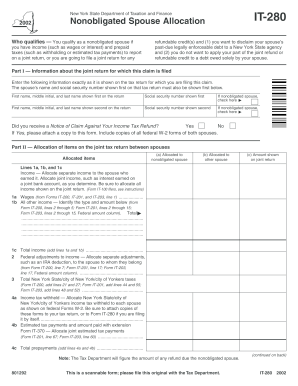
Irs form it 280 2002
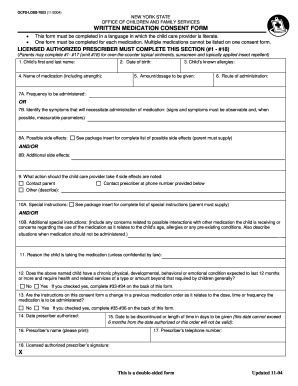
Nys medication consent form
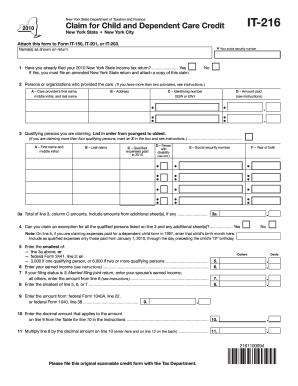
2010 2014 it 216 form
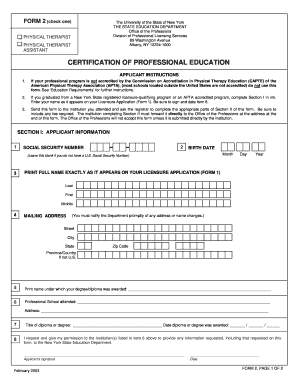
Physical Therapy Form 2 - Certification of Professional Education - op nysed
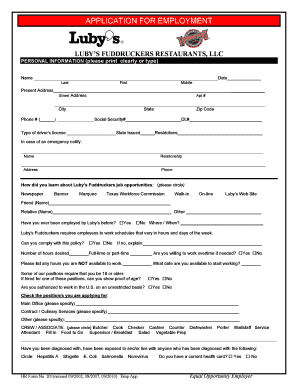
Fuddruckers careers
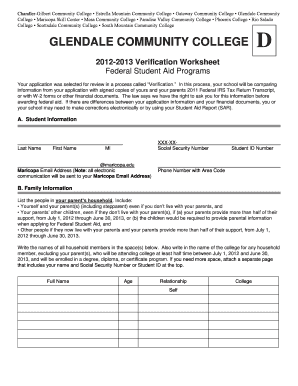
Glendale community college dependent verification worksheet form
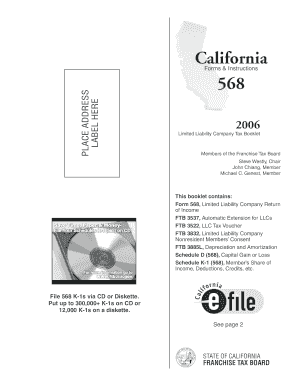
568bk - 2006 Limited Liability Company Tax Booklet. 2006 Form 568 Booklet - ftb ca

DD Form 1351, Travel Voucher, July 1999 - hawaii
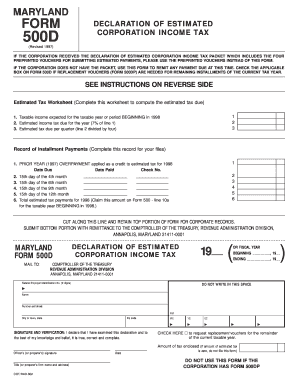
Sole proprietorship form
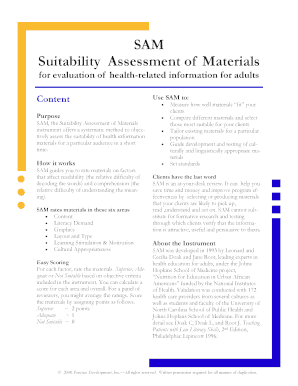
Suitability Assessment of Materials
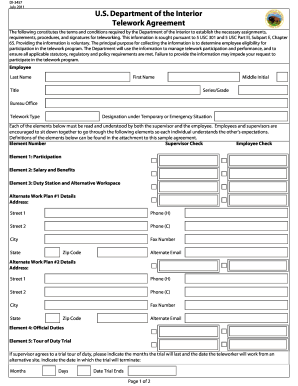
Doi telework agreement form

Di 7600 form
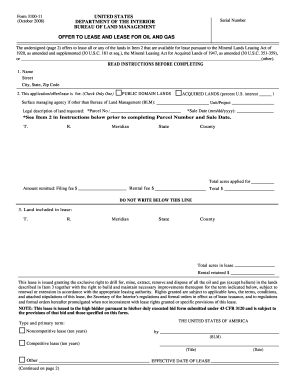
Doi form di 3100
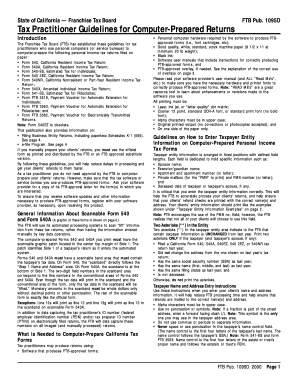
Form 56

Maryland form 502d

School Year 2012-2013 Student Enrollment Informa on - eliothinemiddleschool

Trades retirement application

Dh427 form
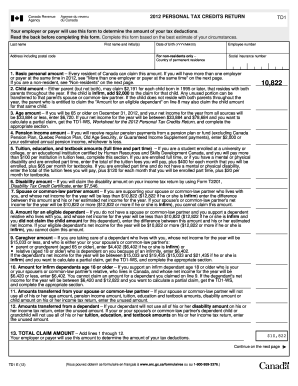
First name and initials tax form canada
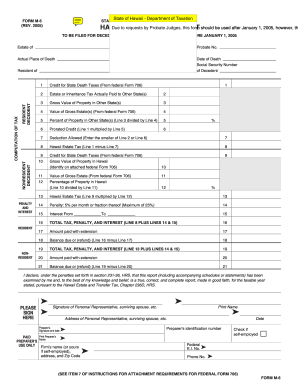
Hawaii form m6 2005
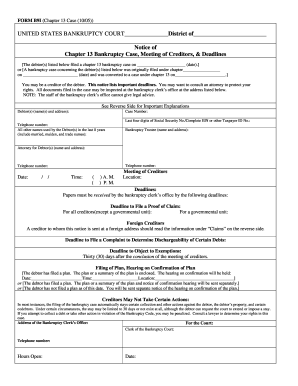
Form b9i
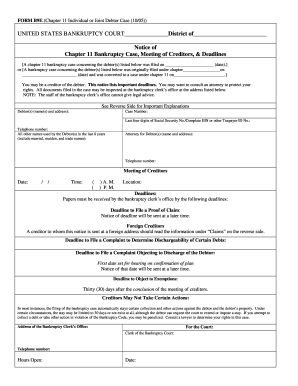
BK Form B9E.doc - uscourts
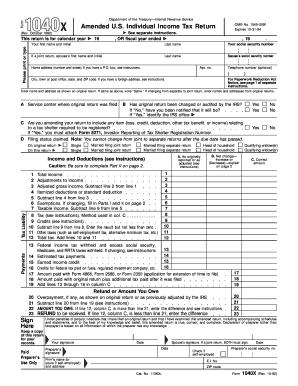
1092 tax form
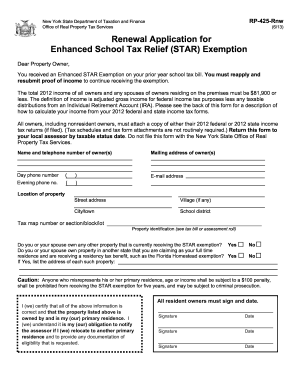
Star property tax exemption form
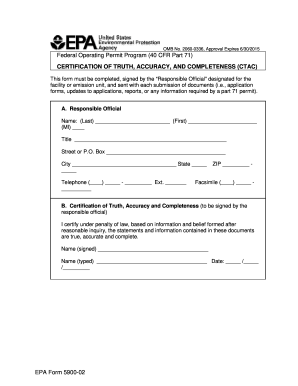
Epa form 5900 02
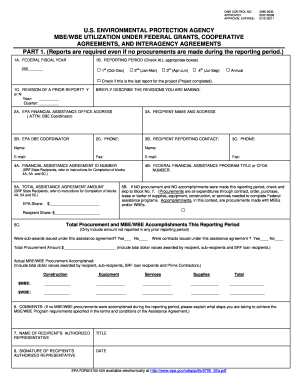
EPA Form 5700-52a - US Environmental Protection Agency - epa

Epa form 3540 8
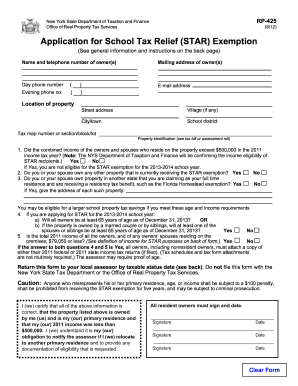
2012 2014 ny form

Rfg e15
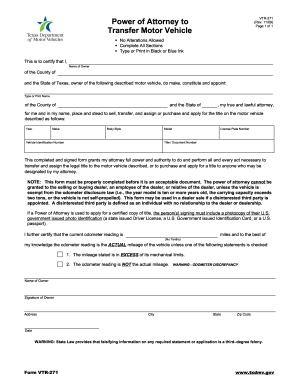
Vtr 271 rev 1109 2009 form

Lifeguard/Pool Staff Seasonal Job Application - southorange
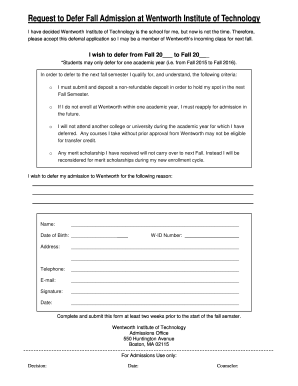
Defer Form - Wentworth Institute of Technology - wit
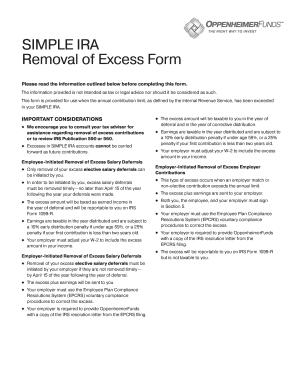
Ira excess removal form
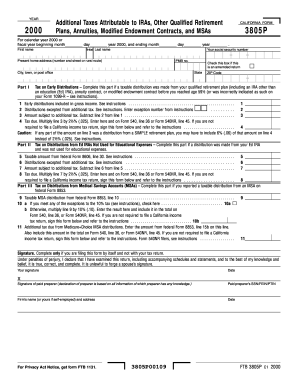
3805p
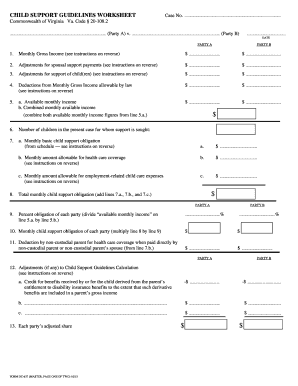
CHILD SUPPORT GUIDELINES WORKSHEET Case No - courts state va
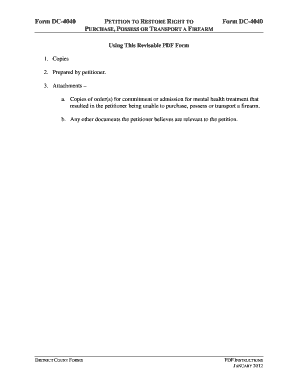
Form dc 4040

DC-4040 Petition for PermitFirearm - courts state va

Virginia subpoena form
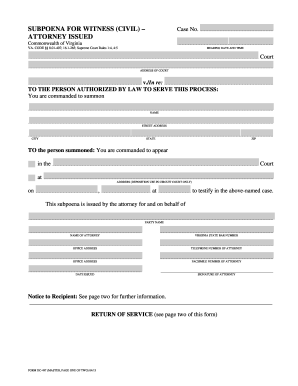
Subpoena for witness civil va 2013 form
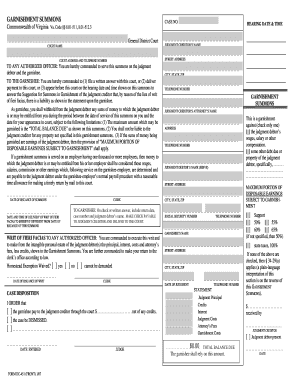
Form dc 450
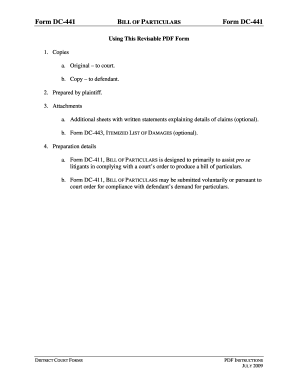
Fillable form dc 441
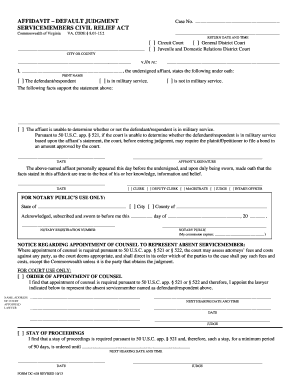
AFFIDAVIT DEFAULT JUDGMENT - courts state va
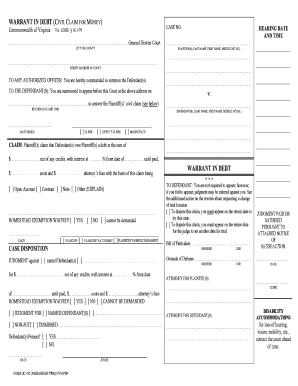
Filing a Civil ActionGeneral District Court - Fairfax County - courts state va
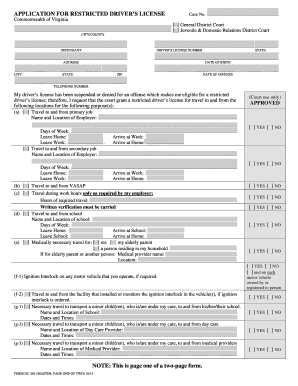
Virginia district court forms
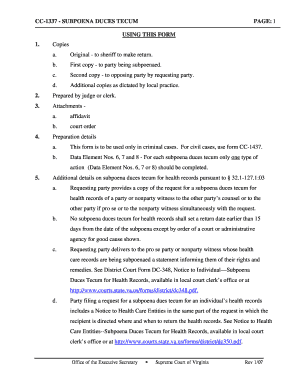
Cc 1337

Affidavit of notice
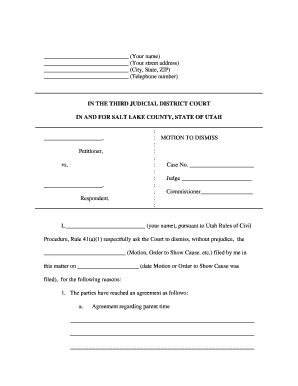
Your name - Utah State Courts - utcourts

Co parenting forms

Notice of subpoena utah form
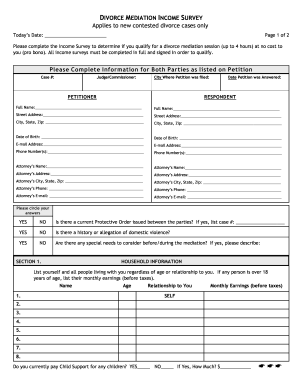
Divorce mediation survey
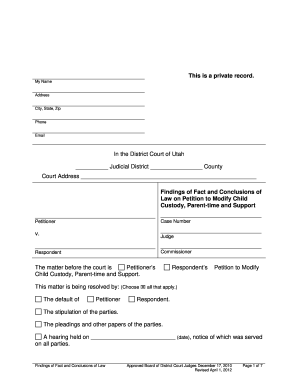
Findings of Fact and Conclusions of Law on Petition to Modify Child ... - utcourts
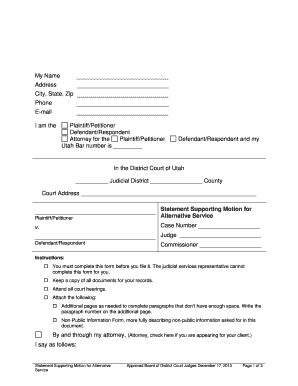
Statement supporting motion for alternative service utah form

Utah motion for alternative service 2010 form
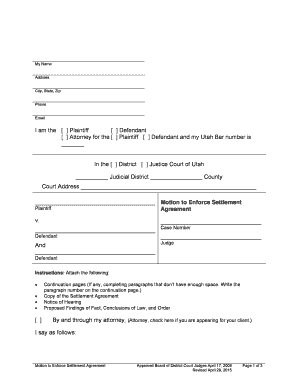
Motion to enforce settlement
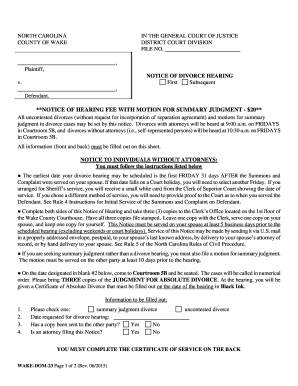
Notice carolina nccourts online
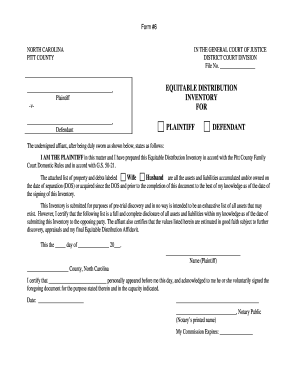
Equitable inventory

Mecklenburg county small claims court forms
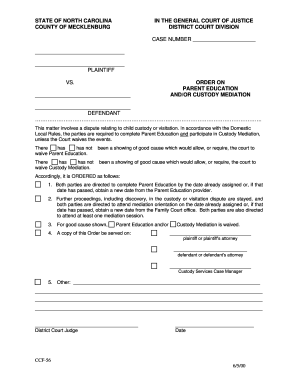
Ccf 56 form
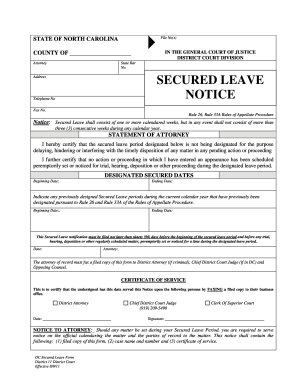
Form secured leave

Form 10 Inventory Equitable Distribution Affidavit (fillable PDF) - nccourts

Nc request calendar
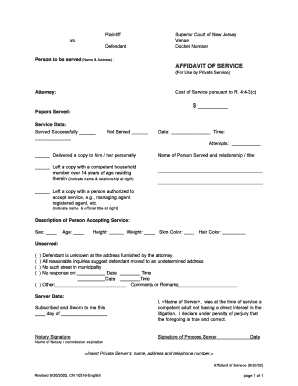
Affidavit of service nj
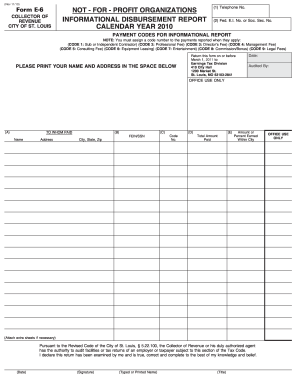
Form e6 city st louis 2010
Benefit from the DocHub online library of fillable PDF forms
Searching the PDF forms doesn't have to be a tedious and time-consuming process. With the DocHub online library, it has become easier to find the fillable PDF forms and modify them in your browser. The service allows you to adjust the document to your needs using powerful editing tools.
You can use online document editing features to modify almost any type of document with ease. You just need to find the template of your choice, open it in the editor, and use the toolbar to make the necessary corrections.
Follow this guide to get your document done with DocHub:
- Find the PDF template you need.
- Click the Get Form button to open the file in the editor.
- Use the toolbar to fill out and edit the document.
- Easily add and highlight text, insert images, checkmarks, and symbols.
- Drop new fillable fields, and rearrange or delete pages from your file.
- Save changes and download your record.
DocHub empowers everyone to streamline document editing, signing, and distribution, and form completion. Create an account and benefit from our well-organized PDF Forms library and comprehensive editor.