
Get any PDF form from the DocHub library of ready-made templates - Page 1683
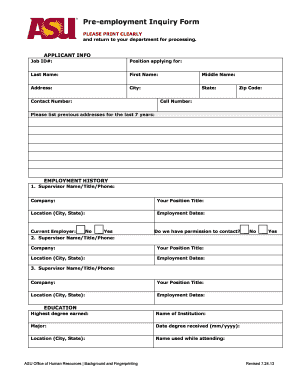
Arizona state university application

Wisconsin police
Application Certification and Signature Page - Xavier University of ... - xula

Aviation appraisal form
2011 carlsbad parks application
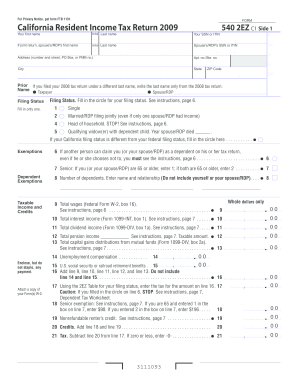
2009 Form 540 2EZ -- California Resident Income Tax Return - ftb ca

2010 nyc 3360 2011 form
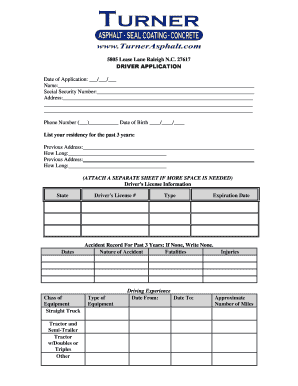
Driving test pass certificate download
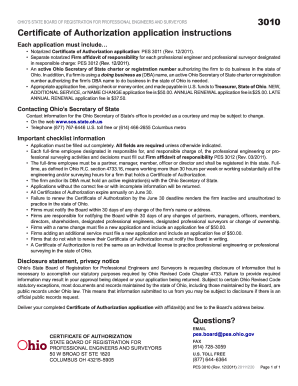
2011 authorization application instruction blank
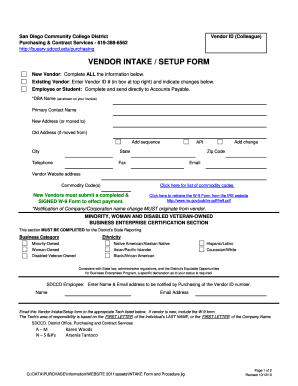
Vendor intake form
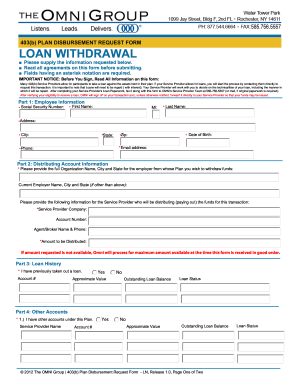
Omni 403b distribution form

Key bank statement template
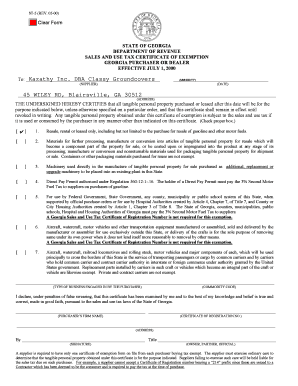
Resale certificate ga

Trucrs login

Form 7 60
Molina healthcare health delivery organization application 2011 form
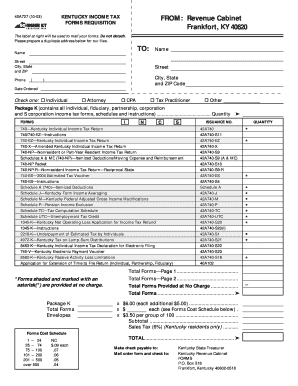
Ky state income tax forms printable

TDF 3 - Oklahoma Corporation Commission
Fin 507 2012 form
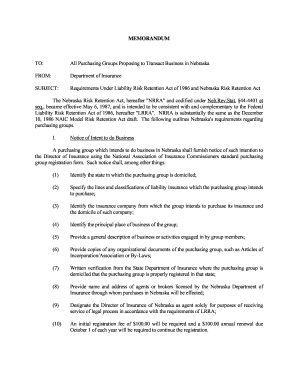
Ne purchasing group

Application commercial turtle
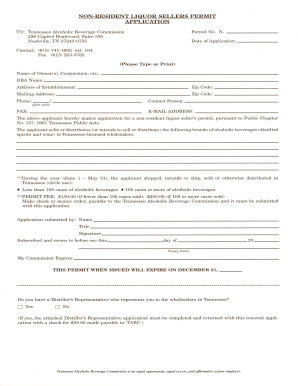
Tennessee non resident sellers permit
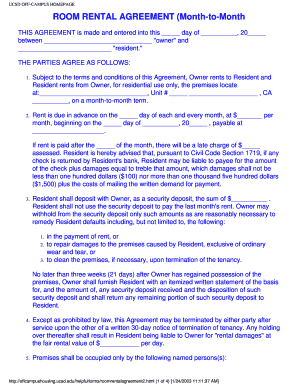
Ucsd off campus housing rental agreement form

Form 1164
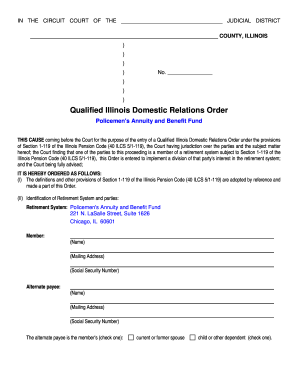
Illinois domestic relations order
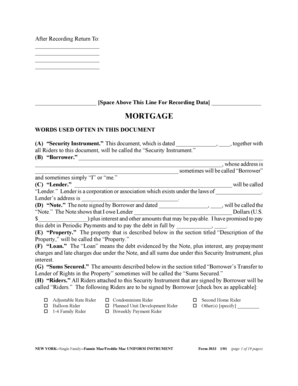
New York Security Instrument (Form 3033): Word - Fannie Mae
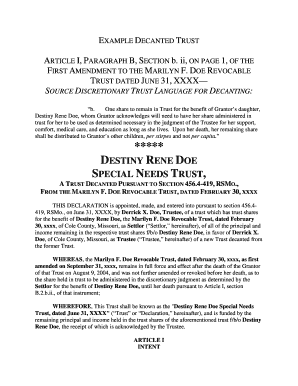
Example of Decanted Trust - Missouri Bar - mobar
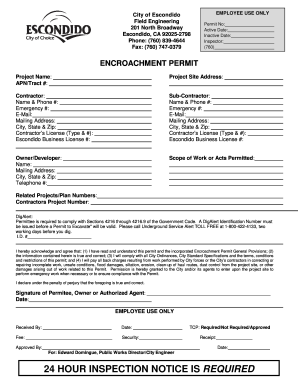
Encroachment Permit - City of Escondido - escondido
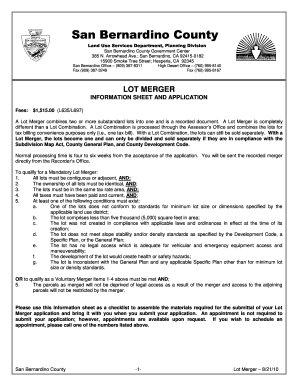
San bernardino county lot merger l635 2010 form
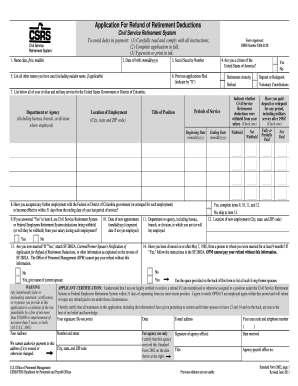
Sf 2802
QDRO Divorce and Dissolution Information Packet - Alaska ... - doa alaska

Fictitious business name ventura county 2011 form

Pilot flying j

Enrollment form
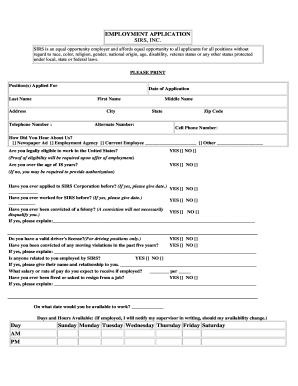
I sirs application
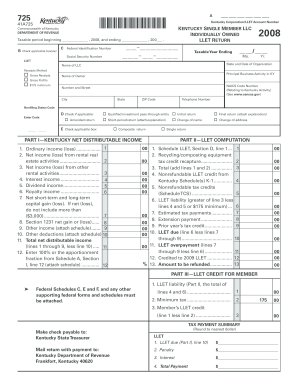
Kentucky department of revenue form 725 2008
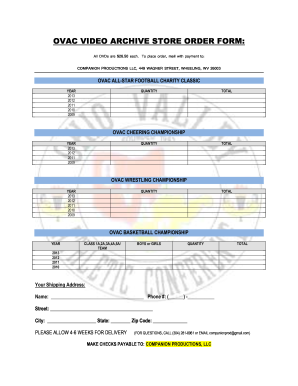
Ovac order get

Form 4441
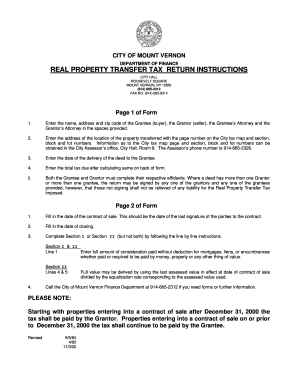
Real transfer tax return
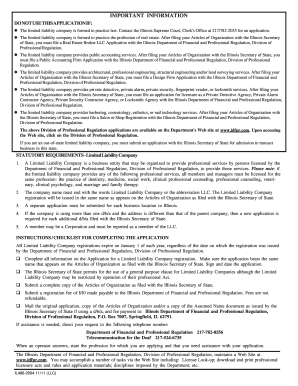
Il486 2004 2011 form
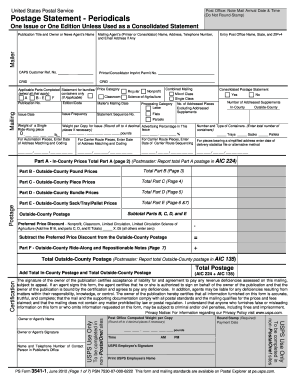
Ps form 3541 1 june 2012

Illinois vsd 37515 online 2010 form

Overland park regional medical center medical records
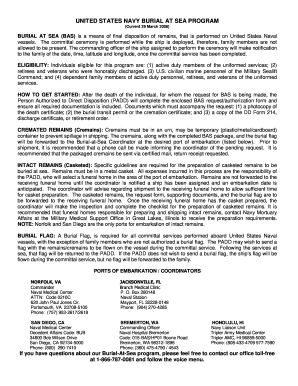
Burial sea fillable
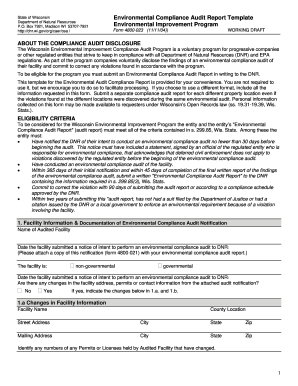
Compliance audit program template
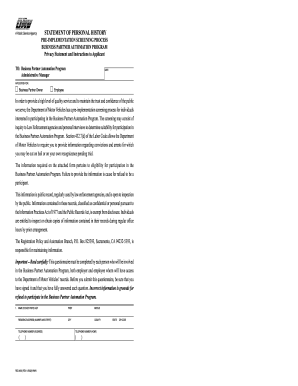
Reg 4019
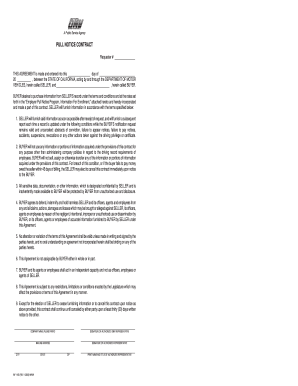
Inf 1105

Representations & Certifications SRNS-MS-2008-00022 - srs
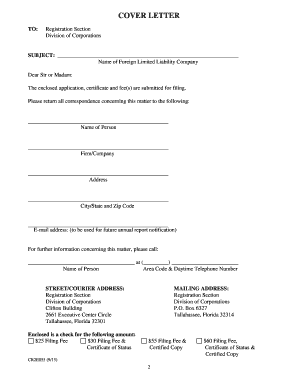
Sunbiz
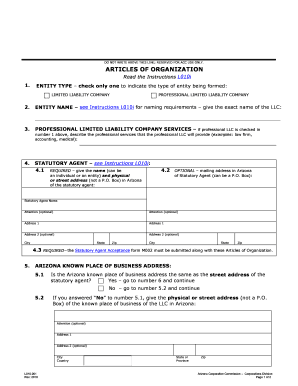
Arizona llc form l010001
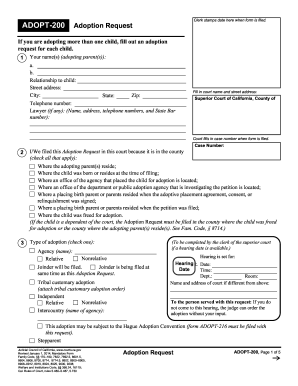
Adopt form 2014
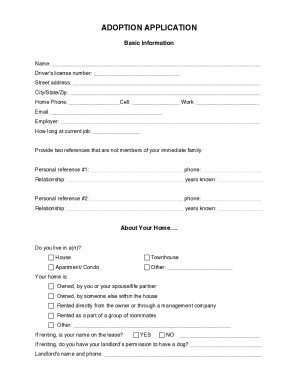
Heart of the catskills adoption
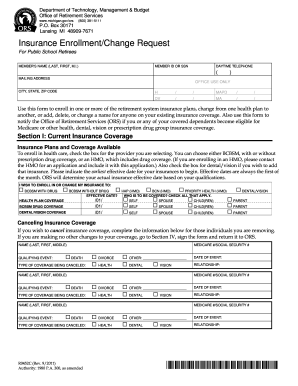
Insurance enrollmentchange request r0452c 2011 form

Fair Hearing Request Form 1-01. Fair Hearing Request Form 1-01 - disabilityrightsca

Wi dnr public access modification request form 2450 193

Transcript request marist college form
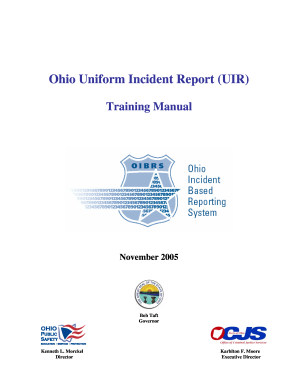
Ohio uniform incident report training
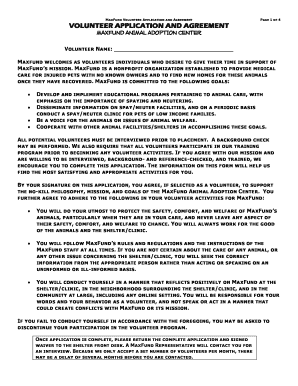
Maxfund volunteer
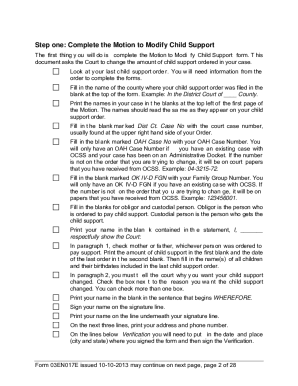
Oklahoma modify
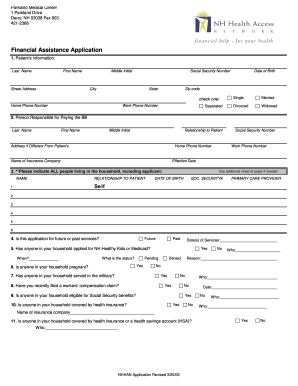
Parkland financial assistance
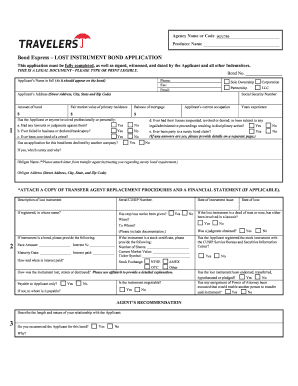
LOST INSTRUMENT BOND APPLICATION - Globex Transfer, LLC

Kentucky lawyers mutual fund
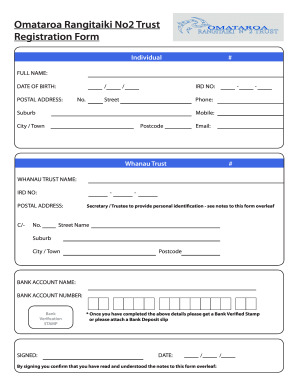
Omataroa rangitaiki

Ss form e 6 acknowledgment stub

502inj 2008 form
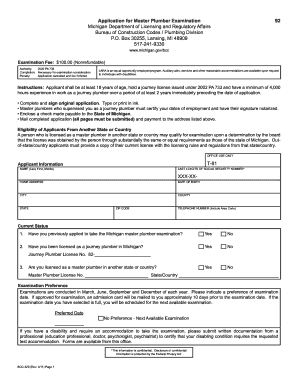
Master plumber examination
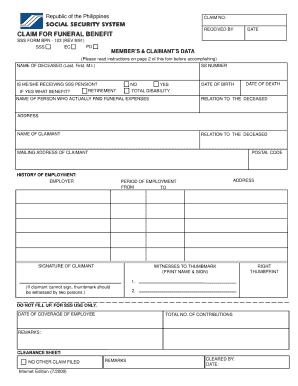
Sss form bpn 103
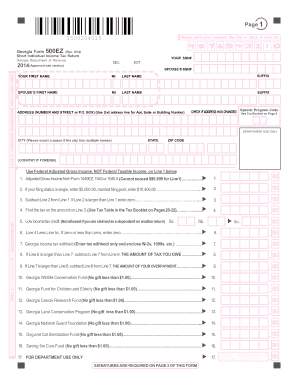
Georgia Income Tax Forms 500 and 500EZ For 2002 - etax dor ga

Wilmington city wage tax refund form 2020
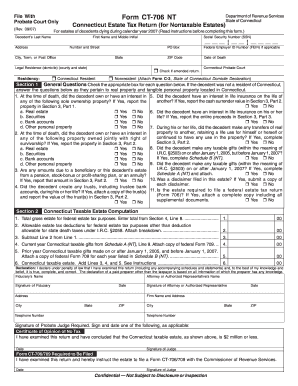
2007 ct 706 nt form
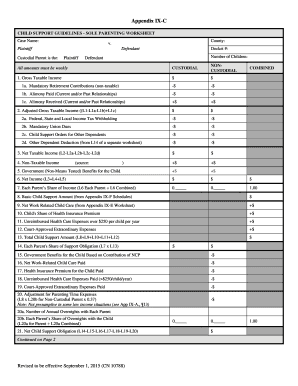
Child Support Guidelines - Sole Parenting Worksheet - Appendix IX-C
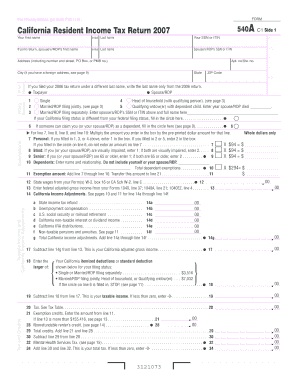
California income tax return form
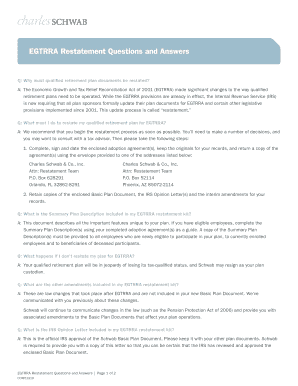
Egtrra restatement
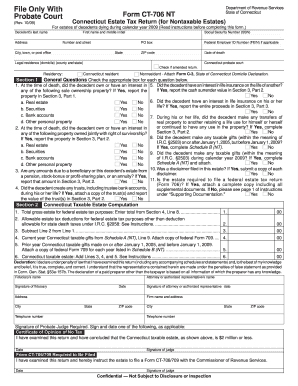
2009 ct 706 nt form
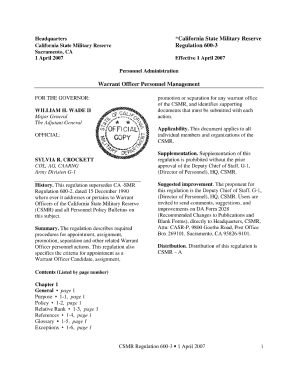
Csmr 600

Boe 410d 2002 form
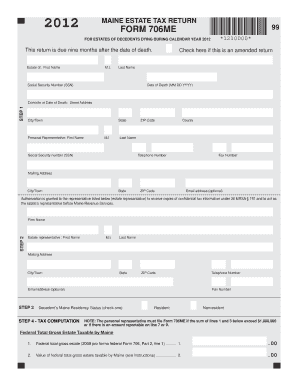
Maine form 706me2012
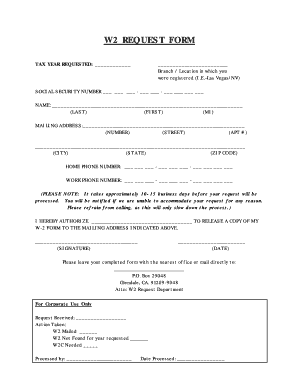
Appleone w2

Rew 1 maine form
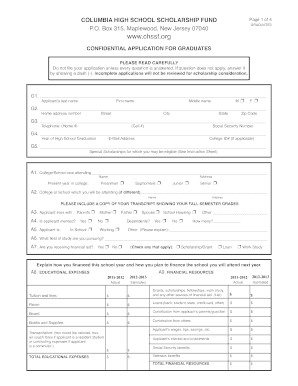
Chssf confidential application online

Ged template

Kansas child support order

Va agreement release information
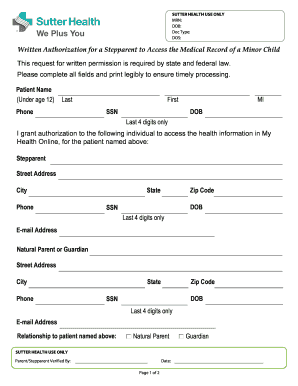
Sutter health prior authorization form
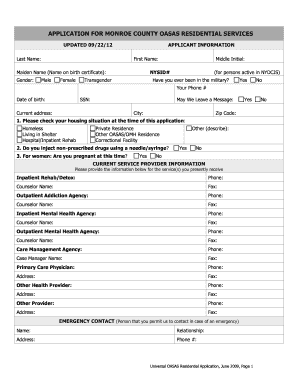
Oasas residential application
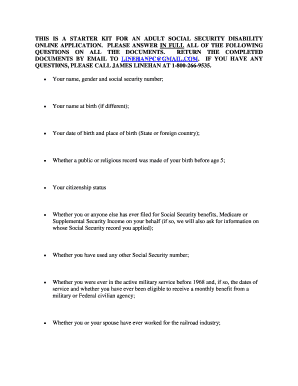
Form ssa 3373 bk 12 2009 ef 04 2010

Employment contract word document for restaurant

Principal 401k cash out form

Stanislaus county child custody forms
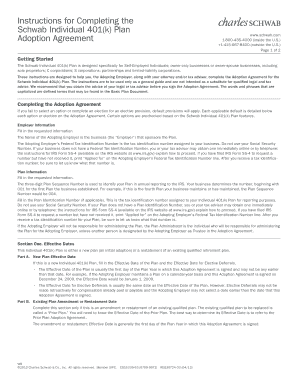
Instructions for Completing the Schwab Individual 401(k) Plan ...
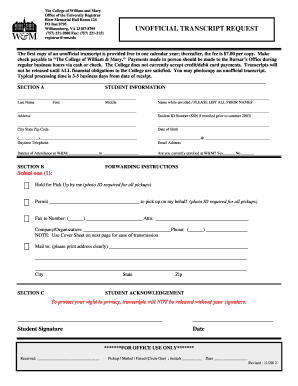
Unofficial transcript william and mary

Ddr signature card sample
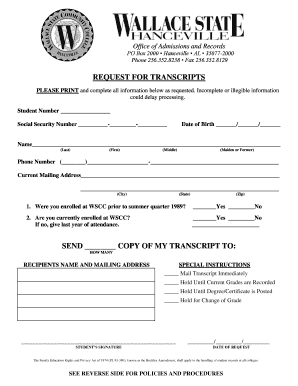
Wallace state transcripts

Mpi forms
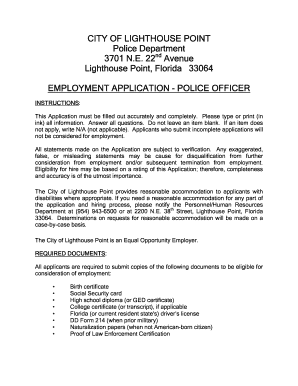
Fl lighthouse point police
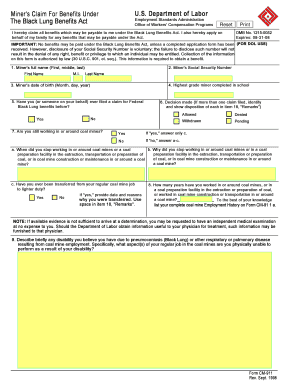
DOL-ESA Forms. cm-911
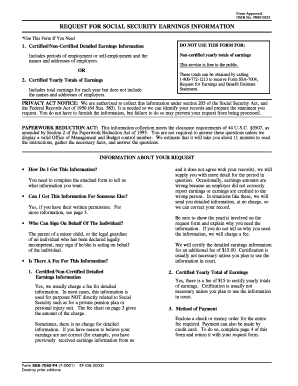
Form7050 2001

Form 18m
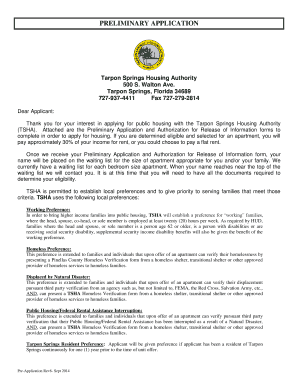
Tarpon springs housing authority
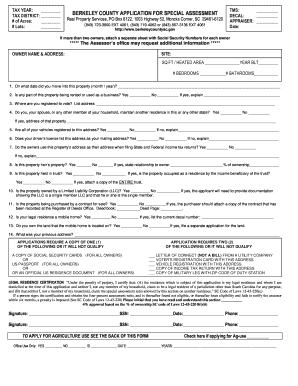
Sc berkeley county assessment
Benefit from the DocHub online library of fillable PDF forms
Searching the PDF forms doesn't have to be a tedious and time-consuming process. With the DocHub online library, it has become easier to find the fillable PDF forms and modify them in your browser. The service allows you to adjust the document to your needs using powerful editing tools.
You can use online document editing features to modify almost any type of document with ease. You just need to find the template of your choice, open it in the editor, and use the toolbar to make the necessary corrections.
Follow this guide to get your document done with DocHub:
- Find the PDF template you need.
- Click the Get Form button to open the file in the editor.
- Use the toolbar to fill out and edit the document.
- Easily add and highlight text, insert images, checkmarks, and symbols.
- Drop new fillable fields, and rearrange or delete pages from your file.
- Save changes and download your record.
DocHub empowers everyone to streamline document editing, signing, and distribution, and form completion. Create an account and benefit from our well-organized PDF Forms library and comprehensive editor.