




01. Edit your form 3540 online
Type text, add images, blackout confidential details, add comments, highlights and more.

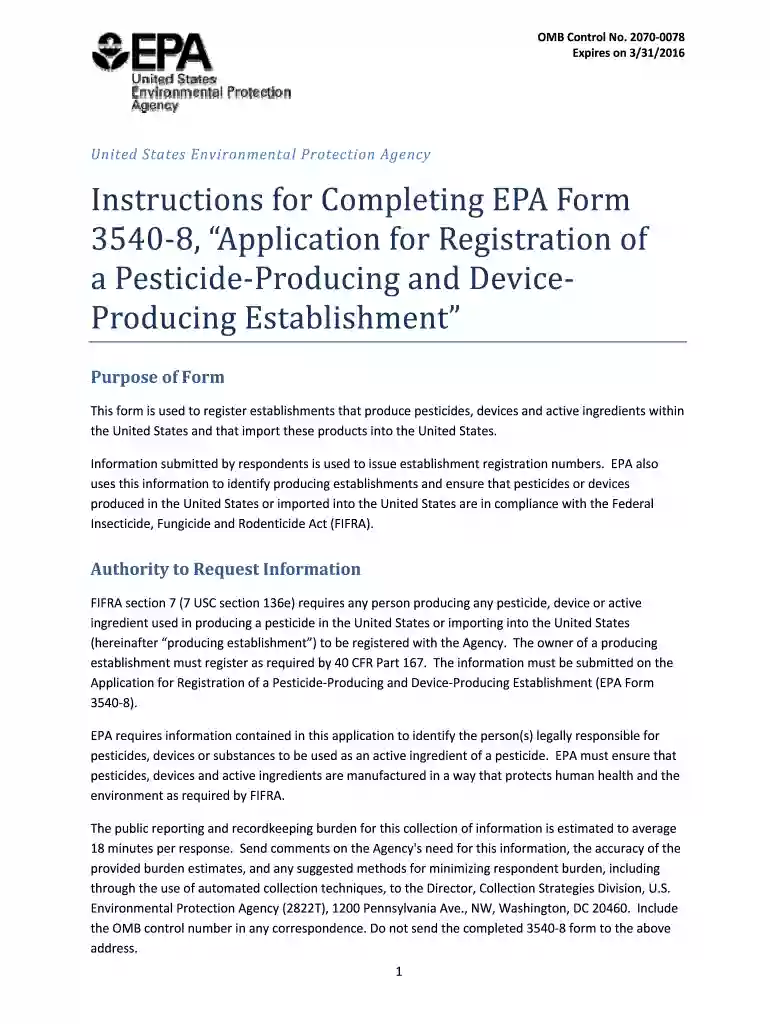
Type text, add images, blackout confidential details, add comments, highlights and more.

Draw your signature, type it, upload its image, or use your mobile device as a signature pad.

Send epa form 3540 8 via email, link, or fax. You can also download it, export it or print it out.

Start using our platform today to streamline your EPA Form 3540-8 completion process for free!
We've got more versions of the form 3540 form. Select the right form 3540 version from the list and start editing it straight away!
Yes, you can use DocHub for signing any business and personal documentation, including your epa form 3540 8. All electronic signatures you create with our service are legally binding and court-admissible, as DocHub complies with standards required by ESIGN and UETA. Save your accomplished paperwork with a detailed Audit Trail if needed.
In addition to a comprehensive toolset for editing PDFs on mobile phones, DocHub allows you to sign your epa form 3540 8 along the way. Open our editor in your browser, make modifications using DocHub’s toolset, and finish your editing by eSigning the finished form.
At DocHub, your data security is our priority. We follow HIPAA, SOC2, GDPR, and other standards, so you can work on your documents with confidence.
Mar 31, 2026 The interactive form below can be completed electronically and expanded to add information about additional establishments while standard fields remain theRead more
by S Taylor 2011 To prevent cross contamination, samples collected where chunk residues were present should be double bagged and segregated from other samples.Read more
(EPA Form 3540-8, source: EPA); View information about how to file annual production reports (EPA Form 3540-16, source: EPA). The FIFRA definition ofRead more


