Form secured leave 2026

Get Form
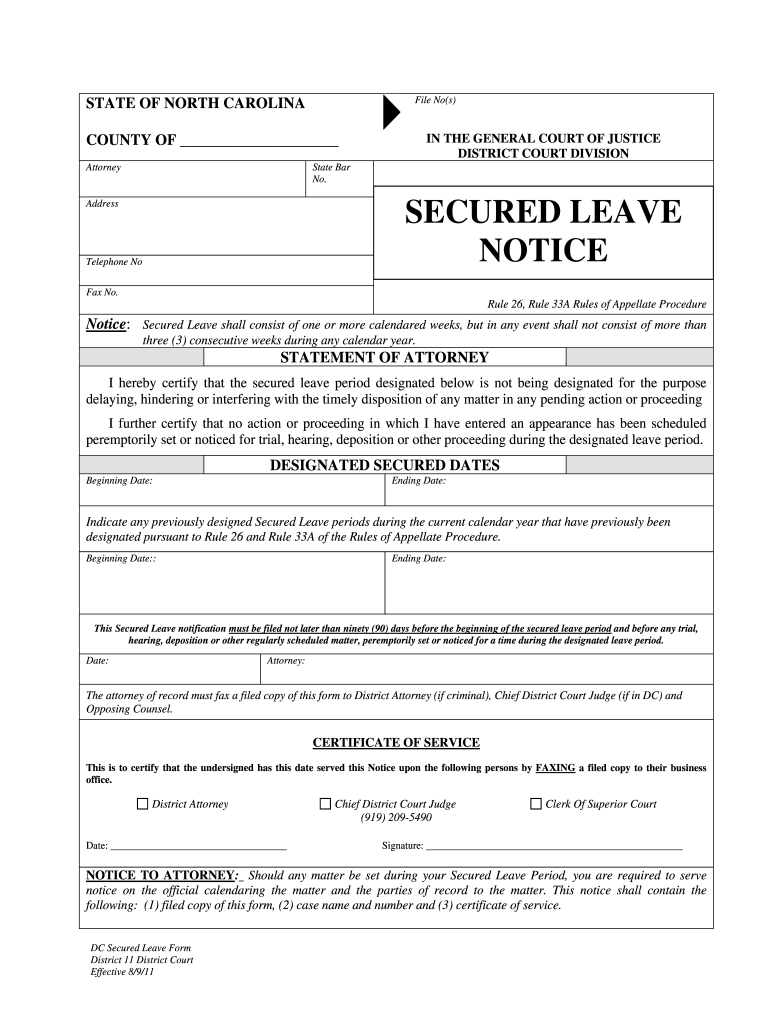
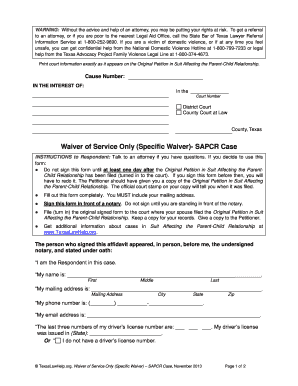
form secured leave Preview on Page 1

Here's how it works

01. Edit your form secured leave online
Type text, add images, blackout confidential details, add comments, highlights and more.
02. Sign it in a few clicks
Draw your signature, type it, upload its image, or use your mobile device as a signature pad.
03. Share your form with others
Send it via email, link, or fax. You can also download it, export it or print it out.

How to use or fill out form secured leave with our platform

Form edit decoration
9.5
Ease of Setup
DocHub User Ratings on G2
9.0
Ease of Use
DocHub User Ratings on G2
  1. Click ‘Get Form’ to open it in the editor.
  2. Begin by entering your address and contact information in the designated fields. This ensures that all parties can reach you during your secured leave.
  3. In the 'Designated Secured Dates' section, input the beginning and ending dates of your secured leave. Make sure these dates comply with the rule of not exceeding three consecutive weeks.
  4. If applicable, indicate any previously designated secured leave periods within the current calendar year by filling in their respective beginning and ending dates.
  5. Complete the 'Statement of Attorney' section by certifying that your leave does not interfere with any pending actions. This is crucial for maintaining compliance with court procedures.
  6. Finally, ensure you sign and date the form before submitting it. Remember to fax a filed copy to relevant parties as specified in the instructions.

Start using our platform today for free to streamline your document editing and form completion!

See more form secured leave versions

We've got more versions of the form secured leave form. Select the right form secured leave version from the list and start editing it straight away!
Versions Form popularity Fillable & printable
2011 4.8 Satisfied (102 Votes)
be ready to get more

Complete this form in 5 minutes or less

Get form

Got questions?

We have answers to the most popular questions from our customers. If you can't find an answer to your question, please contact us.
Contact us
Do I have to hire an attorney for a lawsuit? People can represent themselves (known as proceeding pro se), but this can be difficult, especially in complex cases. If you choose to represent yourself, you will be held to the same rules of evidence and procedure as a licensed attorney.
How to File a Secure Leave Request. Go to the NCIC Online Services Center to file a secure leave request. Please direct any questions about your secure leave request to secure.leave@ic.nc.gov.
A leave form is important for keeping track of employee absences, which helps employers with things like performance reviews, payroll, and audits. It also makes it easier for managers to plan schedules and avoid overlapping leave requests that might disrupt work.
How much does it cost to get an emergency custody order in NC? There is no cost to file a motion in an existing court action. If you are filing a new child custody case at the same time you seek emergency custody, you must pay a filing fee of $150.
A secure leave period shall consist of one or more complete calendar weeks. During any calendar year, an attorneys secure leave periods pursuant to this Rule shall not exceed, in the aggregate, three calendar weeks.

People also ask

What Makes a Parent Unfit? North Carolina does not have specific criteria that automatically deem a parent unfit. Such conclusions can be drawn only on a case by case basis depending on the specific facts of a case. One of the most common reasons that a parent is deemed unfit concerns acts of domestic violence.

Related links