
Get any PDF form from the DocHub library of ready-made templates - Page 1686
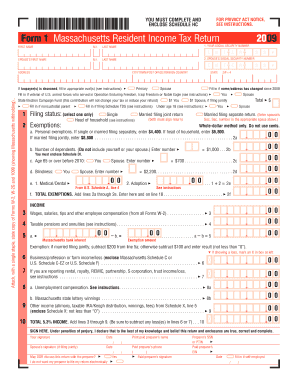
Completable massachusetts state income tax forms 2009
City of gallipolis tax department
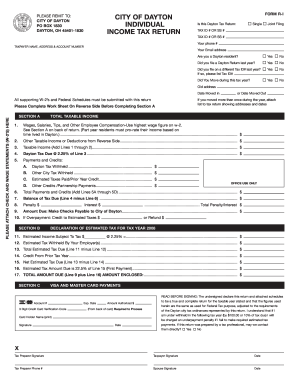
How to file dayton city taxes

Schedule a rp 420 ab rnw i 1995 form

Gosnold employment application
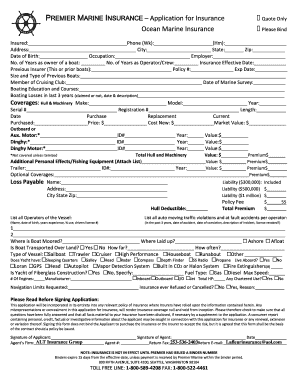
Marine insurance application form

Engineers without borders volunteers agreement and release from liability 1 voluntary participation i have voluntarily applied to participate in form
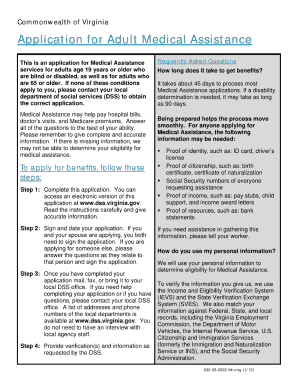
03 0022
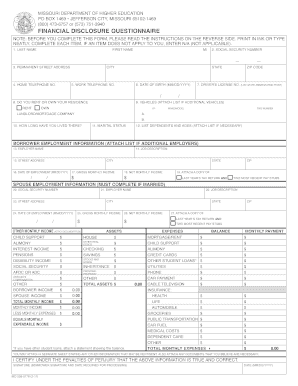
Financial disclosure questionnaire
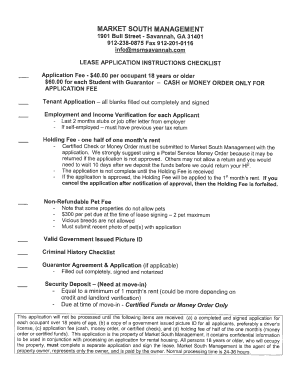
Market south management rental form
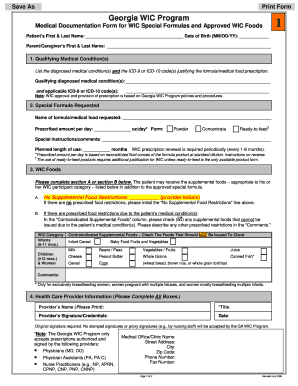
Georgia wic icd10 codes
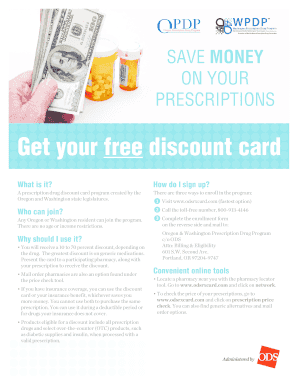
Opdp card
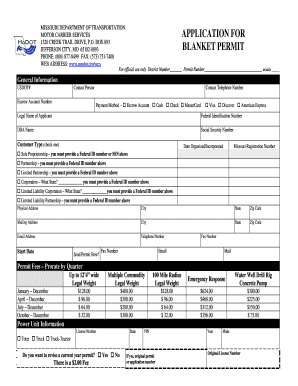
Modot permits
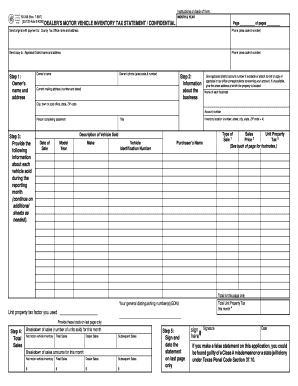
How to fill out form 23122 inventory 1999
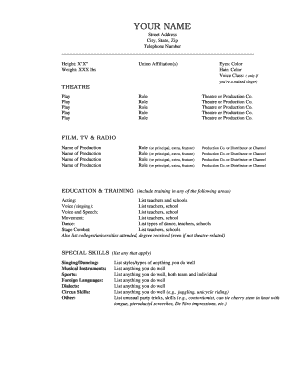
Theatre resume template
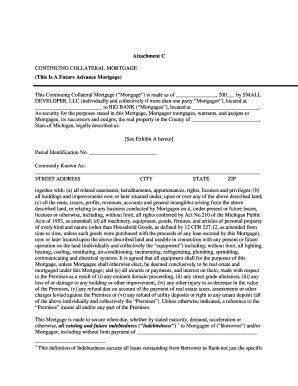
What is continuing collateral mortgage form
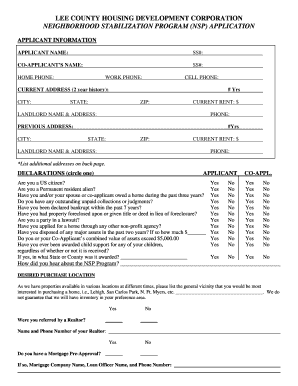
Lee county housing development
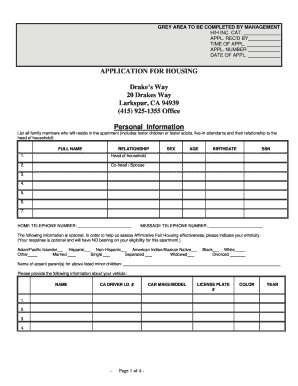
Ca drakes way application

How to fill out 401k enrollment form
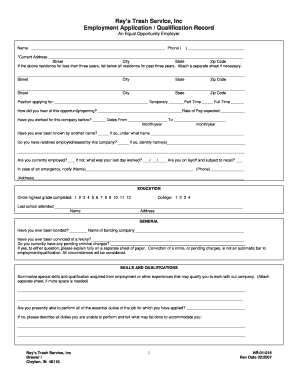
Rays trash application form
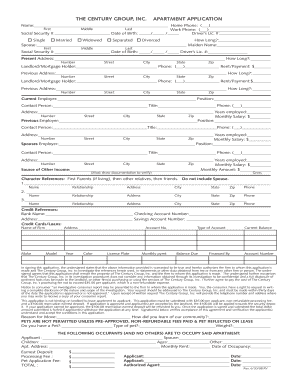
Tcg leasing

Nystrs prs 35 form 2011
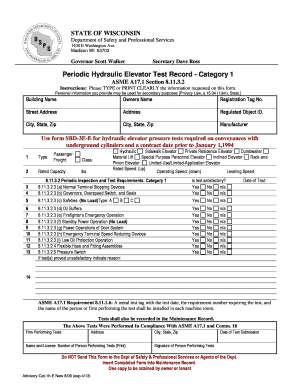
Elevator category 1 safety test
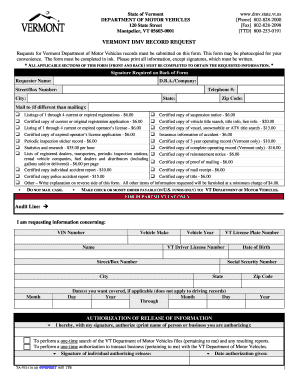
Vt dmv form vg 116
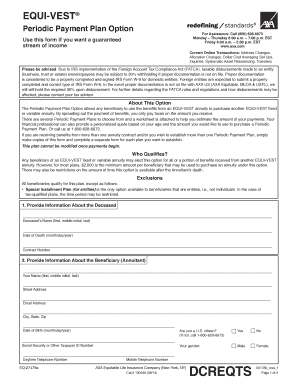
DCREQTS EQUI-VEST Periodic Payment Plan ... - AXA Equitable

Andrea scholarship
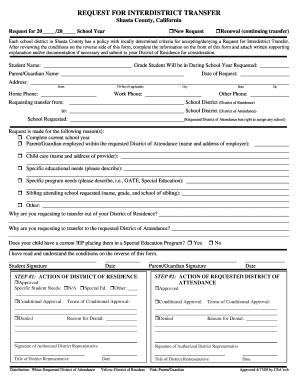
Shasta county filable local forms 2008

Efcmg

Cbe application

Upd 601 and upd 602
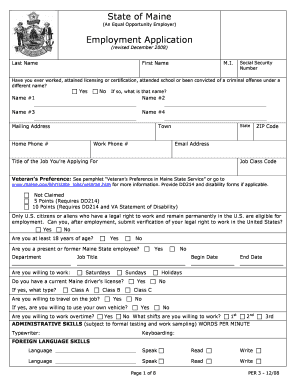
State of maine direct hire form

Colonial dames 17th century membership application
Planning for Incapacity - Governor's Office of Elderly Affairs - Louisiana - goea louisiana
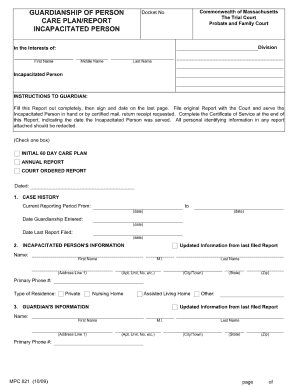
How to fill out mpc 821 2009 form

Five wishes form pdf printable south carolina

Mpc 400 medical certificate filliable 2009 form

Dd form 2345 2001
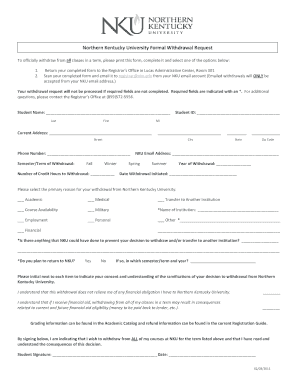
University nku withdrawal form
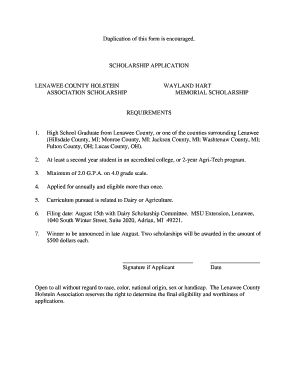
Lenawee county holstein association scholarship form
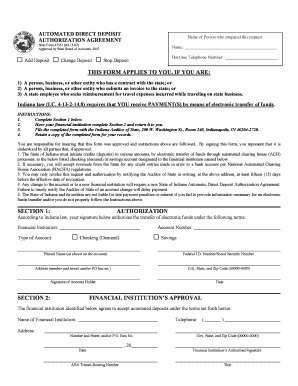
State form 47551
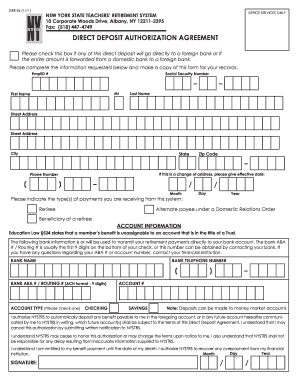
Nystrs please information
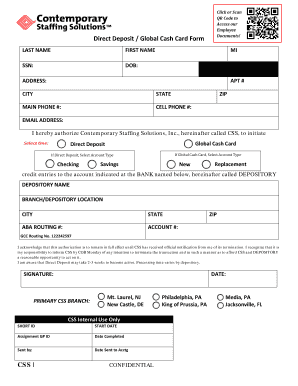
Global cash card direct deposit form

Tom thumb membership
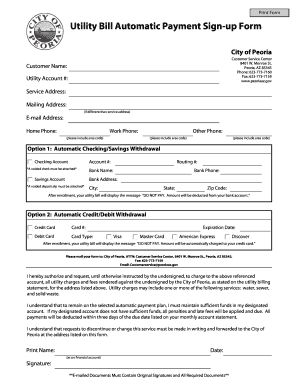
Blank utility bill
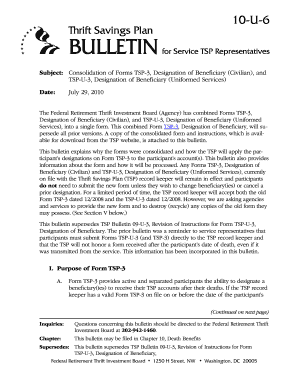
Tsp 10u6
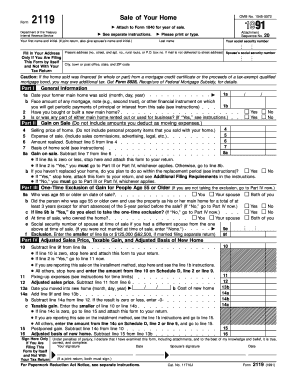
Form 2119

Abe peggy levy application

Nrcs 1199 form

Phs purposes from form
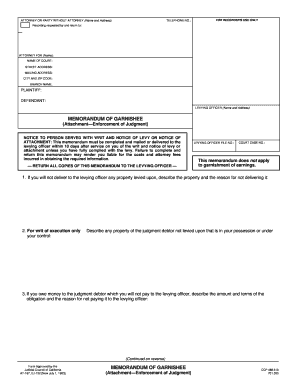
Ej 152 1983 form

4 805
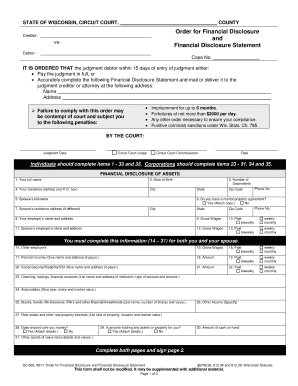
Wisconsin sc506 form
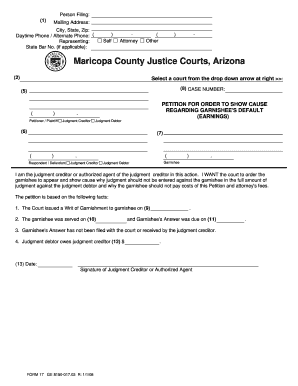
Arizona maricopa county
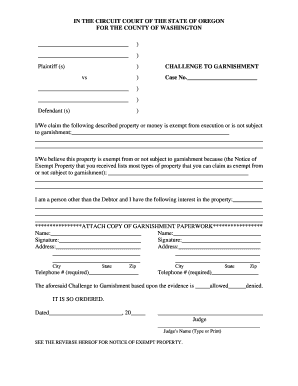
Challenge to garnishment form in california
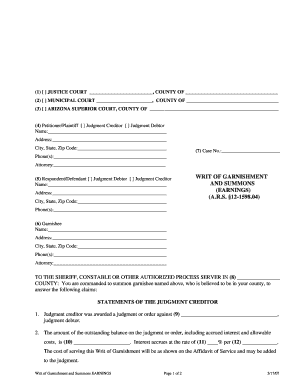
Wage garnishment answers forms
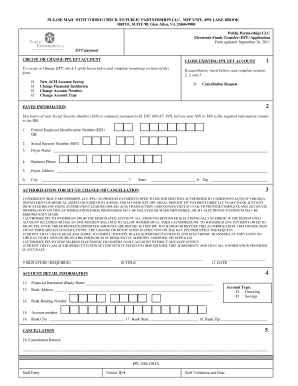
Public partnerships va
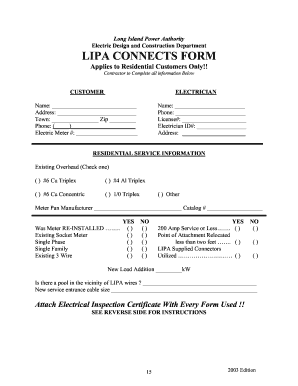
Connects form
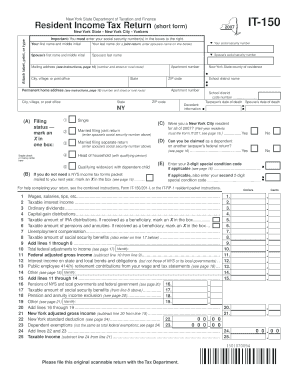
Printable state tax forms
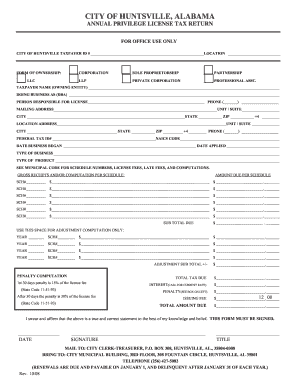
Business license huntsville al

Cms 1537
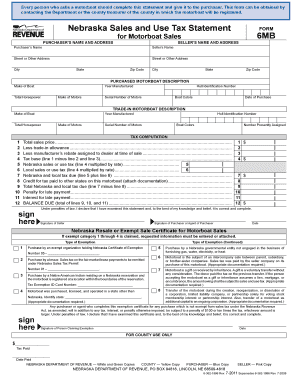
Nebraska form6mb
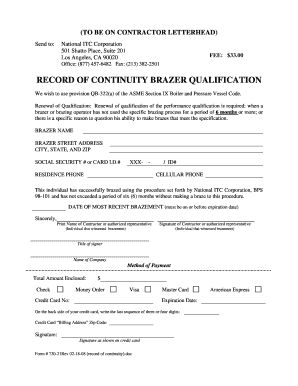
Record of continuity brazer qualification form 2008
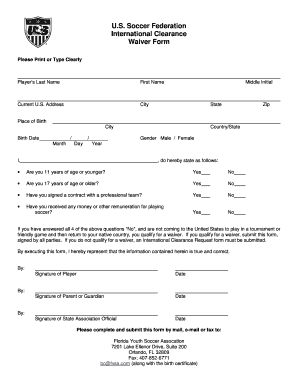
Football player contract pdf
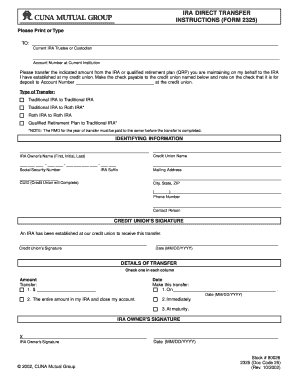
Irs form 2325 2002
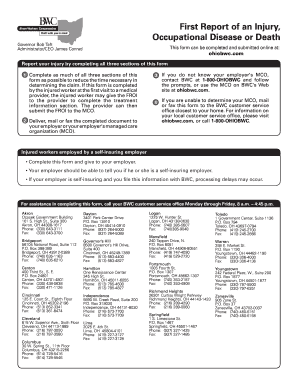
Bwc 1101 rev 6 12 2014
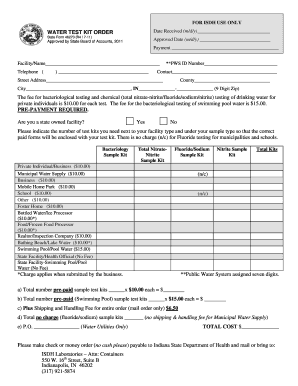
In state form 46270

Sc1041 2003 form

Diploma Order Form - uhd
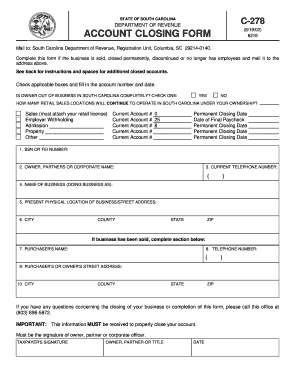
C 278 kusum par pahadi 2002 form
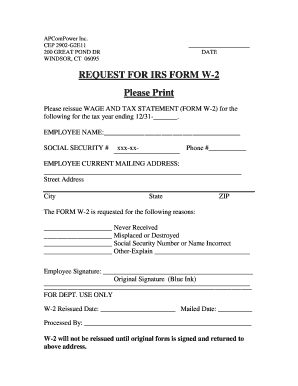
W2 template

Ohio division of securities 3 q
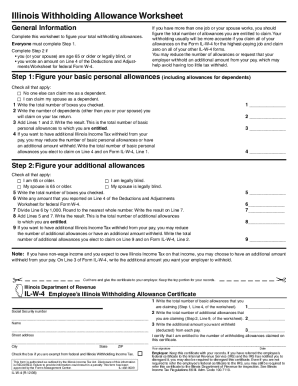
Illinois w 4
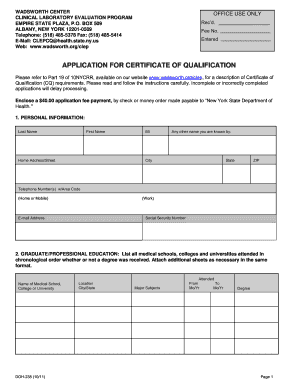
Application certificate qualification

Sc credentialing application
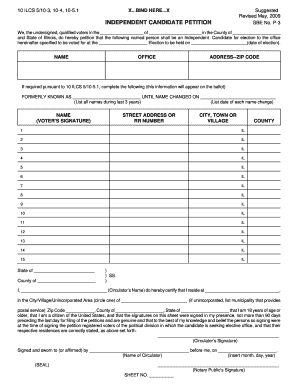
Revised may 2007 sbe no p 3 form

Sc 1310 fillable pdf

Gobaylor

World participant editable
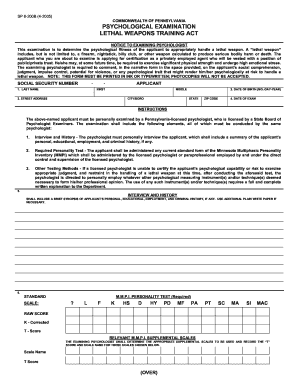
Act 235 psych exam 2005 form
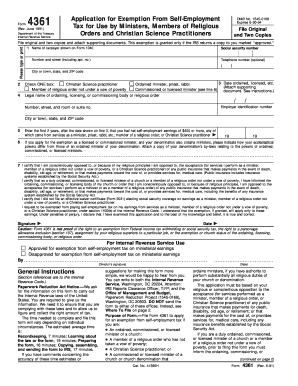
What is form 4361 used for
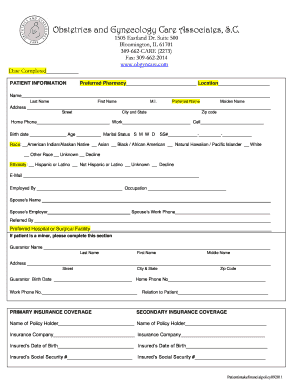
Patient Intake Form - Obstetrics and Gynecology Care Associates

Health history questionnaire

You gsmls sellers search
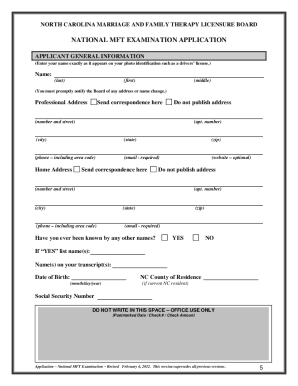
Mft exam online application in north carolina form
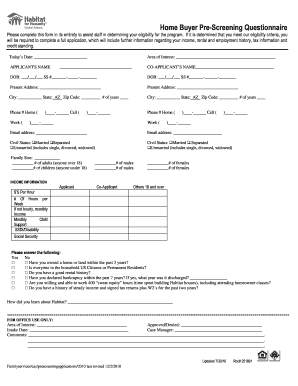
Loudoun adu
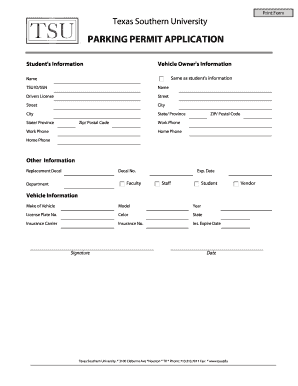
Tsu parking permit
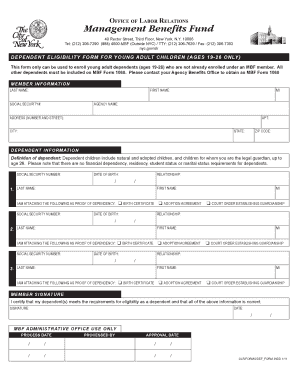
Management benefits fund
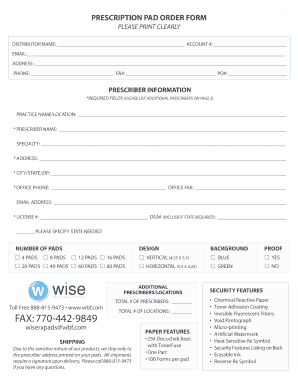
Prescription pad keywords form

Nys doh 3486i
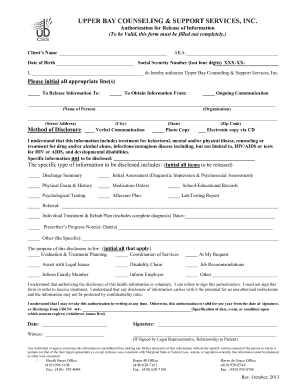
Authorization for Release of Information Form - Upper Bay Counseling - upperbay
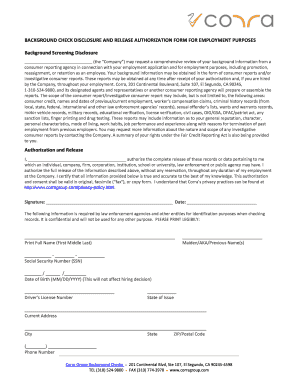
Corra background check
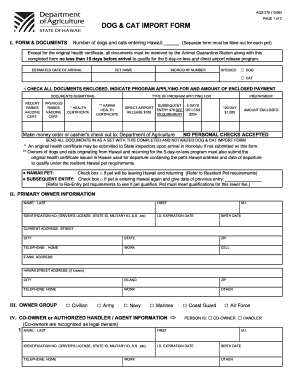
Aqs 278 2005 form
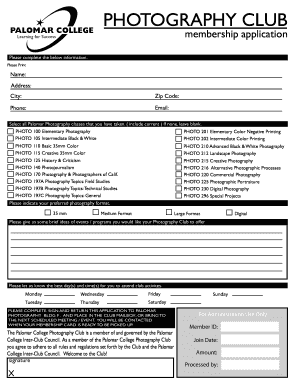
Membership Application - Palomar College Club Index - clubs palomar
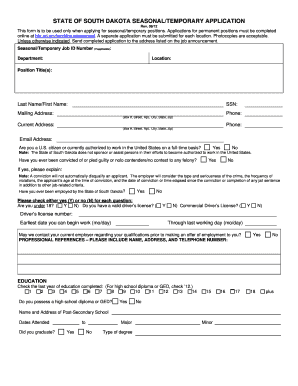
Sd temporary application
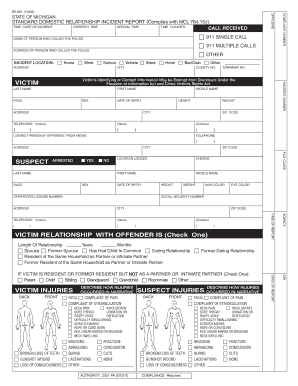
Durable power of attorney form macomb county michigan pdf
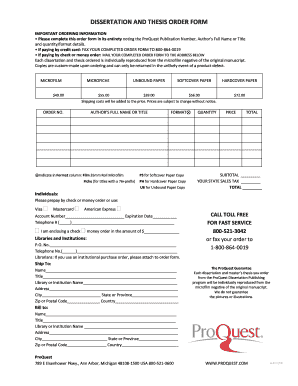
Proquest publication form fillable
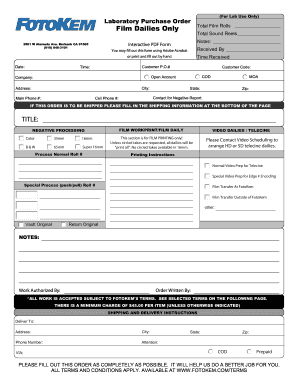
Filmi7
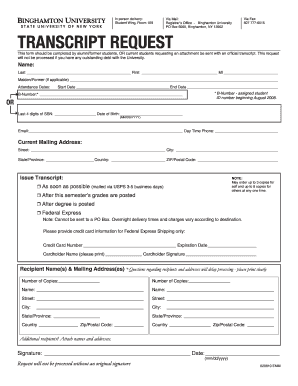
Suny binghamton transcript request
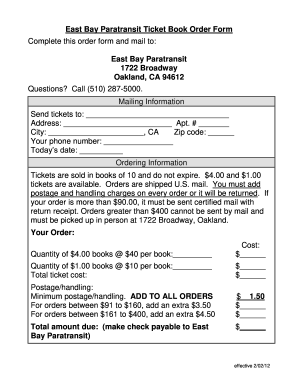
East bay paratransit purchase tickets on line 2012 form

Ps 404 pe form
Benefit from the DocHub online library of fillable PDF forms
Searching the PDF forms doesn't have to be a tedious and time-consuming process. With the DocHub online library, it has become easier to find the fillable PDF forms and modify them in your browser. The service allows you to adjust the document to your needs using powerful editing tools.
You can use online document editing features to modify almost any type of document with ease. You just need to find the template of your choice, open it in the editor, and use the toolbar to make the necessary corrections.
Follow this guide to get your document done with DocHub:
- Find the PDF template you need.
- Click the Get Form button to open the file in the editor.
- Use the toolbar to fill out and edit the document.
- Easily add and highlight text, insert images, checkmarks, and symbols.
- Drop new fillable fields, and rearrange or delete pages from your file.
- Save changes and download your record.
DocHub empowers everyone to streamline document editing, signing, and distribution, and form completion. Create an account and benefit from our well-organized PDF Forms library and comprehensive editor.