Epa form 5900 02-2026

Get Form
epa form 5900 02 Preview on Page 1

Here's how it works

01. Edit your form online
Type text, add images, blackout confidential details, add comments, highlights and more.
02. Sign it in a few clicks
Draw your signature, type it, upload its image, or use your mobile device as a signature pad.
03. Share your form with others
Send it via email, link, or fax. You can also download it, export it or print it out.

How to use or fill out epa form 5900 02 with our platform

Form edit decoration
9.5
Ease of Setup
DocHub User Ratings on G2
9.0
Ease of Use
DocHub User Ratings on G2
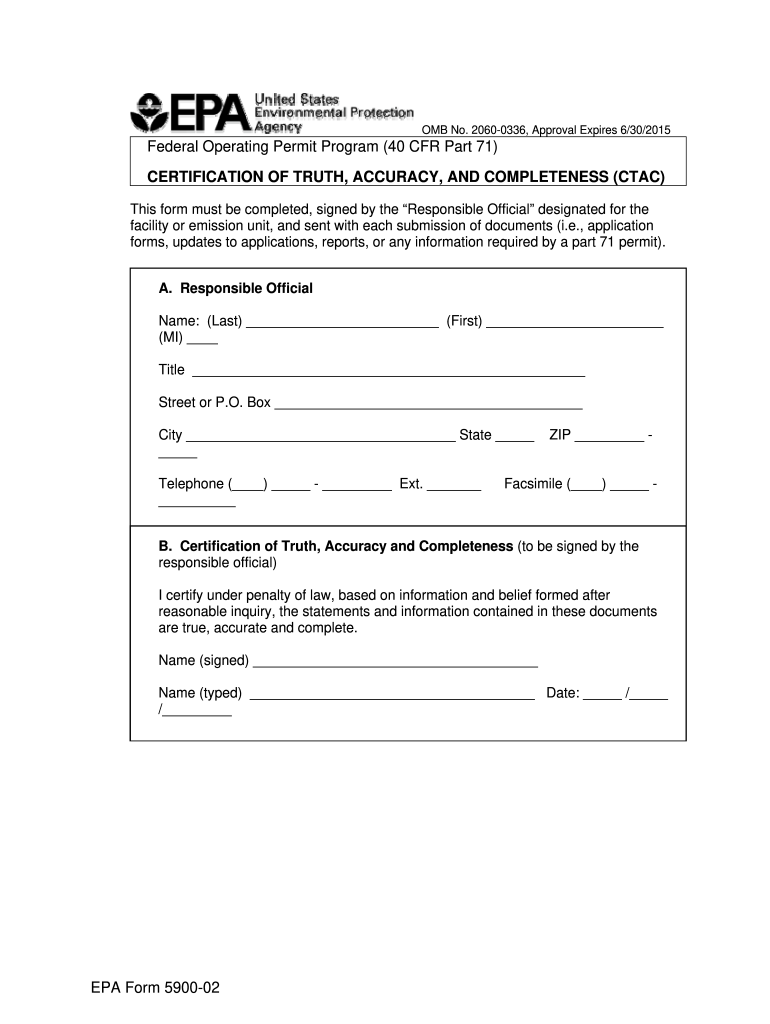
  1. Click ‘Get Form’ to open the EPA Form 5900-02 in the editor.
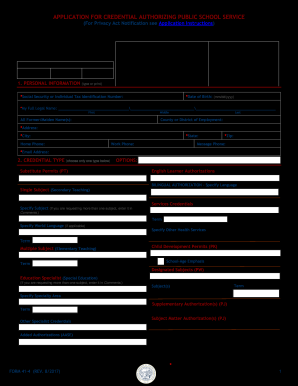
  2. In Section A, enter the name of the Responsible Official. Fill in the last name, first name, middle initial, title, and contact information including street address, city, state, telephone number, and ZIP code.
  3. Proceed to Section B where the Responsible Official must certify the truthfulness of the submitted documents. Ensure that they sign their name and type it below. Also, include the date of certification.
  4. Review all entered information for accuracy and completeness before finalizing. This is crucial as it ensures compliance with EPA requirements.
  5. Once completed, save your document and utilize our platform’s features to easily share or submit your form as needed.

Start using our platform today for free to streamline your form completion process!

See more epa form 5900 02 versions

We've got more versions of the epa form 5900 02 form. Select the right epa form 5900 02 version from the list and start editing it straight away!
Versions Form popularity Fillable & printable
2020 4.1 Satisfied (27 Votes)
2012 4 Satisfied (20 Votes)
be ready to get more

Complete this form in 5 minutes or less

Get form

Got questions?

We have answers to the most popular questions from our customers. If you can't find an answer to your question, please contact us.
Contact us

You should use only trusted software solutions with strong security compliance to sign your paperwork electronically. DocHub is just the type of service you need! It stores data on Amazon Web Servers and complies with all required security standards and eSignature regulations, so it’s a trusted way to electronically sign your epa form 5900 02 or other forms using this tool.

With DocHub, you have several convenient methods to edit your epa form 5900 02 online. You can drag and drop the form and modify it straight at the DocHub site or use our browser extension to fill out your form right away. Additionally, you can modify your PDF on your phone, as DocHub is compatible with all the available mobile platforms.

Certification of Truth, Accuracy and Completeness (to be signed by the responsible official) I docHub under penalty of law, based on information and belief formed after reasonable inquiry, the statements and information contained in these documents are true, accurate and complete.
Certification of accuracy is a formal statement or assurance made by a party (often a professional or business entity) asserting that the information, data, or documents provided are correct, complete, and free from errors to the best of their knowledge.
Upon entry, the importer must file an EPA Form 3520-1 with Customs and declare code E on the form. If you purchase a vehicle that was brought into the United States and sold without being properly entered through U.S. Customs and Border Protection (CBP), that vehicle is subject to seizure.

Security and compliance

At DocHub, your data security is our priority. We follow HIPAA, SOC2, GDPR, and other standards, so you can work on your documents with confidence.

Learn more
ccpa2
pci-dss
gdpr-compliance
hipaa
soc-compliance

People also ask

The Certification of Correctness clause requires a party to formally affirm that the information, statements, or documents they provide are accurate and truthful to the best of their knowledge.
The Certification of Accuracy and Completeness clause requires a party to formally affirm that all information, documents, or statements provided under the agreement are true, accurate, and fully complete to the best of their knowledge.
0:18 3:21 Next youll need to enter the expected entry date of the shipment. This doesnt have to be exact.MoreNext youll need to enter the expected entry date of the shipment. This doesnt have to be exact. Just your best estimate. The customs entry number can be left blank if it hasnt been created yet.

Related links