
Get any PDF form from the DocHub library of ready-made templates - Page 1684
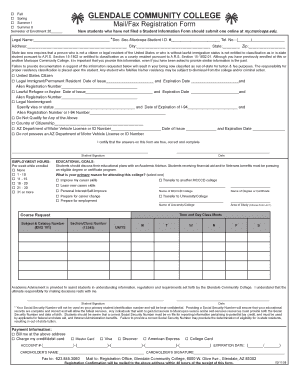
PDF file of Mail/Fax Registration Form - Glendale Community College - gccaz
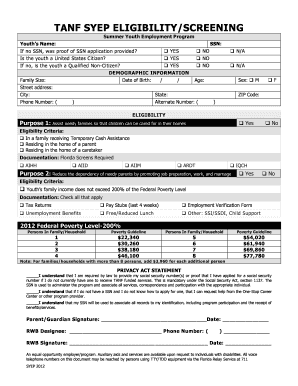
Syep eligibility screening form
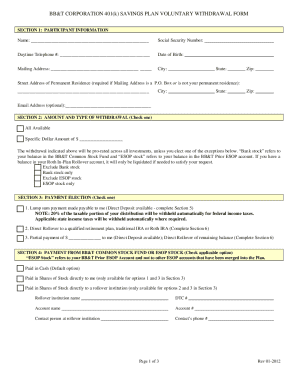
Bb t benefits plantrac
Trustee to trustee transfer out of icma rc form
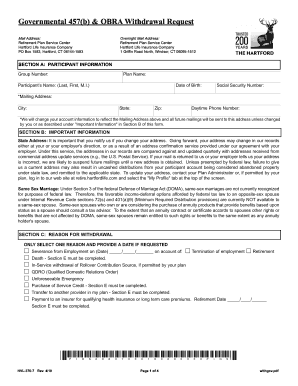
Hartford form withdrawal
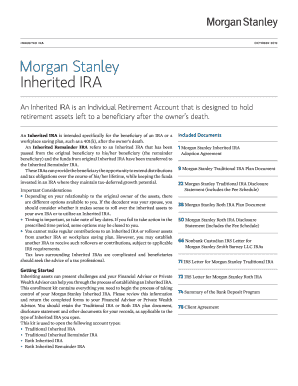
Morgan stanley beneficiary forms

Entrust group inc form
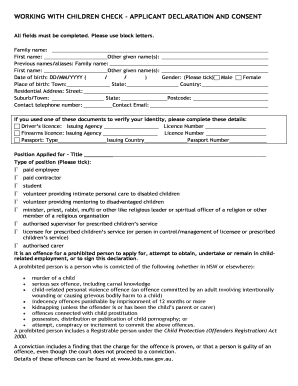
Wwcc rta form

Sc 1120s fillable

Missouri wc 21 fillable form 2014
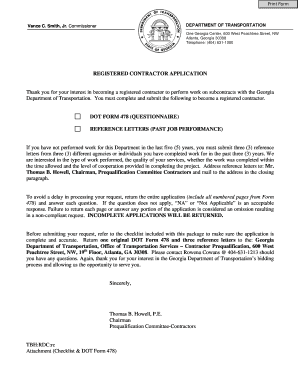
Form 478
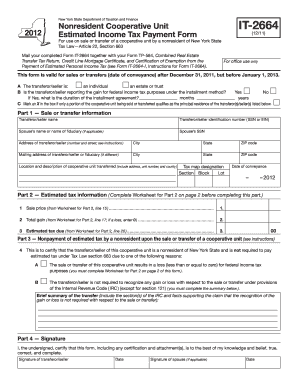
It 2664
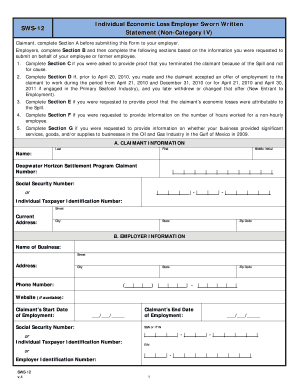
Statement sws get
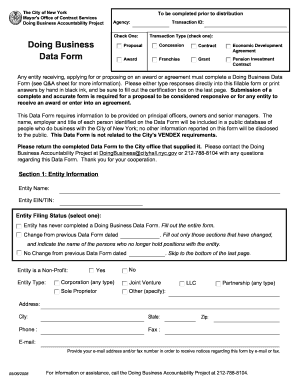
Download nycedc doing business data form
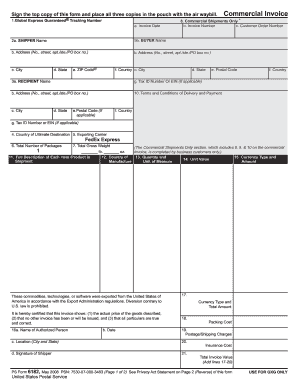
Mainfreight commercial invoice form
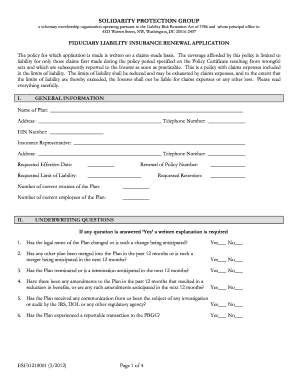
Cda renewal application form
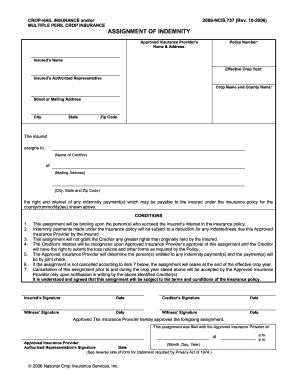
Ncis assignment of indemnity form 2022
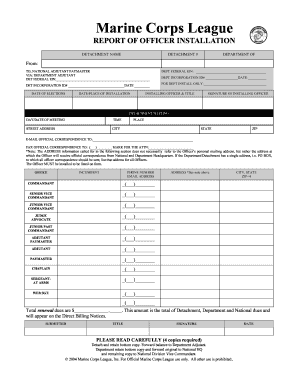
Marine corps league report
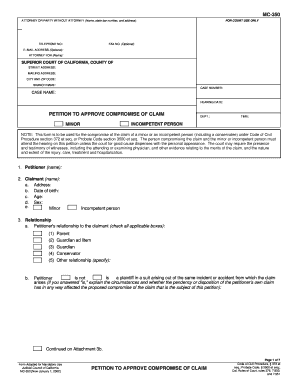
California court forms 2002

What goes on form 134a 2001

Lowe's toolbox for education grant 2022 application

Boy scout records online

855 c

023 air waybill

Prucares
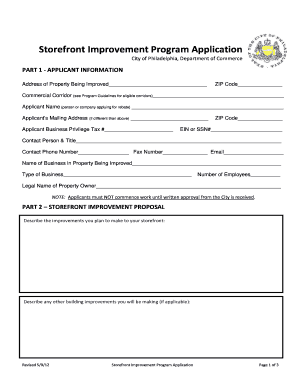
Philadelphia storefront improvement program application 2012 form

Ssa 89
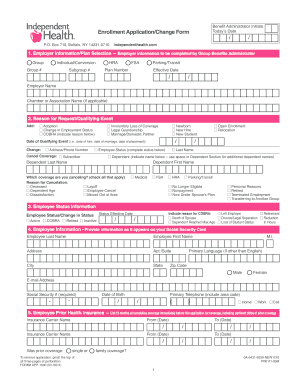
Independent health enrollment form
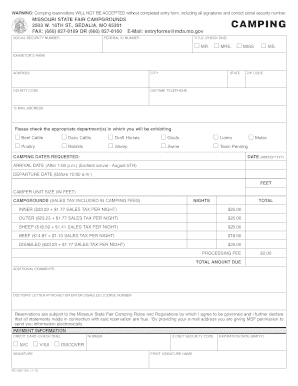
Missouri state fair camping 2012 form
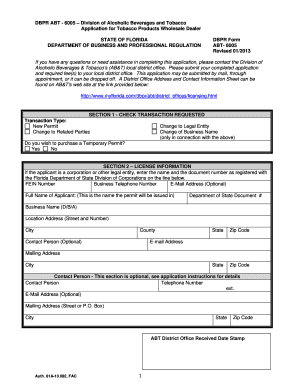
DBPR ABT - 6005 Division of Alcoholic Beverages and Tobacco Application for Tobacco Products Wholesale Dealer STATE OF FLORIDA DEPARTMENT OF BUSINESS AND PROFESSIONAL REGULATION DBPR Form ABT- 6005 Revised 09/2010 NOTE This form must be
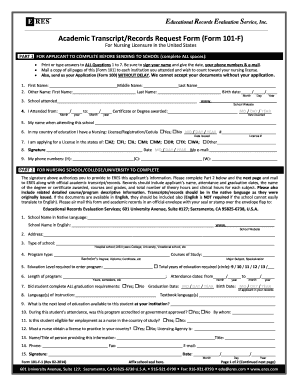
Academic Transcript/Records Request Form (Form 101-F) - ERES

2009 540nr form
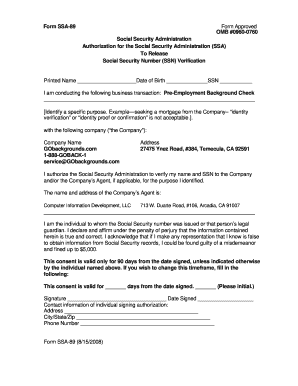
Form 89 images

Wisconsin dept of revenue wage assignment reduction request 2008 form

Citimortgage modification package

03pa213e
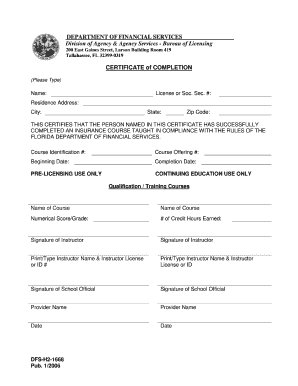
DFS-H2-1668 - Florida's Department of Financial Services
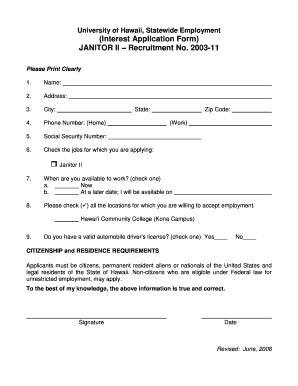
Janitorial application for employment
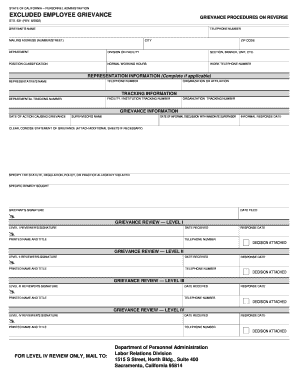
Form 631 california state 2002
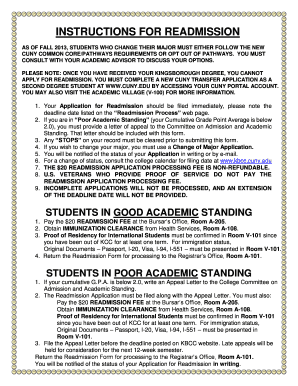
Kbcc readmission
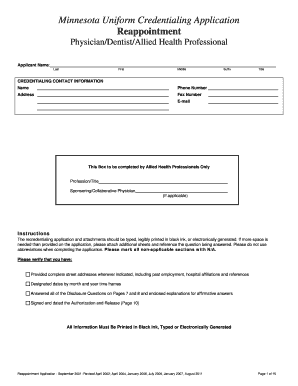
Mn recredentialing application

Fcc 601 form
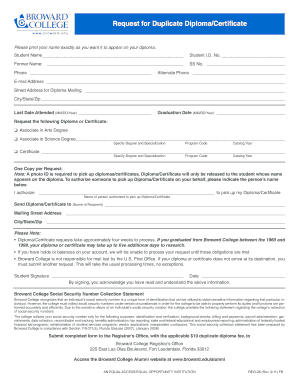
Diploma replacement request form broward
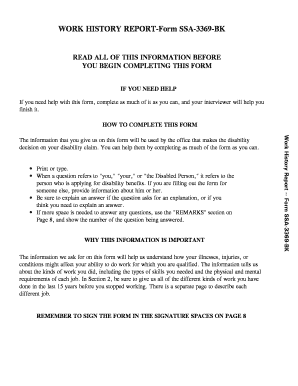
Work history report
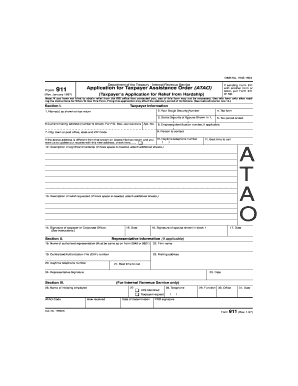
3.12.37 IMF General InstructionsInternal Revenue Service -...
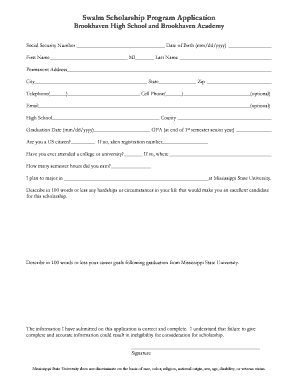
Swalm scholarship form
Fashion institute technology transcript

Ssa7163 fillable form

Form 1370
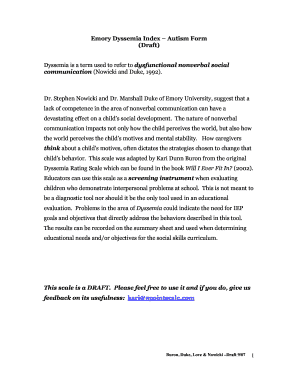
Dyssemia
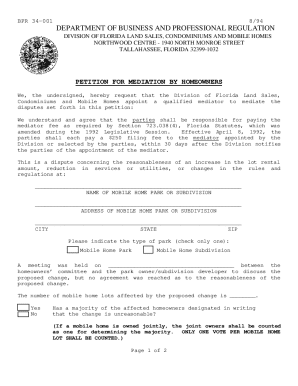
Bpr form 34 001

Hammond scholarship miami
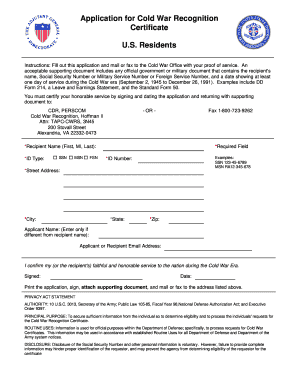
Cold war medal application
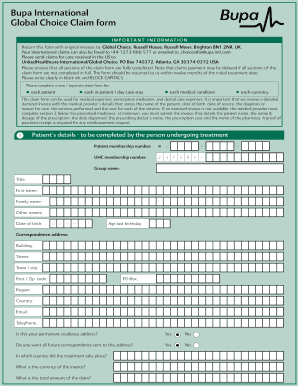
Bupa clinical claim form
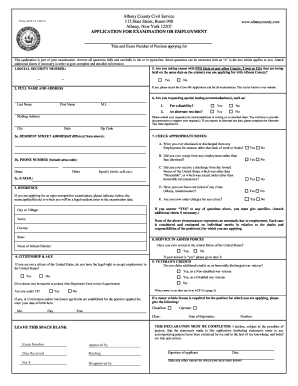
Acs 21 form
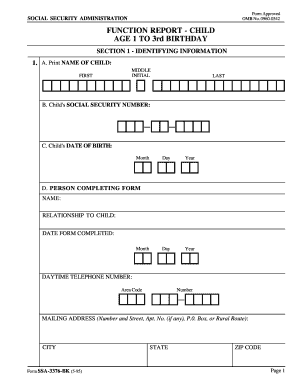
Function report child age 1 3 social security 1995 form
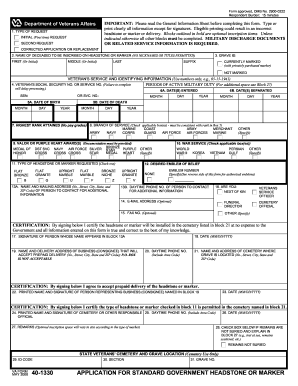
Va form 40 1330 fillable 2008
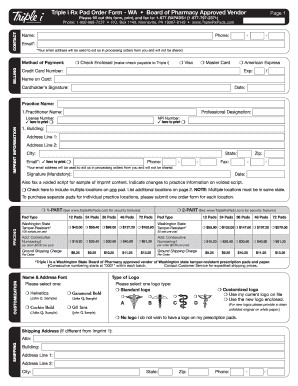
Triple i prescription pads

COLUMBIA, SOUTH CAROLINA 29214-0140

Jackson state university 1098 t

Naic application

Creditdept us luxottica com
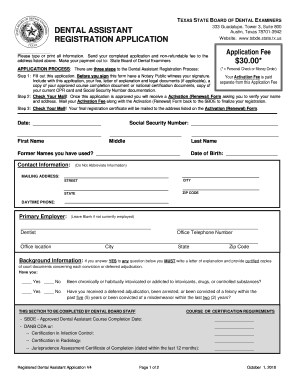
Texas dental board application form
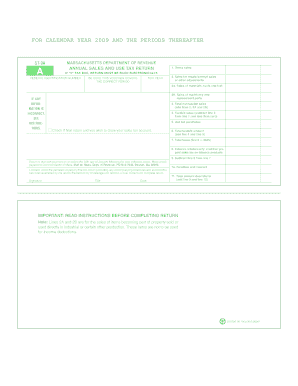
Ma st 9 form
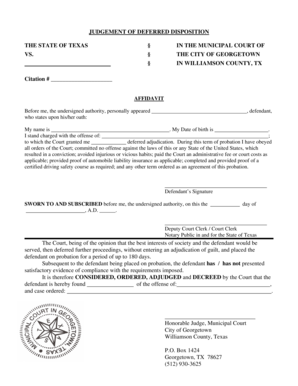
Compliance Affidavit for Deferred Disposition - City Documents - files georgetown
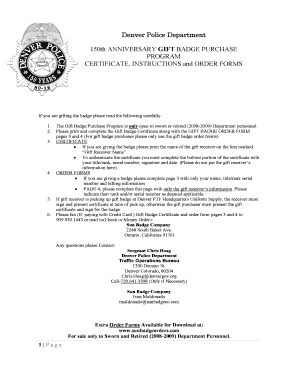
Police badge pdf
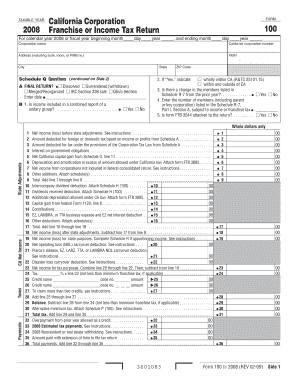
Form 100s 2008 online

Matkacom
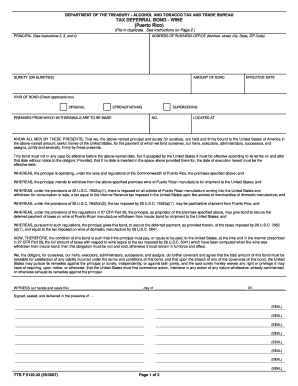
Ttb f tax deferral bond
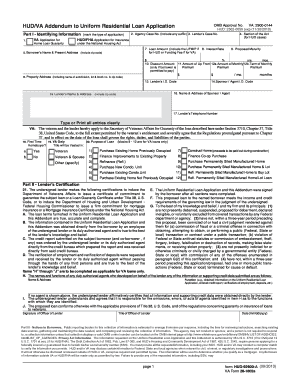
Hud va addendum to uniform residential loan application
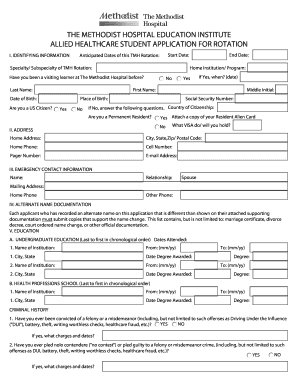
Other Allied Health Professionals - The Methodist Hospital

Wurth account form

City of modesto business license
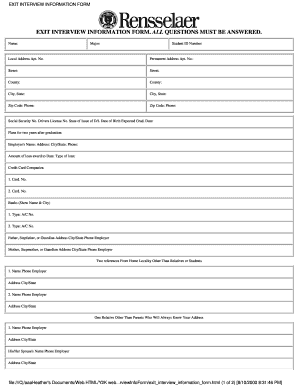
Exit interview information form
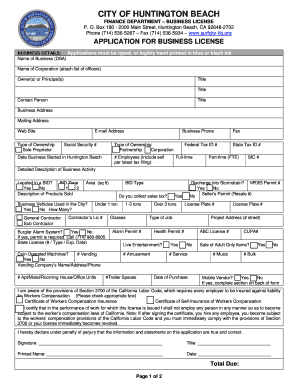
Huntington beach business license renewal

Teacher licensing in washington state form 4020e 1
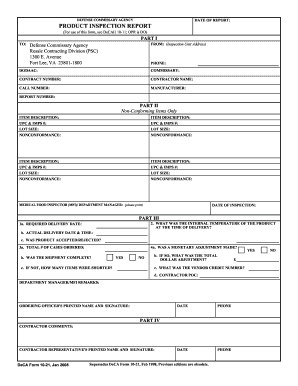
Physical form print out

2011 california 100s form

Abbott medicare form
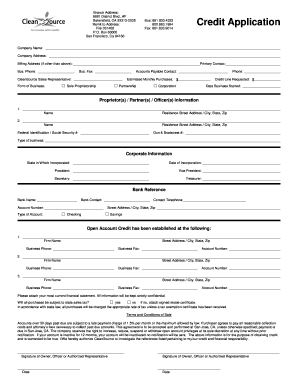
District remit 031408 pdf
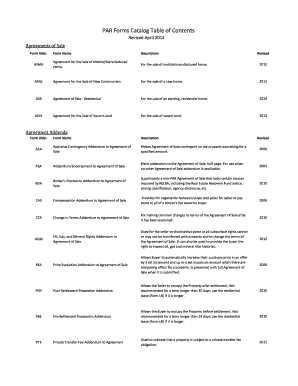
Pennsylvania par contents print

Obmv record request form 2009

Wv medicaid form
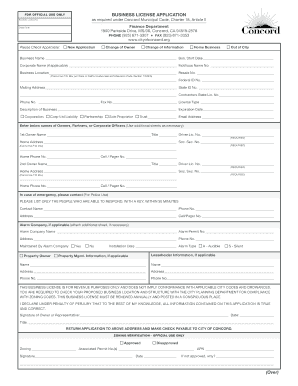
BUSINESS LICENSE APPLICATION (Over) - City of Concord - cityofconcord

Traditional 401(k) and Roth401(k) Enrollment/Election Form
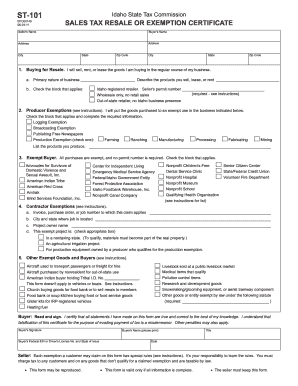
ST-101 - Idaho State Tax Commission - tax idaho
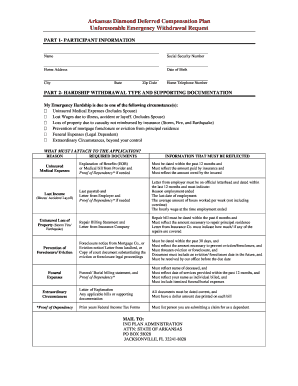
Arkansas diamond deferred compensation plan

Tuscaloosa ophthalmology healthcare
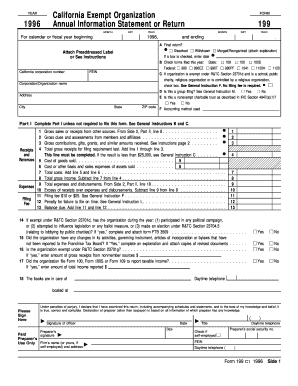
Asdk12 1996 form
Wowgr application
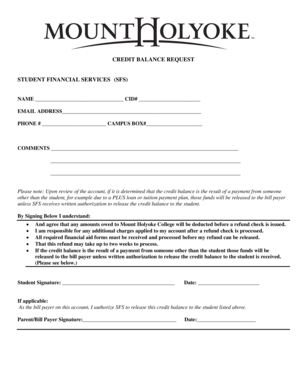
STUDENT FINANCIAL SERVICES - Mount Holyoke College - mtholyoke
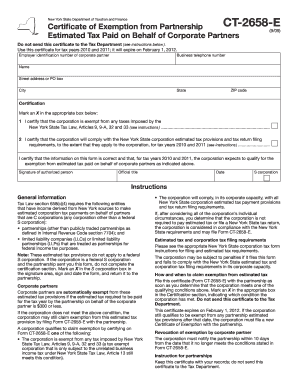
Ct 2658 e 2009 form
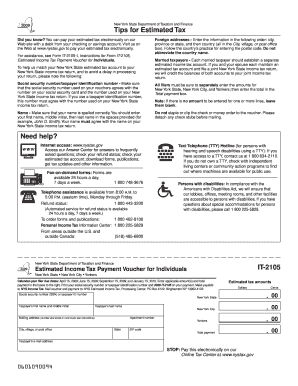
It 2105
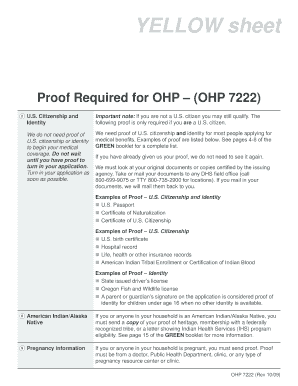
Apply for ohp online
T1036 forms form
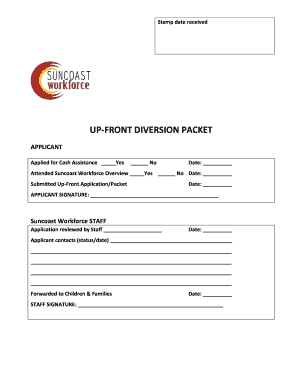
Upfront diversion program
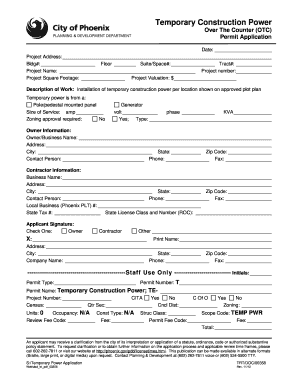
City of phoenix shade structure permit
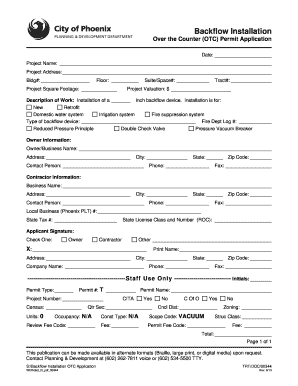
City of phoenix hydrant meter application
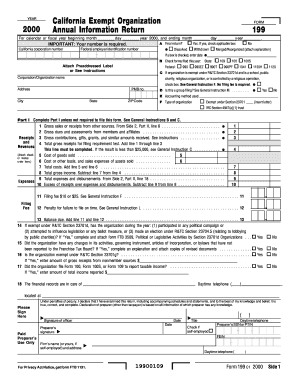
California exempt organization annual information return 2011 2000
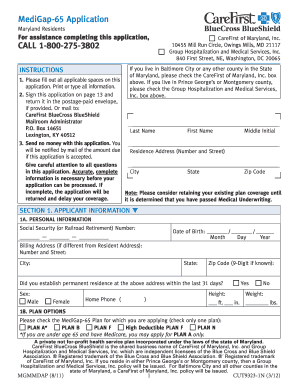
Medigap application maryland
Benefit from the DocHub online library of fillable PDF forms
Searching the PDF forms doesn't have to be a tedious and time-consuming process. With the DocHub online library, it has become easier to find the fillable PDF forms and modify them in your browser. The service allows you to adjust the document to your needs using powerful editing tools.
You can use online document editing features to modify almost any type of document with ease. You just need to find the template of your choice, open it in the editor, and use the toolbar to make the necessary corrections.
Follow this guide to get your document done with DocHub:
- Find the PDF template you need.
- Click the Get Form button to open the file in the editor.
- Use the toolbar to fill out and edit the document.
- Easily add and highlight text, insert images, checkmarks, and symbols.
- Drop new fillable fields, and rearrange or delete pages from your file.
- Save changes and download your record.
DocHub empowers everyone to streamline document editing, signing, and distribution, and form completion. Create an account and benefit from our well-organized PDF Forms library and comprehensive editor.