
Get any PDF form from the DocHub library of ready-made templates - Page 1687
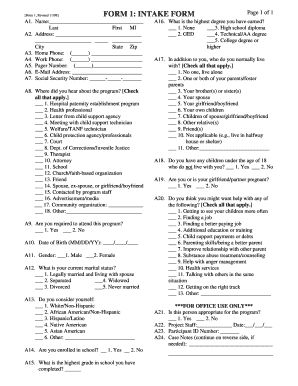
Fatherhood intake form

Ingham county probate court forms
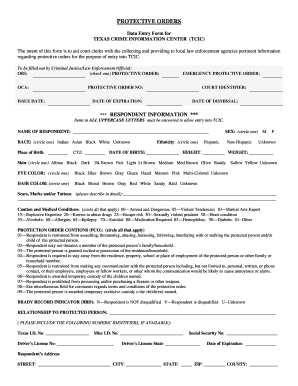
Tcic form
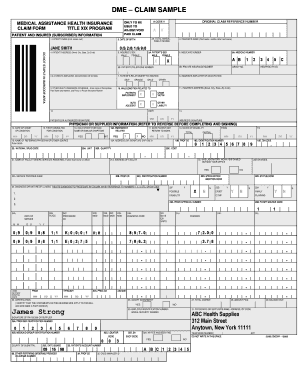
Medical assistance health insurance claim formtitle xix programpatient and insured subscriber information
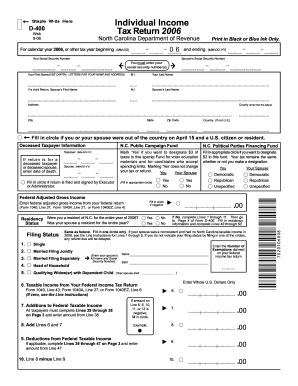
2006 d 400 form
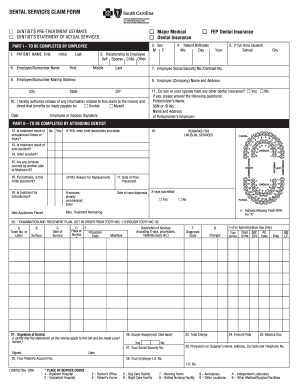
Southcarolinablues
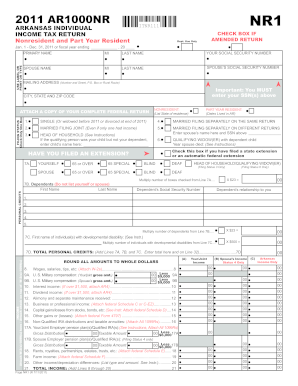
Arkansas form arnr 2011

Worksheet of a e i form

Trio eoc intake form
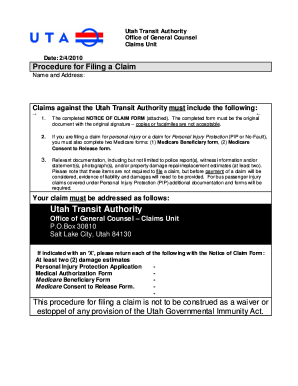
Download the Notice of Claim Form - Utah Transit Authority
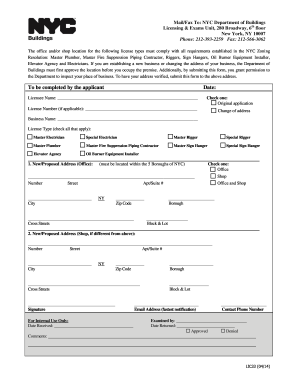
Nyc lic33 form 2014
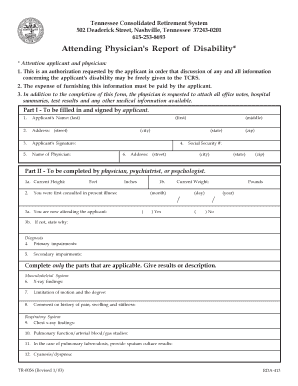
Tennessee form attending physicians report
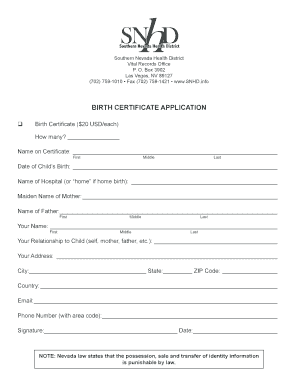
Birth certificate nevada
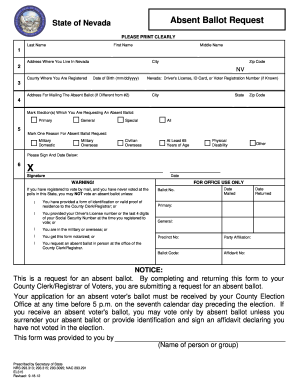
Absentee ballot nevada fillable form
Police questionnaire form
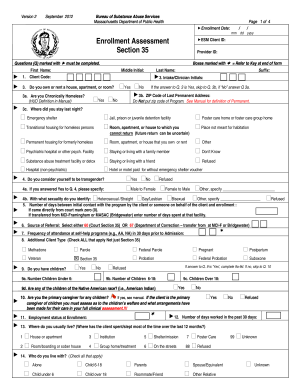
Section 35 form
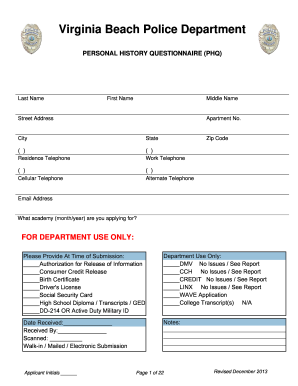
Virginia beach police physical ability medical waiver form 2013
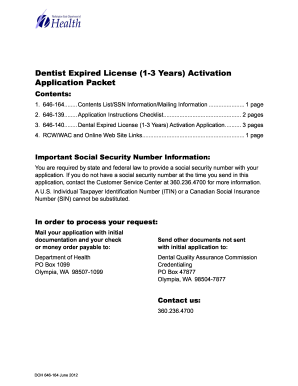
Dental Expired License ( 1 -3 Years) Activation Application - doh wa
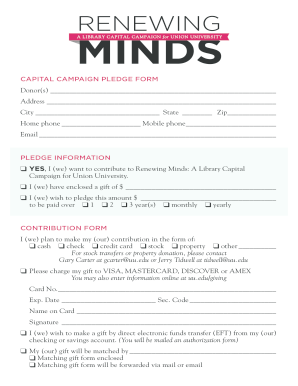
Capital campaign pledge form
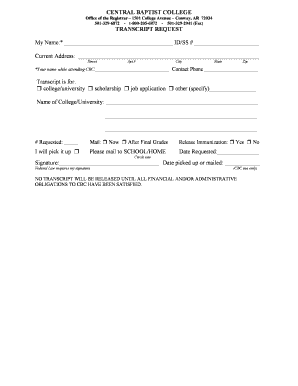
Central baptist college transcript request

Report of legal name change wisconsin form
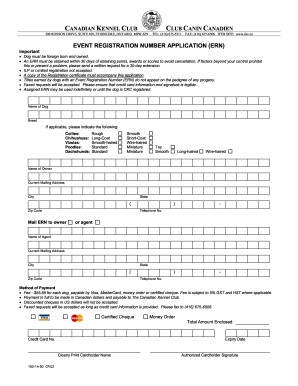
Ckc ern form 2002

Nm 4h foundation
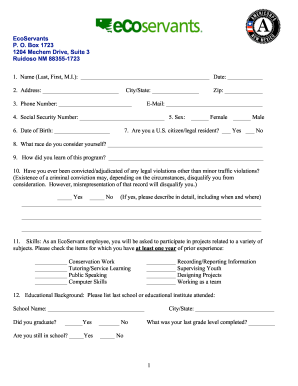
Ecoservants
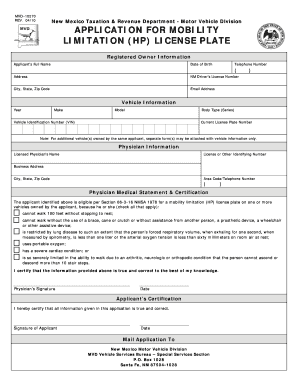
Nm mvd 10270 form

How to make a high school diploma online for
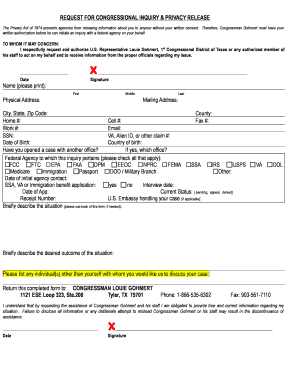
Request for congressional inquiry

Sports form
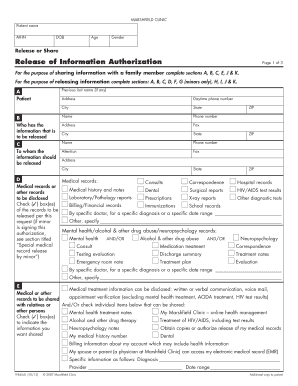
Marshfield clinic release of information phone number
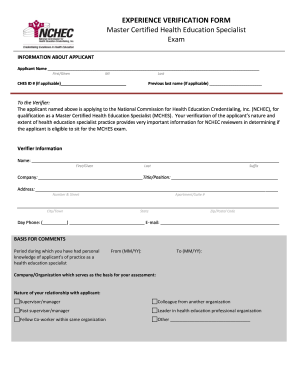
Nchec form
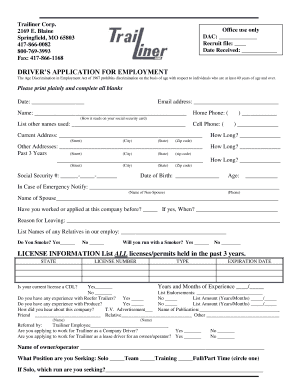
Driver employment application template form
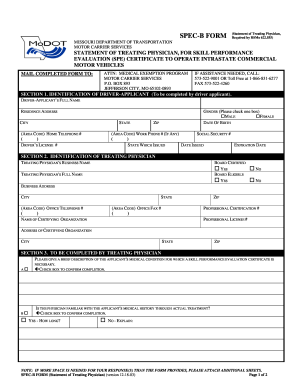
SPEC-B FORM - modot
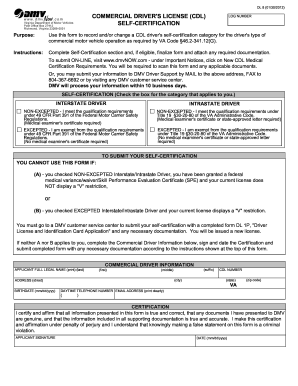
Dmvnow com 2012 form

Fee Waiver Application - Maricopa County - maricopa
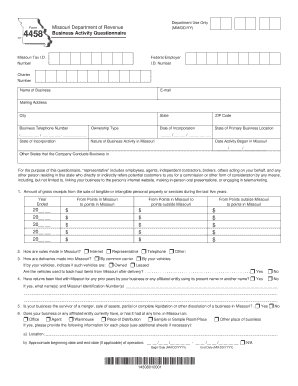
573 522 4989
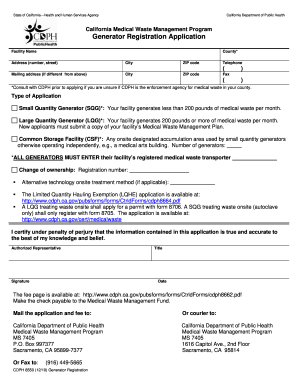
Form cdph8550 2010

One sample per form - WSU Puyallup Research and Extension ... - puyallup wsu

Ps 31152 11 form

Dtaconnect recertification forms online fillable printable

Sf 1423
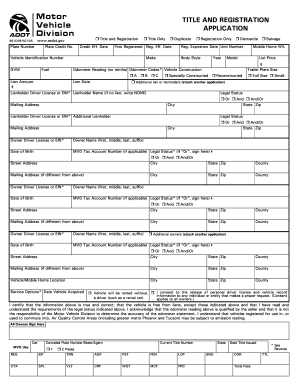
Vintek fhorm 2005 form
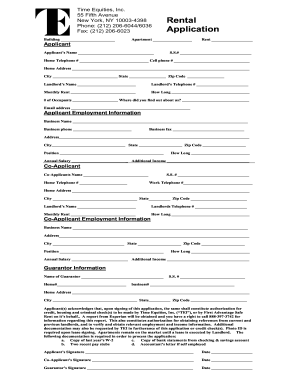
Time equities rental application latest

Connie collier 4 h scholarship
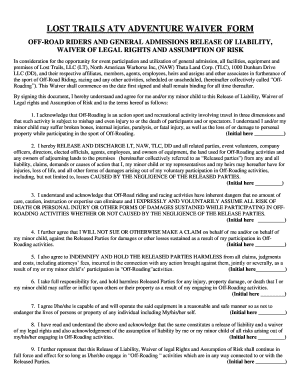
HEADQUARTERS MOTO FACILITY WAIVER FORM - Ride Lost Trails

Smud mobile app 2011 form

Tarrant county deed change
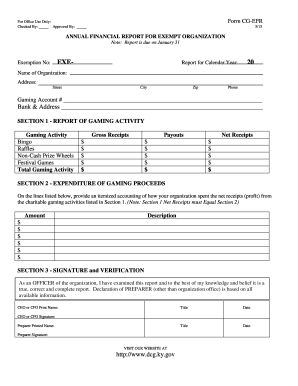
Form cg efr
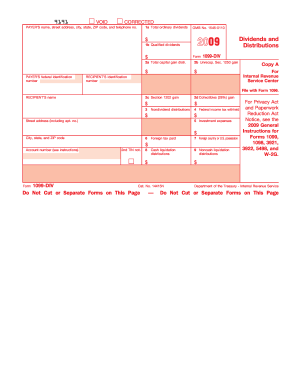
2009 form 1099 div

Commonwealth of virginia statement of economic interest fillable 2006 form
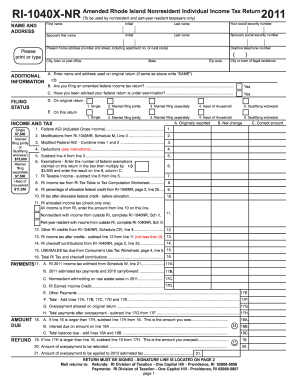
2011 ri form

Wis dept revenue partnership form1065 2011

Form wc 20a 2007
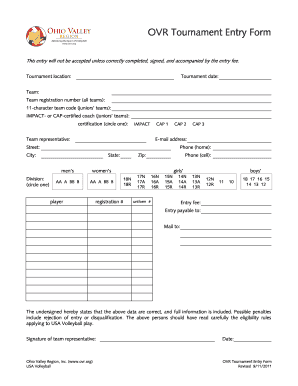
Ovr form
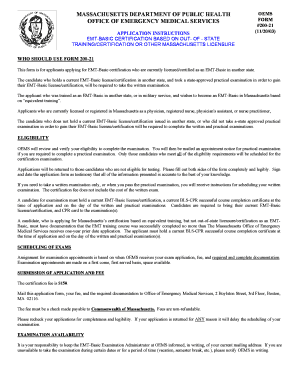
51a form online

Form ds 875z 2011

Re 202 form 2014
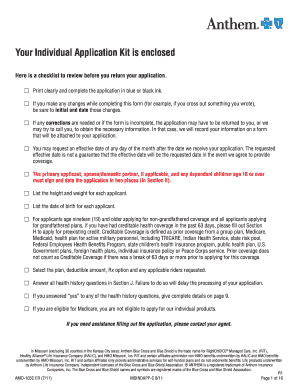
Anthem amo 103c form

Hesaa permanent make

Time lieu temperature

Skytop application

17a guardianship forms
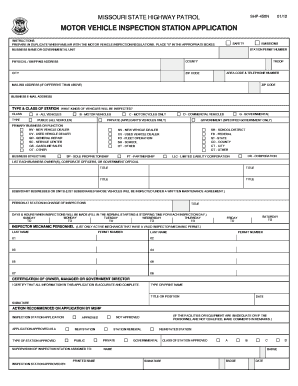
Missouri vehicle inspection form
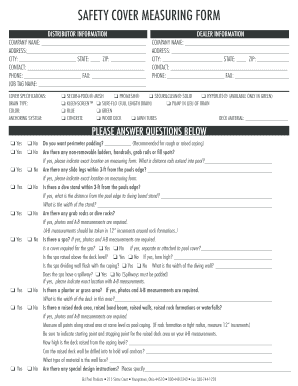
Gli safety covers form
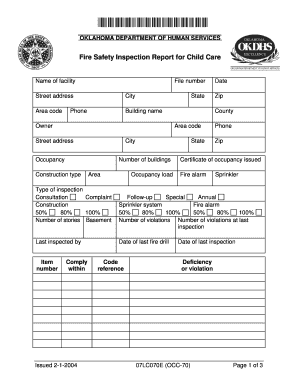
07lc070e
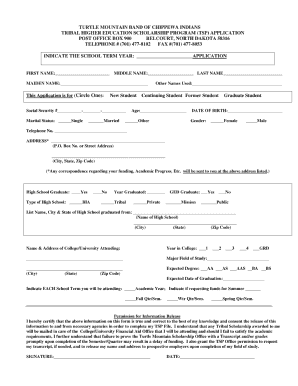
Tribal tsp form
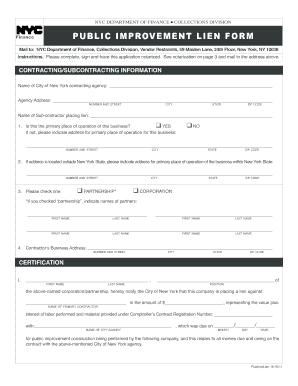
Ny public improvement lien
Human rpie filing online
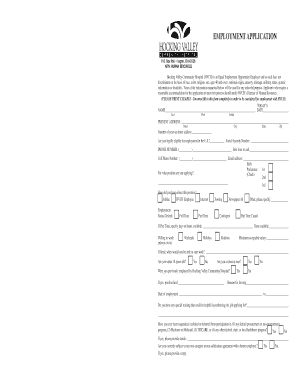
H.V. Employment Application - hvch
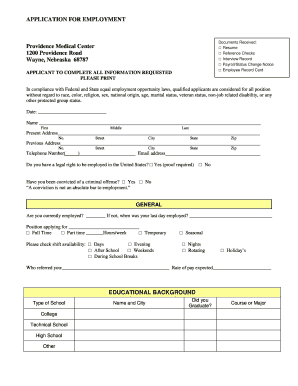
Providence medical center online job applications form
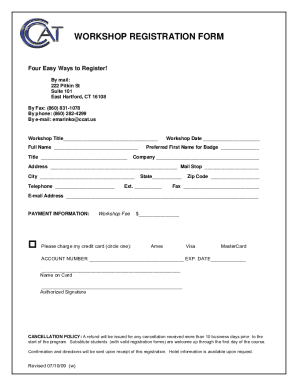
Fishbone diagram fillable

Sf 95 form
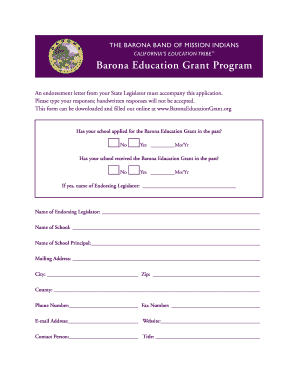
Barona education grant
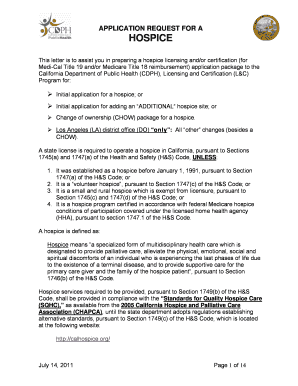
California hospice license application fee

Na registry online credential inquiry 2009 form
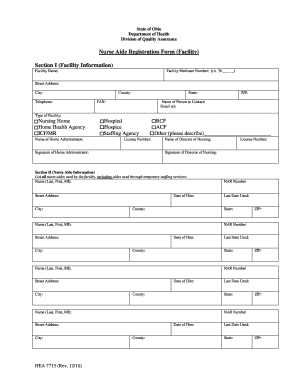
CNA - Illinois Department of Public Health
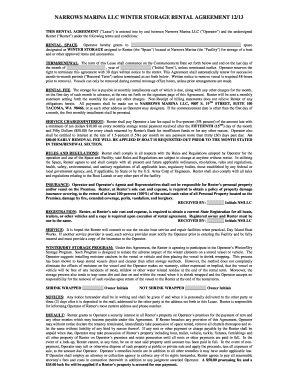
Winter storage agreement fillable form
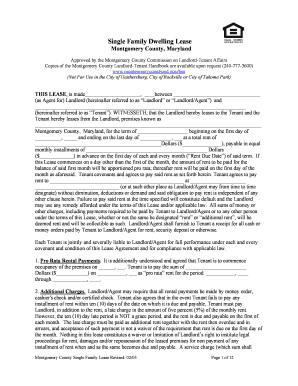
City of rockville dwelling lease form

2012 signer application pdf
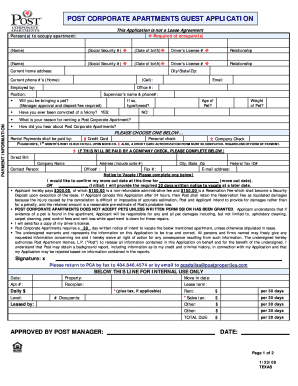
Post properties application 2009 form
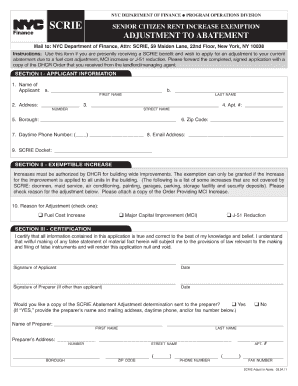
Mci scrie adjustment

New jersey esco

FBN Form - Addendum for 2010 - sccgov
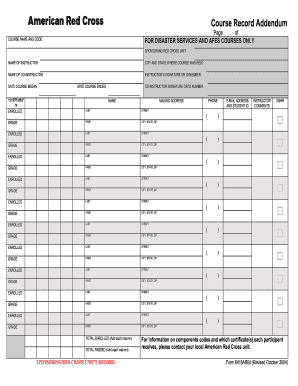
Course record addendum

Special inspections required by building code horry county 2006 form
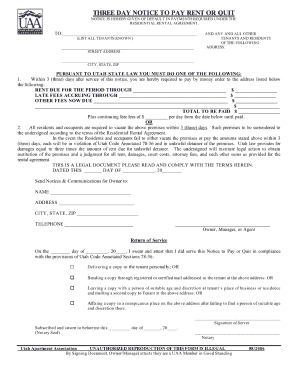
3 day eviction notice form pdf
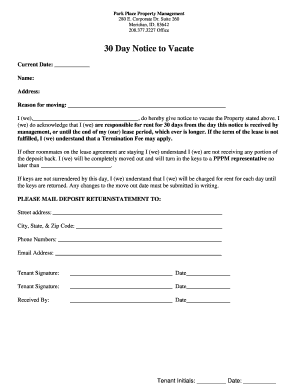
Notice to vacate alabama
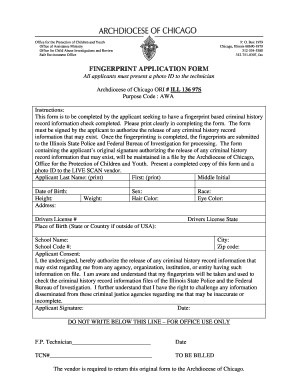
FINGERPRINT APPLICATION FORM - Archdiocese of Chicago ... - schools archchicago
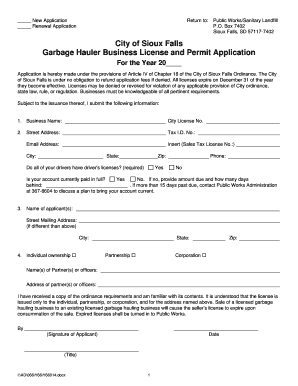
Garbage Hauler Business License and Permit Application - Sioux Falls - siouxfalls

Fl dh artist license
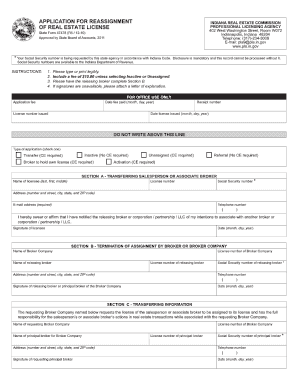
State form 47478 r6 1210 2010
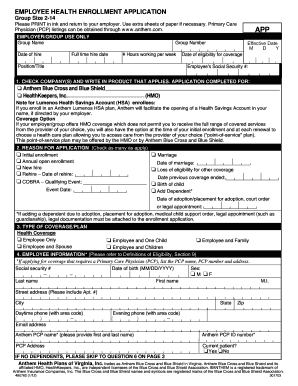
Enrollment 2 14
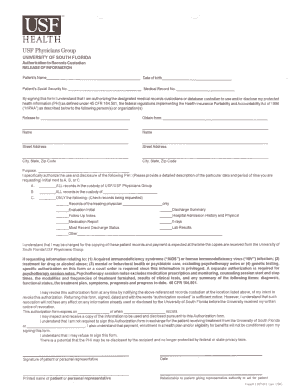
Usf health medical records
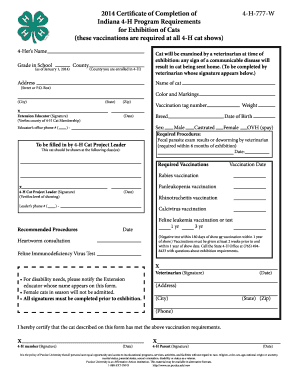
2012 cat vaccination form - Indiana 4 - H - Purdue University - four-h purdue
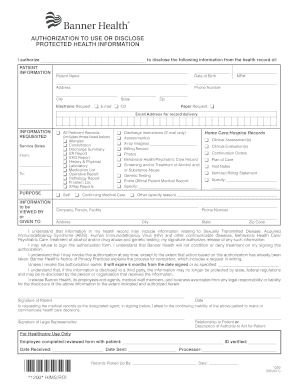
Authorization for use and disclosure of protected health information hawaii fillable
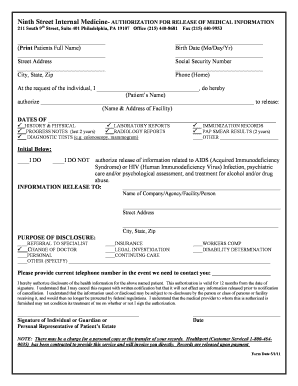
Release of Medical Records Form - 9th Street Internal Medicine
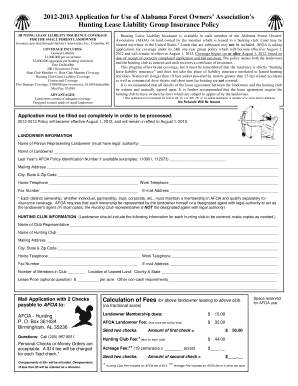
Afoa hunting insurance 2012 form

New york treasury registration form
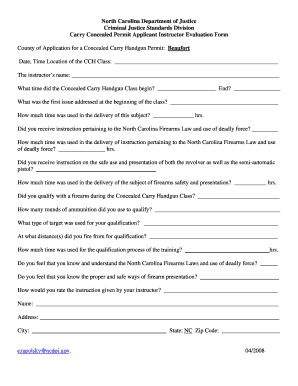
Nc concealed carry class powerpoint
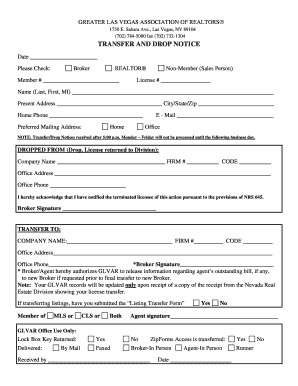
Glvar transfer and drop notice pdf
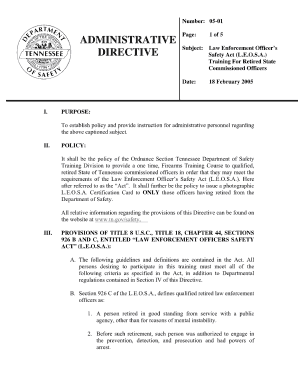
Leosa application form
Benefit from the DocHub online library of fillable PDF forms
Searching the PDF forms doesn't have to be a tedious and time-consuming process. With the DocHub online library, it has become easier to find the fillable PDF forms and modify them in your browser. The service allows you to adjust the document to your needs using powerful editing tools.
You can use online document editing features to modify almost any type of document with ease. You just need to find the template of your choice, open it in the editor, and use the toolbar to make the necessary corrections.
Follow this guide to get your document done with DocHub:
- Find the PDF template you need.
- Click the Get Form button to open the file in the editor.
- Use the toolbar to fill out and edit the document.
- Easily add and highlight text, insert images, checkmarks, and symbols.
- Drop new fillable fields, and rearrange or delete pages from your file.
- Save changes and download your record.
DocHub empowers everyone to streamline document editing, signing, and distribution, and form completion. Create an account and benefit from our well-organized PDF Forms library and comprehensive editor.