




Here's how it works

01. Edit your ps form 1216 online
Type text, add images, blackout confidential details, add comments, highlights and more.

02. Sign it in a few clicks
Draw your signature, type it, upload its image, or use your mobile device as a signature pad.

03. Share your form with others
Send ps 1216 via email, link, or fax. You can also download it, export it or print it out.
How to use or fill out ps form 1261 with our platform

- Click ‘Get Form’ to open it in the editor.
- Begin by entering your name in the 'Employee Name' field, formatted as Last, First, MI.
- Fill in your home telephone number, ensuring you include the area code for accuracy.
- Provide your complete mailing address, including any suite or apartment numbers.
- If your residence address differs from your mailing address, enter it in the designated field.
- Input your Employee Identification Number (EIN) and indicate if it is the same as your mailing address.
- Complete the emergency contact section by providing their name and telephone number.
- Specify the effective date of this information change and sign at the bottom of the form.
Start using our platform today to fill out ps form 1261 online for free!
Fill out ps form 1261 online
It's free
See more ps form 1261 versions
We've got more versions of the ps form 1261 form. Select the right ps form 1261 version from the list and start editing it straight away!
Got questions?
We have answers to the most popular questions from our customers. If you can't find an answer to your question, please contact us.
Contact us
How to fill out PS form 1260?
form 3575-Z, employee generated change of address can be used to make a moved, left no address forward for former residents who didnt put in a change of address. ask your carrier to fill some out.
How to fill out USPS customs form?
1260 violation is usually when mgmt in a level 18 or 18b exceeds the 15hr/ week limit of BUW. When a PM works the window more than 15hrs a week..
How to fill out a PS form 1260?
Start by entering your personal information at the top of the form. Fill in details regarding your supervisor and the type of ring. Provide necessary work-related information including route and finance number. Complete the time entries using the conversion table if needed.
Security and compliance
At DocHub, your data security is our priority. We follow HIPAA, SOC2, GDPR, and other standards, so you can work on your documents with confidence.
Learn more


Related forms

Florida adult adoptee form
The document provides instructions for completing Florida Supreme Court Approved Family Law Form 12.981(c)(2), which is ...

Aoc extradition form ky
The document is a request form for interpreters or assistive technology services for individuals who are deaf or hard of ...
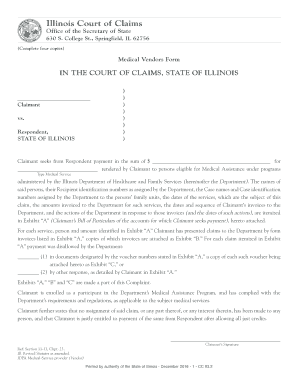
2016 illinois cc93 1 medical vendors fillable
The document is a Medical Vendors Form submitted to the Illinois Court of Claims, where a claimant seeks payment from th ...
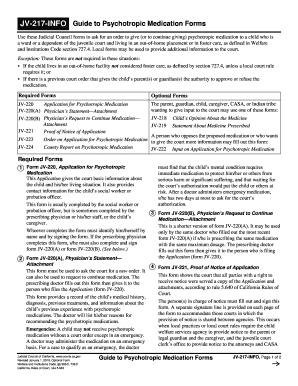
Psychotropic medications form
The document JV-217-INFO serves as a guide for using Judicial Council forms to request court orders for administering ps ...
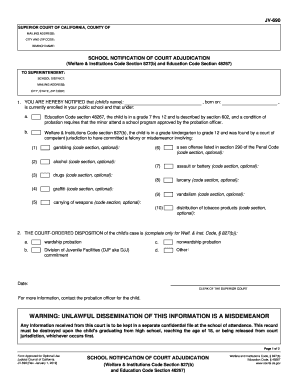
Code 690 form print
The document JV-690 is a notification form from the Superior Court of California to school districts regarding a child's ...
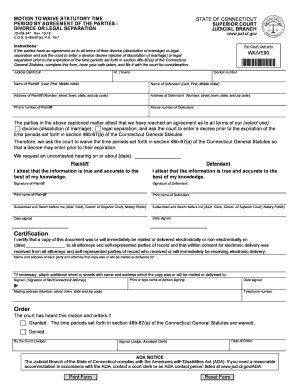
Jd fm 247
The document is a motion filed in the Connecticut Superior Court requesting to waive the statutory time periods for divo ...
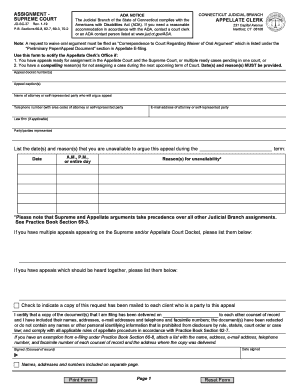
Ct form supreme court
The document outlines the procedure for notifying the Appellate Clerk's Office in Connecticut regarding appeals ready fo ...
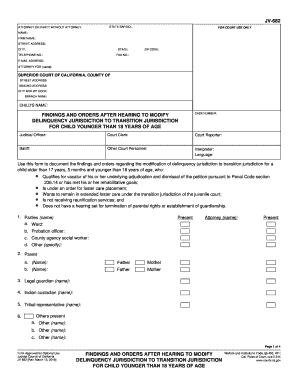
682 hearing modify form
The document JV-682 is a legal form used in the Superior Court of California to record findings and orders after a heari ...