
Get any PDF form from the DocHub library of ready-made templates - Page 1370
Private form

Release record form

ACC.19 68th Annual Scientific Session and Expo - American ...
Patient Request to Access/Disclose a Designated Record Set ...
Other Disclosures - Voya Financial Advisors, Inc.
Solved: Clear form when I open a PDF - Adobe Support ...
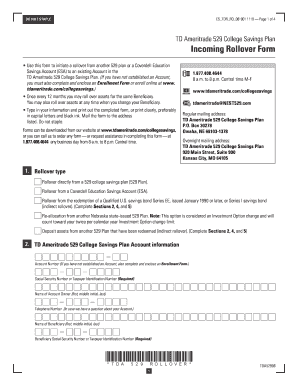
529 College Savings Plan Incoming Rollover Form - TD
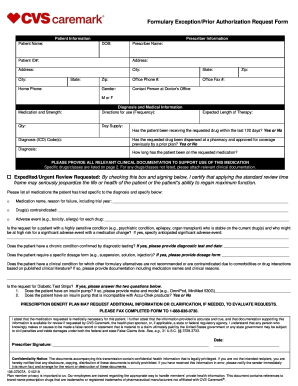
Formulary Exception/Prior Authorization Request Form ...

Fedex dispute form
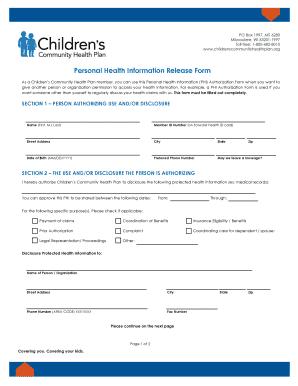
2017 Childrens Community Health Plan Personal Health Information Release Form

Application for Non-Physician Health Care Practitioner. Application for Non-Physician Health Care Practitioner
Life disability claim form
Fax:330
Prior authorization form sample

Co file transfer protocol

F 470 classification specification form

Privacy act information form pdf

Complaint difs your
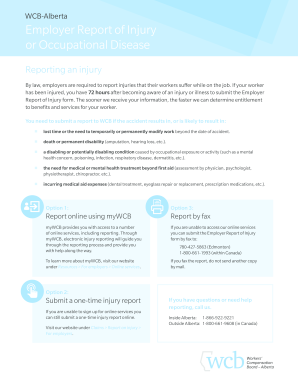
C 040
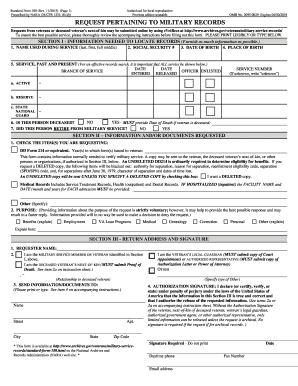
Sf 180
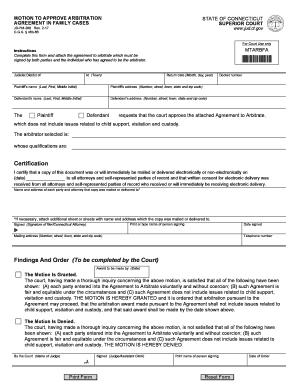
Connecticut approve cases search

Al adjustment assistance form
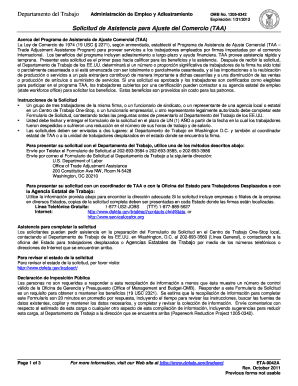
Alabama asistencia ajuste

Nc form workers
Alameda status report

New york fillable c240

Ph 16 2

135 form
Ak pamphlet 100
Alaska pamphlet form pdf
Pamphlet 400

Ny acceptance form

820 wcb pdf
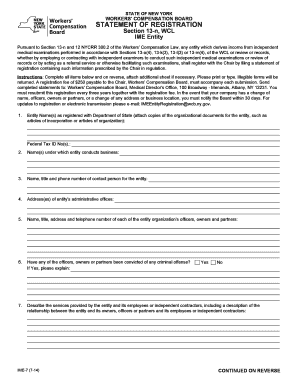
Finlform 7 ny

Form mg pdf
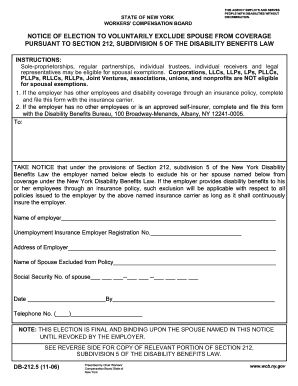
Ny election exclude

Noaa federal permit

Registration sharc
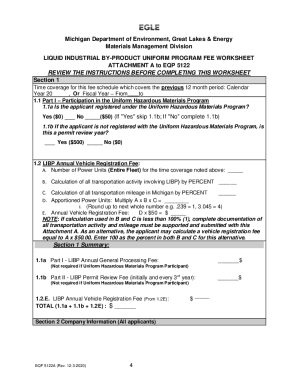
Instructions for Completing Liquid Industrial By-Product Uniform Program Fee Worksheet (Attachment A to EQP5122)

Noaa form fisheries

18 Printable form 540 2ez Templates - Fillable Samples in PDF, Word ...
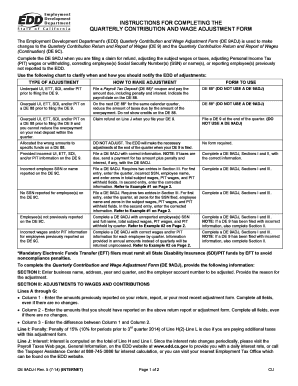
Edd completing form
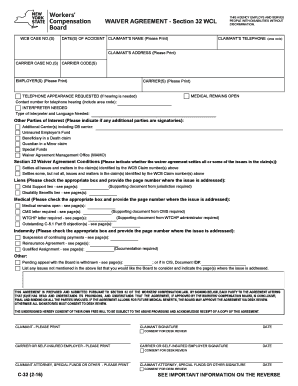
Section 32 form
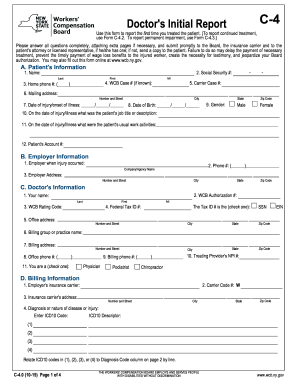
C 4 0

State of alaska flexible work hour plan

De1101id

Justia :: Certificate Of Excess Insurance - State Forms
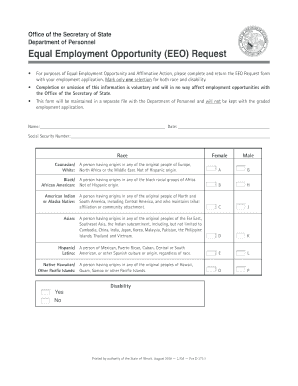
Office of the Illinois Secretary of State Equal Employment Opportunity (EEO) Request

Florida legislature application
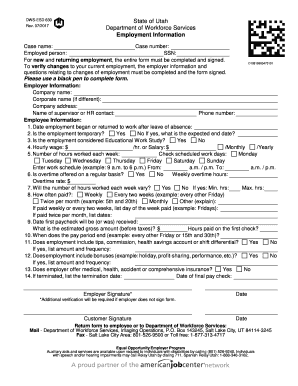
DWS-ESD 630
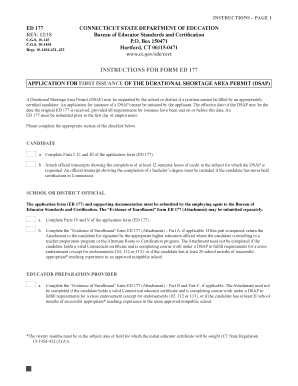
Connecticut dsap

Qa certificate in nyc - IT Training, Quality Assurance ...

Florida form referral

Washington hca application
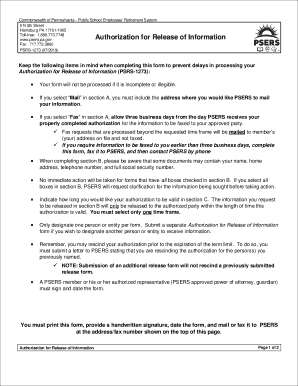
Keep the following items in mind when completing this form to prevent delays in processing your
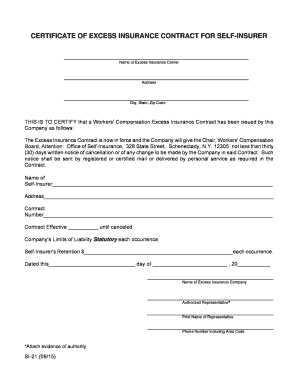
Ny certificate self insurer

Ny ime 5

Alabama labor named

Alabama certificate competency
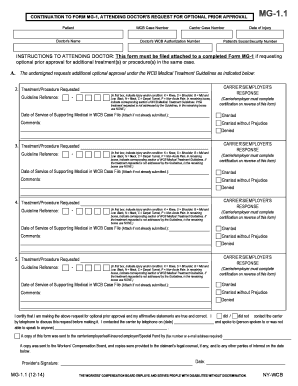
Mg1 1 form online
Colorado employment security

Equal eeo illinois
Worker employment application print
Db150 form
Coverage disability form printable
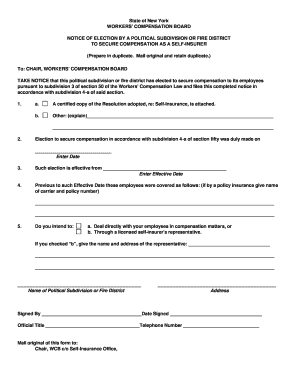
New york si26 district
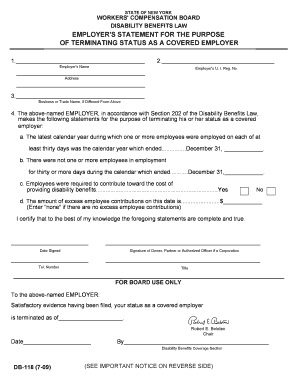
Statement terminatiing
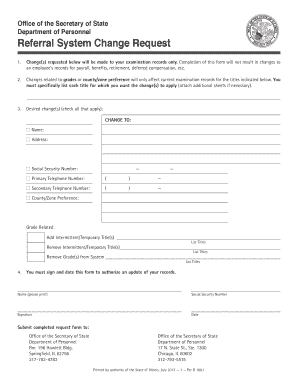
System change request form
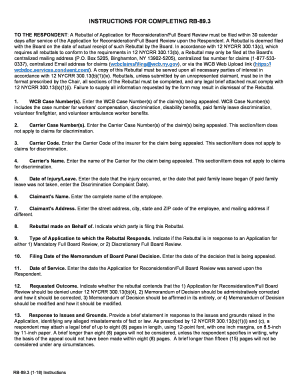
Rb 89 3

Prevent Problems with your Application - Illinois Secretary of State
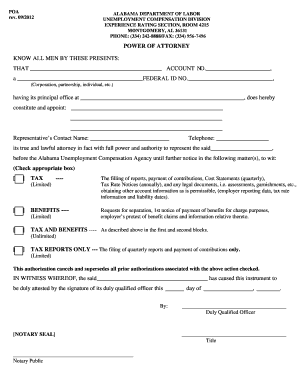
Alabama dol power

Wcb upon

California audit form

Ga verification form

Attached are forms for a change of name, duration, jurisdiction, or purpose for a foreign profit or not for profit corporation
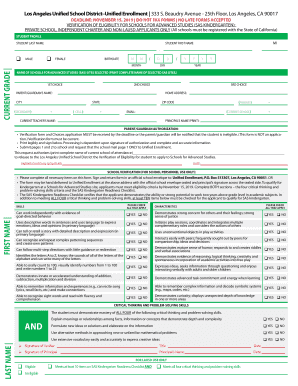
Verification sas

Virginia Line of Duty Act Participant Guide. Virginia Line of Duty Act Participant Guide
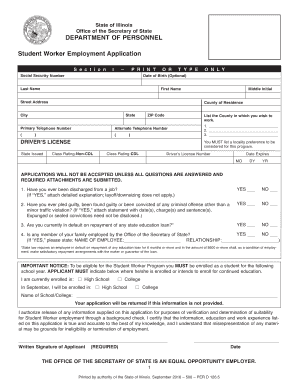
Illinois d worker employment

1693 ssa
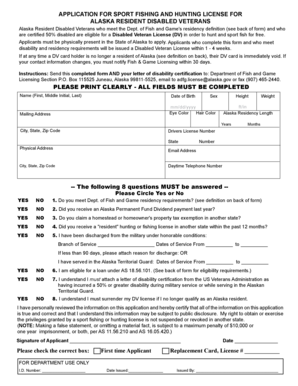
Out of state fishing license alaska
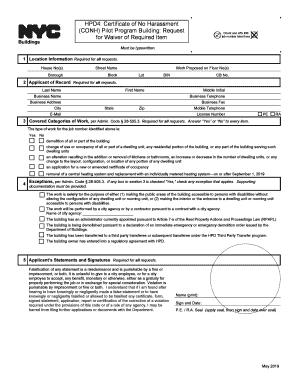
HPD4: Certificate of No Harassment
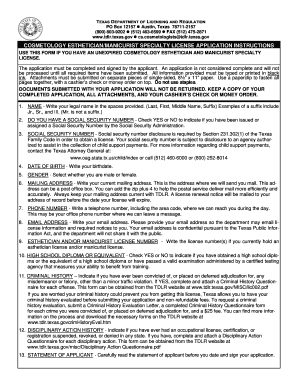
Tdlr licensing esthetician

Certificates-of-fitness - New York City

Fillable Online Zoning Verification Permit Ministerial ...
Washington fetal death

Participant Accident Statement of Claim for Travel, Activity ...
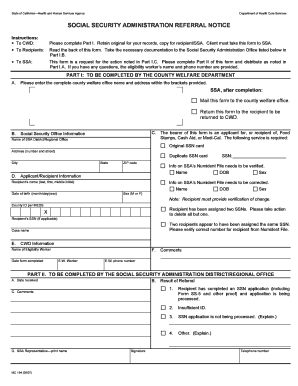
2007 mc 194 social administration

Nycers durable get
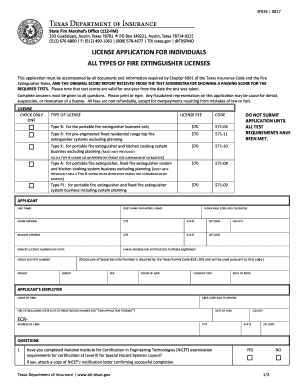
LICENSE APPLICATION FOR INDIVIDUALS
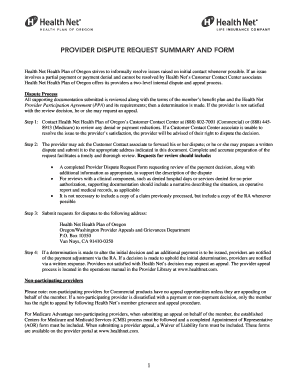
Health net provider dispute form 2020

Ksbha form
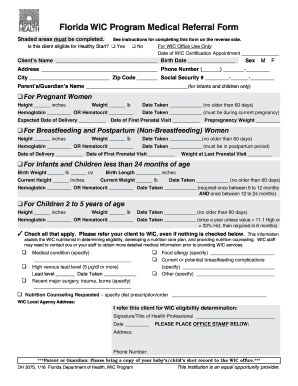
Form program medical referral
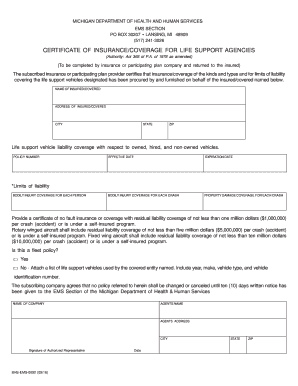
Bhs ems 0092
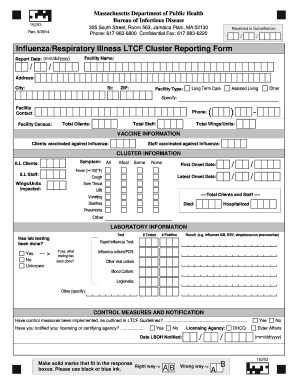
Ma 16293

Cdph c

Sfn child care
5147 form

Irs 55 form

Annual summary report
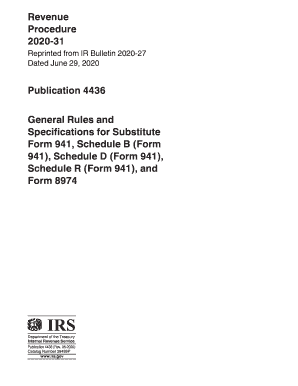
4436 form
Benefit from the DocHub online library of fillable PDF forms
Searching the PDF forms doesn't have to be a tedious and time-consuming process. With the DocHub online library, it has become easier to find the fillable PDF forms and modify them in your browser. The service allows you to adjust the document to your needs using powerful editing tools.
You can use online document editing features to modify almost any type of document with ease. You just need to find the template of your choice, open it in the editor, and use the toolbar to make the necessary corrections.
Follow this guide to get your document done with DocHub:
- Find the PDF template you need.
- Click the Get Form button to open the file in the editor.
- Use the toolbar to fill out and edit the document.
- Easily add and highlight text, insert images, checkmarks, and symbols.
- Drop new fillable fields, and rearrange or delete pages from your file.
- Save changes and download your record.
DocHub empowers everyone to streamline document editing, signing, and distribution, and form completion. Create an account and benefit from our well-organized PDF Forms library and comprehensive editor.