




Here's how it works

01. Edit your employment agency application form online
Type text, add images, blackout confidential details, add comments, highlights and more.

02. Sign it in a few clicks
Draw your signature, type it, upload its image, or use your mobile device as a signature pad.

03. Share your form with others
Send how to start a staffing agency in texas via email, link, or fax. You can also download it, export it or print it out.
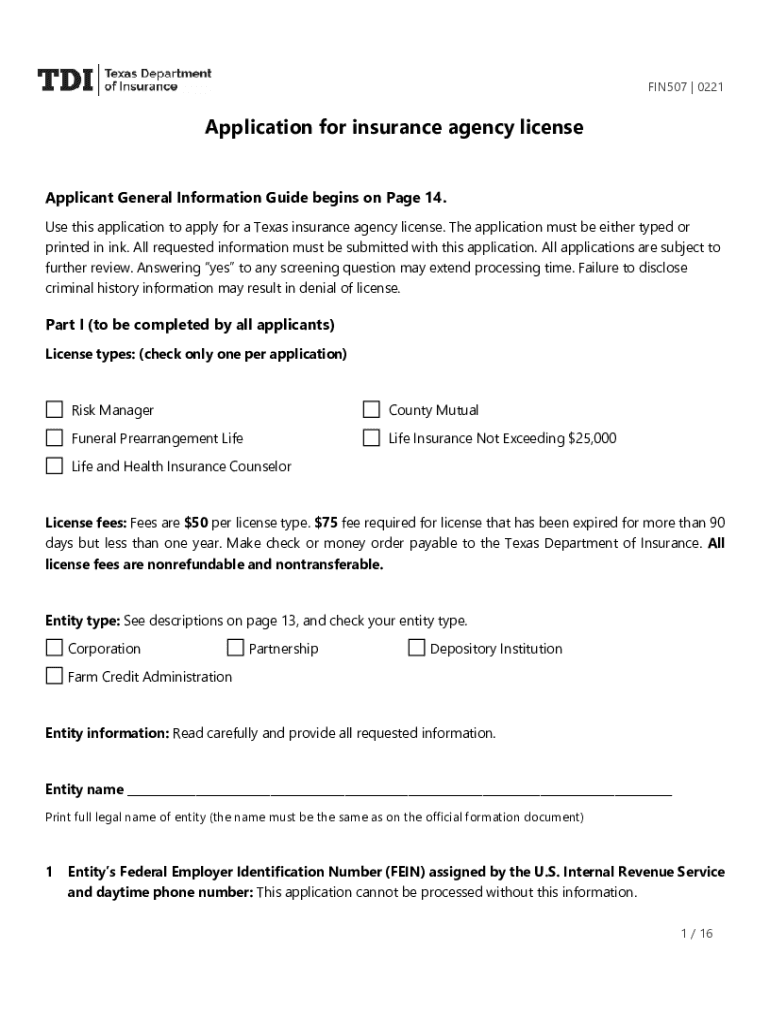
How to use or fill out application agency license with our platform

- Click ‘Get Form’ to open the application agency license in the editor.
- Begin with Part I, where you will select the type of license you are applying for. Ensure you check only one option.
- Fill in your entity information, including the full legal name and Federal Employer Identification Number (FEIN). This information is crucial for processing your application.
- Provide your official mailing address and business address. Make sure these addresses are accurate as they will be used for all correspondence.
- In Part II, list all responsible individuals/entities involved in your insurance operations. Include their full names, titles, and contact details.
- Complete Part III by confirming your business authority and financial responsibility. Attach any required documents such as proof of financial responsibility if applicable.
- Answer all screening questions in Part IV honestly. If applicable, attach supporting documentation for any affirmative responses.
- Finally, certify the application in Part V by signing and dating it before submission.
Start using our platform today to streamline your application process for free!
Fill out application agency license online
It's free
It's free
See more application agency license versions
We've got more versions of the application agency license form. Select the right application agency license version from the list and start editing it straight away!
Security and compliance
At DocHub, your data security is our priority. We follow HIPAA, SOC2, GDPR, and other standards, so you can work on your documents with confidence.
Learn more


Related forms
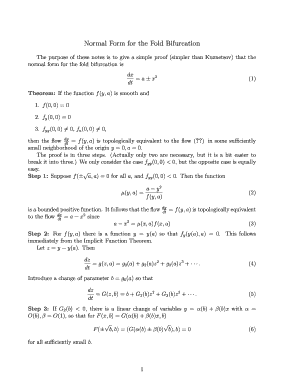
Normal Form for the Fold Bifurcation - math utah
The document provides a simplified proof of the normal form for the fold bifurcation, demonstrating that under certain c ...

MPP Recommendation Form - Master of Public Policy - University of
The document is a recommendation form for applicants to the Master of Public Policy Program at the University of Utah. I ...

NP Form 1b
The document discusses Cartan's Method of Moving Frames, which is a technique in differential geometry for analyzing sur ...

International Visiting Scholar Info Form - Department of Linguistics
The document is a form for visiting scholars or exchange visitors at the University of Utah, requiring personal informat ...

REGISTrATION FOrM: (Printable version) Send your registration information via mail, fax or online -
REGISTrATION FOrM: (Printable version) Send your registration information via mail, fax or online -
The Therapeutic Endoscopy Course 2013, hosted by Brigham & Women’s Hospital and the University of Utah School of Medicin ...

Genetic and molecular analysis of a variant form - University of Utah
The dissertation by Lisa Nean Spirio presents a comprehensive genetic and molecular analysis of a variant form of adenom ...

Analytic evaluation of two-center STO electron repulsion integrals via
The document presents an analytic evaluation of two-center electron repulsion integrals using Slater-type orbitals (STOs ...

Michigan Vehicle Dealer Closeout Statement - cloudfront
The Michigan Vehicle Dealer Closeout Agreement is a formal document certifying the discontinuation of business as a lice ...


