
Get any PDF form from the DocHub library of ready-made templates - Page 1346
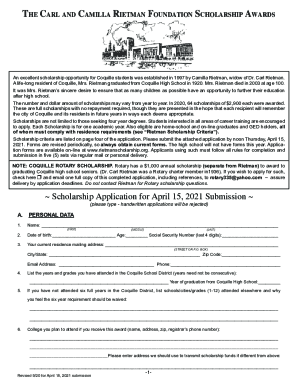
The Carl and Camilla Rietman Foundation Scholarship Awards
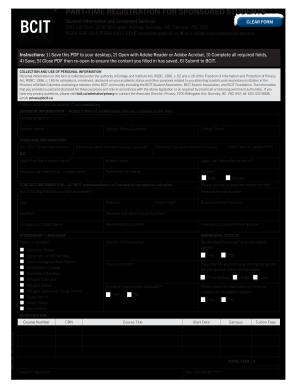
Sponsored bcit form

Rietman scholarship

Alaska tf 920 form
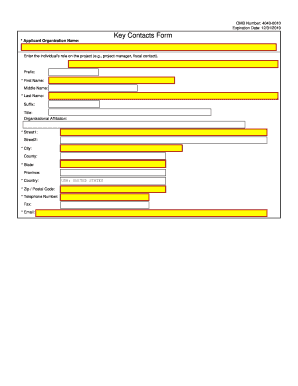
Key contacts pdf
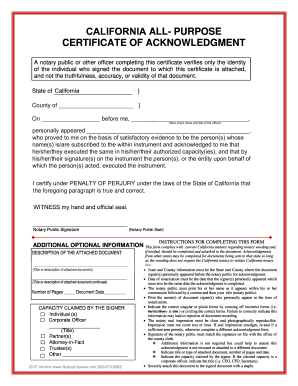
California acknowledgement 2021

Imm 5558 document
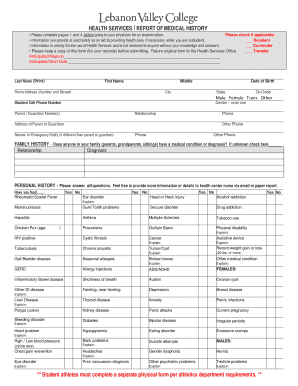
HS-HealthCenterForm-11x1716.indd
Subject access request data protection

Molina healthcare pregnancy notification form
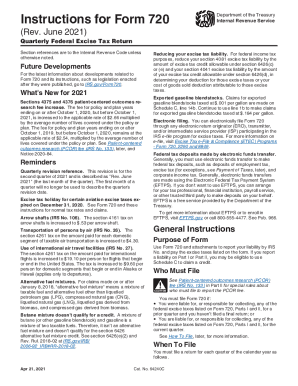
Instructions 720 federal
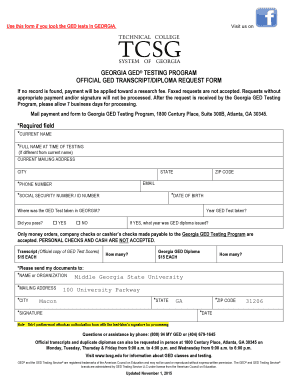
Ged transcript from georgia
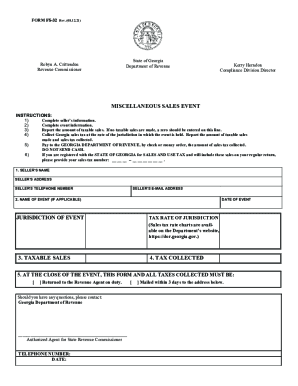
Kerry Herndon
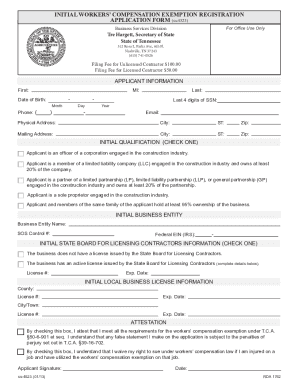
Worker compensation exemption registration
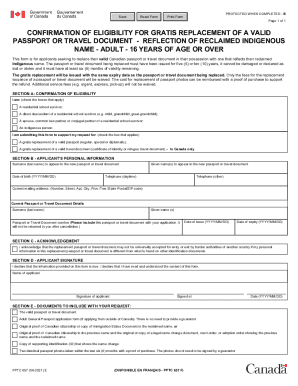
PPTC 657 E
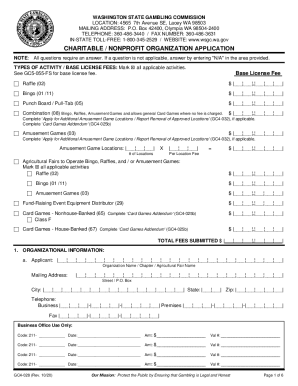
Renew washington state gambling license, renew washington ...

BUSINESS, CONSUMER SERVICES, AND HOUSING AGENCY GOVERNOR EDMUND G - vmb ca

Hea2783

County Health / Family Planning
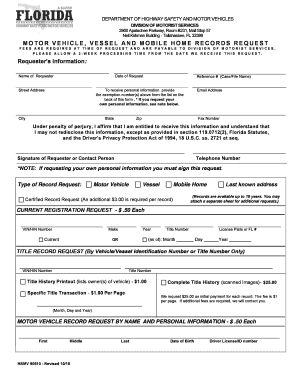
Hsmv 90510
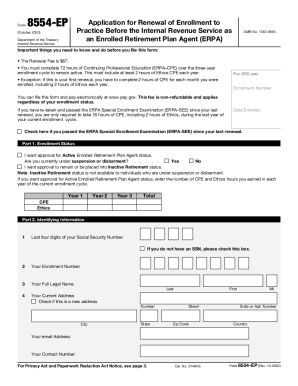
Form 8554
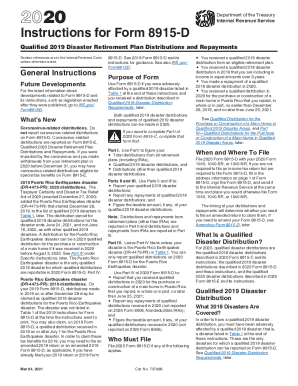
Instructions 8915 form

Instructions 5471
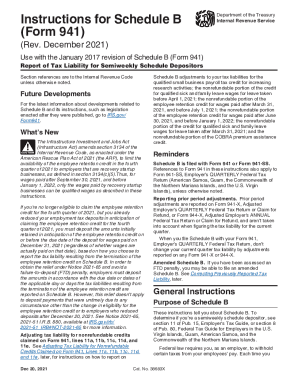
Instructions 941 schedule b

1 - Office

SPOKANE COMMUNITY COLLEGE NURSING PROGRAM APPLICATION FORM. SPOKANE COMMUNITY COLLEGE NURSING PROGRAM APPLICATION FORM

2019 Spokane Community College Application Packet
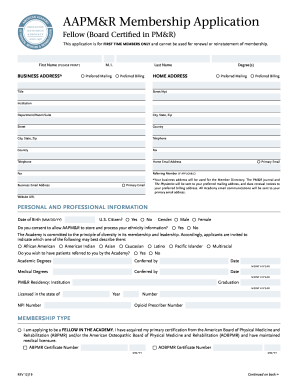
Aapmr membership
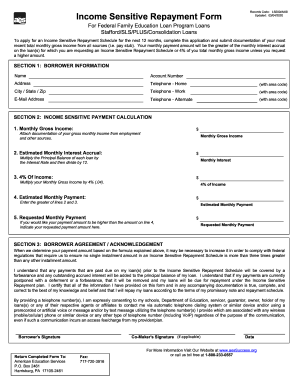
Income Sensitive Repayment Request

PDF Employer-Provided Vehicle Certification Form - DFA Cornell
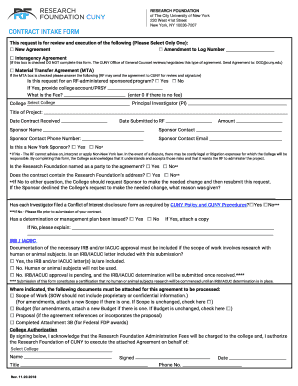
Contract intake
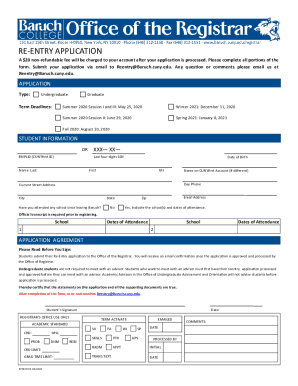
Re entry application
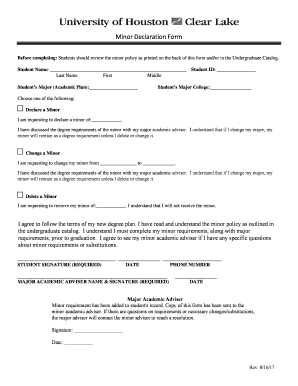
Johns Hopkins University. Student Financial Assistance - PDF
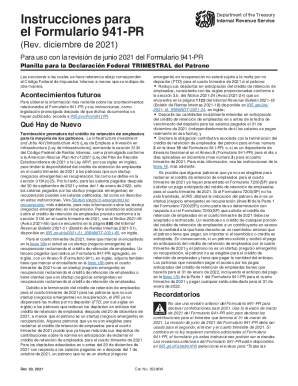
Instrucciones planilla
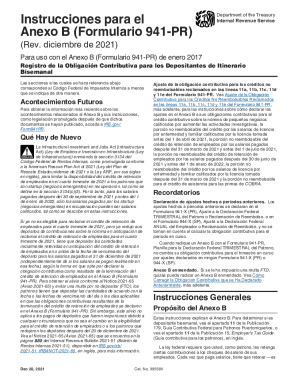
2021 instrucciones pr contributiva
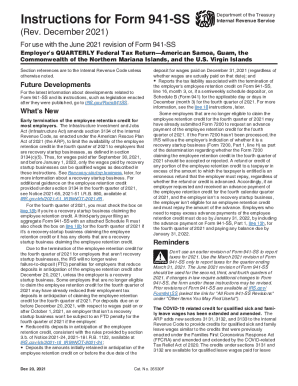
Irs pubirs-pdfInstructions For Form 941 (Rev June
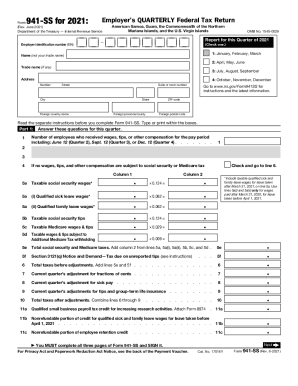
Form 941-SS (Rev. June 2021). Employer's Quarterly Federal Tax Return American Samoa, Guam, the Commonwealth of the Northern Mariana Islands, and the U.S. Virgin Islands
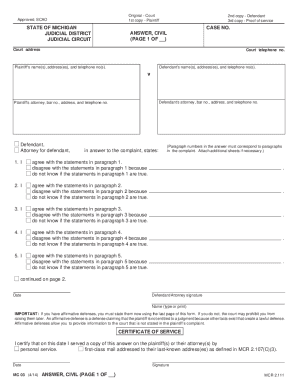
Mc court mi

Client Portfolio Application Form
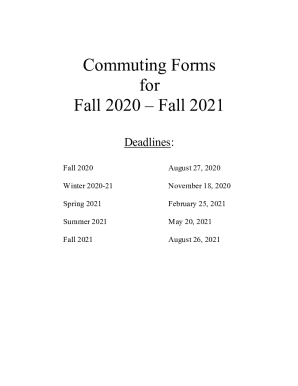
Commuting Form 20-21 (2).docx

Imm5406
Acams recertification handbook

Local: 717
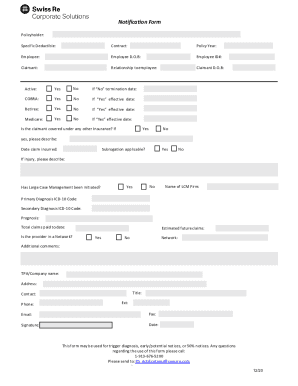
For Specific Coverage - Corporate Solutions
Irs publication 547
2020 5439
Publication 557 (Rev. February 2021). Tax-Exempt Status for Your Organization
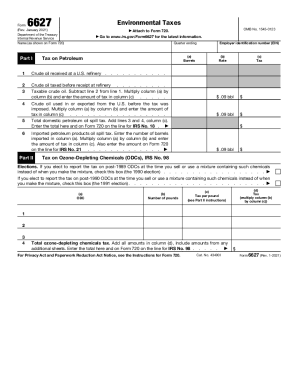
6627
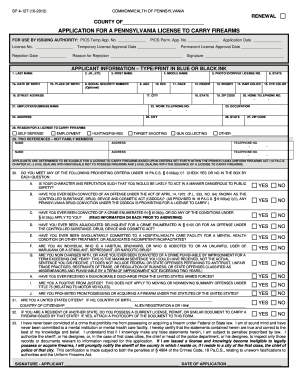
License carry firearms
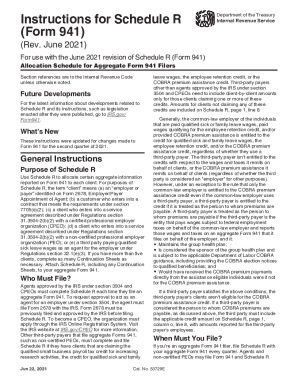
Irs instruction schedule r
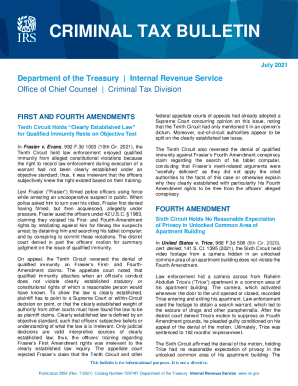
Irs pubirs-accessCRIMINAL TAX BULLETIN - IRS tax forms

Irs publication
2021 irs entender

Instructions form
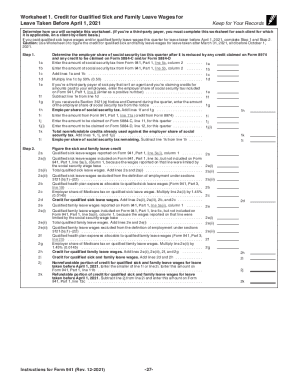
Instructions for Form 941 (Rev. December 2021). Instructions for Form 941, Employer's QUARTERLY Federal Tax Return

Framingham State University Undergraduate Catalog Who ...
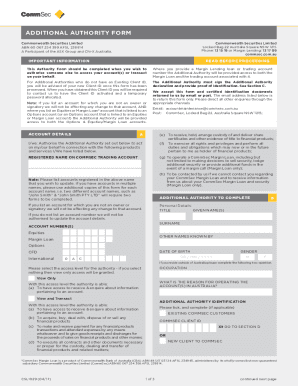
DocHub form-library289254-commsecCommsec Additional Authority Form - Fill and Sign Printable
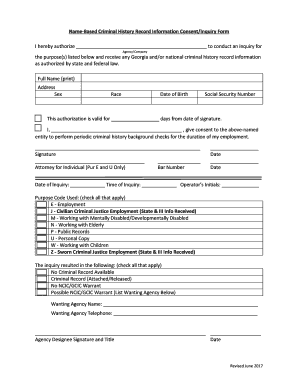
Criminal History Record Info Consent / Inquiry Form - Town of Alto
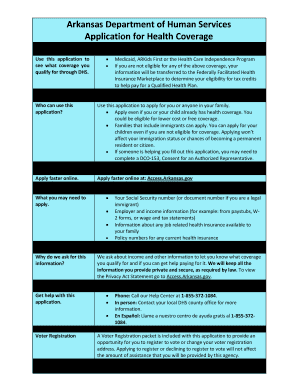
Ar application form
Sheet nonclinical
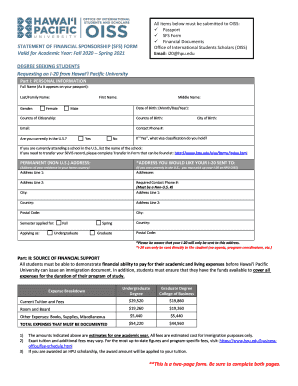
Statement sponsorship

Commuting form
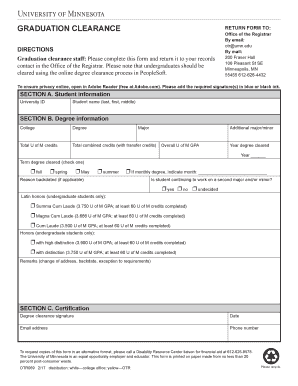
Minnesota otr form

Earlham transcript
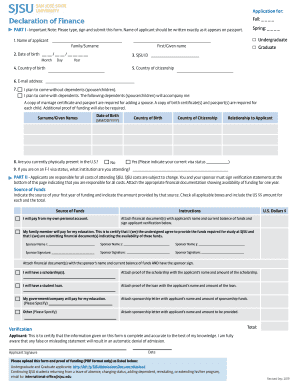
Sjsu financial form
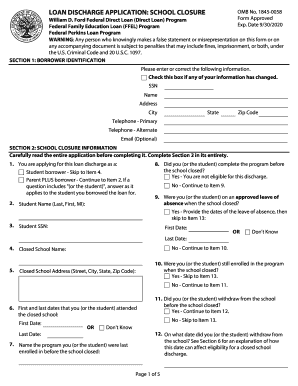
School closure
Personal data form
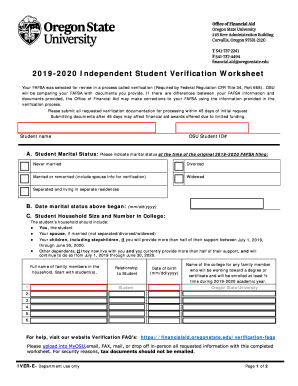
Independent student verification worksheet
UA Incident Response Plan - University of Arizona
Gsl form
Utsa residency
Volunteer service procedures volunteer agreement and ...

Challenge examination
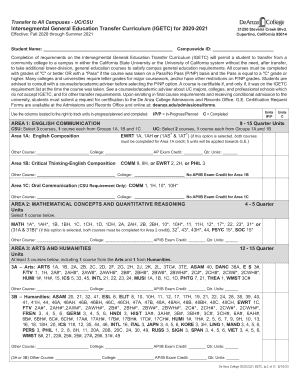
Igetc form

State dependent verification form
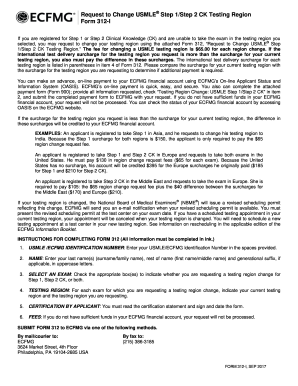
Ecfmg change
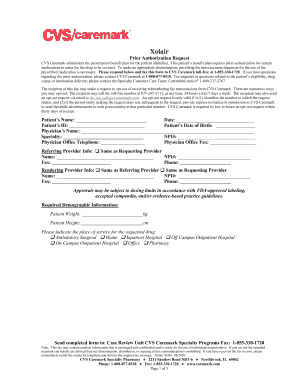
Prescription Drug Benefit Description - CVS Caremark

A T. CVS caremark pproval - Arkansas Blue Cross
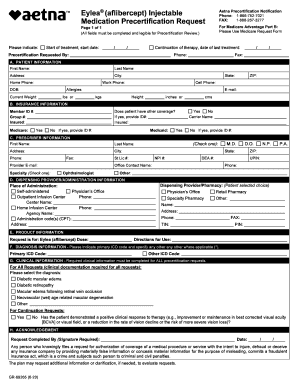
Aetna medication precertification request form
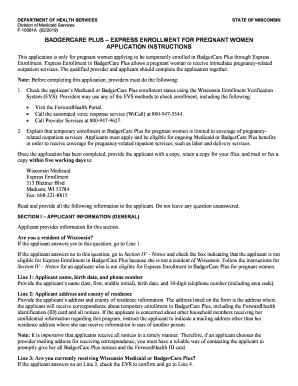
Wisconsin Medicaid for the Elderly, Blind or Disabled Divestment

For free parking, your physician, chiropractor, optometrist, nurse practitioner, physicians assistant, or physical
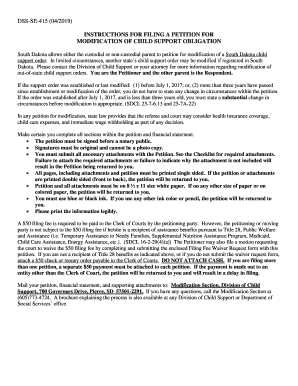
Sd petition support

Cdph 110a form
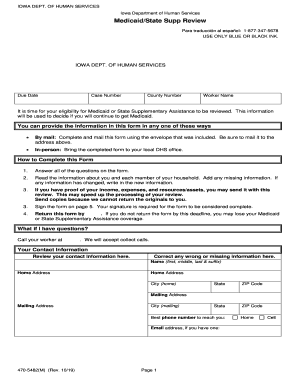
Get the 470-5482(M) - Iowa Department of Human Services ...
Ds 4151

Umf 40 8 1

9902
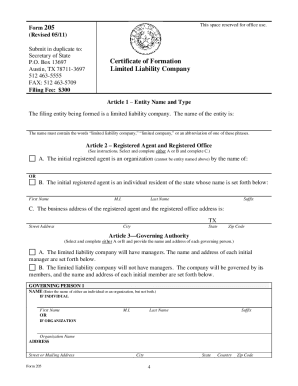
Form 205 texas pdf
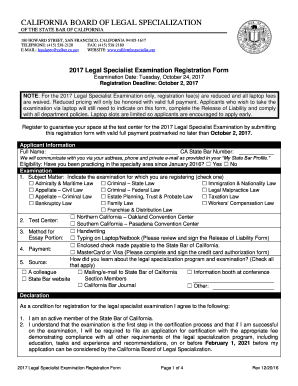
California specialist examination registration
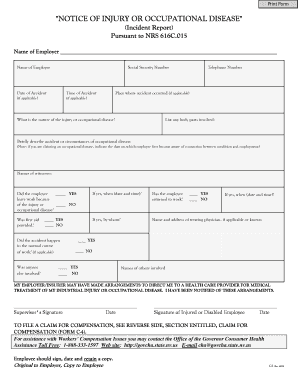
C-1 Notice of Injury or Occupational Disease Incident Report - unr
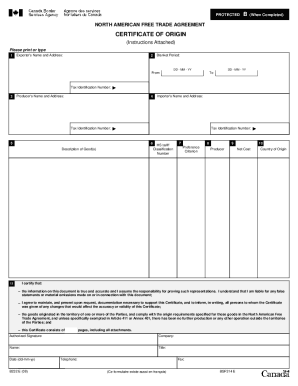
G:F&&A PUBFORMS...B232B232E.FRP Printing
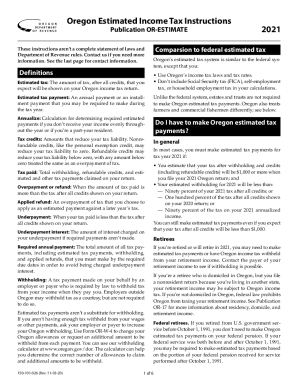
2021 Publication OR-ESTIMATE, Oregon Estimated Income Tax Instructions, 150-101-026
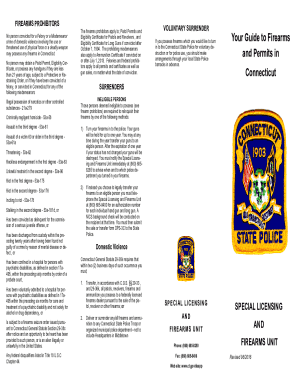
CT Special Licensing and Firearms Unit
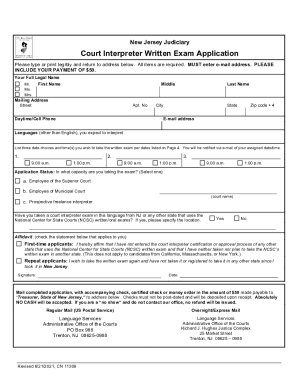
The Evolution of a Profession - NAJIT
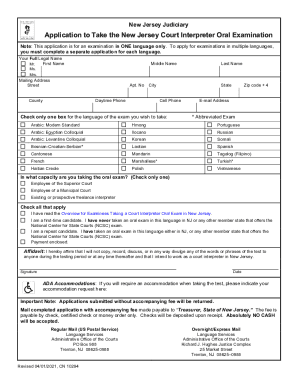
Fillable Online Overview of the Oral Examiniation for ...

Detroit schools transcript request
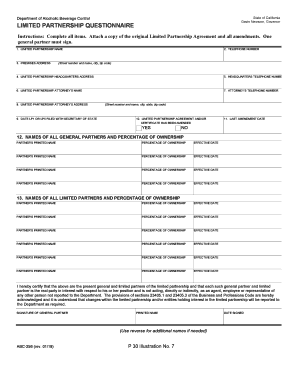
Abc 256 form
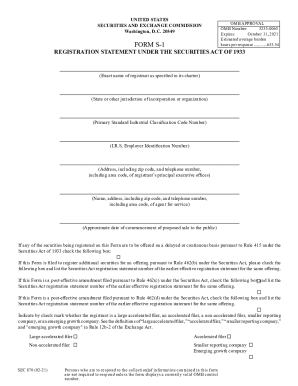
S 1
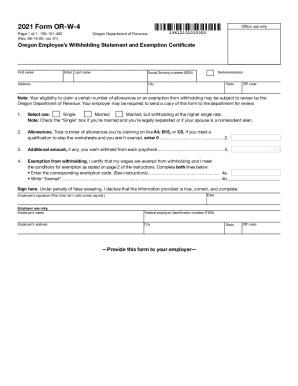
2021 or w 4 form

State of hi med quest application
Benefit from the DocHub online library of fillable PDF forms
Searching the PDF forms doesn't have to be a tedious and time-consuming process. With the DocHub online library, it has become easier to find the fillable PDF forms and modify them in your browser. The service allows you to adjust the document to your needs using powerful editing tools.
You can use online document editing features to modify almost any type of document with ease. You just need to find the template of your choice, open it in the editor, and use the toolbar to make the necessary corrections.
Follow this guide to get your document done with DocHub:
- Find the PDF template you need.
- Click the Get Form button to open the file in the editor.
- Use the toolbar to fill out and edit the document.
- Easily add and highlight text, insert images, checkmarks, and symbols.
- Drop new fillable fields, and rearrange or delete pages from your file.
- Save changes and download your record.
DocHub empowers everyone to streamline document editing, signing, and distribution, and form completion. Create an account and benefit from our well-organized PDF Forms library and comprehensive editor.