




Here's how it works

01. Edit your form online
Type text, add images, blackout confidential details, add comments, highlights and more.

02. Sign it in a few clicks
Draw your signature, type it, upload its image, or use your mobile device as a signature pad.

03. Share your form with others
Send it via email, link, or fax. You can also download it, export it or print it out.
How to use or fill out acams recertification handbook with our platform

- Click ‘Get Form’ to open the acams recertification handbook in the editor.
- Begin by reviewing the 'Recertification Guide' section, which outlines the requirements for continuing education credits. Make sure you understand how many credits you need and the deadlines.
- Navigate to the 'CAMS-Audit Recertification Worksheet' and 'CAMS-FCI Recertification Worksheet'. Use these worksheets to track your earned credits. Fill in each applicable field based on your completed activities.
- Complete the 'Advanced Certification Recertification Application' form. Ensure all required fields marked with an asterisk are filled out accurately, including your personal information and payment method.
- Review the 'Authorization Affidavit' section carefully. Sign and date it to confirm your compliance with ACAMS standards before submitting your application.
Start using our platform today to streamline your acams recertification process for free!
Fill out acams recertification handbook online
It's free
It's free
See more acams recertification handbook versions
We've got more versions of the acams recertification handbook form. Select the right acams recertification handbook version from the list and start editing it straight away!
Security and compliance
At DocHub, your data security is our priority. We follow HIPAA, SOC2, GDPR, and other standards, so you can work on your documents with confidence.
Learn more


Related forms
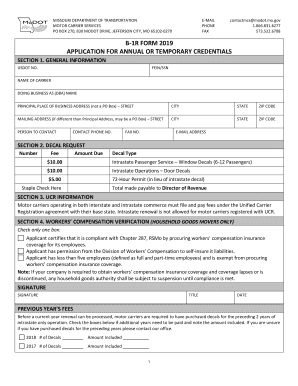
Mo dot form
The document is an application form (B-1R) from the Missouri Department of Transportation for motor carriers seeking ann ...
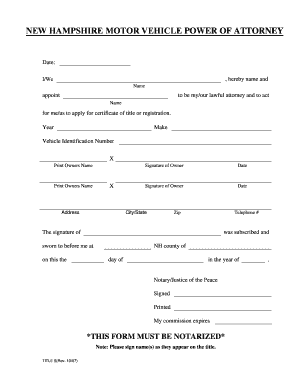
Free New Hampshire Motor Vehicle Power of Attorney Form
The document is a New Hampshire Motor Vehicle Power of Attorney form, which authorizes an individual to act on behalf of ...
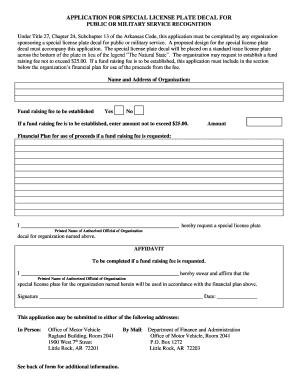
BMW USA: Luxury Sedans, SUVs, Convertibles, Coupes and Wagons
The document outlines the application process for organizations seeking a special license plate decal in Arkansas to rec ...

Arkansas affidavit license
The document is an affidavit for the issuance of a special license plate for Custom Vehicles and Street Rods in Arkansas ...
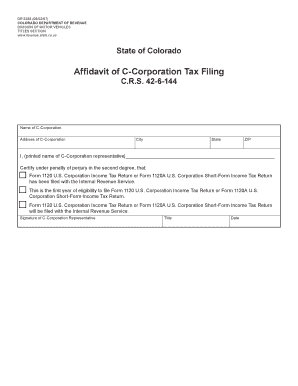
Colorado dr2388 affidavit tax fill
The document is an affidavit for C-Corporations in Colorado, certifying that the corporation has filed or will file the ...

K 26 form
The document is a business license personnel list for the State of Connecticut's Department of Motor Vehicles, detailing ...