



Here's how it works



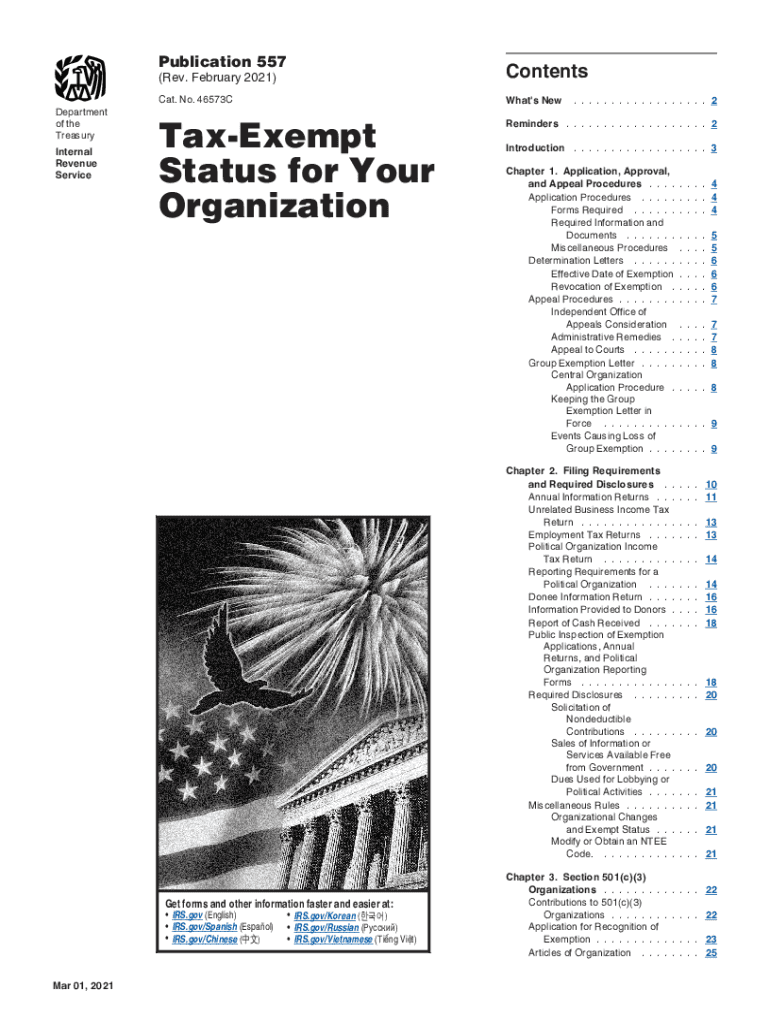
The easiest way to edit Publication 557 (Rev. February 2021). Tax-Exempt Status for Your Organization in PDF format online

Handling documents with our extensive and user-friendly PDF editor is straightforward. Adhere to the instructions below to fill out Publication 557 (Rev. February 2021). Tax-Exempt Status for Your Organization online quickly and easily:
- Sign in to your account. Sign up with your credentials or register a free account to try the product prior to choosing the subscription.
- Import a document. Drag and drop the file from your device or import it from other services, like Google Drive, OneDrive, Dropbox, or an external link.
- Edit Publication 557 (Rev. February 2021). Tax-Exempt Status for Your Organization. Effortlessly add and highlight text, insert images, checkmarks, and icons, drop new fillable areas, and rearrange or remove pages from your paperwork.
- Get the Publication 557 (Rev. February 2021). Tax-Exempt Status for Your Organization completed. Download your adjusted document, export it to the cloud, print it from the editor, or share it with other people via a Shareable link or as an email attachment.
Take advantage of DocHub, the most straightforward editor to rapidly manage your documentation online!
It's free
See more Publication 557 (Rev. February 2021). Tax-Exempt Status for Your Organization versions
Got questions?
What do I need to sign my publication 557 electronically?
Electronic document approval demands a software solution that complies with data protection and eSignature laws. DocHub is an excellent tool for that, since it fulfills all the previously mentioned requirements. Whatever method you prefer to sign your publication 557 in DocHub, your eSignature will be legally binding and court-admissible.
How do you edit publication 557 tax exempt status online?
With DocHub, you have several convenient ways to edit your publication 557 tax exempt status online. You can drag and drop the form and modify it directly at the DocHub website or use our browser extension to fill out your form right away. Additionally, you can modify your PDF on your phone, as DocHub works with all the available mobile platforms.
Security and compliance
At DocHub, your data security is our priority. We follow HIPAA, SOC2, GDPR, and other standards, so you can work on your documents with confidence.
Learn more


Related forms