




Here's how it works

01. Edit your form online
Type text, add images, blackout confidential details, add comments, highlights and more.

02. Sign it in a few clicks
Draw your signature, type it, upload its image, or use your mobile device as a signature pad.

03. Share your form with others
Send it via email, link, or fax. You can also download it, export it or print it out.
How to use or fill out commuting form with our platform

- Click ‘Get Form’ to open the commuting form in the editor.
- Begin by entering the date received and your student ID number in the designated fields at the top of the form.
- In the section labeled 'Total # Hours to Date', provide the total hours you have completed up to this point.
- Fill in your name, CWID, and date of birth accurately. Ensure that these details match your official records.
- Indicate your permanent residence address, including street address, parish, city, state, zip code, and contact numbers for both you and your parent.
- Both you and your parent must sign in the appropriate signature fields. Make sure to read all instructions carefully before signing.
- Finally, ensure a notary public completes their section by providing their signature and seal. This is crucial for validation.
Start filling out your commuting form today for free using our platform!
Fill out commuting form online
It's free
It's free
See more commuting form versions
We've got more versions of the commuting form form. Select the right commuting form version from the list and start editing it straight away!
Security and compliance
At DocHub, your data security is our priority. We follow HIPAA, SOC2, GDPR, and other standards, so you can work on your documents with confidence.
Learn more


Related forms
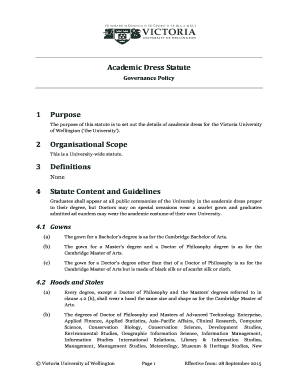
Academic Dress Statute
The Academic Dress Statute of Victoria University of Wellington outlines the regulations and guidelines for academic dre ...
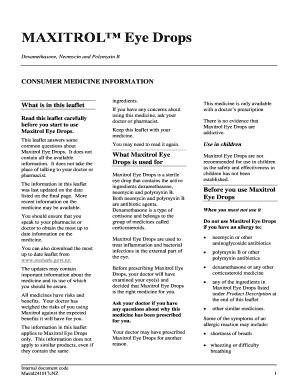
Common Side Effects of Maxitrol (Neomycin, Polymyxin B and - RxList
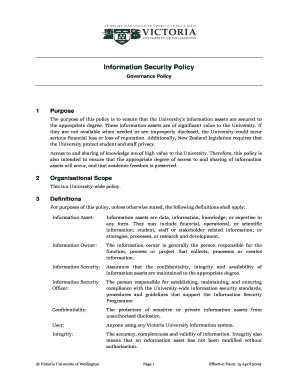
The purpose of this policy is to ensure that the Universitys information assets are secured to
The purpose of this policy is to ensure that the Universitys information assets are secured to
The Information Security Policy of Victoria University aims to protect the University's information assets, ensuring the ...

Variation and Change in the Quotative System: The Global
The document analyzes the use of quotative verbs in New Zealand English, focusing on a continuum from 'to say' to 'to be ...

The New Zealand accent: a clue to New Zealand
The document discusses the significance of the New Zealand accent as a marker of national identity. Elizabeth Gordon ref ...
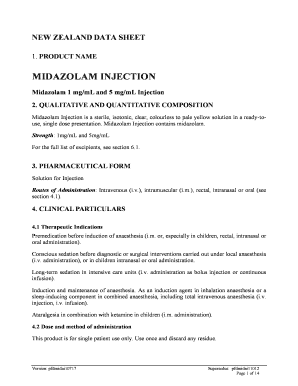
Midazolam 1 mg mL and 5 mg mL Injection
The document is a New Zealand Data Sheet for Midazolam Injection, detailing its composition, pharmaceutical form, therap ...
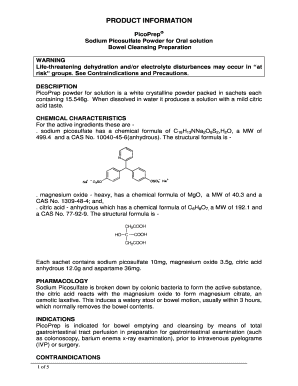
Sodium Picosulfate Powder for Oral solution
PicoPrep is a sodium picosulfate powder for oral solution used for bowel cleansing prior to gastrointestinal examination ...

HAC Meeting Papers for 2nd May Meeting HAC Meeting Papers for 2nd May Meeting
The document outlines the agenda and meeting papers for the Hospital Advisory Committee of the West Coast District Healt ...