
Get any PDF form from the DocHub library of ready-made templates - Page 1348

IRS tax forms - Internal Revenue Service
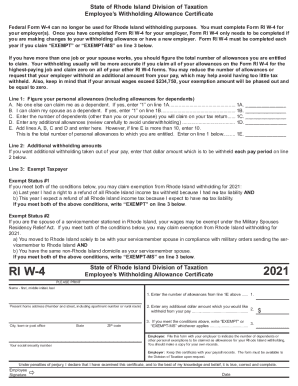
Ri w
RI-1040ES Rhode Island Resident and Nonresident Estimated ...RI-1040ES Rhode Island Resident and Nonresident Estimated ...State of Rhode Island: Division of Taxation:Bulletin on ...RI-1040ES Rhode Island Resident and Nonresident Estimated ...
Personal Income Tax Forms - State of Rhode Island ...File Your Annual Report - Rhode Island - Nellie M. GorbeaRhode Island Office of the General TreasurerPersonal Income Tax Forms - State of Rhode Island ...

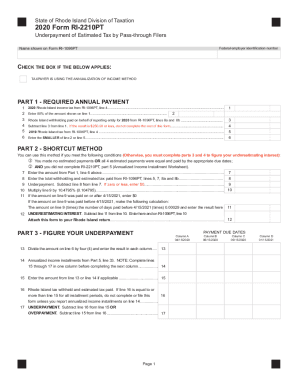
Ri 2210
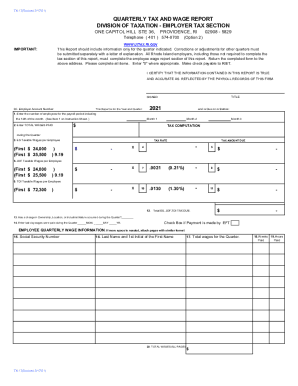
Tx 17 form

Ri1040mu
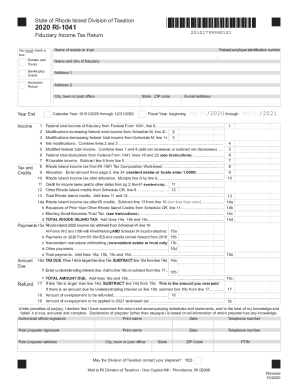
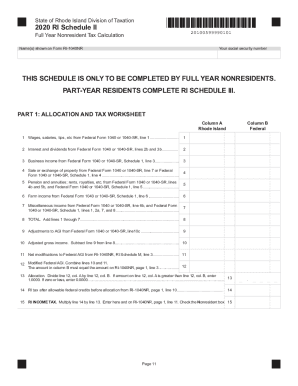
2020 ri return
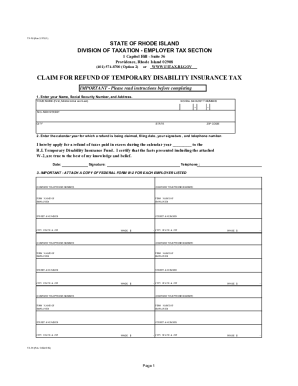
Ri tx 16

State of Rhode Island: Division of Taxation:Corporate Tax ...

Revenue FormsandPublicationsMotor Carrier Road Tax IFTA Forms

Ks 1510
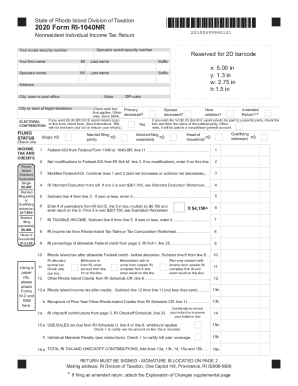
Ri
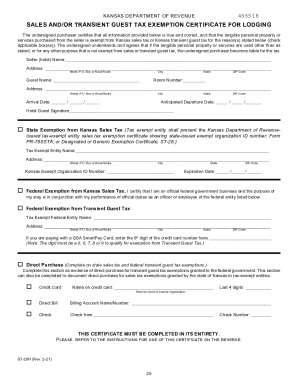
Business axes for Hotels and R - Kansas Department of Revenue
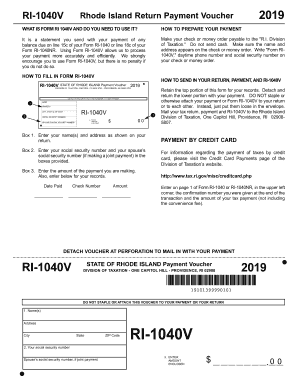
Your rhode taxation
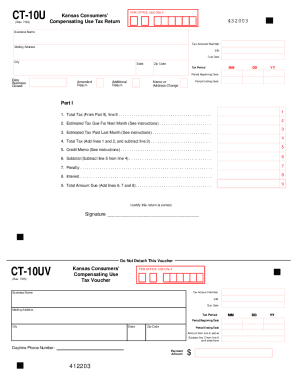
Kansas Form CT-10U (Consumers' Compensating Use Tax Return ...
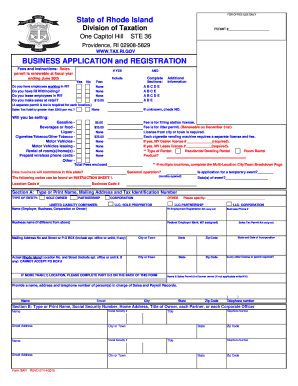
Ri bar form
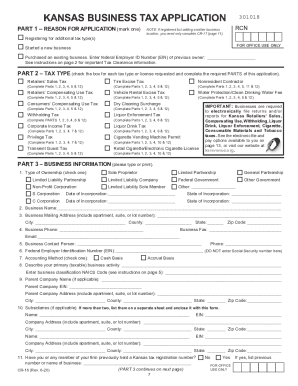
Kansas cr 16

Kansas tax application
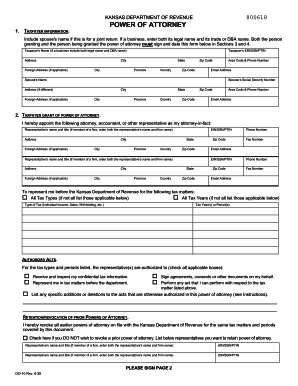
Ks 10 form

Indiana request income tax form
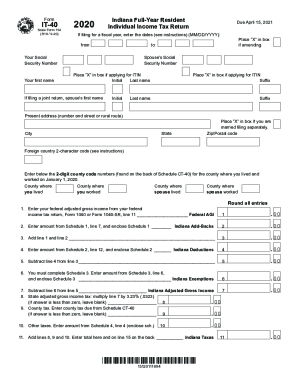
It 40 forms
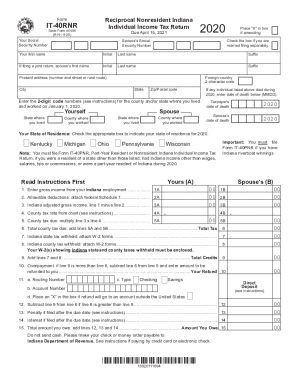
Indiana form tax
Indiana tax booklet form

Printable 2020 Indiana Form IN-OCC (Other Certified Credits)

Forms & TemplatesHealth.mil - Military Health System

Printable 2020 Indiana Form IN-529 (Indiana's CollegeChoice 529 Education Savings Plan Credit)

Indiana personal property assessment return

Understand The Geothermal Tax Credit Extension in Pennsylvania
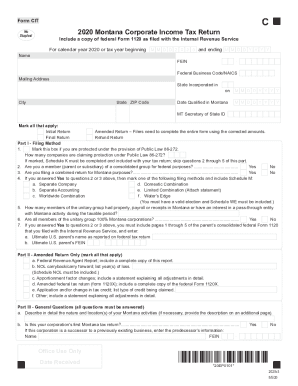
Montana cit tax form

W 4mn
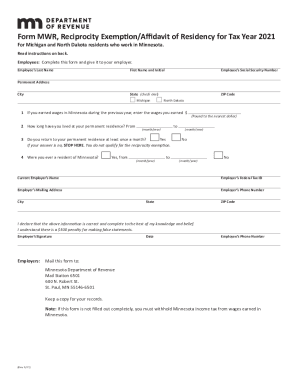
Mn form exemption tax

Tc 20s
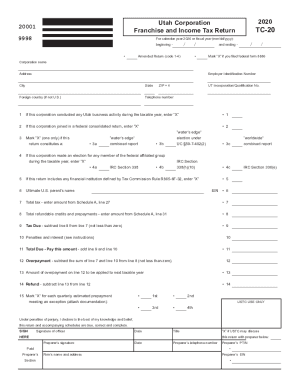
Utah tc 20 instructions
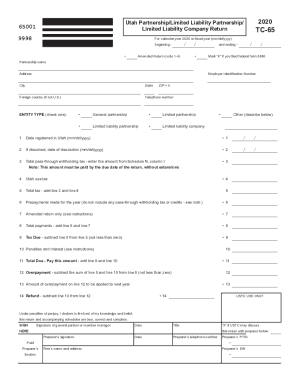
Utah tc limited company
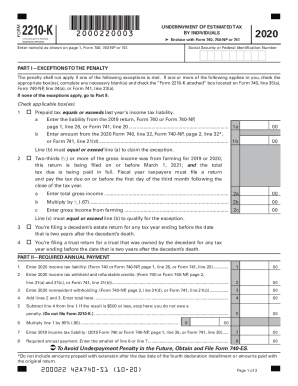
2210 k
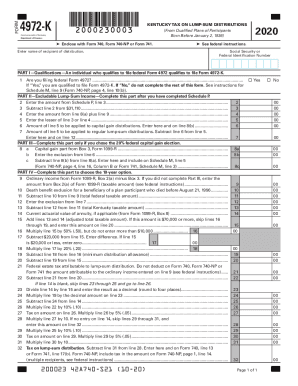
Kentucky 4972
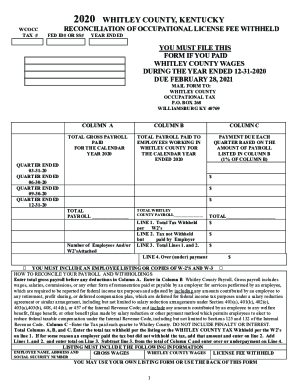
Occupational whitley county form
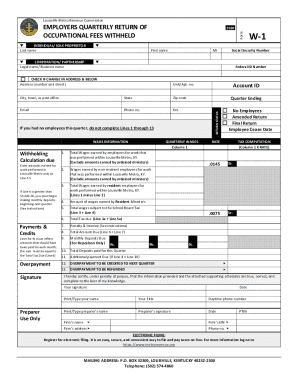
W 1 louisville

Ky 740 instructions

Do Not Duplex Form
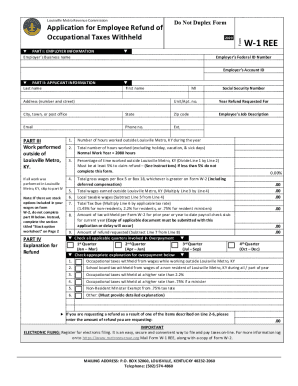
Employee refund
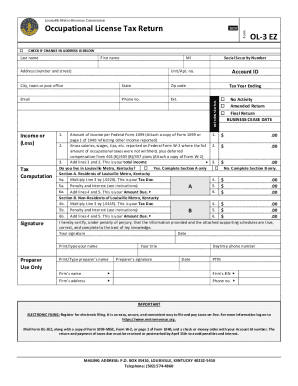
Form ol 3

Ol 3d
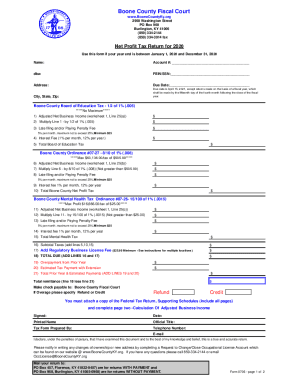
2020 ky net

Kentucky tax certificate exemption form

740np wh form

Ky assessment annual report

Kentucky vintner wine report

DOE Letterhead

Md estimated tax form

Pk visa
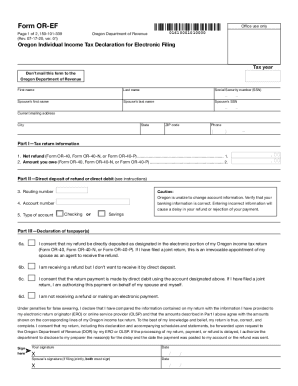
Solved: Automatically clear form fields when openedTech ...
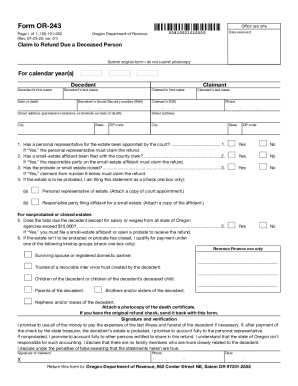
Or 243 form

Or or ps download
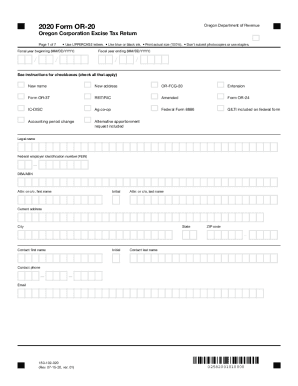
Oregon 20 corporation form
Form r 10614

It 540es

Parish E-File - Welcome - Louisiana.gov

Latax state MenuFormsReportsRegsUploadedINVENTORY, MERCHANDISE, ETC 20 PERSONAL PROPERTY TAX FORM

LA R-1029i

LA DoR R-210R
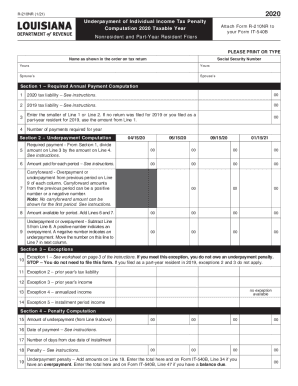
LA R-210NR

R-2868V-SD (1/21) Louisiana Department of Revenue Individual ...
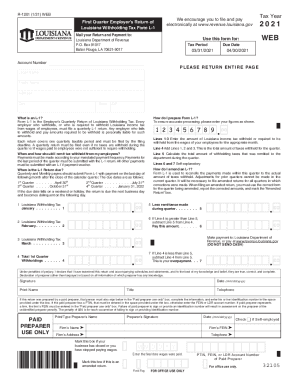
Withholding Tax - Frequently Asked Questions - Louisiana ...
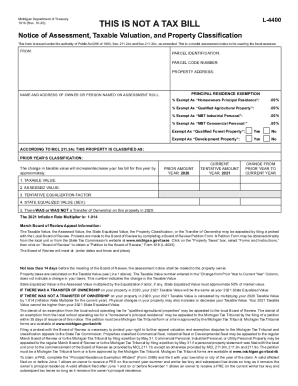
Michigan notice assessment
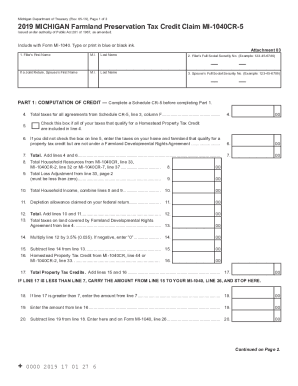
Printable 2020 Michigan Form MI-1040CR-5 (Farmland Preservation Tax Credit Claim)
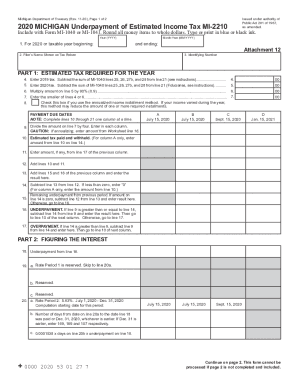
Mi 2210

Michigan Form 5678 (Signed Distribution Statement for Joint ...

Printable 2020 Michigan Form 4976 (Home Heating Credit Claim Supplemental)
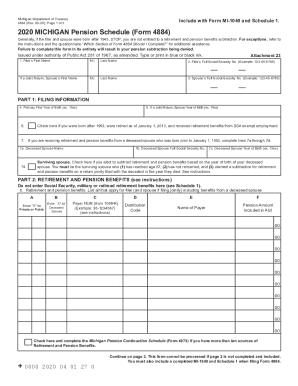
Form 4884

Michigan 382

Mi form bc1040
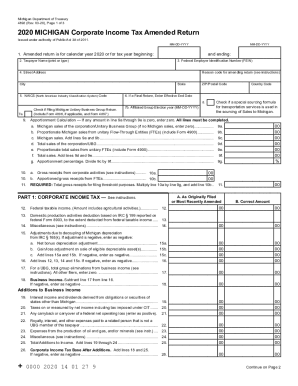
Michigan form income tax
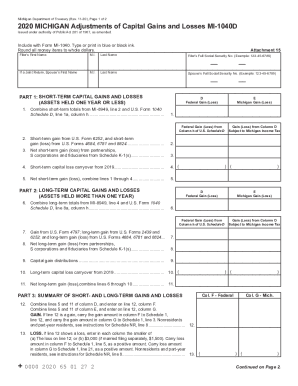
Mi gains
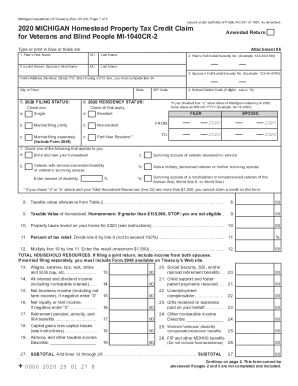
Mi 1040cr
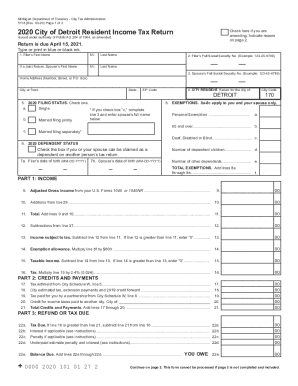
5118 pdf
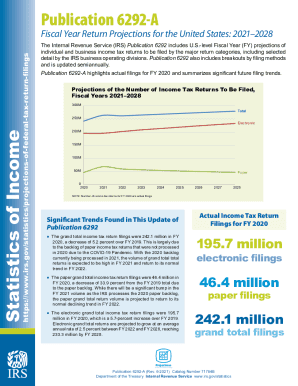
IRS Publication 6292-A 2020-2021 - Fill and Sign Printable ...

8801

How irs 1040 schedule instructions
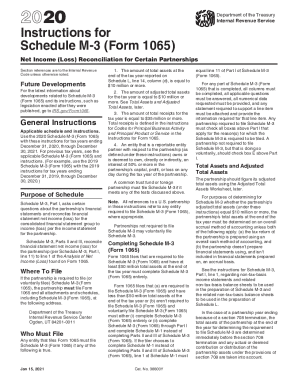
1065 schedule m 3 instructions
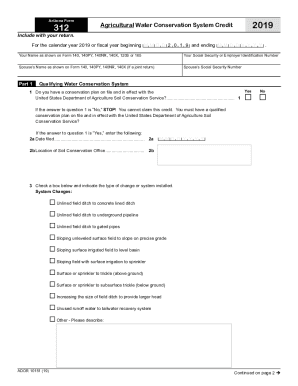
Arizona Form 339 (Credit for Water Conservation Systems ...
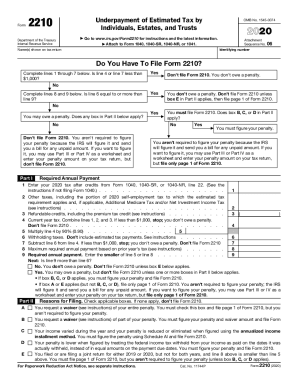
2210 tax form
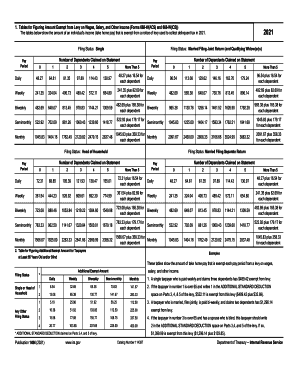
2021 publication 1494

Arizona tax
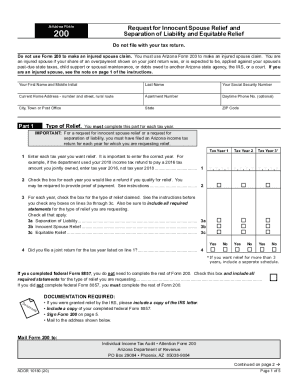
Arizona form 200 online
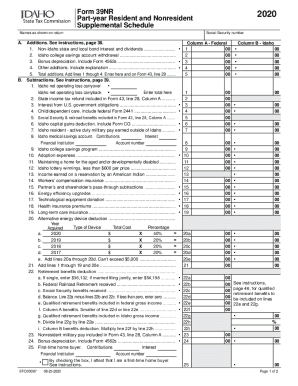
39nr
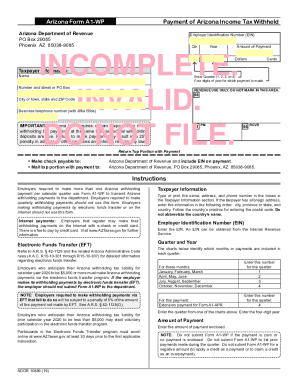
Arizona a1 form
Arizona 830

Filing an Extension - IndividualsNorth Dakota Office of ...NCDOR: ExtensionsNCDOR: ExtensionsExtension of Time To File Your Tax ReturnInternal Revenue Service
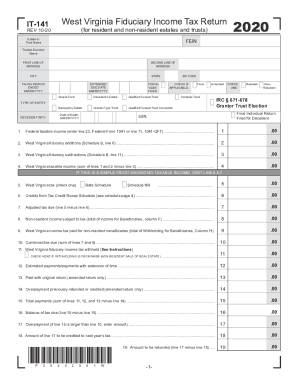
Wv form 141
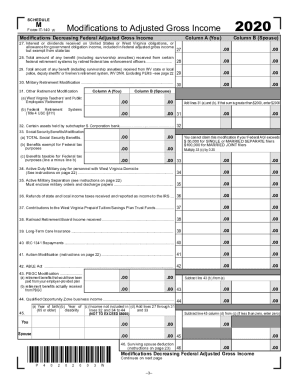
Wv m

Wv state tax forms
Wv cnf 120 instructions 2019

Fillable Online tax Fax Email Print - DocHub
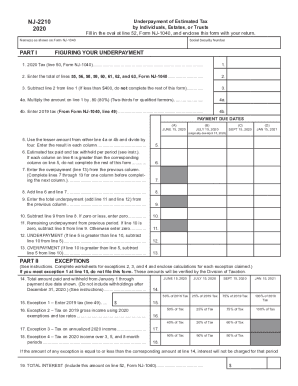
Nj 2210
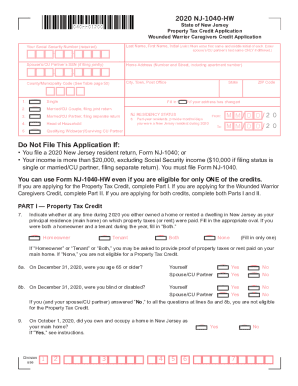
1040 hw

Nj 1040 o

Nj 1040nr form
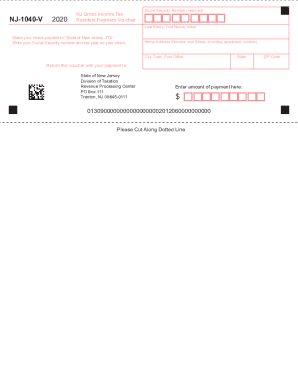
Nj 1040 v
Benefit from the DocHub online library of fillable PDF forms
Searching the PDF forms doesn't have to be a tedious and time-consuming process. With the DocHub online library, it has become easier to find the fillable PDF forms and modify them in your browser. The service allows you to adjust the document to your needs using powerful editing tools.
You can use online document editing features to modify almost any type of document with ease. You just need to find the template of your choice, open it in the editor, and use the toolbar to make the necessary corrections.
Follow this guide to get your document done with DocHub:
- Find the PDF template you need.
- Click the Get Form button to open the file in the editor.
- Use the toolbar to fill out and edit the document.
- Easily add and highlight text, insert images, checkmarks, and symbols.
- Drop new fillable fields, and rearrange or delete pages from your file.
- Save changes and download your record.
DocHub empowers everyone to streamline document editing, signing, and distribution, and form completion. Create an account and benefit from our well-organized PDF Forms library and comprehensive editor.