
Get any PDF form from the DocHub library of ready-made templates - Page 1345

Wisconsin General Bill of Sale

Predetermination form

Georgia Firearm Bill of Sale

Oregon State Police : Firearms Instant Check System (FICS ...
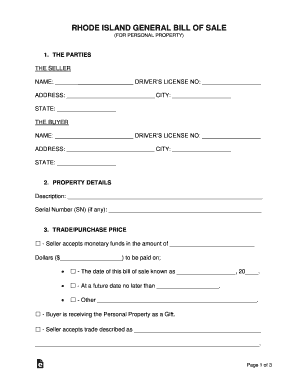
Rhode Island General Bill of Sale
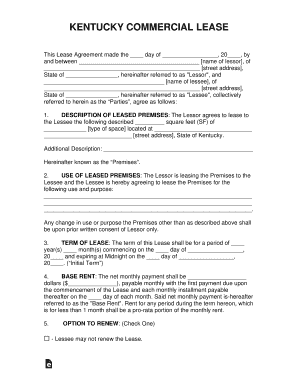
Kentucky Agreement to Lease Equipment (with Limited ...
Free Florida Rental Application Form - PDF eForms Free ...
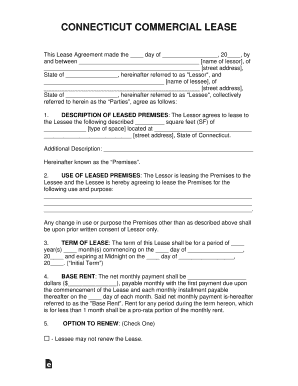
Connecticut Commercial Lease Agreement Template - eForms
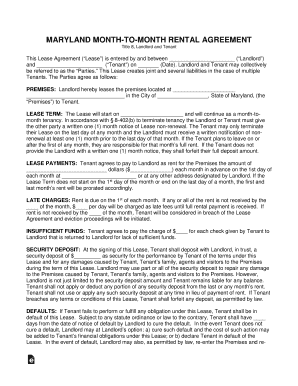
Termination and Modification of TenancyThe Maryland ...
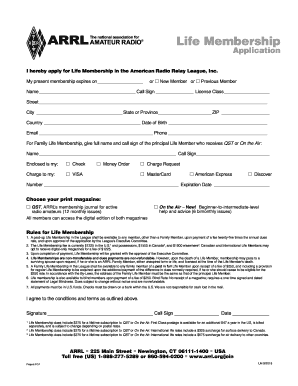
Arrl membership

IDAHO COMMERCIAL LEASE

How Much Notice is Required in a Month-to-Month Tenancy?
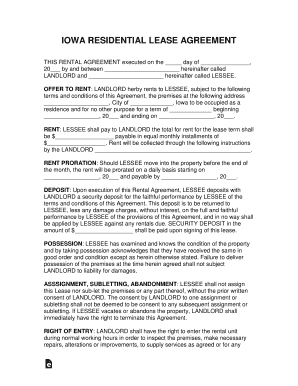
Rental Lease Agreement Templates Residential ... - eForms

2015 vt
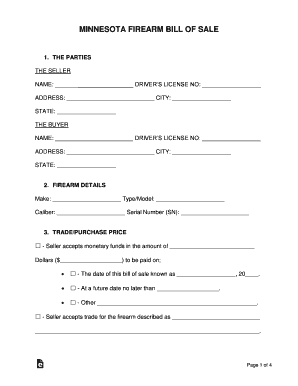
Free Minnesota Firearm Bill of Sale Form - WordPDF ...
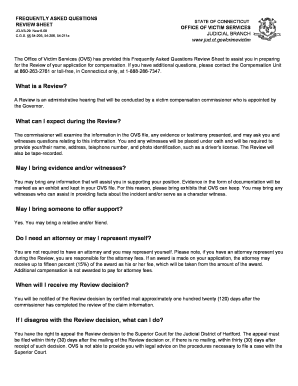
Frequently questions sheet form sample
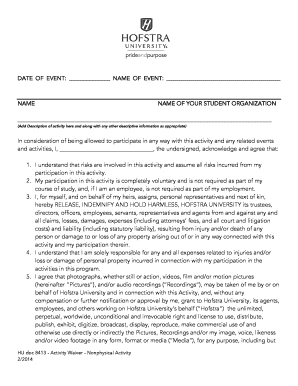
Activity waiver form
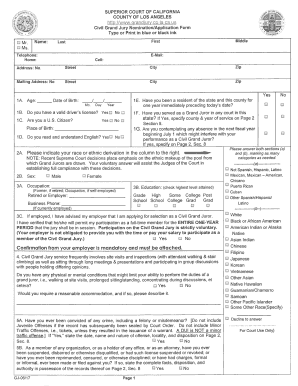
Nomination application form
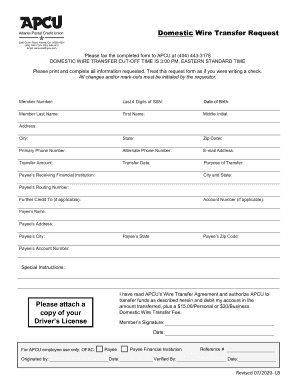
Domestic Wire Transfer Request Form - Atlanta Postal Credit ...
Policy Change VL POS0102.pub

Receivables Financing Agreement -

Missouri General Bill of Sale

Utah General Bill of Sale

Rental Application Form - Utah Download Printable PDF ...
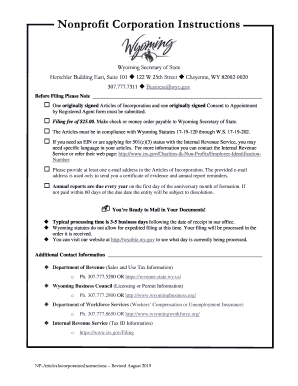
Wyoming corporation articles

Petition requesting sample
Crim 205
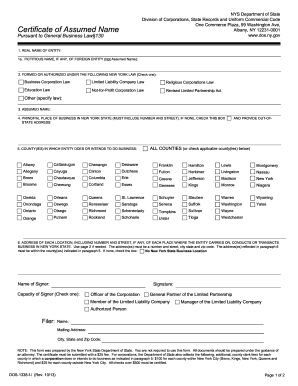
Form assumed name
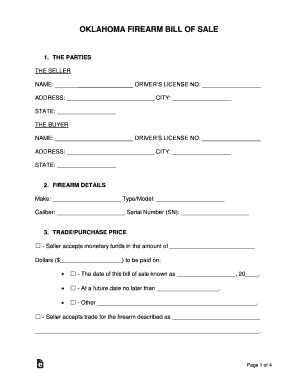
Free Oklahoma Firearm Bill of Sale Form - WordPDF ...
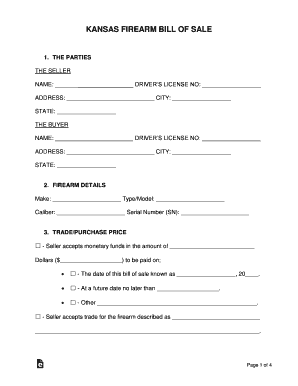
Free Bill of Sale Forms - Word PDF eForms Free Fillable ...
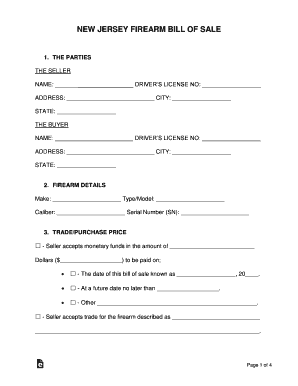
New Jersey Firearm Bill of Sale
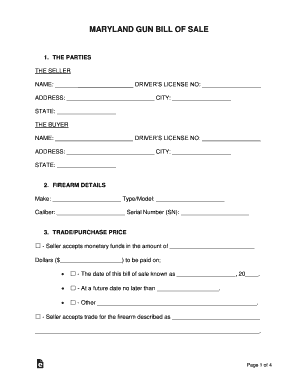
/01282011-SLS-A01 by Salisbury Post - Issuu
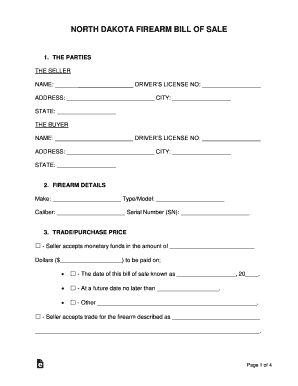
North Dakota Firearm Bill of Sale
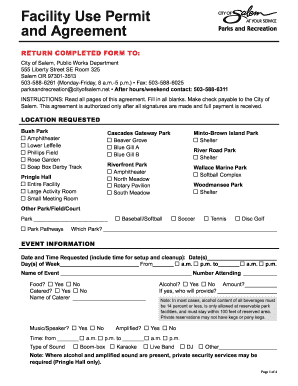
Facility use permit
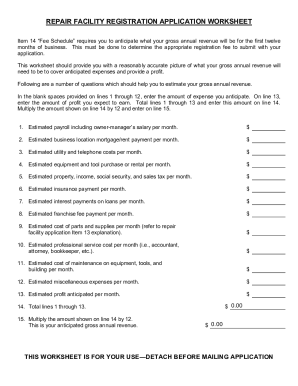
Motor vehicle repair registration application
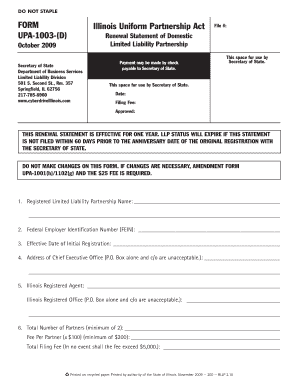
1003 partnership form pdf
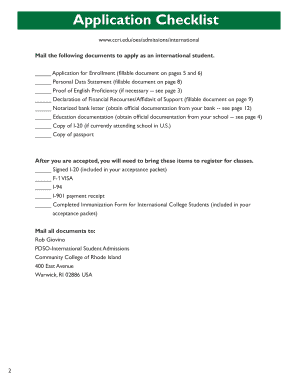
Ccri international
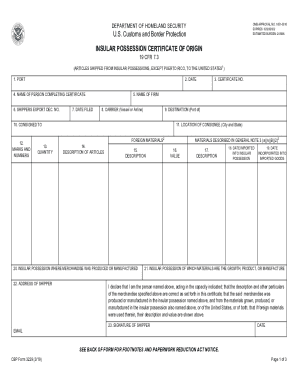
Cbp certificate origin

California approved reporter form

2022 nj civil motion
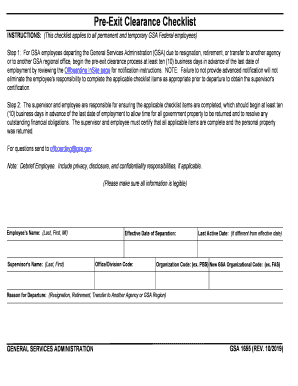
Pre-Exit Clearance Process Quick Reference Guide - GSA.gov
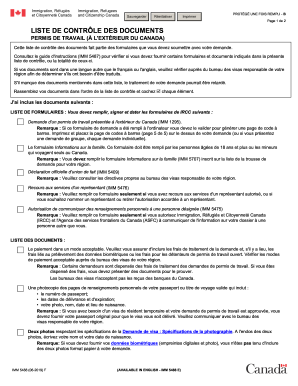
Imm 5488
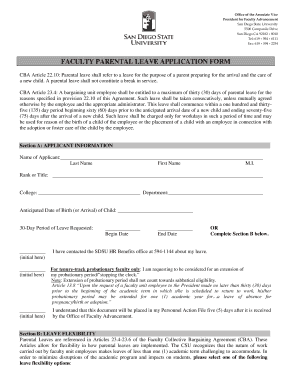
Fillable Online faculty parental leave application form - Faculty ...

Florida plate card
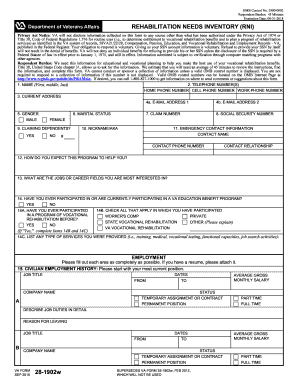
Va form 28 1902 w 2010
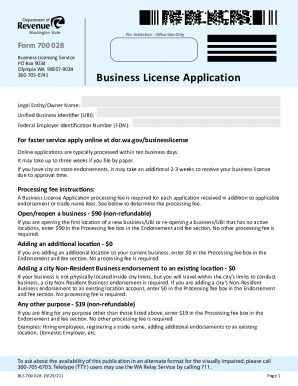
028 form
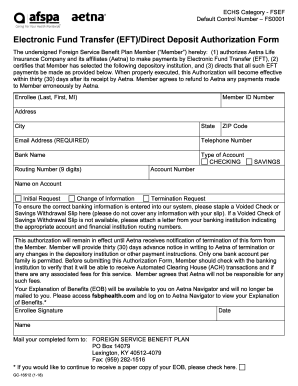
Electronic transfer deposit authorization form
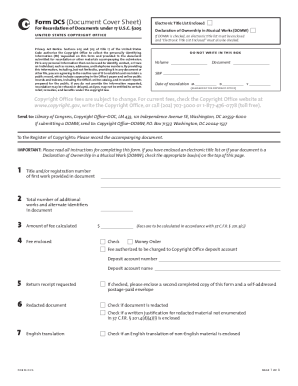
6 Form DCS (Document Cover Sheet) Basic Information

2019-2021 Form NY USC-840 Fill Online, Printable, Fillable ...

Citizenship immigration application document
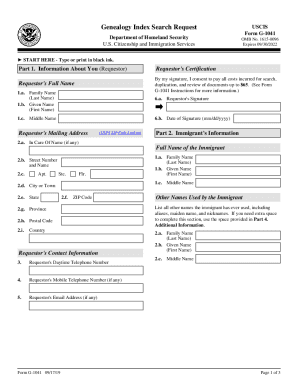
Uscis genealogy index search

Application to Adjust Status from Temporary to Permanent ...

3 186a form

I 601

Connecticut dmv medical
Admission & Waiver of Hearing 1194-A Person Under 21 Chemical Test Refusal. Form AA-137AW
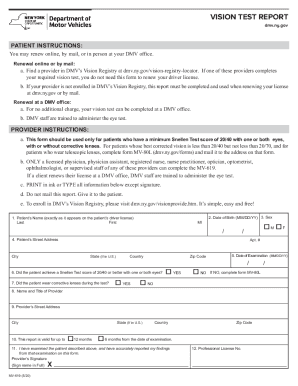
Mv 619

I 129 form pdf
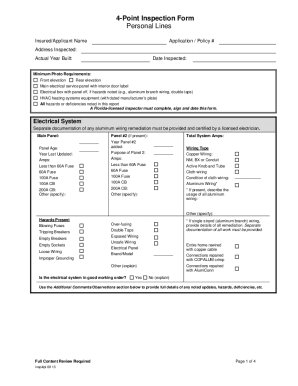
4 point inspection form
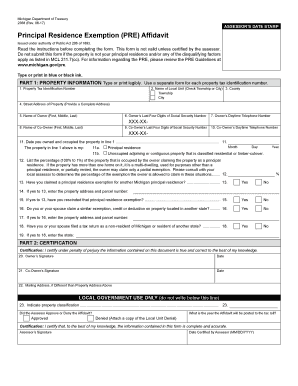
Do not submit this form if the property is not your principal residence and/or any of the disqualifying factors
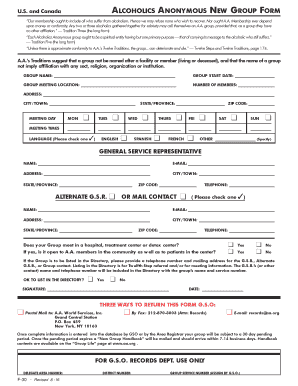
F 30 form

Copy birth san bernardino

Reissuance form
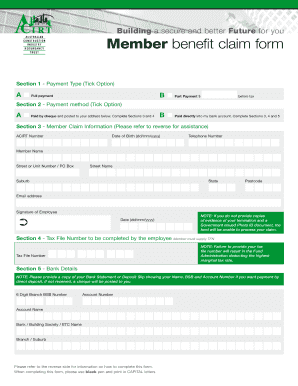
Acirt claim form
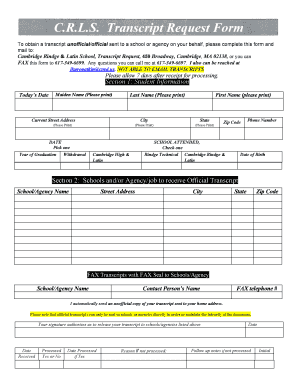
Crls transcript
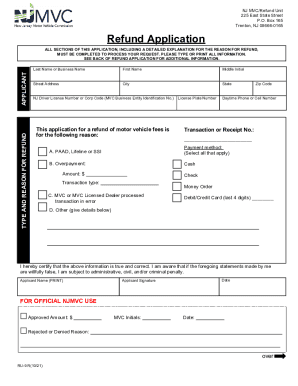
Nj refund application

4 point inspection
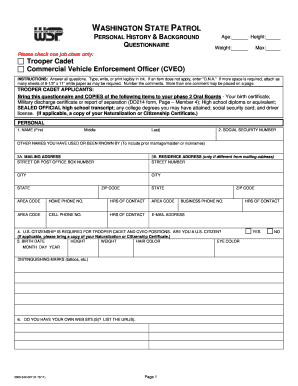
Background questionnaire wsp max form

Maine affidavit form

Maine annual fundraising activity report
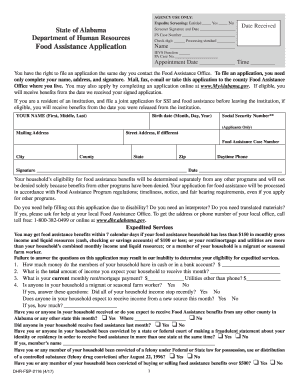
Mydhr
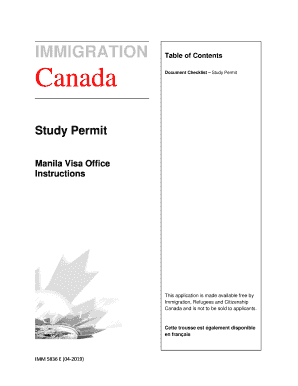
Imm 5836
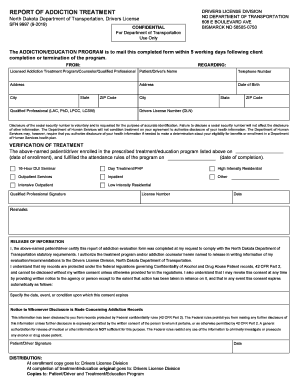
Report of addiction evaluation - dot.nd.gov
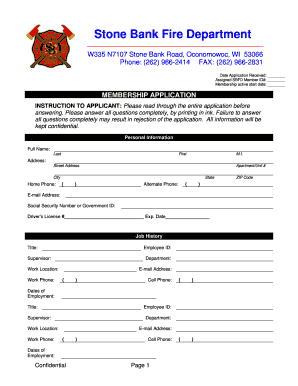
Membership application - Stone Bank Fire Department
Indiana notary
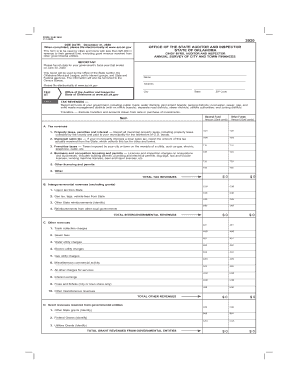
Solid waste management districts (with ex officio boards); separate road districts; sewer districts; utilities authorities; and zoning districts
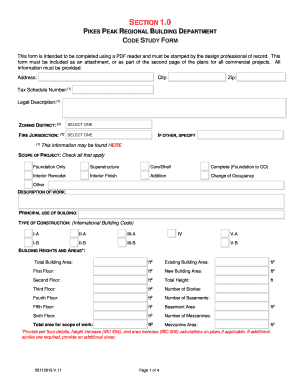
Study form
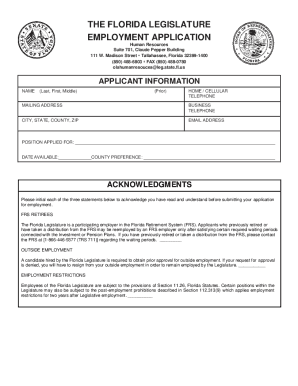
Florida legislature employment application
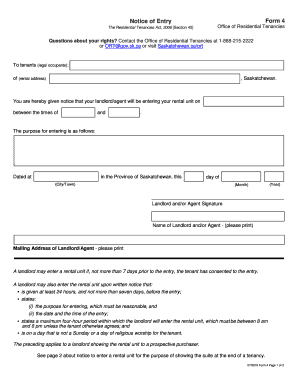
24 hour notice to enter form bc
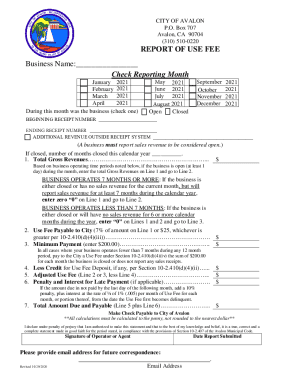
City Attorney - Avalon, California

Contact information for your local county
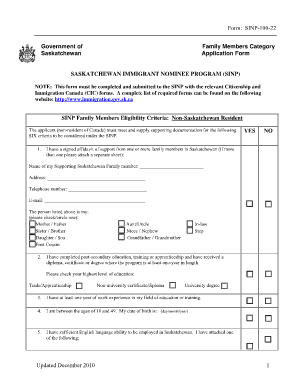
Sinp generic formscom
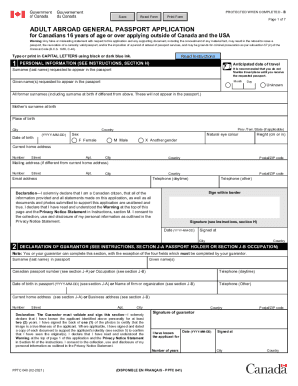
Pptc 080
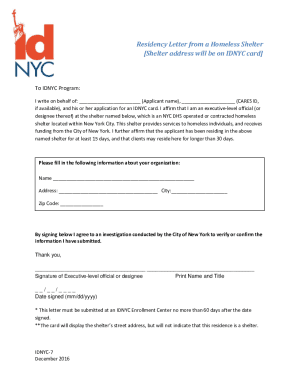
Residency Letter from a Homeless Shelter Shelter address will ...

Imm5467
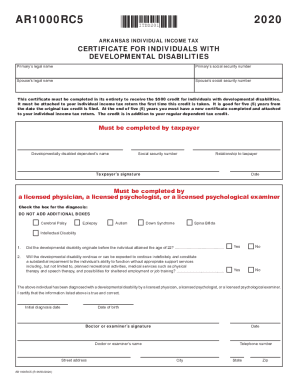
Ar1000rc5
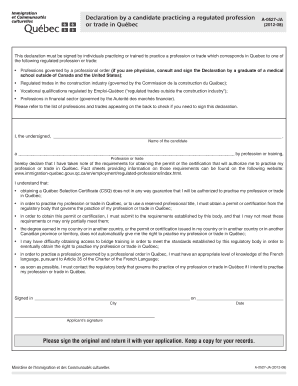
Declaration by a candidate practicing a regulated profession or trade in quebec form a 0527 ja
Imm0008

Alaska court form cr 330
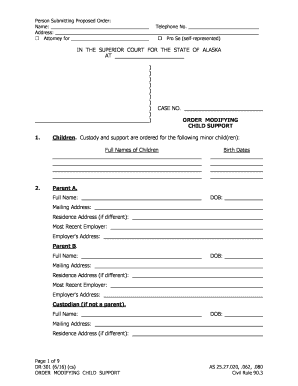
Alaska dr301

Alberta seniors benefit application form
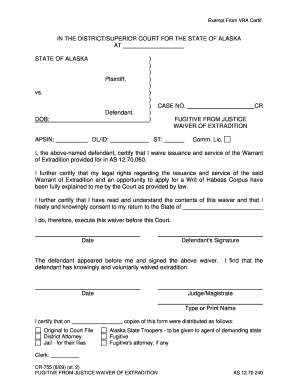
Alaska waiver extradition form
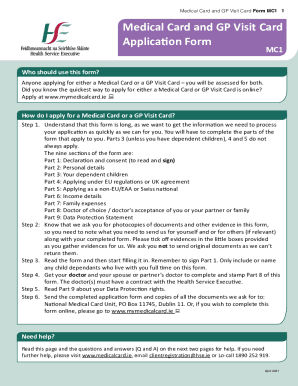
Gp visit card application form
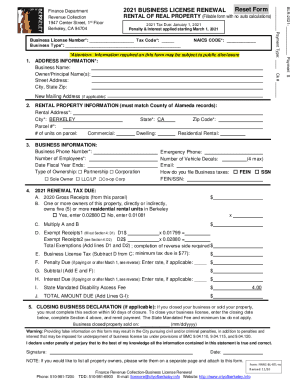
Penalty & Interest applied starting March 1, 2021

Barber apprentice form
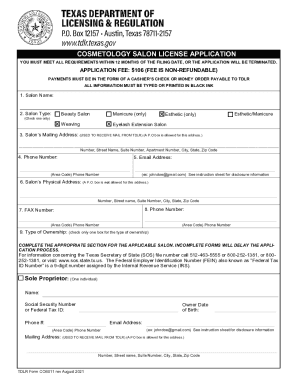
Cos011

Form rig inspection

Legacy Community Health: Health Clinic in Houston TX
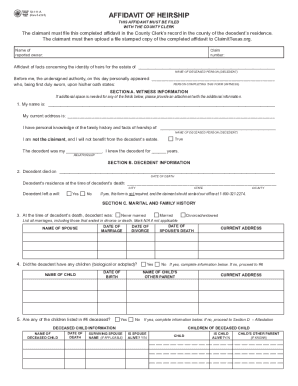
Heirship affidavit texas
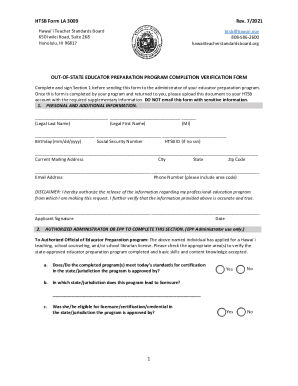
Hawaiiteacherstandardsboard.orgcontentformsHTSB Forms - Hawaii Teacher Standards Board
Benefit from the DocHub online library of fillable PDF forms
Searching the PDF forms doesn't have to be a tedious and time-consuming process. With the DocHub online library, it has become easier to find the fillable PDF forms and modify them in your browser. The service allows you to adjust the document to your needs using powerful editing tools.
You can use online document editing features to modify almost any type of document with ease. You just need to find the template of your choice, open it in the editor, and use the toolbar to make the necessary corrections.
Follow this guide to get your document done with DocHub:
- Find the PDF template you need.
- Click the Get Form button to open the file in the editor.
- Use the toolbar to fill out and edit the document.
- Easily add and highlight text, insert images, checkmarks, and symbols.
- Drop new fillable fields, and rearrange or delete pages from your file.
- Save changes and download your record.
DocHub empowers everyone to streamline document editing, signing, and distribution, and form completion. Create an account and benefit from our well-organized PDF Forms library and comprehensive editor.