
With carbon copy Order Forms
Manage your order forms and browse With carbon copy Order Forms. Keep sensitive data safe with DocHub's encryption technology and access controls.

Create a new With carbon copy Order Form
Silent auction bid sheets

Temporary restraining order form 2012
Alarm certificate for insurance
Cc form

Non dot breath alcohol form pdf
Oklahoma form 769

Std 435 pdf
Alberta tax forms 2021
Bus conduct form

Silent Auction Bid Sheet - Mary Kay InTouch
New jersey vital statistics
Driving record request form - Washington Department of Licensing - dol wa

FMCSA Intermodal Chassis Inspection Form Revised 2 August 2017
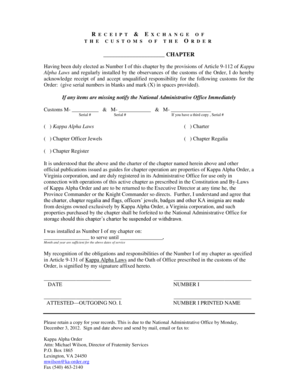
Receipt of the customs of the Order - Kappa Alpha Order - kappaalphaorder

Proliant direct deposit form

Wake county public school proof of residence
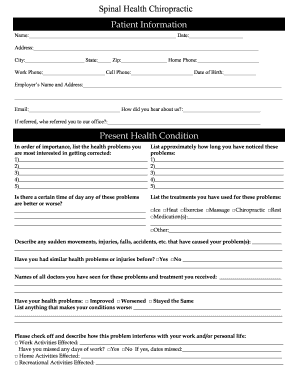
Patient intake form pdf
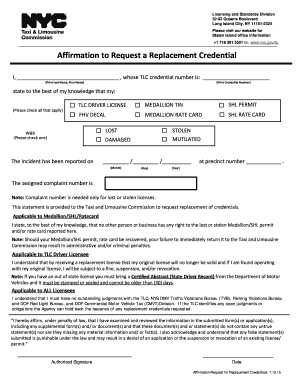
Tlc license replacement online
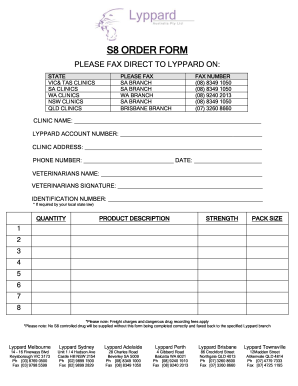
S8 ORDER FORM - Lyppard
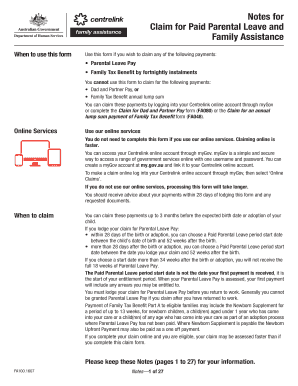
Fa100 form
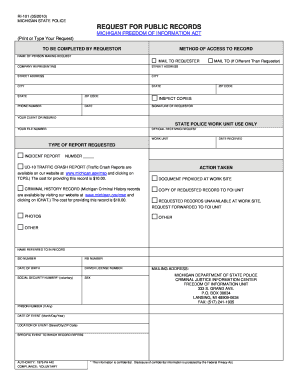
Michigan ri 101 public
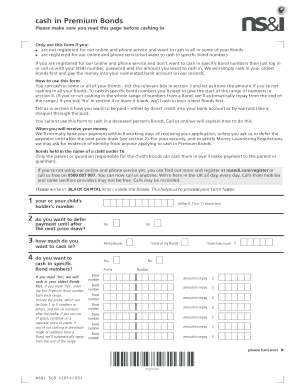
Download a Cash in Premium Bonds form
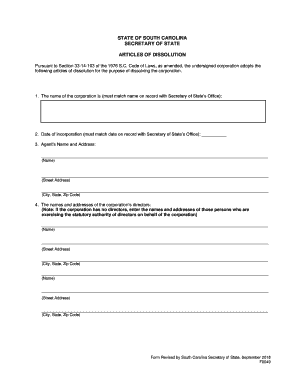
Sc dissolution
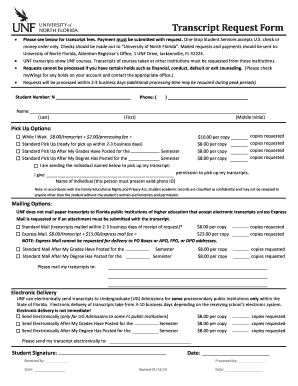
Unf transcript request
2014 540a form
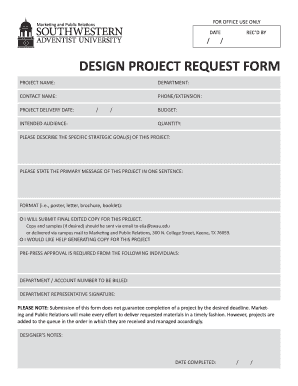
Design request form

Dr 2539a
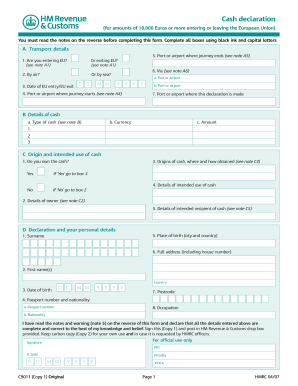
Cash declaration - HM Revenue & Customs - hmrc gov
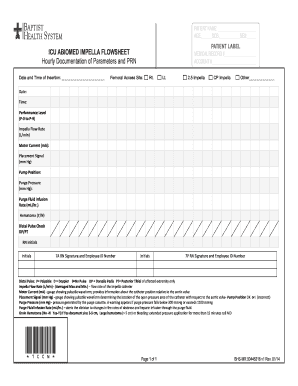
Impella flow sheet
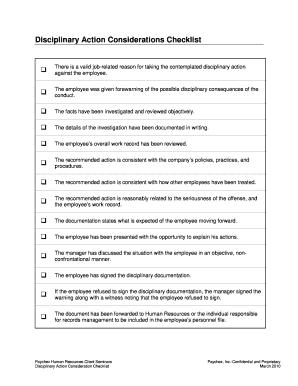
Carbon copy disiplinary slip
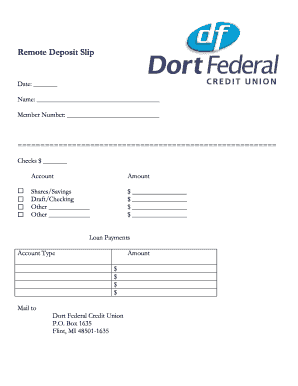
Remote Deposit Slip - Dort Federal Credit Union
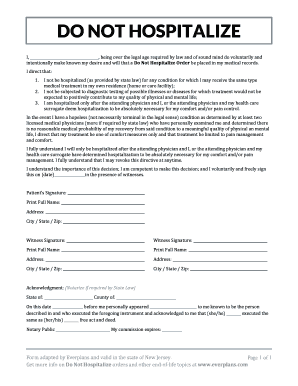
DO NOT HOSPITALIZE
1099 forms training 2020

QUESTIONNAIRE FOR GUBERNATORIAL APPOINTMENTS CARBONE 6-16
Duly filled application form
261 3a letter search
-
1
- 2
Enhance your document administration with With carbon copy Order Forms
Your workflows always benefit when you can easily obtain all of the forms and files you need at your fingertips. DocHub provides a vast array of documents to alleviate your day-to-day pains. Get a hold of With carbon copy Order Forms category and quickly browse for your document.
Start working with With carbon copy Order Forms in a few clicks:
- Open With carbon copy Order Forms and find the document you require.
- Click on Get Form to open it in our editor.
- Start editing your file: add fillable fields, highlight paragraphs, or blackout sensitive information.
- The application saves your changes automatically, and after you are ready, you are able to download or distribute your form with other contributors.
Enjoy smooth file management with DocHub. Check out our With carbon copy Order Forms category and look for your form right now!
Video Guide on With carbon copy Order Forms management

Commonly Asked Questions about With carbon copy Order Forms
How to make carbonless forms?
Carbonless Paper Forms in 4 Easy Steps Print the Correct Number of Sheets. Like all other printing, you must print carbonless paper one sheet at a time, so a 2-part form requires you to print two copies and a 3-part form requires you to print three copies. Verify the Sheet Order. Staple or Paper Clip Your Form.
How do carbon copy papers work?
When the pressure on the microcapsules causes the force-sensitive pigment and oil solution to overflow and come into contact with the colorant, a chemical reaction causes the pigment to appear and the carbon copy sheets to copy the text.
What does carbon paper do?
Carbon paper (originally carbonic paper) consists of sheets of paper that create one or more copies simultaneously with the creation of an original document when inscribed by a typewriter or ballpoint pen.
Related Templates
Recreational Burning Permit Application
The document is a Recreational Burning Permit Application from Thunder Bay Fire Rescue, outlining the process for applyi ...

Department of the Interior - Bureau of Indian Affairs Meeting Request Form Department of the Interio
Department of the Interior - Bureau of Indian Affairs Meeting Request Form Department of the Interio
The document is a meeting request form from the Bureau of Indian Affairs, intended for tribes or organizations to schedu ...

Subpoena ad testificandum
The document provides detailed instructions for serving subpoenas in the Civil Court of New York City. It outlines three ...

Ohio expungement filing
The document is a legal motion filed in the Painesville Municipal Court in Lake County, Ohio, by a petitioner seeking ex ...

Warthogs Motorcycle Club Member Transfer Notification Form
The document is a Member Transfer Notification Form for the Warthogs Motorcycle Club, designed for members transferring ...
WHISTLE STOP MANUAL ver WS115 - Shaffer Distributing Company
The document is the owner's manual for the Whistle Stop game by Bay-Tek Inc., detailing its operation, setup, programmin ...

Oklahoma Injured Spouse Claim Form 505
The document outlines the process for filing Form 505, an Injured Spouse Claim and Allocation, with the Oklahoma Tax Com ...

Employment income declaration form - INIS
The document outlines the Labour Market Access Declaration Form (LMA 5) that must be completed by individuals who have s ...