




Here's how it works

01. Edit your dochub com fillable form online
Type text, add images, blackout confidential details, add comments, highlights and more.

02. Sign it in a few clicks
Draw your signature, type it, upload its image, or use your mobile device as a signature pad.

03. Share your form with others
Send the document is a manufactured it or print it out via email, link, or fax. You can also download it, export it or print it out.
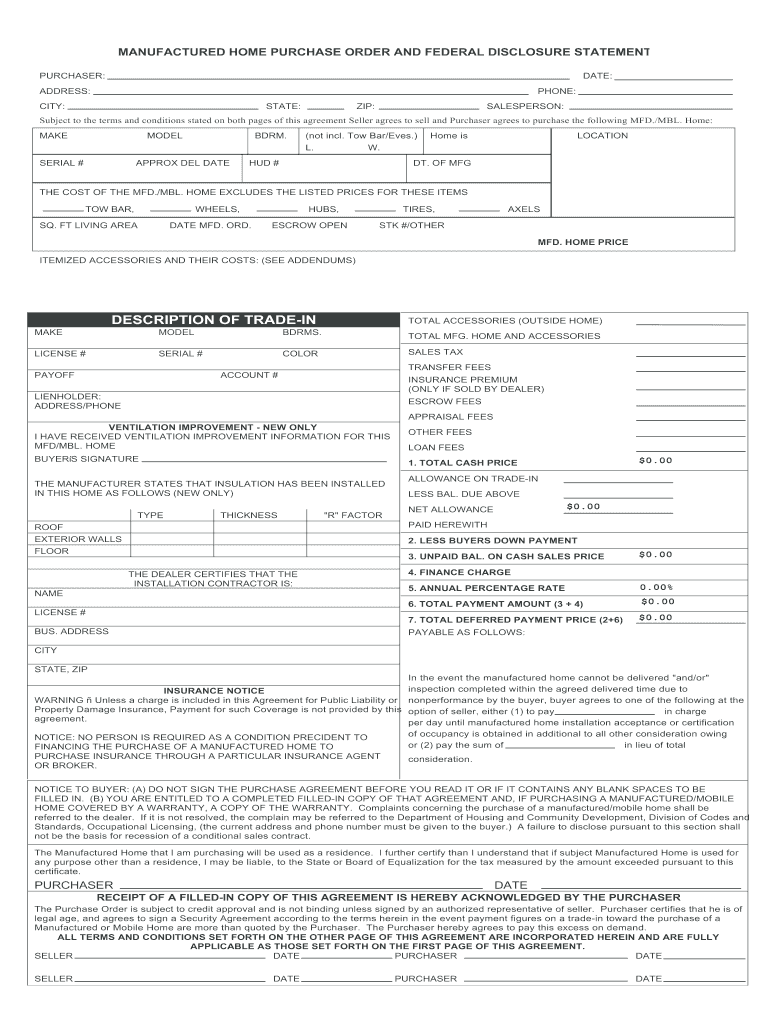
How to use or fill out manufactured home purchase order with our platform

- Click ‘Get Form’ to open the manufactured home purchase order in the editor.
- Begin by filling in your personal information in the 'Purchaser' section, including your name, date, address, phone number, city, state, and ZIP code.
- Next, provide details about the salesperson handling your order. This ensures clear communication throughout the process.
- In the section labeled 'Subject to terms and conditions,' specify the make, model, serial number of the manufactured home, along with bedroom count and approximate delivery date.
- Fill out additional details such as location, manufacturing date, and itemized costs for accessories. Ensure all fields are completed accurately to avoid delays.
- Review any trade-in descriptions and total costs associated with both the manufactured home and accessories. This will help clarify your financial obligations.
- Finally, sign and date where indicated to complete your purchase order. Make sure you have read all terms before signing.
Start using our platform today for free to streamline your manufactured home purchase process!
Fill out manufactured home purchase order online
It's free
It's free
Security and compliance
At DocHub, your data security is our priority. We follow HIPAA, SOC2, GDPR, and other standards, so you can work on your documents with confidence.
Learn more


Related forms
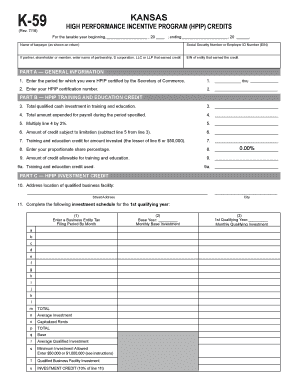
K-59 Kansas High Performance Incentive Program (HPIP) Credits
The document is a Schedule K-59 form for the Kansas High Performance Incentive Program (HPIP), which outlines the proces ...
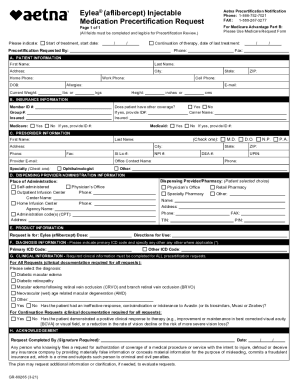
Fillable Online CSUF Single Audit Report
The document is a precertification request form for Eylea® (aflibercept) injectable medication, intended for use by heal ...

Nys hipaa acknowledgment form 2013
The document is a HIPAA Acknowledgment form from Avera McKennan Hospital & University Health Center, informing patients ...

This evidence of insurance documentation is provided for our business partners, including customers
This evidence of insurance documentation is provided for our business partners, including customers
The document provides evidence of insurance for International Paper Company and its subsidiaries for the year 2019, deta ...
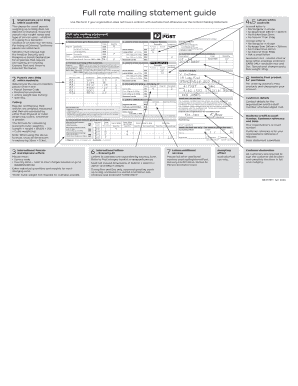
Full rate mailing statement
The document is a guide for full rate mailing statements, detailing the procedures and requirements for sending small pa ...

(Supply Turn-on Cut-off Meter Reading)
The document provides instructions for rescheduling appointments related to utility services, including electricity, wat ...
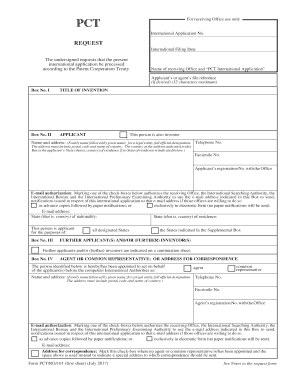
Pctro101 form
The document appears to be empty or contains no discernible content to summarize.

Confidential School Accident Report Alliance of Schools
The document is a Confidential School Incident Report designed for district employees to report accidents involving inju ...