
Make printable picture day Order Forms
Streamline your document management with DocHub's Make printable picture day Order Forms templates. Modify, share, and firmly store your order templates hassle-free.

Create a new Make printable picture day Order Form
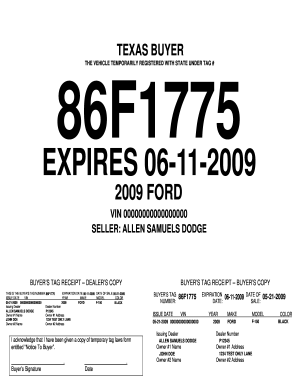
Temporary tag generator
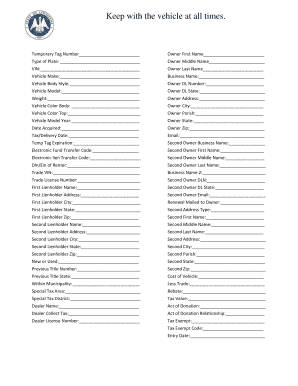
Printable temporary license plate louisiana
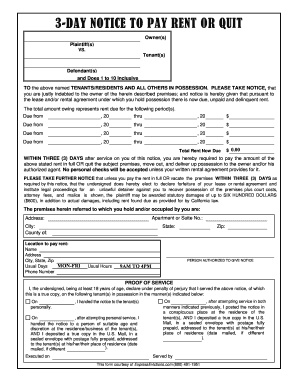
Printable 3 day notice

Printable temporary license plate illinois

Pennsylvania identification card
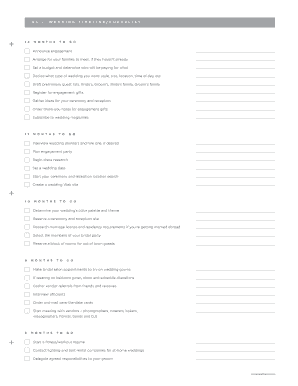
Printable wedding day timeline template pdf

Title replacement wisconsin
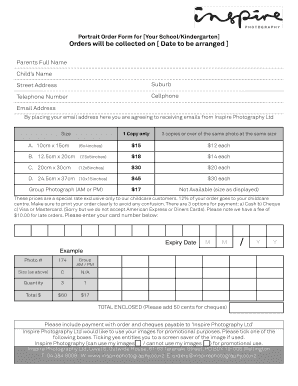
Picture order form
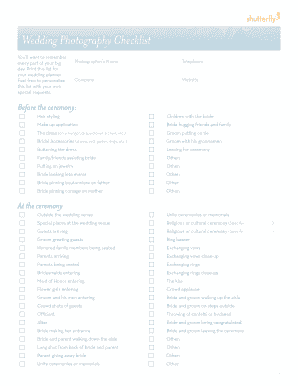
Wedding photo list for photographer

Oklahoma replacement title
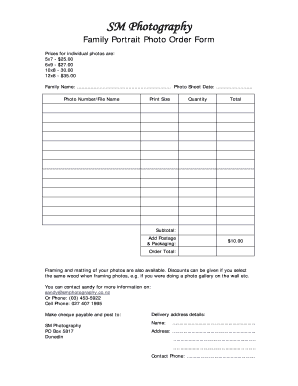
Photo order form template

Missouri lost title
Day reconciliation form
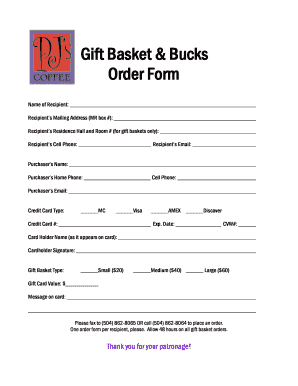
Gift basket order form
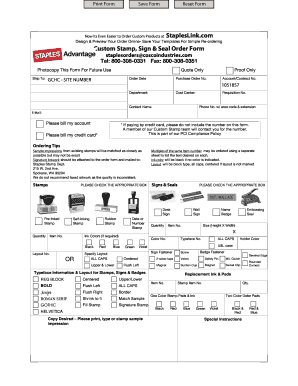
Staples advantage custom stamp order form
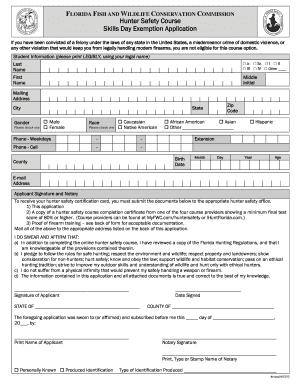
Skills Day Exemption Application - Florida Fish and Wildlife ...
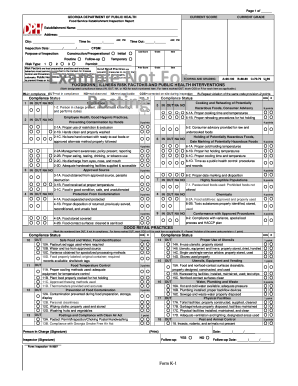
K-1 Food Service Inspection Form - Georgia Department of Public ...
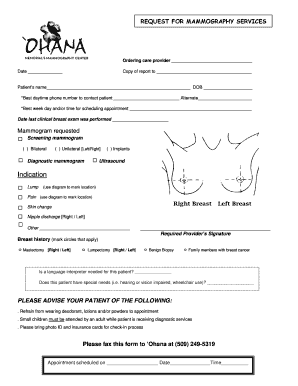
Mammogram order form

Sportography
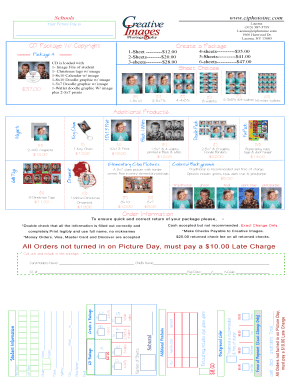
School Portrait Order Form - Creative Images Photography inc.

Photography request form template

Picture Order Form - ftfrc.com
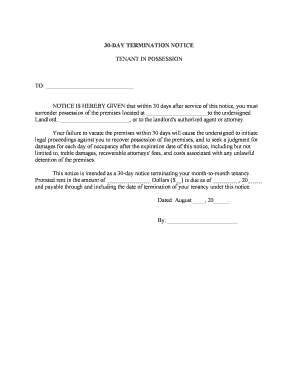
30 day notice
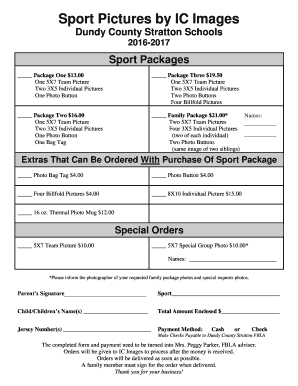
Sports photo packages order forms
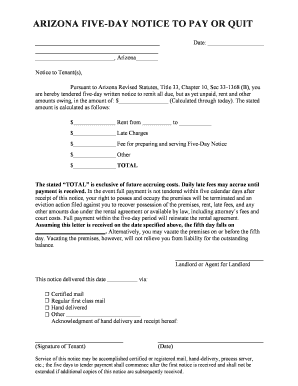
5 day notice arizona

Image of the school
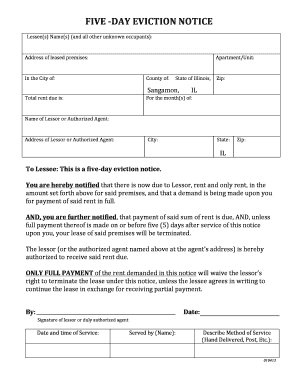
Blank 5 day eviction notice
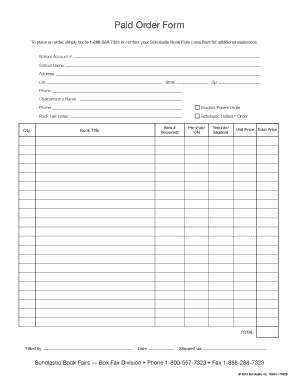
Scholastic book fair order form
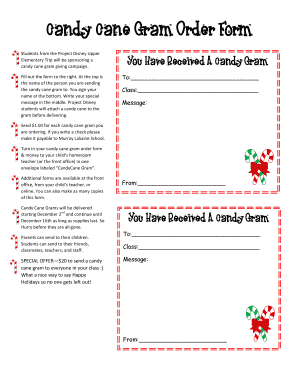
Candy cane gram order form

NSW Photo Card Application. NSW Photo Card ApplicationForm No. 1359Catalogue No. 45071151
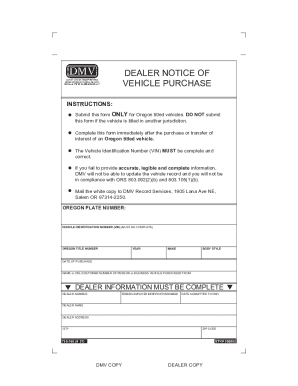
Oregon trip permit template
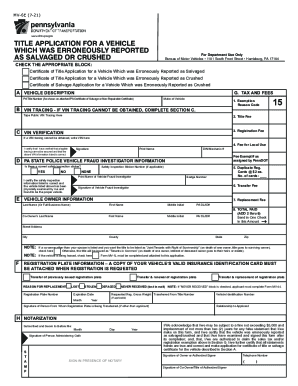
Pa new title application
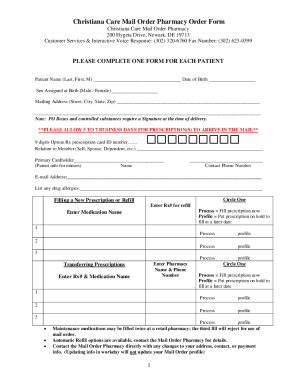
Christiana Care Mail Order Pharmacy Order Form
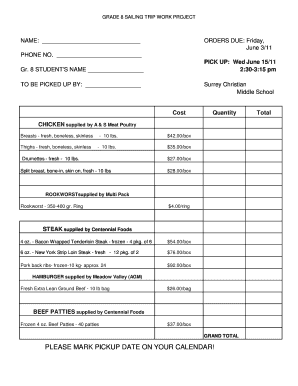
Meat order form template

Yacht food preference sheet
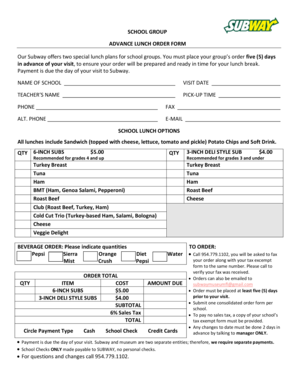
Subway group order form
-
1
- 2
Supercharge your production with Make printable picture day Order Forms
Form management takes up to half of your business hours. With DocHub, you can reclaim your time and effort and enhance your team's productivity. Get Make printable picture day Order Forms collection and explore all form templates related to your everyday workflows.
Easily use Make printable picture day Order Forms:
- Open Make printable picture day Order Forms and apply Preview to find the relevant form.
- Click on Get Form to begin working on it.
- Wait for your form to upload in the online editor and begin modifying it.
- Add new fillable fields, icons, and images, adjust pages order, and many more.
- Fill your form or set it for other contributors.
- Download or share the form by link, email attachment, or invite.
Boost your everyday file management with our Make printable picture day Order Forms. Get your free DocHub account today to explore all forms.
Video Guide on Make printable picture day Order Forms management

Commonly Asked Questions about Make printable picture day Order Forms
What size is a school picture exchange?
An Exchange is a small wallet-size photo that measures 2 1/3 x 1 2/3. These are the perfect size pictures for students to share with their friends.
How to find old Lifetouch pictures?
Its easy to go back and view your Lifetouch images on Shutterfly after youve successfully claimed your images. Heres how: From the Shutterfly website: When signed in to Shutterfly, click on My Photos, click on Albums, then click on Lifetouch from your folder list.
Can you order Lifetouch pictures after Picture Day?
Ordering or Paying After Picture Day Find your Portrait ID and Access Code, which is unique to each student, on your proofs or order sheet. For up to 9 months after your Picture Day you can use your Portrait ID and Access Code for a first-time order or to reorder additional pictures and photo gifts.
What is the standard school photo size?
Standard yearbook pictures - slightly smaller-than-wallet size, are usually 640 x 480 or 2.13 x 1.6. If youre working with a Graduating class, you may want to use a larger, true wallet-size image, which is 800 x 600.
Can I make copies of school pictures?
While you do purchase portraits of your child, the original image remains the property of Lifetouch. This image cannot be photocopied or reproduced without the companys express written consent.
What size are school pictures?
Choices vary from school to school, but typically include a range of classic and modern looks. Multiple picture size options include dimensions such as 8x10, 5x7 and 1.5x2. 5 for trading with classmates. High- and low-resolution digital images can be ordered on a CD or as downloadable files.
What size are school wallet photos?
Our most popular wallet size photos are 2.5x3.
How to create a photo order form?
6 Steps to Create a Picture Order Form Step 1: Basic Details. First, you need to provide your name and company name at the top of the form. Step 2: Insert Table. Step 3: Type Your Options. Step 4: Provide Instructions. Step 5: Ask for Information.
Related Templates

Hi, I'm interested in booking a game of golf - planDisney
The document is a booking form for organizing a golf day at Brampton Park Golf Club. It includes sections for contact de ...
Form online
The document appears to be empty or contains no visible content for analysis.

New or Revised SDS Poster - CET #2106 - michigan
The document outlines the requirements of the Michigan Right To Know Law, emphasizing the need to post information about ...

Vendor Approval Form 2014 - Putnam Valley Central School
The document is a Vendor Approval Form for the Putnam Valley Central School District in New York. It collects essential ...

WRITTEN TRIAL BY DECLARATION INSTRUCTIONS TO DEFENDANT
The document provides instructions for defendants in Sacramento Superior Court to request a Written Trial by Declaration ...

Form 7 worksafebc
The document is an 'Employer’s Report of Injury or Occupational Disease' required by the Workers Compensation Act, manda ...
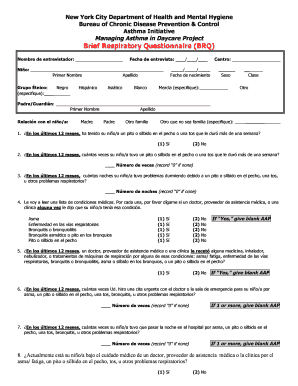
Brief Respiratory Questionnaire (BRQ) - Hudson Valley Asthma - hudsonvalleyasthmacoalition
Brief Respiratory Questionnaire (BRQ) - Hudson Valley Asthma - hudsonvalleyasthmacoalition
The document is a Brief Respiratory Questionnaire (BRQ) designed for the New York City Department of Health and Mental H ...
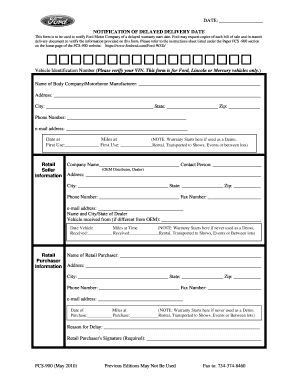
Ford delayed warranty start form
The document is a notification form for Ford Motor Company to report a delayed warranty start date for Ford, Lincoln, or ...