
Digital ipad Order Forms
Preserve time and effort with our extensive library of case-specific Digital ipad Order Forms. Pick from a range of pre-made templates or personalize your own.

Create a new Digital ipad Order Form
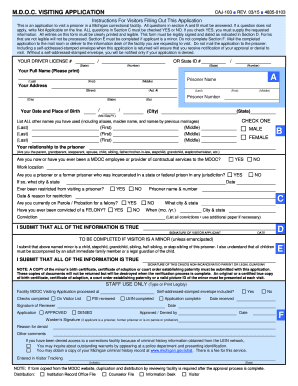
Mdoc visitation
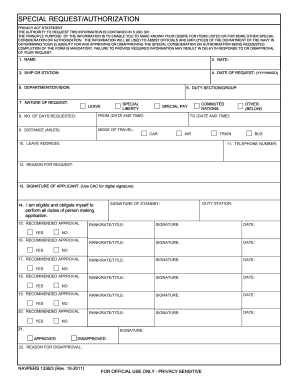
Navy special request chit
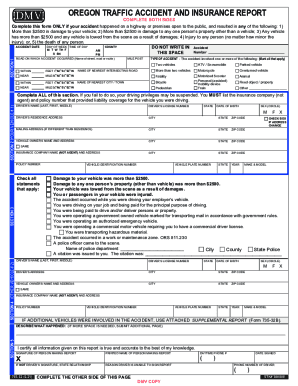
Oregon dmv accident report
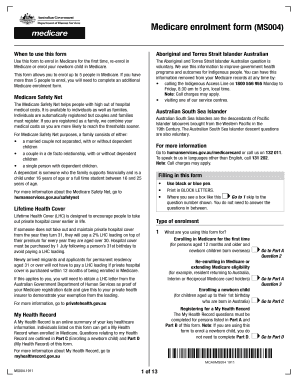
Medicare enrolment form

Visiting iowadoc us
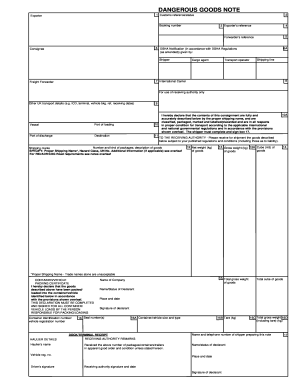
Goods note

Confirmation of address
Bir form 1904

Bill of sale for car

Note taking template

Information item tpwd online
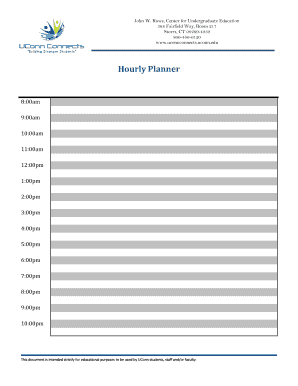
Hourly planner online

Printable rent receipt
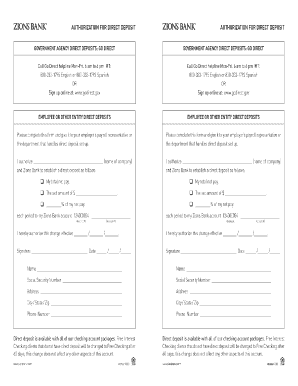
Zions bank direct deposit form
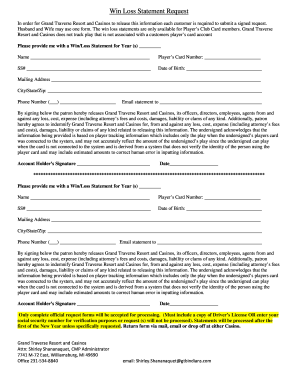
Soaring eagle win loss statement

2021 it 2104 1
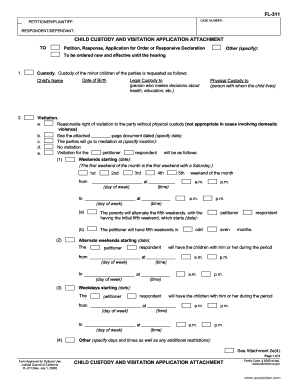
E4 form
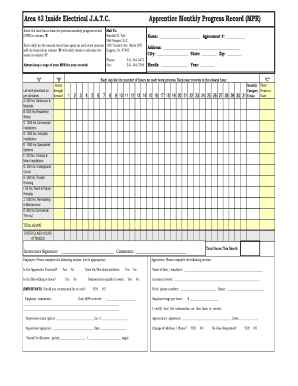
Electrical MPR Blank Manual Month - Mid Oregon - mid-oregon
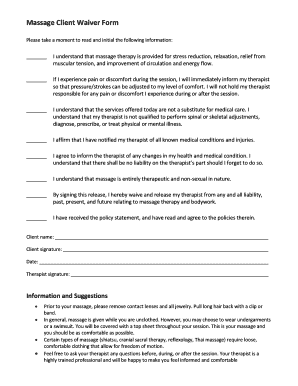
Printable massage waiver forms
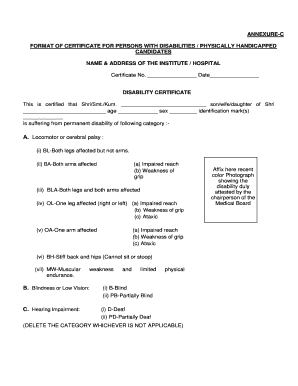
Disability certificate download pdf
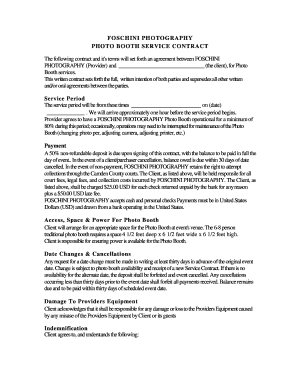
Printable photo booth contract
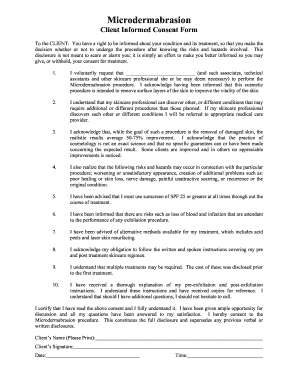
Esthetician consent form app
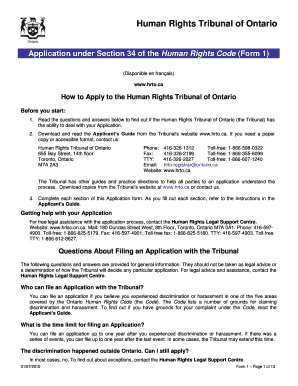
Human Rights Tribunal of Ontario Application under Section 34 of the Human Rights Code (Form 1) (Disponible en fran ais) www

Wati assessment

How to remove DRM from eBooks Adobe Digital Editions - Epubor
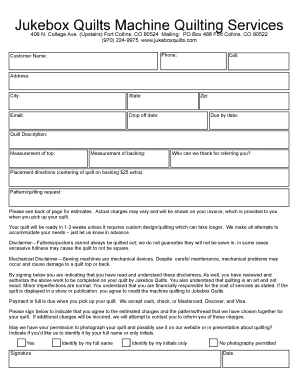
Jukebox Quilt Intake Form - Jukebox Quilts
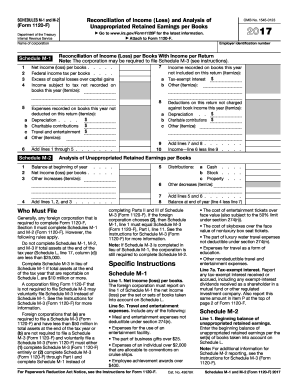
2017 form m 1
My Planner
Javelin pdf reader review
Atf form 4473
Redwood credit union direct deposit form
Fake std test results form - iug jeffndave

CS7 - Request for Installation of Electricity kWh Meter (for
How To Install Themes On iOS 10 - NO JAILBREAK - YouTube
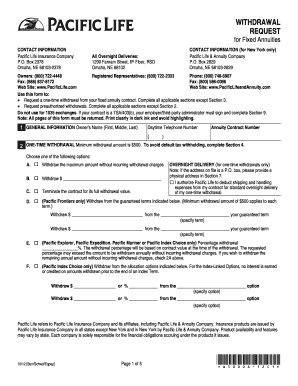
Pacific life death claim form
Transform your form operations with Digital ipad Order Forms
Your workflows always benefit when you can locate all the forms and documents you require at your fingertips. DocHub delivers a wide array of templates to alleviate your daily pains. Get hold of Digital ipad Order Forms category and easily discover your document.
Begin working with Digital ipad Order Forms in a few clicks:
- Browse Digital ipad Order Forms and get the document you need.
- Click Get Form to open it in the editor.
- Begin adjusting your file: add fillable fields, highlight paragraphs, or blackout sensitive info.
- The app saves your adjustments automatically, and once you are all set, you can download or share your form with other contributors.
Enjoy effortless record managing with DocHub. Check out our Digital ipad Order Forms online library and get your form right now!
Video Guide on Digital ipad Order Forms management

Commonly Asked Questions about Digital ipad Order Forms
How do I write on a PDF file that was emailed to me on iPad?
Open Acrobat Reader and press the plus (+) sign at the bottom of the screen. Select the Edit PDF option and navigate to the form you want. Tap the pencil icon at the bottom of the screen, then select Edit PDF. Fill in the form and tap Done when finished.
How to download a form and fill it out on iPad?
Fill out a PDF form On your iPhone or iPad, open the Google Drive app. Tap the PDF you want to fill out. At the bottom, tap Fill out form. If you dont see the option, you may not be able to fill out this PDF. Enter your information in the PDF form. At the top right, tap Save. To save as a copy, click More. Save as.
How do I fill out a form that was emailed to me on my iPad?
Fill out forms and sign documents on iPad Tap the file to open the document. If prompted, open the document in the Files app , then tap Save. Tap. To fill out another field, tap it, then enter text. To add additional text or add your signature, tap. When youre done, tap. Tap Done to close the document.
How to make fillable forms for iPad?
How to create a fillable PDF on an iPad. Download and open the Fill Sign app from Google Play or the Apple App Store. Create or download the PDF on your device. Open the document or photo to open it. Tap the Share button. Tap the More button. Choose docHub Fill Sign.
How do I write over a document on my iPad?
Use Markup to add text, shapes, signatures, and more to documents on iPad In a supported app tap. In the Markup toolbar, tap. Tap the text box, then use the keyboard to enter text. To adjust the texts font, size, justification, style, or color, tap the text editing options at the bottom of the Markup toolbar.
How do I write on a form that was emailed to me?
doc format you can use Microsoft Word. Most forms are sent in pdf format, alas the most common the pdf reader does not let you type in. If this the case you can download and use this free reader. Otherwise print the form, fill it in by hand, scan it to as a file, and send back the scanned file.
What is the Apple app that fills out forms?
Top Apps To Fill PDF Forms on iPhone/iPad Free PDFelement - Edit Fill out PDF on iPhone iPad. docHub Fill Sign on iPhone iPad. PDF Max 5 Pro - Annotate Fill out PDF Form on iPhone. PDF Expert - Fill Sign PDF Form on iPhone. GoodNotes - Fill a PDF Form for Free on iPhone. Smart Forms - Fill out Form on iPhone/iPad.
Related Templates

WV-800 Receipt for Firearms and Firearm Parts Judicial Council forms
The document is a legal form (WV-800) used in California for individuals who have been ordered by a judge to surrender t ...

NAME, ADDRESS, AND TELEPHONE NUMBER OF ATTORNEY OR PARTY WITHOUT ATTORNEY:
The document is an 'Application & Order to Withdraw Exhibits' from the Superior Court of California, County of Los Angel ...

California bar examination study aids
The document provides information on the availability and pricing of California Bar Examination study aids, including es ...

California Citation for Minor Abandonment
The document is a legal citation issued by the Superior Court of California, County of Los Angeles, regarding a case for ...
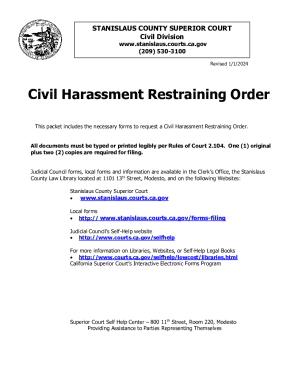
CH-800 Receipt for Firearms and Firearm Parts (Civil Harassment Prevention) Judicial Council forms
CH-800 Receipt for Firearms and Firearm Parts (Civil Harassment Prevention) Judicial Council forms
The document provides information and forms necessary for requesting a Civil Harassment Restraining Order in Stanislaus ...

APP-012 STIPULATION FOR EXTENSION OF TIME TO FILE BRIEF (CIVIL CASE) Judicial Council forms
APP-012 STIPULATION FOR EXTENSION OF TIME TO FILE BRIEF (CIVIL CASE) Judicial Council forms
The document APP-012 is a form used in the Court of Appeal for stipulating an extension of time to file a brief in a civ ...

Permanent handicap placard maryland
The document is an application form for Maryland Parking Placards and License Plates for individuals with disabilities. ...
Inventory template sheet
The document provides a structured format for entering equipment data, including physical condition, financial details, ...