
With signature Balance Sheet Templates
Customize With signature Balance Sheet Templates online with DocHub versatile adjustment features. Generate and manage your business documents all in one location without jeopardizing your information and safety.

Create a new With signature Balance Sheet Template
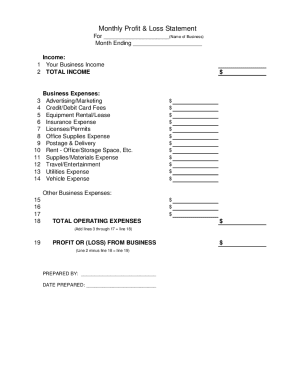
Profit and loss statement template
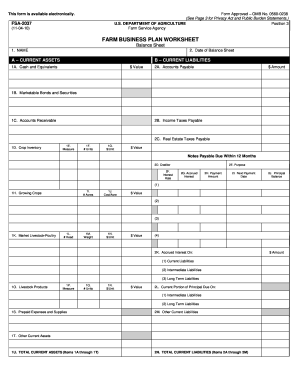
Fsa 2037
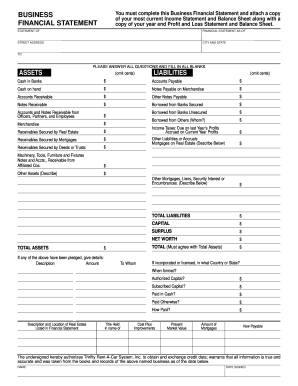
Business financial statement template
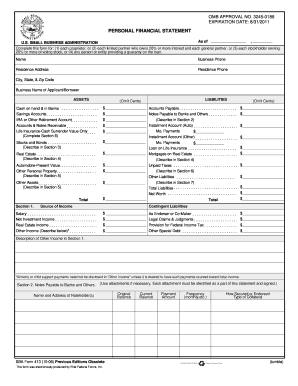
Personal financial statement template 2008 form

Cash count sheet
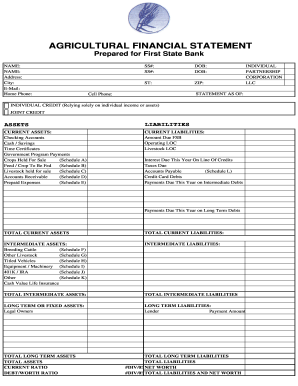
Agriculture financial statement excel

Hvac air balance report template excel

Business debt schedule template
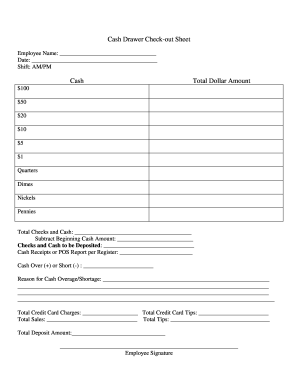
Cash drawer reconciliation template
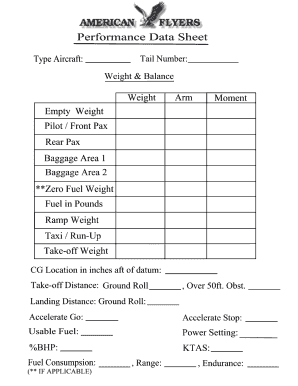
Weight and balance sheet
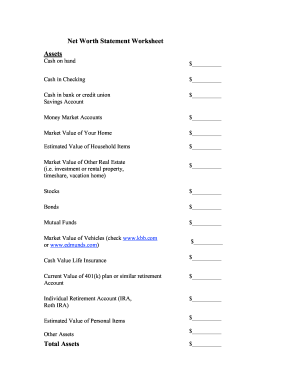
Net worth statement
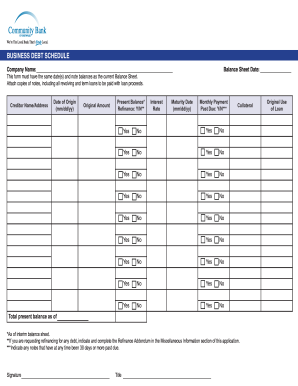
Debt schedule template excel
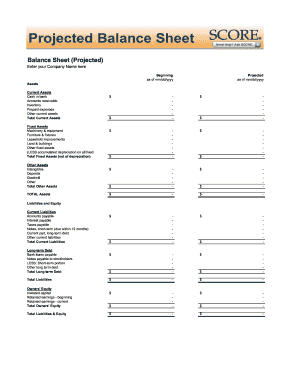
Balance sheet fill in the blank
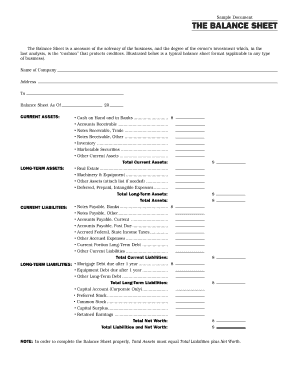
Interim ytd balance sheet pdf

Personal balance sheet pdf

Personal net worth statement template form
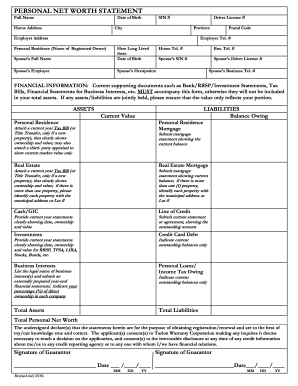
Net worth statement
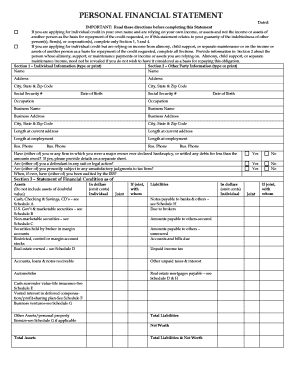
Personal financial statement form
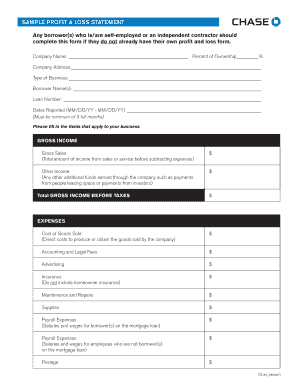
Sample Profit and Loss Statement PDF - Chase
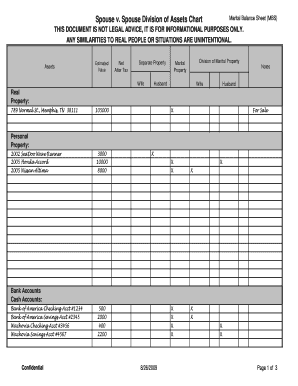
Marital balance sheet
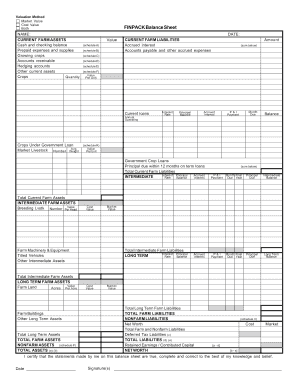
Finpack balance sheet

Printable financial forms
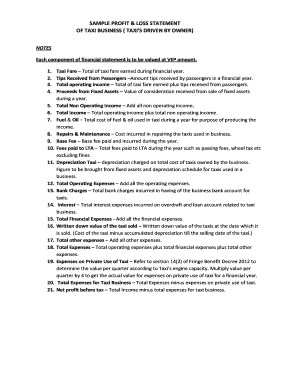
Profit and loss statement for uber driver
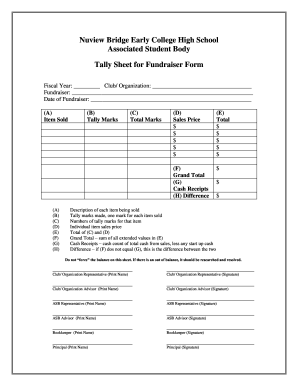
Tally sheet template
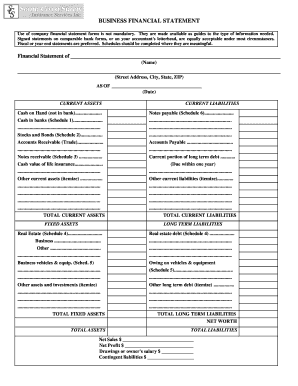
Business financial statement form
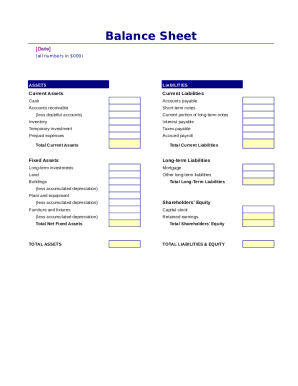
Simple balance sheet
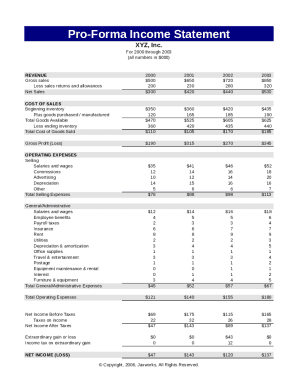
Pro forma income statement

Fillable personal financial statement form
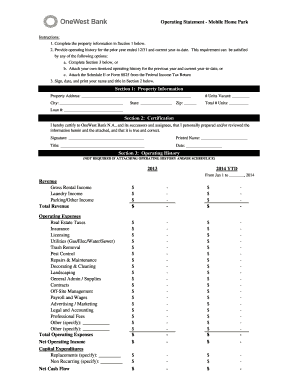
Project operating statement
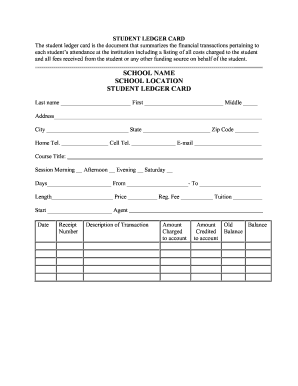
Student ledger template
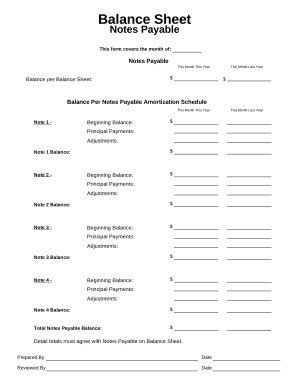
Balance sheet form
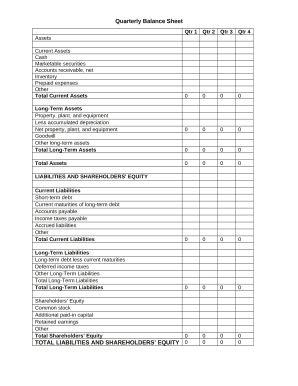
Quarterly Balance Sheet

Family Financial Statement
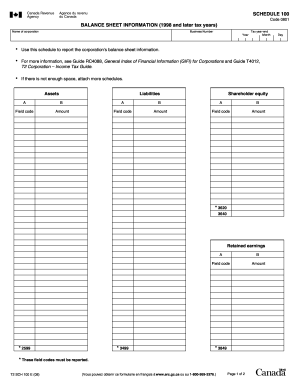
Balance sheet information schedule 100 2020

Sba form 413

CODE REVISER USE ONLY PROPOSED RULE MAKING - dshs wa
-
1
- 2
Transform your template management with With signature Balance Sheet Templates
Your workflows always benefit when you can find all the forms and documents you will need at your fingertips. DocHub gives a a huge library of documents to relieve your everyday pains. Get a hold of With signature Balance Sheet Templates category and quickly find your document.
Begin working with With signature Balance Sheet Templates in several clicks:
- Browse With signature Balance Sheet Templates and find the form you require.
- Click on Get Form to open it in our online editor.
- Start changing your document: add more fillable fields, highlight sentences, or blackout sensitive data.
- The application saves your modifications automatically, and after you are ready, you can download or share your form with other contributors.
Enjoy easy form managing with DocHub. Discover our With signature Balance Sheet Templates collection and look for your form today!
Video Guide on With signature Balance Sheet Templates management

Commonly Asked Questions about With signature Balance Sheet Templates
What should be the date of signing a balance sheet?
The Balance Sheet signing date has to be prior to the date of the notice of AGM. The accounts approved, i.e., signed by the Board is sent to the shareholders along with the notice of AGM. Hence, the Balance Sheet signing date is always prior to the date of the notice of AGM.
How do you create a fully labeled balance sheet?
How to Prepare a Basic Balance Sheet Determine the Reporting Date and Period. Identify Your Assets. Identify Your Liabilities. Calculate Shareholders Equity. Add Total Liabilities to Total Shareholders Equity and Compare to Assets.
Is there a balance sheet template in Excel?
The Balance Sheet Template for Excel is a pre-designed spreadsheet that allows users to enter their companys financial information, including assets, liabilities, and equity. This template is useful for businesses of all sizes, as it can be customized to fit each companys specific needs.
How to make a balance sheet in Excel template?
Preparing a balance sheet involves several steps: Gather Financial Information: Gather all your financial data, including assets, liabilities, and equity. Organize Assets: Here is the list of all assets, including current assets (cash, inventory) and non-current assets (property, equipment).
Does Excel have a financial statement template?
A: Yes. Excel has a range of financial templates, including income statements, cash flow statements, and balance sheets.
What is a signed balance sheet?
Signing Balance Sheet means an unaudited balance sheet of the Company as of the close of business on the Agreement Date and prepared in ance with GAAP consistent with past practices (except for the absence of footnotes).
Does Excel have financial templates?
Creating a budgeting plan for your household can feel overwhelming and hard, but Excel can help you get organized and on track with a variety of free and premium budgeting templates.
Does Excel have a bookkeeping template?
Those who havent used Excel before or arent familiar with its features can download Excel bookkeeping templates online. Once you create or download templates, you can use them as a basis for more advanced account-related tasks like basic financial statements, forms, receipts, reports, etc.
Related Templates
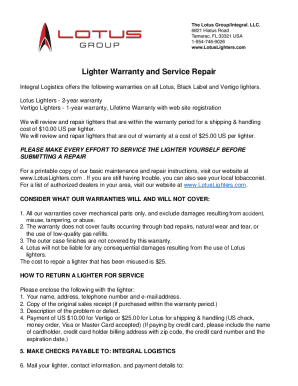
Vertigo lighter warranty
Integral Logistics provides warranty and repair services for Lotus, Black Label, and Vertigo lighters. Lotus lighters ha ...

BROWN FUNERAL AND CREMATORY - ARRRANGEMENT WORKSHEET
The document is a worksheet from Brown Funeral and Crematory designed for arranging funeral services. It collects detail ...
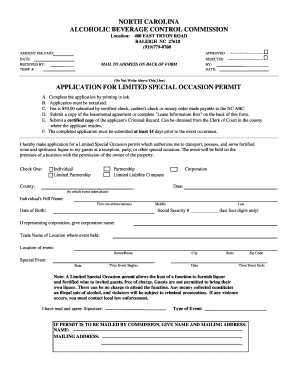
Limited special occasion permit
The document outlines the application process for a Limited Special Occasion Permit from the North Carolina Alcoholic Be ...

Wisconsin dells gymnastics
The document provides details about the Wisconsin Dells Gymnastics Vacation Classic event, scheduled from January 30 to ...

Wdva form
The document outlines the process for requesting certification for the Wisconsin G.I. Bill, detailing the necessary step ...
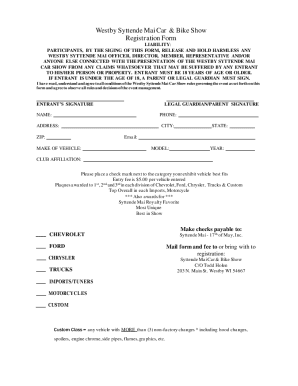
Westby Syttende Mai Car & Bike Show Registration Form
The document is a registration form for the Westby Syttende Mai Car & Bike Show, outlining liability waivers for partici ...

Glassdoor ReviewsWaukesha-CountyWaukesha County Department of Parks & Land Use (WI
The document is a Preliminary Site Evaluation Application from the Waukesha County Department of Parks & Land Use, Envir ...

Lic 605a
The document is a release form from the California Department of Social Services, Community Care Licensing, authorizing ...