
Doc Booking Templates
Find and personalize Doc Booking Templates to enhance your business workflows. Modify, eSign, and complete documents without switching between different accounts.

Create a new Doc Booking Template
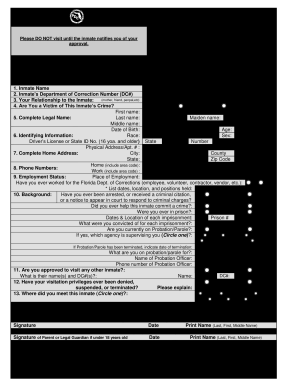
Doc visiting application online
Photobooth events form
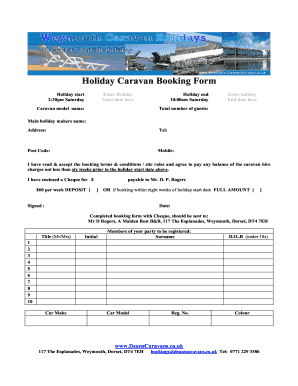
Caravan booking form template
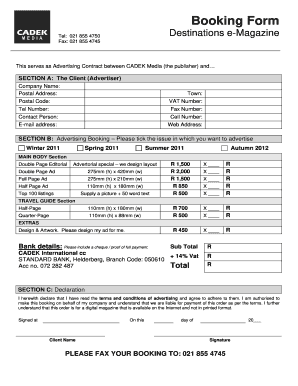
Order booking format
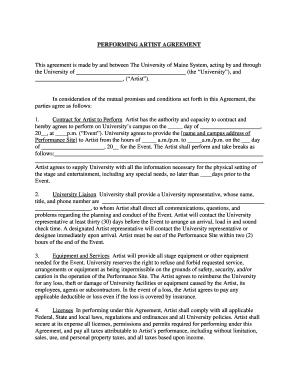
Artist booking agreement template

Stall booking form template
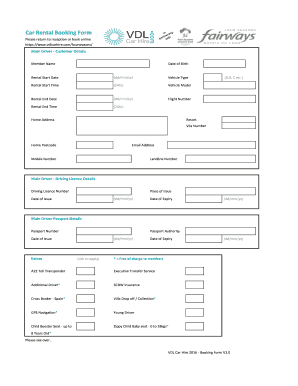
Car hire form

Room form
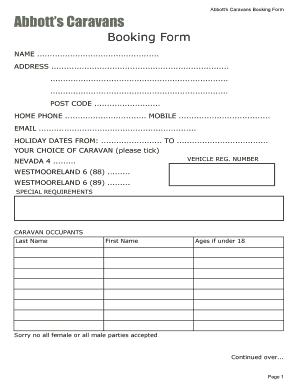
Caravan booking form template
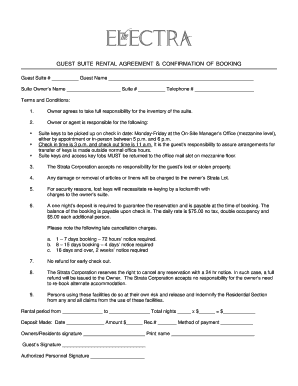
Guest suite rental agreement & confirmation of booking - The Electra

Car service form
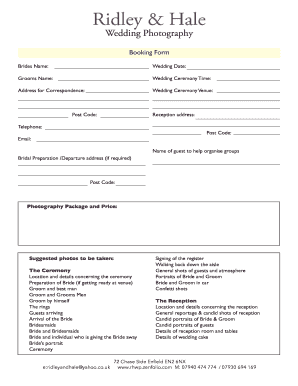
Wedding photography booking form

AV Loans Booking Form.doc - sydney edu
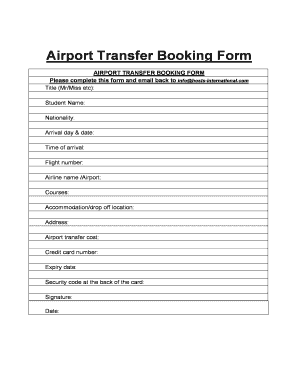
Airport Transfer Booking Form - arts ac
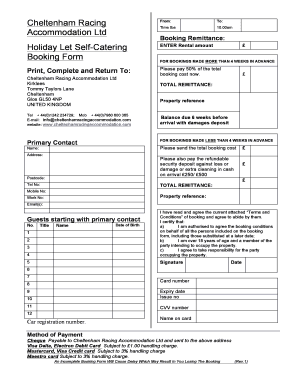
Booking form Holiday let with terms and conditions March 201212.doc
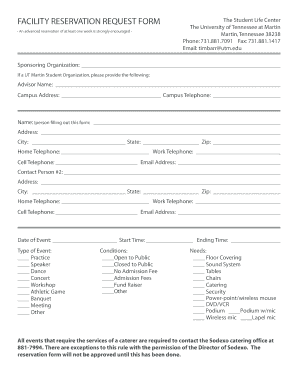
Reservation application form

Band Booking Agreement - Bandzoogle
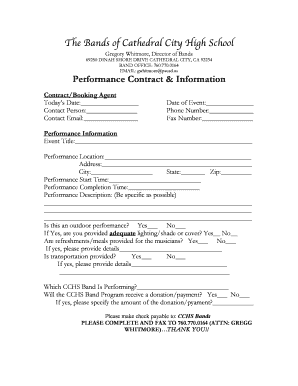
Performance Booking Contract - cchsbands

Booking form Schenker - 136 - logistics dbschenker
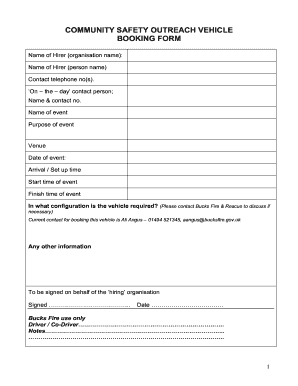
Ex Vehicle booking form 3 - youthfocusorguk - youthfocus org
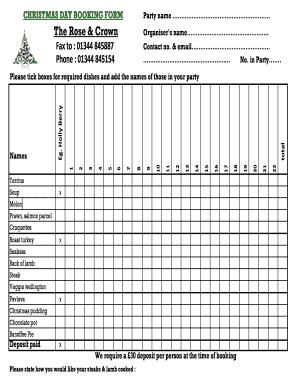
CHRISTMAS DAY BOOKING FORM Party name The Rose amp Crown
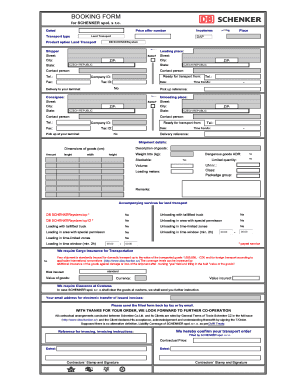
Booking form (PDF) - DB Schenker - dbschenker
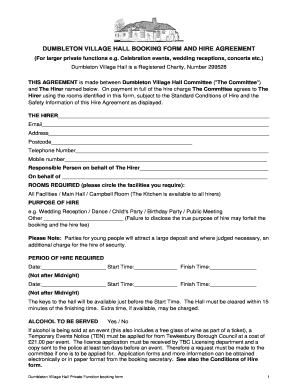
TODDINGTON VILLAGE HALL BOOKING FORM AND HIRE AGREEMENT - dumbletonvillagehall org
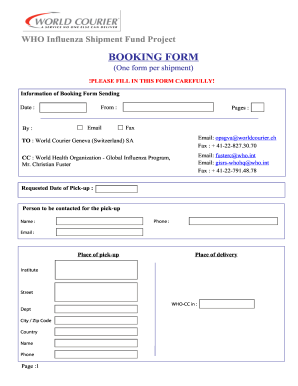
WHO Shipping Fund Booking form
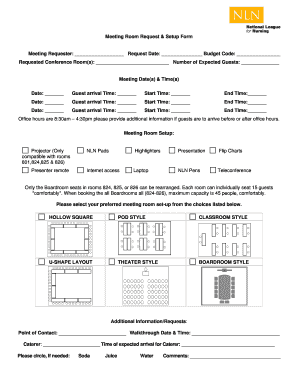
Meeting Room Request & Setup Form
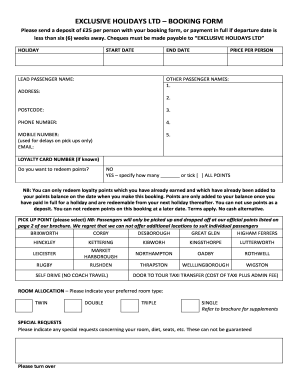
EXCLUSIVE HOLIDAYS LTD BOOKING FORM

Holiday express conference booking form template
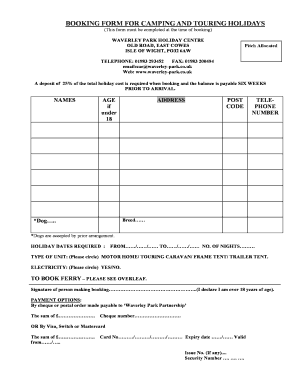
Download touring and camping booking form - Waverley Park

Weddong booking forns form
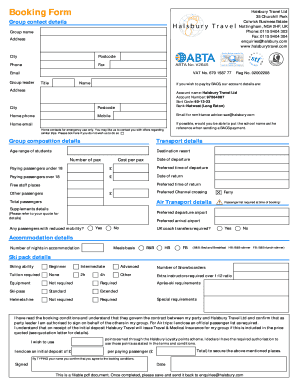
Booking Form - Halsbury Ski
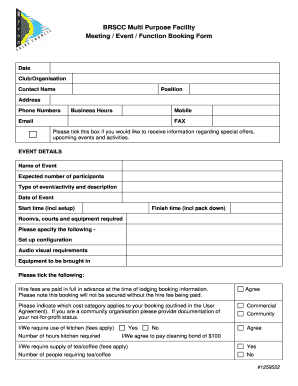
BRSCC MPF Meeting Function Event Booking Form.DOC - byron nsw gov
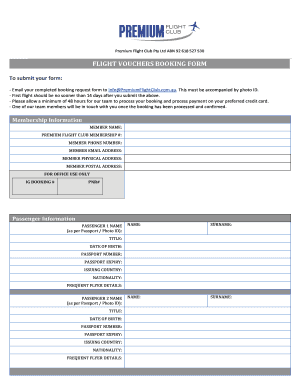
Flight vouchers booking form sample
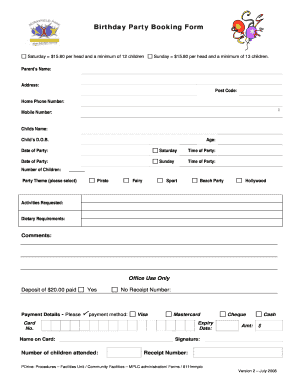
Birthday party booking form template

Cruise booking form
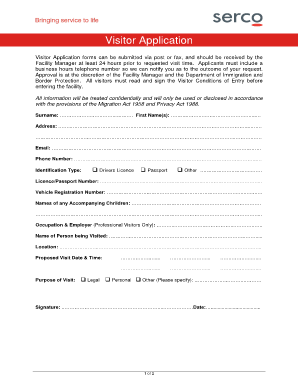
Villawood detention centre visitor booking form

Monkey town booking form
-
1
- 2
Increase your production with Doc Booking Templates
Papers management occupies to half of your business hours. With DocHub, it is possible to reclaim your time and boost your team's productivity. Access Doc Booking Templates category and explore all templates related to your everyday workflows.
Easily use Doc Booking Templates:
- Open Doc Booking Templates and use Preview to find the relevant form.
- Click Get Form to start working on it.
- Wait for your form to open in the online editor and start editing it.
- Add new fillable fields, symbols, and pictures, change pages, etc.
- Fill your template or set it for other contributors.
- Download or share the form by link, email attachment, or invite.
Improve your everyday file management with our Doc Booking Templates. Get your free DocHub profile today to discover all templates.
Video Guide on Doc Booking Templates management

Commonly Asked Questions about Doc Booking Templates
Is there a address book template for Google Docs?
Your Excel Spreadsheet Is Convertible for Use in Google Docs. That Said, Grab the Opportunity to Easily Create a Task List or Phonebook Using Our Free Address Book Templates in Google Docs.
Does Google Sheets have free templates?
On your browser, go to Google Sheets. Click Template Gallery at the top right. Explore the templates to find the right one for you. Youll find different templates for your personal, work, project management, and education needs.
How do I enable templates in Google?
Turn on custom templates Sign in to your Google Admin console. Sign in using your administrator account (does not end in @gmail.com). In the Admin console, go to Menu Apps Google Workspace Drive and Docs. Templates. Click Template Gallery settings. Check the Enable custom templates for your organization box. Click Save.
Is there a book writing template?
You can find both manuscript and layout templates downloadable online. Some writing software comes with preloaded templates. StoryShare and Ulysses will help you format the interior of your book, and sites like Lulu and Canva have templates you can use to design the outside of your book.
Does Google Docs offer templates?
Use a Google template On your computer, go to Google Docs, Sheets, Slides, or Forms. At the top right , click Template Gallery. Click the template you want to use. A copy of the template opens.
Is there a book template for Google Docs?
Thats right. You can use a Google Doc to create a custom template for your book. Besides being a useful writing platform, Google Docs has a template to structure a book more easily. On top of that, it enables users to create a brochure or a booklet.
How do you get templates in Google Docs?
Select Template gallery to view Googles assortment of premade templates. If you cant find Template gallery, select the menu icon ( ) in the top-left corner of the Google Docs home screen Settings Display recent templates on home screens OK. Select a template from the gallery.
Does Google Docs have templates like Word?
A Google Docs template is created on Google Drive, by default. Click View to view the template. From the Google Docs File menu select Download Microsoft Word (.
Related Templates

Illinois 344 form
The document outlines common investment scams targeting seniors, emphasizing the importance of recognizing unsuitable in ...

Il sec 333 1 solicitation interest form
The document is a Solicitation of Interest Form from the Illinois Secretary of State's Securities Department, intended f ...

The killeen permit
The document is a Killeen On-Premise Sign Permit Application, which outlines the necessary information and requirements ...

Wi sbd p split download
The document is a component manual for the Split Bed Recirculating Sand Filter System, detailing specifications for desi ...

State michigan
The document is an application form for a Sunday Sales Permit issued by the Michigan Liquor Control Commission (MLCC). I ...
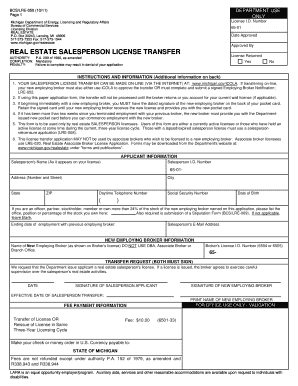
Renewal license
The document is a Real Estate Salesperson License Transfer application form from the Michigan Department of Energy, Lice ...
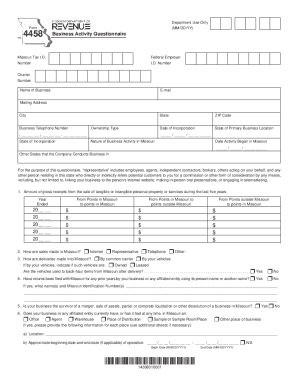
Business activity questionnaire
The document is a Business Activity Questionnaire (Form 4458) used by the Missouri Tax Department to collect information ...

What Is a Crane Load Chart? - Total Equipment Training
The document provides practice exercises for the CraneSafe Certification assessment related to the Stiff Boom Truck Cran ...