
Full Balance Sheet Templates
Adjust Full Balance Sheet Templates and comply with local regulations. Easily edit, fill out, eSign, and share your balance sheet statements with other contributors.

Create a new Full Balance Sheet Template

Personal financial statement template
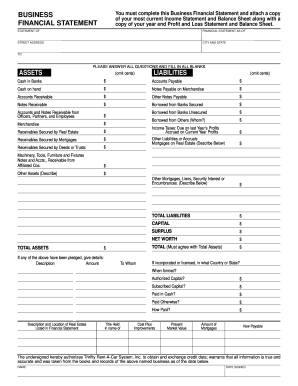
Business financial statement template
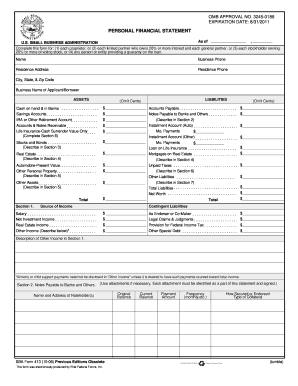
Personal financial statement template 2008 form
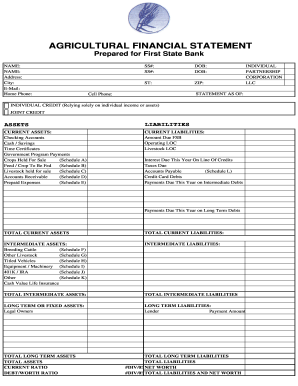
Agriculture financial statement excel
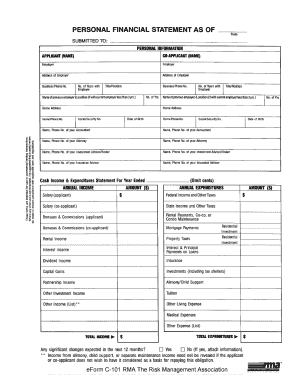
Rma personal financial statement pdf

Hvac air balance report template excel

Business debt schedule template
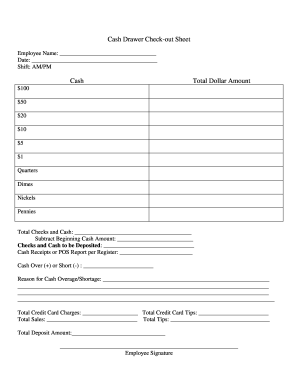
Cash drawer reconciliation template
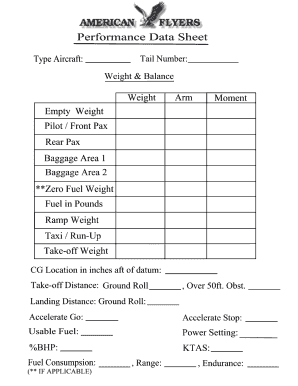
Weight and balance sheet
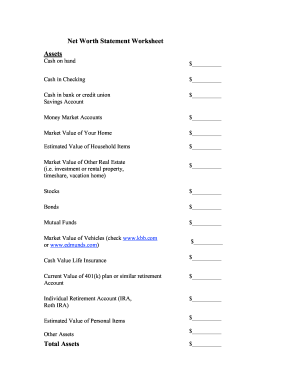
Net worth statement
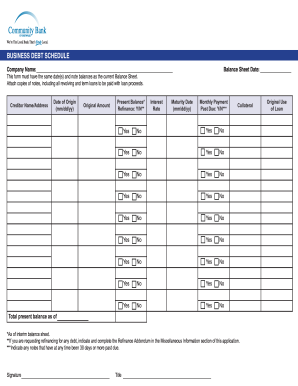
Debt schedule template excel
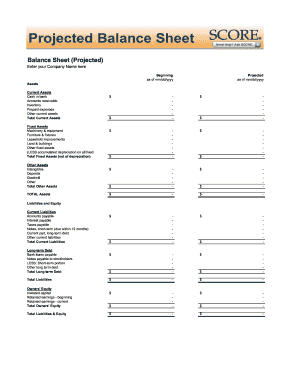
Balance sheet fill in the blank
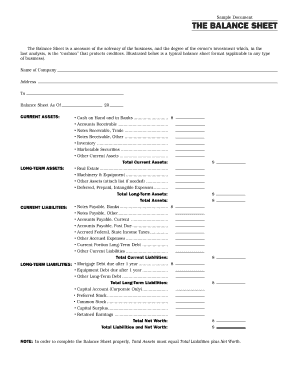
Interim ytd balance sheet pdf

Personal balance sheet pdf
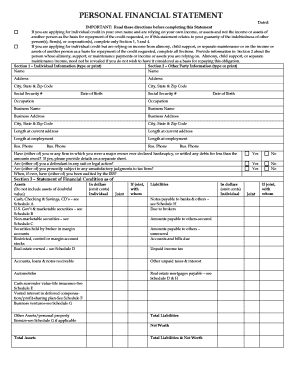
Personal financial statement form
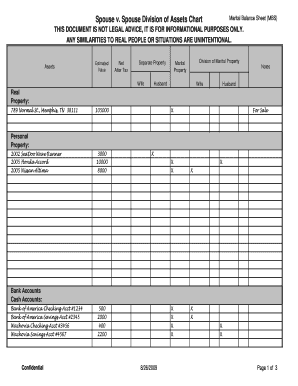
Marital balance sheet
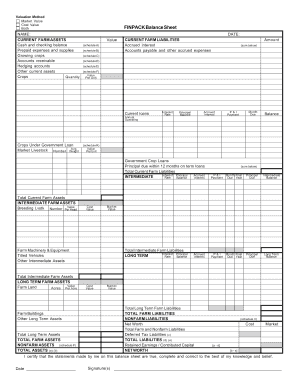
Finpack balance sheet
Printable financial forms
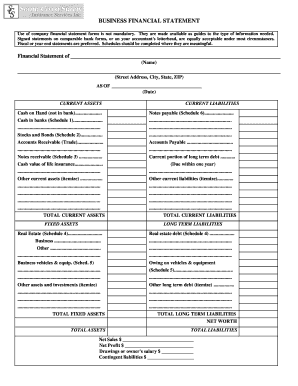
Business financial statement form
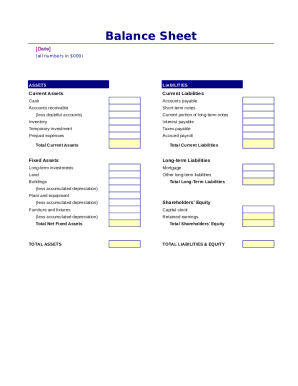
Simple balance sheet
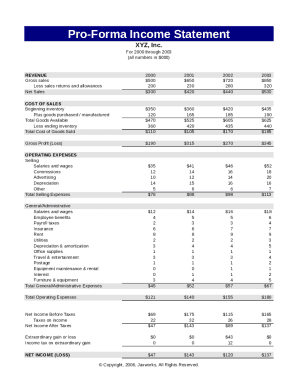
Pro forma income statement
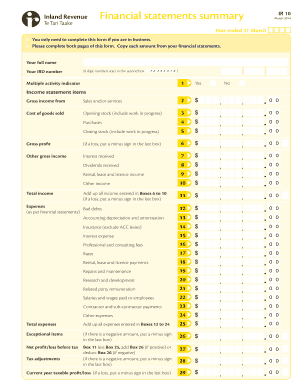
Financial statements summary - IRD

Fillable personal financial statement form
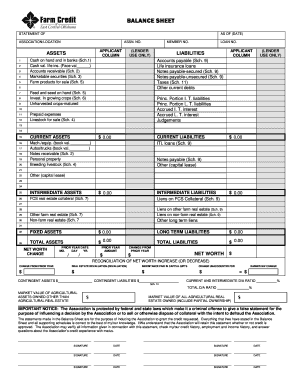
Download Financial Statement Form - Farm Credit
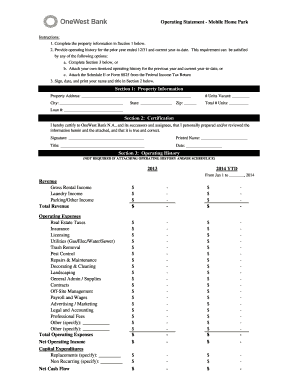
Project operating statement

Financial report template
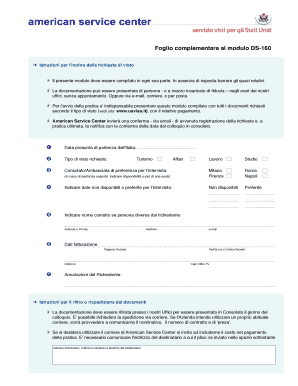
Modulo ds 160
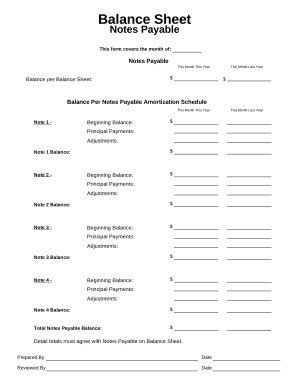
Balance sheet form
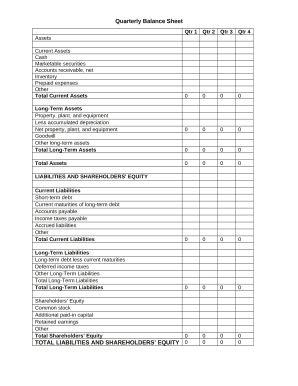
Quarterly Balance Sheet

Family Financial Statement
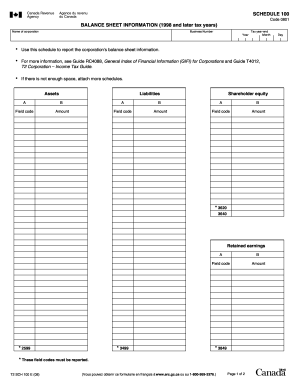
Balance sheet information schedule 100 2020

Sba form 413
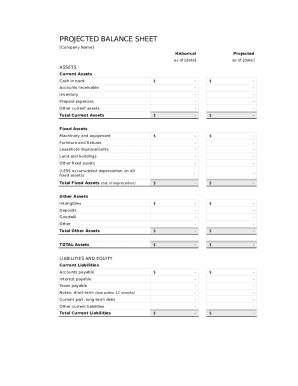
Balance sheet template fillable
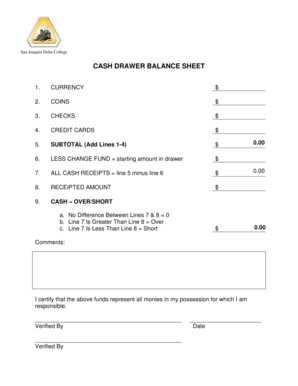
Cash drawer balance sheet

CODE REVISER USE ONLY PROPOSED RULE MAKING - dshs wa
Get and manage Full Balance Sheet Templates online
Improve your form management using our Full Balance Sheet Templates library with ready-made document templates that meet your requirements. Access the form template, edit it, fill it, and share it with your contributors without breaking a sweat. Begin working more efficiently with the forms.
The best way to use our Full Balance Sheet Templates:
- Open our Full Balance Sheet Templates and search for the form you need.
- Preview your document to ensure it’s what you want, and click on Get Form to begin working on it.
- Change, include new text, or highlight important information with DocHub features.
- Fill out your form and preserve the changes.
- Download or share your document template with other recipients.
Discover all of the possibilities for your online file administration with the Full Balance Sheet Templates. Get your free free DocHub account right now!
Video Guide on Full Balance Sheet Templates management

Commonly Asked Questions about Full Balance Sheet Templates
How do you label a balance sheet?
Its divided into two sides assets are on the left side, and total liabilities and equity are on the right side. As the name implies, the balance sheet should always balance. The assets on the left will equal the liabilities and equity on the right.
Can I create my own balance sheet?
You can create a personal balance sheet by completing the following steps, including getting all relevant documents, listing your assets and liabilities, and calculating your net worth.
How do you create a fully labeled balance sheet?
How to Prepare a Basic Balance Sheet Determine the Reporting Date and Period. Identify Your Assets. Identify Your Liabilities. Calculate Shareholders Equity. Add Total Liabilities to Total Shareholders Equity and Compare to Assets.
Is there a balance sheet template in Excel?
The Balance Sheet Template for Excel is a pre-designed spreadsheet that allows users to enter their companys financial information, including assets, liabilities, and equity. This template is useful for businesses of all sizes, as it can be customized to fit each companys specific needs.
How do you make a detailed balance sheet?
How to make a balance sheet Invest in accounting software. Create a heading. Use the basic accounting equation to separate each section. Include all of your assets. Create a section for liabilities. Create a section for owners equity. Add total liabilities to total owners equity.
What are the 5 steps in creating a balance sheet?
Making a balance sheet can be done in 5 simple steps. Define a Reporting Period and Reporting Date. Gather Your Assets. Gather Your Liabilities. Determine Shareholders Equity. Add Liabilities to Shareholders Equity, Compare to Assets.
Related Templates

Puerto rico 481
The document is the 2012 Individual Income Tax Return Form (Formulario 481) for Puerto Rico, detailing the necessary inf ...

2013 8815 form
Form 8815 is used to calculate the exclusion of interest from U.S. Series EE and I Savings Bonds issued after 1989 for t ...

2013 4136 form
Form 4136 is a document from the IRS that allows taxpayers to claim credits for federal taxes paid on various fuels, inc ...
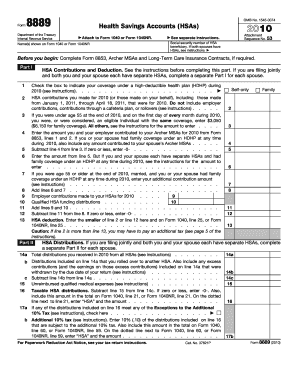
8889 form 2010
The document is Form 8889, used for reporting Health Savings Accounts (HSAs) contributions and distributions for the tax ...
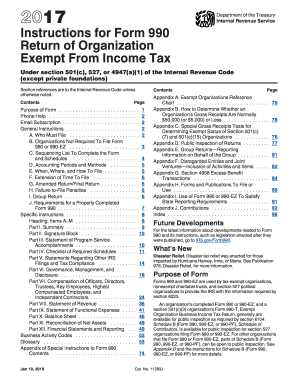
2014 form 990 instructions
Fiscal year. If the organization has established a fiscal year accounting period use the 2014 Form 990 to report on the ...
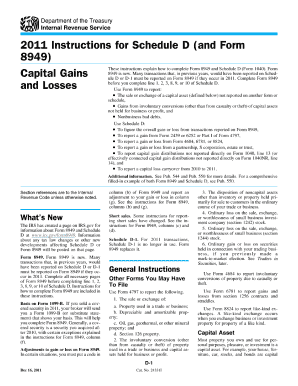
2010 form 1040 schedule d 2011
The document provides detailed instructions for completing Schedule D (Form 1040) related to capital gains and losses fo ...
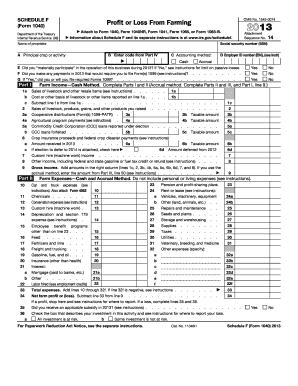
2014 form f
Schedule F (Form 1040) is a tax form used by farmers to report profit or loss from farming activities for the year 2013. ...
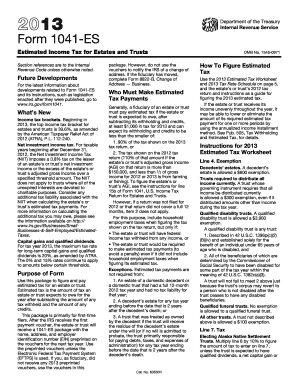
2013 Form 1041-ES - Internal Revenue Service
The document consists of multiple U.S. Income Tax Return forms (Form 1041) for the estate of Basilio Lopez Martin, cover ...