
Fillable printable Balance Sheet Templates
Obtain the best up-to-date Fillable printable Balance Sheet Templates with DocHub online library. Personalize and cooperate on your financial statements with your team in real-time without losing crucial details.

Create a new Fillable printable Balance Sheet Template
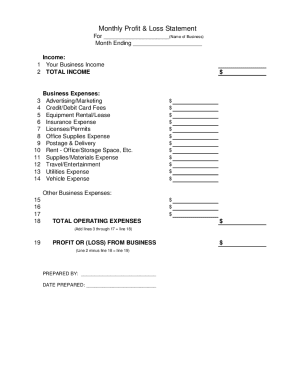
Profit and loss statement template

Personal financial statement template
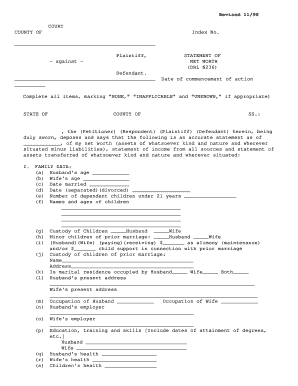
Net worth statement
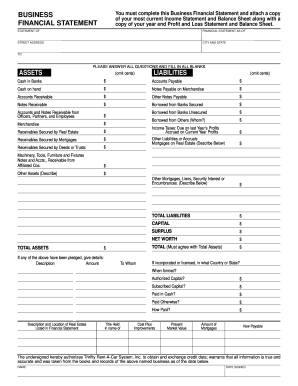
Business financial statement template
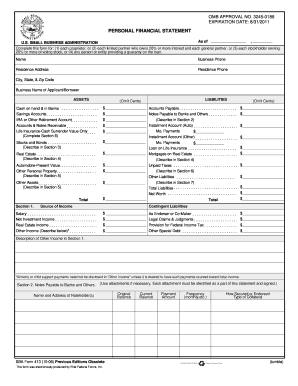
Personal financial statement template 2008 form

Cash count sheet
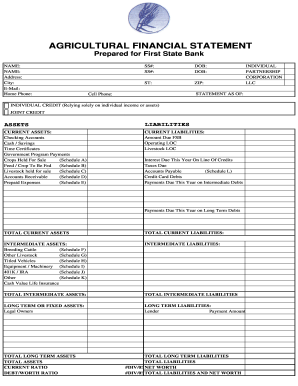
Agriculture financial statement excel

Hvac air balance report template excel
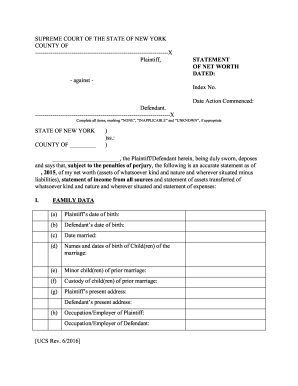
New york statement of net worth fillable pdf

Business debt schedule template
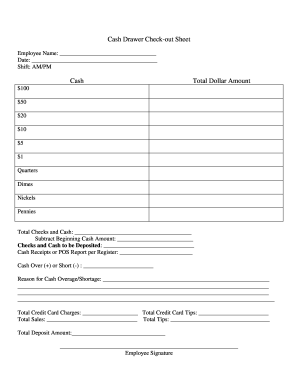
Cash drawer reconciliation template
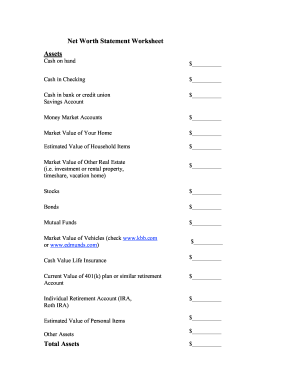
Net worth statement
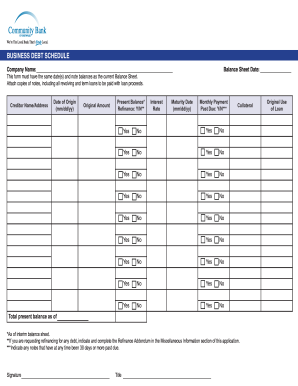
Debt schedule template excel
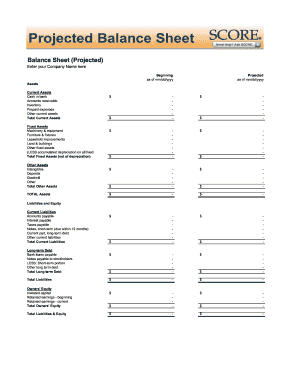
Balance sheet fill in the blank
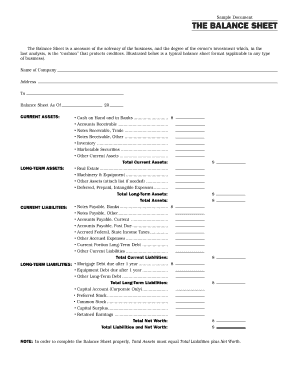
Interim ytd balance sheet pdf

Personal balance sheet pdf

Personal net worth statement template form
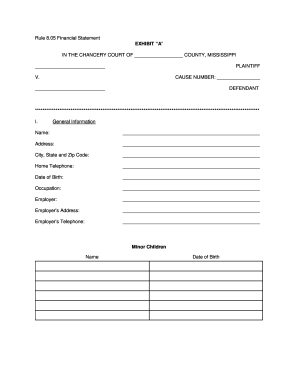
RULE 8.05 FINANCIAL DISCLOSURE - 2nd Chancery Court - 2ndchancerycourtdistrictms
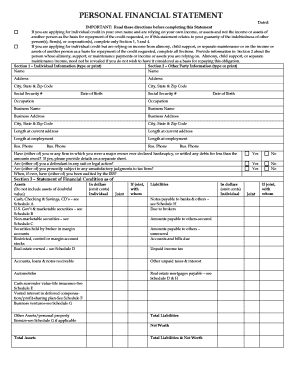
Personal financial statement form
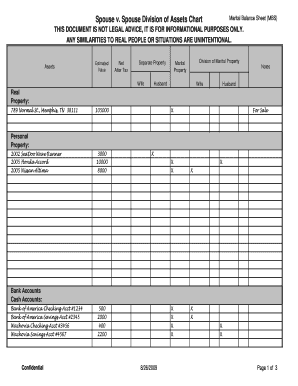
Marital balance sheet
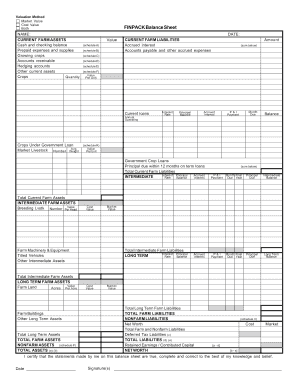
Finpack balance sheet

Printable financial forms
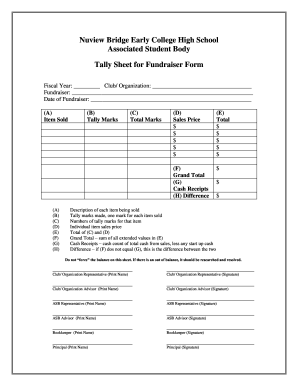
Tally sheet template
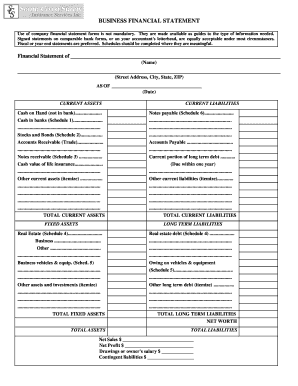
Business financial statement form
Blank statement form
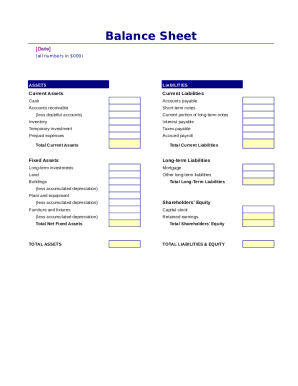
Simple balance sheet
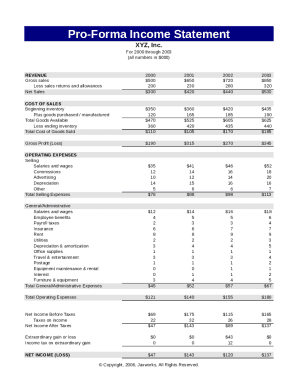
Pro forma income statement

Fillable personal financial statement form
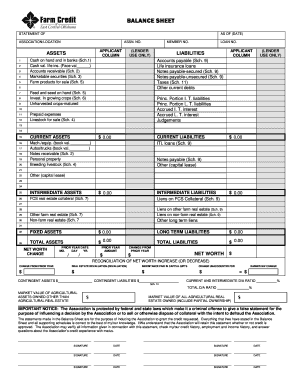
Download Financial Statement Form - Farm Credit
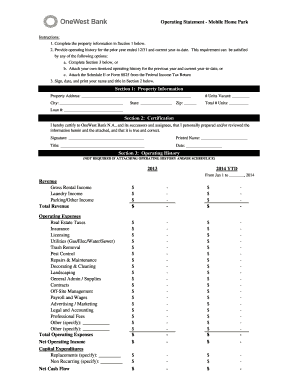
Project operating statement

Financial report template
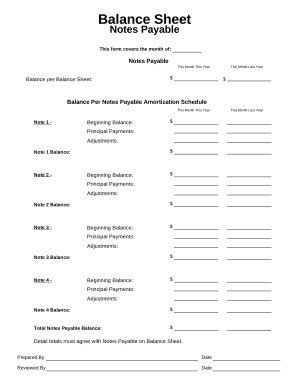
Balance sheet form

Family Financial Statement
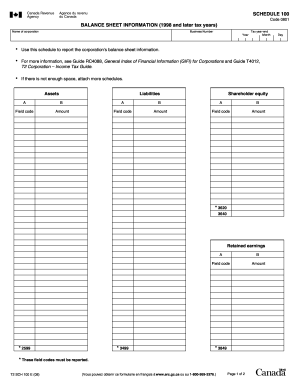
Balance sheet information schedule 100 2020

Sba form 413
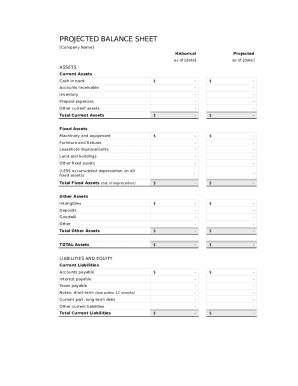
Balance sheet template fillable
-
1
- 2
Get and handle Fillable printable Balance Sheet Templates online
Speed up your form managing with our Fillable printable Balance Sheet Templates category with ready-made templates that suit your requirements. Access the form template, change it, complete it, and share it with your contributors without breaking a sweat. Begin working more effectively with your forms.
How to use our Fillable printable Balance Sheet Templates:
- Open our Fillable printable Balance Sheet Templates and look for the form you want.
- Preview your document to ensure it’s what you want, and click Get Form to start working on it.
- Modify, add new text, or highlight important information with DocHub tools.
- Fill out your form and preserve the changes.
- Download or share your document template with other people.
Examine all of the possibilities for your online document management with the Fillable printable Balance Sheet Templates. Get your totally free DocHub account today!
Video Guide on Fillable printable Balance Sheet Templates management

Commonly Asked Questions about Fillable printable Balance Sheet Templates
Does QuickBooks have a balance sheet by class?
Learn what transactions create unclassified, unbalanced, or other incorrect amounts on Balance Sheet by Class report in QuickBooks Desktop. Balance Sheet by Class lets you see your balance sheet by fund, location, or other classes that you set up.
Is there a balance sheet template in Excel?
The Balance Sheet Template for Excel is a pre-designed spreadsheet that allows users to enter their companys financial information, including assets, liabilities, and equity. This template is useful for businesses of all sizes, as it can be customized to fit each companys specific needs.
How do I create a balance sheet in Excel PDF?
To prepare a balance sheet: Gather financial information on assets, liabilities, and equity. Organize assets into current and non-current categories. List liabilities, including current and non-current obligations. Calculate equity by subtracting liabilities from assets.
How do I customize my balance sheet in QuickBooks desktop?
Go to the Reports menu, then select Company Financial Profit Loss Standard. Select Customize Report. Go to the Display tab: Set the From and To date fields to the years you want to display on the report.
How do you make a balance sheet on docs?
Google Sheets Balance Sheet Template Create a new Google Sheets Document. Name the Document as Balance Sheet. Setup Headers: Date, Description, Income, Expenses, Total. Enter initial balance as date and description. Input the income under the Income header for a specific date and description.
How do I create a monthly balance sheet in QuickBooks?
Start with a Balance Sheet Standard report. On the Display tab, change the From and To dates to include the months you want to report on. Choose Month for the Display columns by field. Click OK to run the report.
Does QuickBooks create a balance sheet?
QuickBooks does the math for you and can rapidly turn out accurate balance sheets so you dont have to spend all that time crunching numbers.
Does QuickBooks have a balance sheet template?
The QuickBooks Online balance sheet template makes it easy The difference between assets and liabilities is displayed at the bottom as the equity or net worth of the business. Simply choose Reports Balance Sheet in QuickBooks Online and the pre-installed template is populated with your data in seconds.
Related Templates

Safety coloring book pdf
The 'Child Safety Coloring & Activity Book' is an educational resource aimed at teaching children essential safety infor ...
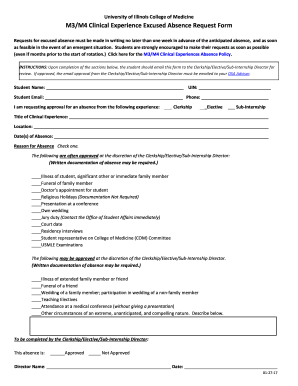
Excused request
The document outlines the process for University of Illinois College of Medicine students to request excused absences fr ...
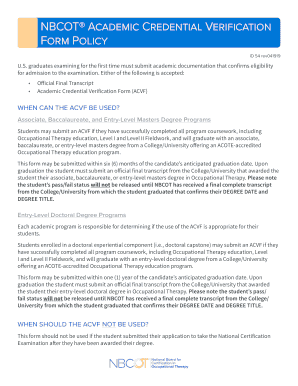
Academic credential verification
The NBCOT® Academic Credential Verification Form (ACVF) policy outlines the requirements for U.S. graduates seeking to t ...

Organic molecules review worksheet
The document is a review worksheet focused on organic molecules, specifically carbon-based molecules, including carbohyd ...
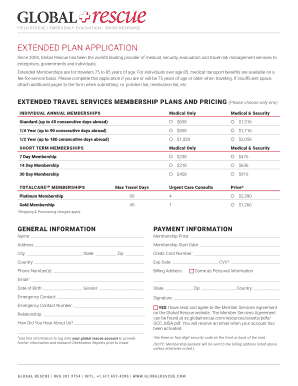
Aviation safety: (FAA's near midair collision reporting
The document outlines the Extended Plan Application for Global Rescue's travel risk management services, specifically ta ...

(MARKETING, MEDIA ADVERTISING & TECHNOLOGY) REGISTRATION FORM
The document is a registration form for the Participant-Media event focused on marketing, media advertising, and technol ...
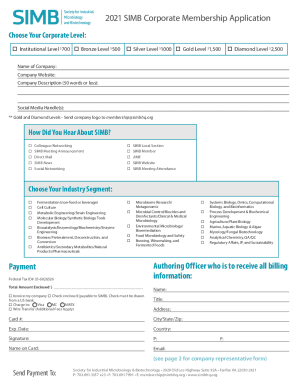
2021 SIMB Corporate Membership Application Payment
The document is a corporate membership application for the Society for Industrial Microbiology & Biotechnology (SIMB) fo ...
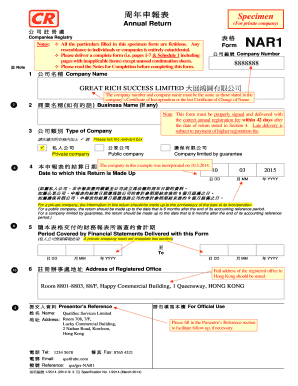
Nar1 form word
The document is an annual return form (NAR1) required for companies incorporated in Hong Kong, detailing the necessary i ...