
Blank multiple year Balance Sheet Templates
Browse Blank multiple year Balance Sheet Templates and generate a personalized financial statement. Adjust, fill out, sign, and send your financial statements without delays.

Create a new Blank multiple year Balance Sheet Template
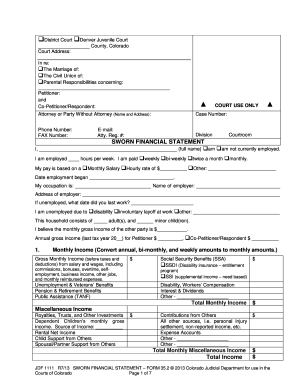
Sworn financial statement colorado

Sba form 413

Editable playing card template
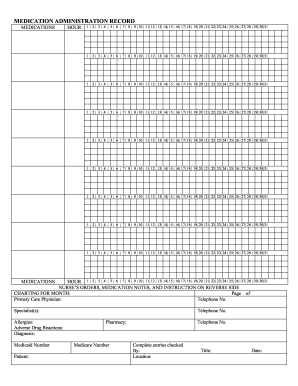
Printable medication administration record template word
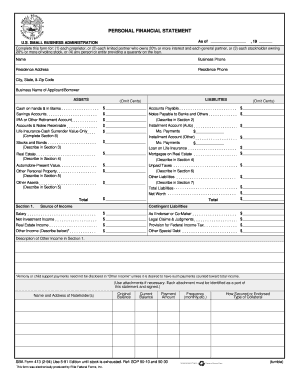
Sba forms personal financial statement 1994
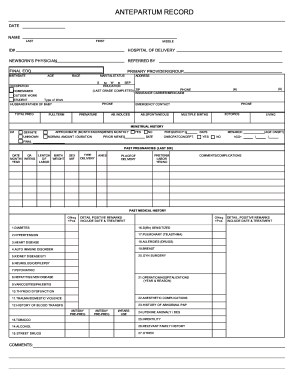
Prenatal record template
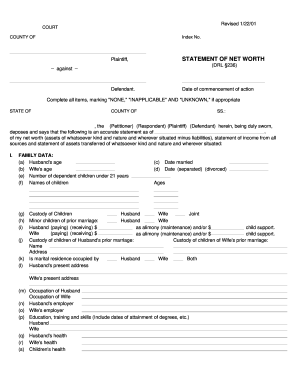
Net worth statement form

Hvac air balance report template excel
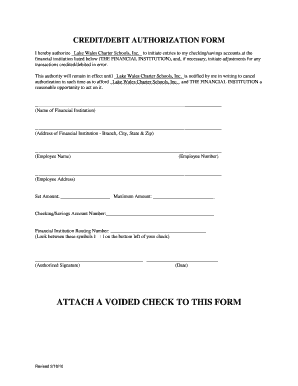
Blank ach form pdf
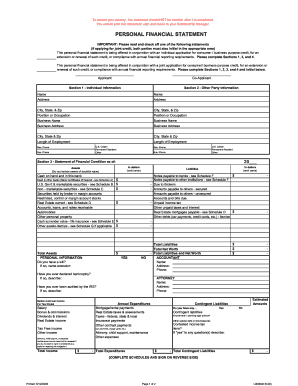
Financial form templates
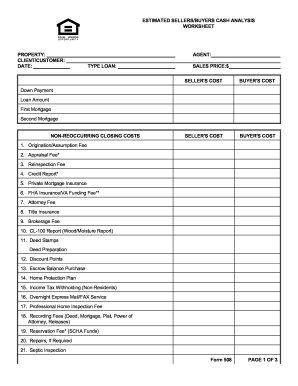
Sellers net sheet fillable

Schedule of liabilities form 2003

Lincoln financial 401k withdrawal

Personal balance sheet pdf
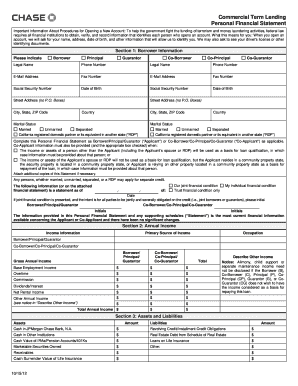
How to complete a chase personal financial statement form
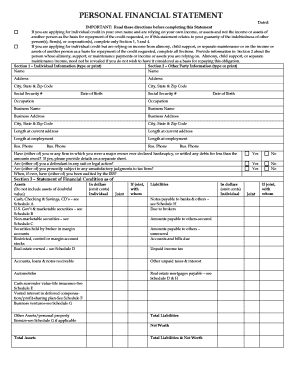
Personal financial statement form

Crummey letter sample
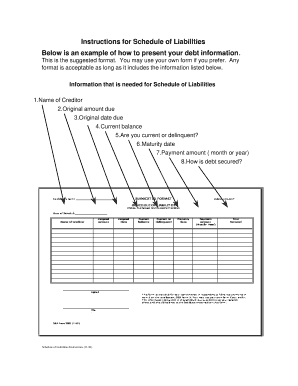
Sba form 2202 example filled out
Provider dispute resolution request form blank
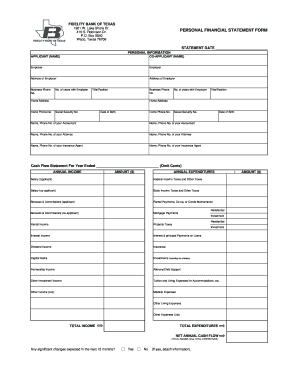
Personal financial statement form
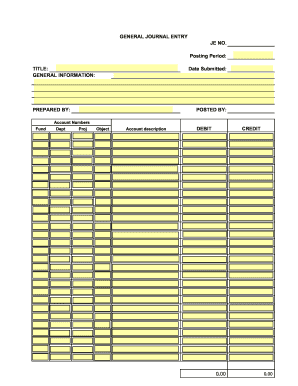
Journal entry template pdf

Printable financial forms

Checkbook worksheet form blank
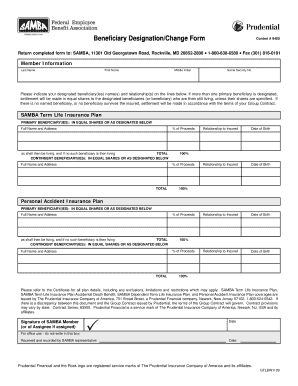
Blank beneficiary designation form
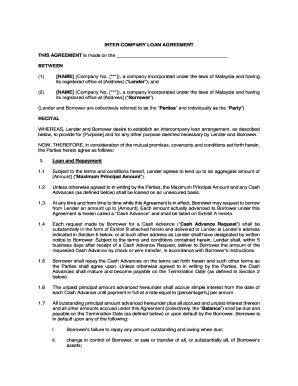
Intercompany loan agreement template word
BLANK T Account Form
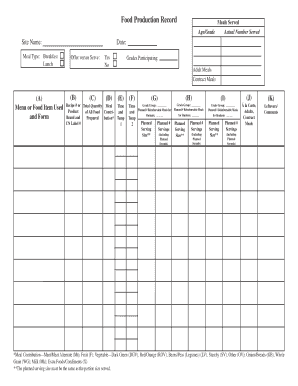
Food Production Record Meals Served Age/Grade Site Name: Meal Type: Breakfast Lunch (A) Menu or Food Item Used and Form Actual Number Served Date: Offer versus Serve: (B) (C) Yes No (D) Recipe # or Total Quantity Meal Product of All Food -
Multiple choice test template pdf
CONTRACTOR'S LICENSE APPLICATION INSTRUCTIONS - TN . gov - tn

Fillable personal financial statement form
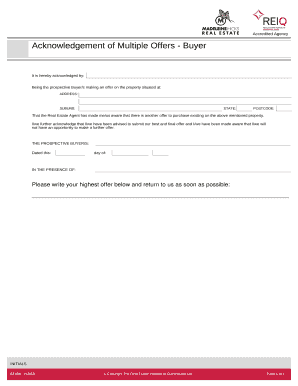
Multiple offer form

Record of Pledges - b3cdnnet
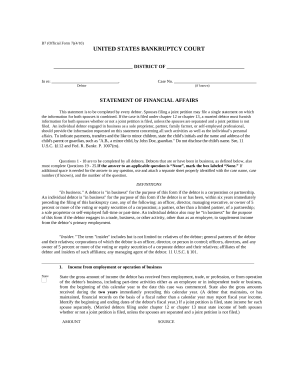
Statement financial form
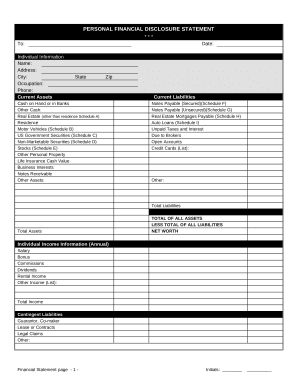
Financial form
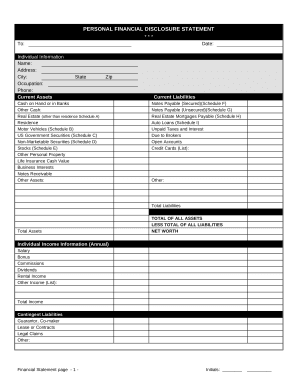
Financial statement form
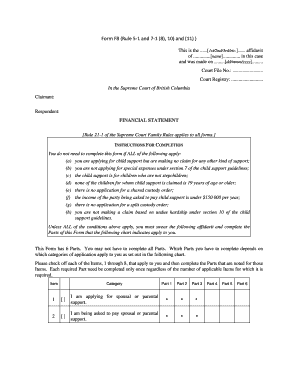
Form f8 financial statement fillable pdf
-
1
- 2
Get and handle Blank multiple year Balance Sheet Templates online
Boost your file management using our Blank multiple year Balance Sheet Templates library with ready-made form templates that suit your requirements. Get the document template, edit it, complete it, and share it with your contributors without breaking a sweat. Start working more effectively together with your documents.
How to use our Blank multiple year Balance Sheet Templates:
- Open our Blank multiple year Balance Sheet Templates and find the form you need.
- Preview your form to ensure it’s what you want, and click Get Form to begin working on it.
- Alter, include new text, or highlight important information with DocHub tools.
- Prepare your form and save the changes.
- Download or share your form template with other people.
Discover all of the possibilities for your online document management with our Blank multiple year Balance Sheet Templates. Get your totally free DocHub profile today!
Video Guide on Blank multiple year Balance Sheet Templates management

Commonly Asked Questions about Blank multiple year Balance Sheet Templates
How to make a balance sheet in Excel template?
Preparing a balance sheet involves several steps: Gather Financial Information: Gather all your financial data, including assets, liabilities, and equity. Organize Assets: Here is the list of all assets, including current assets (cash, inventory) and non-current assets (property, equipment).
Does Excel have financial templates?
Creating a budgeting plan for your household can feel overwhelming and hard, but Excel can help you get organized and on track with a variety of free and premium budgeting templates.
Does QuickBooks have a balance sheet template?
The QuickBooks Online balance sheet template makes it easy The difference between assets and liabilities is displayed at the bottom as the equity or net worth of the business. Simply choose Reports Balance Sheet in QuickBooks Online and the pre-installed template is populated with your data in seconds.
Can I create my own balance sheet?
Steps to Preparing a Personal Balance Sheet: Make a list of all assets and the value of each asset. Create categories and categorize your assets. Total all assets by adding all the individual values together.
How to create a balance sheet in MS Excel?
Tips for creating a balance sheet in Excel Use a template. Use the Borders button to create guiding lines in your balance sheet. Use Excels tools to manage your data. Create a trial balance sheet to initially display information and add in an error check sheet.
Does Excel have a financial statement template?
A: Yes. Excel has a range of financial templates, including income statements, cash flow statements, and balance sheets.
Is there a balance sheet template in Excel?
The Balance Sheet Template for Excel is a pre-designed spreadsheet that allows users to enter their companys financial information, including assets, liabilities, and equity. This template is useful for businesses of all sizes, as it can be customized to fit each companys specific needs.
Does Excel have a bookkeeping template?
Those who havent used Excel before or arent familiar with its features can download Excel bookkeeping templates online. Once you create or download templates, you can use them as a basis for more advanced account-related tasks like basic financial statements, forms, receipts, reports, etc.
Related Templates
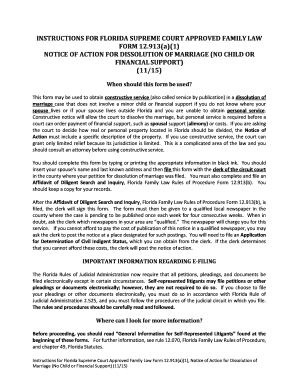
Notice action documents get
The document provides instructions for using Florida Supreme Court Approved Family Law Form 12.913(a)(1), which is a Not ...

Deferred adjudication form
The document is a Deferred Adjudication Request Form for defendants in the City of Alvin, Texas. It allows a defendant t ...

Petition lift restrictions
The document is a legal petition submitted to the Surrogate's Court of Queens County, New York, by an administrator seek ...

Ny application summons
The document is an application form for a summons in the Civil Court of New York, detailing the necessary information re ...
Ny holdover
The document appears to be empty or contains no visible content for analysis.
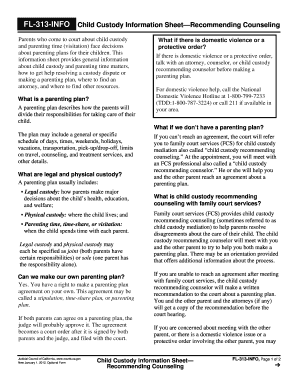
Ca custody information form
The FL-313-INFO Child Custody Information Sheet provides guidance for parents involved in child custody and parenting ti ...
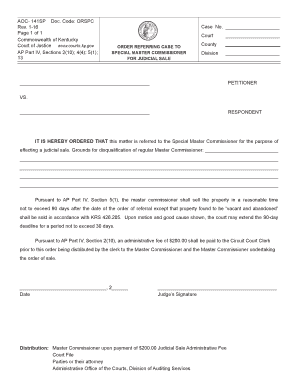
Ky order case judicial
The document is an order from the Commonwealth of Kentucky Court of Justice referring a case to a Special Master Commiss ...
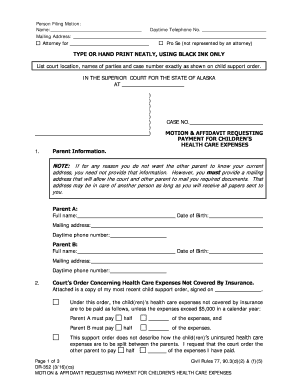
Alaska dr352
The document is a legal motion and affidavit filed in the Superior Court of Alaska, requesting payment from one parent f ...