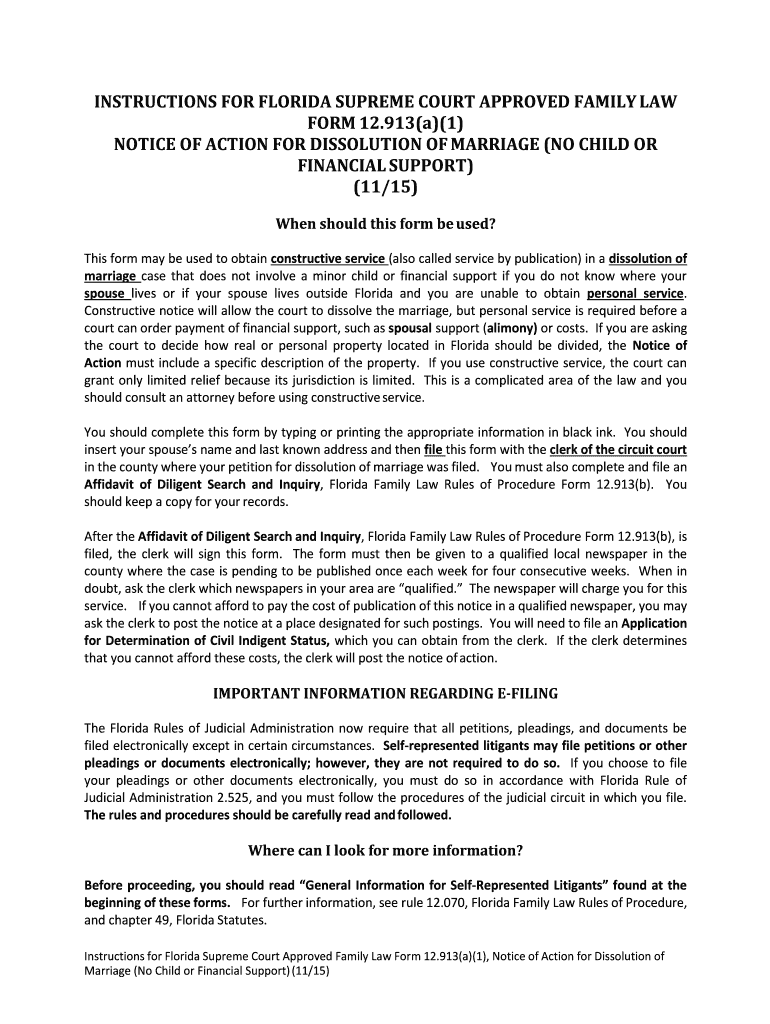
Notice action documents get 2026

Get Form
florida notice action form Preview on Page 1

Here's how it works

01. Edit your florida notice action form online
Type text, add images, blackout confidential details, add comments, highlights and more.
02. Sign it in a few clicks
Draw your signature, type it, upload its image, or use your mobile device as a signature pad.
03. Share your form with others
Send notice marriage pdf via email, link, or fax. You can also download it, export it or print it out.

How to use or fill out notice action documents get with our platform

Form edit decoration
9.5
Ease of Setup
DocHub User Ratings on G2
9.0
Ease of Use
DocHub User Ratings on G2
  1. Click ‘Get Form’ to open the notice action document in the editor.
  2. Begin by entering the case number and division at the top of the form. This information is crucial for identifying your case.
  3. In the 'Petitioner' and 'Respondent' sections, fill in the names of both parties involved in the dissolution of marriage.
  4. Provide the last known address of the Respondent. This is essential for proper notification.
  5. Specify any real or personal property that needs to be divided, or indicate 'none' if applicable.
  6. Complete any additional fields as required, ensuring all information is accurate and clear.
  7. Once completed, save your document and follow e-filing procedures as outlined in Florida Rules of Judicial Administration.

Start using our platform today to streamline your document editing and filing process for free!

See more notice action documents get versions

We've got more versions of the notice action documents get form. Select the right notice action documents get version from the list and start editing it straight away!
Versions Form popularity Fillable & printable
2015 4.8 Satisfied (165 Votes)
2015 4.1 Satisfied (61 Votes)
be ready to get more

Complete this form in 5 minutes or less

Get form

Got questions?

We have answers to the most popular questions from our customers. If you can't find an answer to your question, please contact us.
Contact us
A Form I-797 Notice of Action (as compared to I-797A, I-797B, etc) is simply a receipt notice or approval notice. After filing a USCIS petition, you can usually expect to receive a receipt notice within two to three weeks. For petitions with premium processing, you may receive the notice within a few days.
Form I-797, also known as the Notice of Action, is a series of forms issued by U.S. Citizenship and Immigration Services (USCIS) to communicate various decisions and updates regarding immigration applications or petitions. Each type of I-797 serves a different purpose and is essential in the immigration process.
I-797, Notice of Action It serves as proof that your case is in progress. You might receive this form when USCIS first accepts your application, confirming that they are processing it. It may also be sent after an initial review to inform you of the next steps.
Its a notice USCIS sends to inform you about your application status. This could either be a receipt notice, confirming theyve received your paperwork, or an approval notice, letting you know that a decision has been made.
I-797C, Notice of Action. Issued to communicate receipt or rejection of an applications or petitions; transfer of files; fingerprint biometric, interview and re-scheduled appointments; additional actions, and re-opening of cases. I-797D.

Security and compliance

At DocHub, your data security is our priority. We follow HIPAA, SOC2, GDPR, and other standards, so you can work on your documents with confidence.

Learn more

People also ask

It depends on which version you received. Some types of Form I‑797 can support international travel, while others are completely invalid for reentry. Heres when a I-797 could allow travel: Form I‑797A may serve as temporary proof of status, especially if it includes an attached I‑94 record.

Related links