
Tsa Application Forms
Explore dozens of modifiable and free Tsa Application Forms with DocHub. Edit, fill out, and invite other recipients to collaborate on your application documents in real-time.

Create a new Tsa Application Form
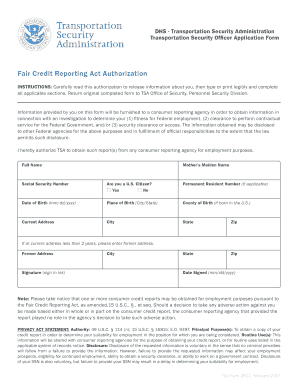
Tsa precheck application
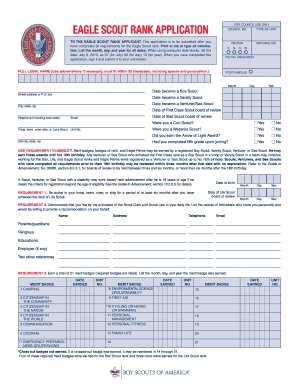
Eagle scouting form
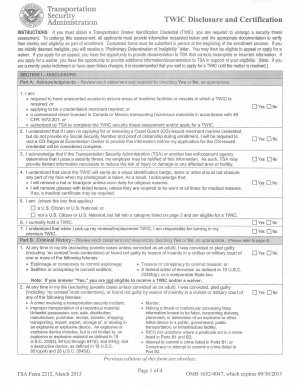
Twic application form

Twic card application
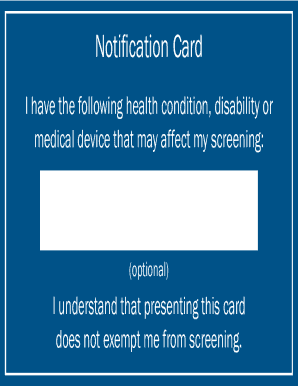
Tsa notification card
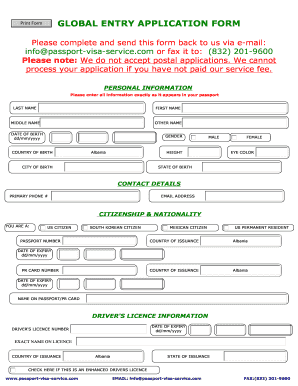
Global entry application pdf

Sf 2808
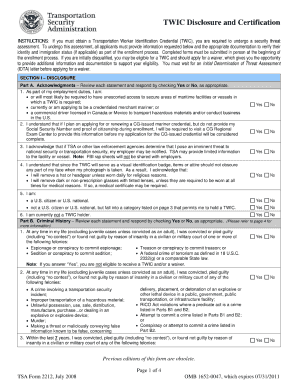
Form twic 2008
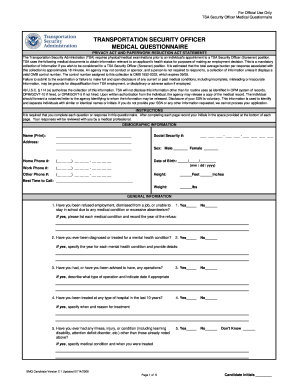
Tsa somq
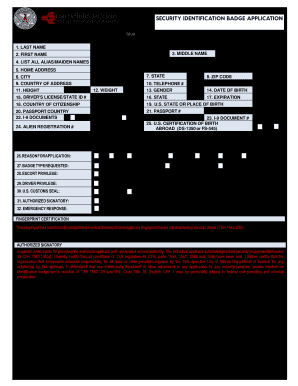
Atlanta airport badging appointment
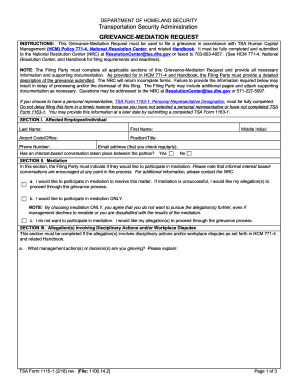
Tsa form pdf
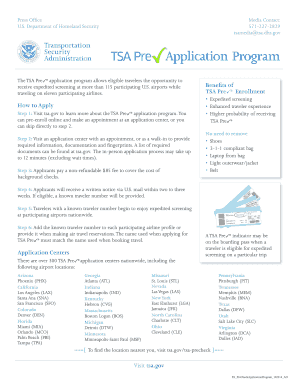
Tsa precheck application form
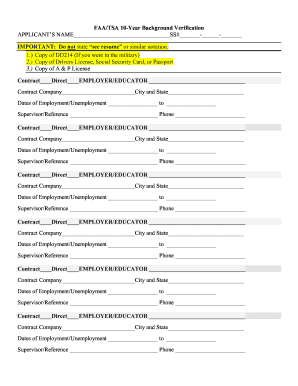
Dd 214 tsa

Alaska airlines known shipper

Endorsement form hazmat
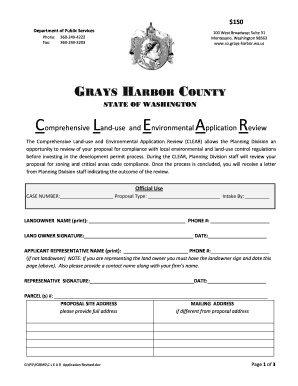
Wa clear application review
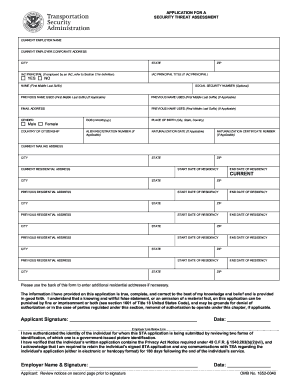
Tsa threat assessment form
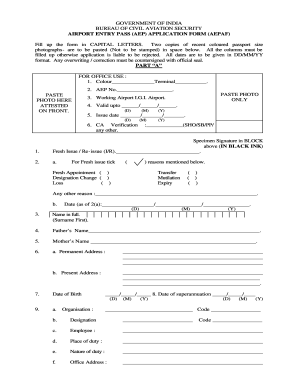
Airport entry pass online
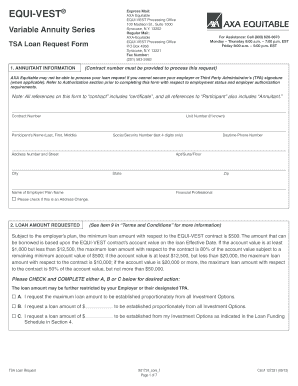
Axa equi vest loan
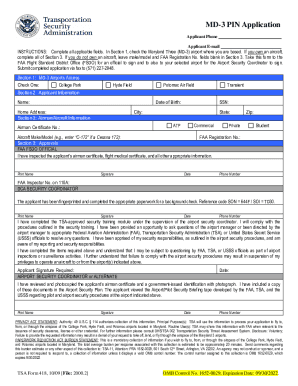
Three pin application form
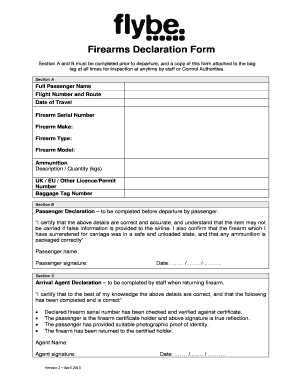
Flybe firearms declaration form
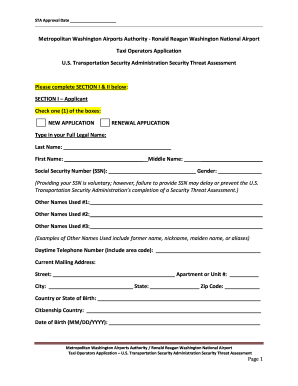
Sta paperwork
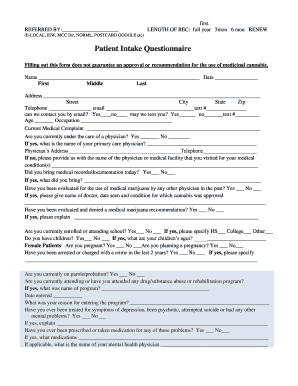
Patient Intake Questionnaire - Serenity Medical Marijuana
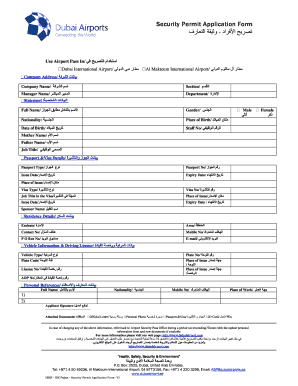
Security pass application form
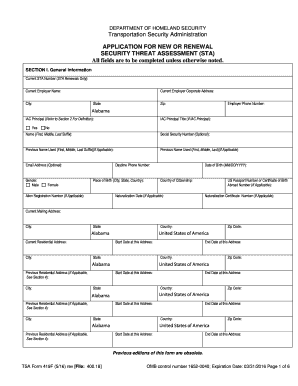
Application For New or Renewal Security Threat Assessment (STA) - TSA Form 419F (5/16)
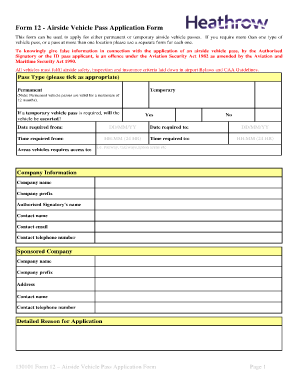
Form 12 - Airside Vehicle Pass Application Form - Heathrow Airport

Fast trip application

Tsa precheck application form

Transportation Security Administration (TSA) Claims Management ...

Somq form
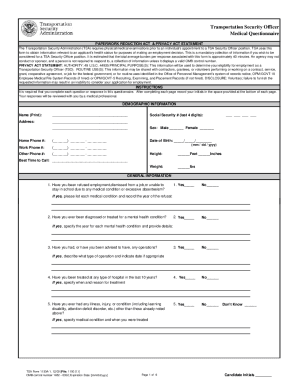
Tsa questionnaire
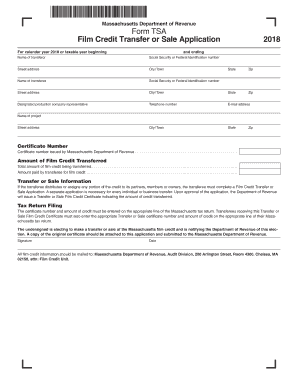
Tsa application
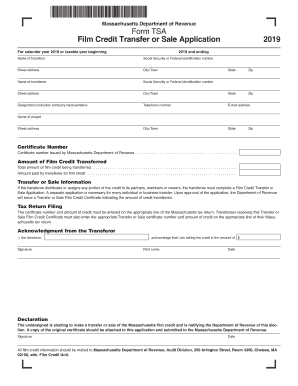
Tsa film credit

CAA e-Forms Service Center - Marin: BOE-263

Form tsa app pdf
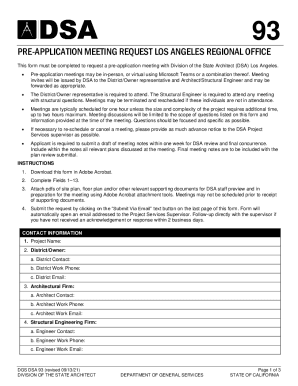
Get the free DSA 93: Pre-Application Meeting Request Form ...
-
1
- 2
Enhance your productiveness with Tsa Application Forms
Record managing consumes to half of your business hours. With DocHub, you can reclaim your time and increase your team's productivity. Access Tsa Application Forms collection and investigate all document templates relevant to your day-to-day workflows.
Easily use Tsa Application Forms:
- Open Tsa Application Forms and use Preview to find the relevant form.
- Click Get Form to begin working on it.
- Wait for your form to open in our online editor and start modifying it.
- Add new fillable fields, symbols, and images, change pages order, and many more.
- Fill out your form or set it for other contributors.
- Download or deliver the form by link, email attachment, or invite.
Speed up your day-to-day file managing with the Tsa Application Forms. Get your free DocHub account today to explore all templates.
Video Guide on Tsa Application Forms management

Commonly Asked Questions about Tsa Application Forms
Do I have to apply online for TSA PreCheck?
Visit tsa.gov/precheck to select the enrollment provider that best meets your needs and has an enrollment location near you. You can pre-enroll online and make an appointment for the in-person process, or walk-in to an enrollment center without an appointment.
What is the process of applying for TSA?
How it works Apply Online. Select an enrollment provider with enrollment locations near you. Visit an Enrollment Location. Complete enrollment in 10 minutes at your chosen provider which includes fingerprinting, document and photo capture, and payment. Get Your TSA PreCheck Number.
What is the quickest way to get approved for TSA PreCheck?
The fastest and easiest way to enroll in TSA PreCheck is to start the application online. You do not need to get TSA PreCheck if you already have Global Entry, NEXUS, SENTRI, or hold an active TWIC or Commercial Drivers License (CDL) with an HME.
What forms are needed for TSA?
List A Unexpired U.S. Passport (book or card) Unexpired Enhanced Tribal Card (ETC) Unexpired Free and Secure Trade (FAST) Card. Unexpired U.S. Enhanced Drivers License (EDL) or Unexpired Enhanced Identification Card (EID) Permanent Resident Card (I-551) often referred to as a Green Card
Related Templates
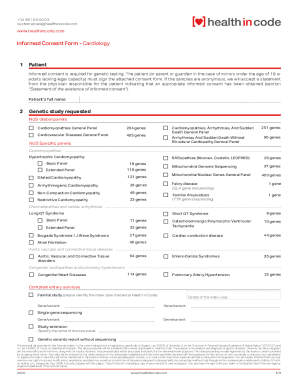
Study Requisition Form - Cardiology - Health in Code
The document is an Informed Consent Form for genetic testing related to cardiology, requiring the patient's or guardian' ...
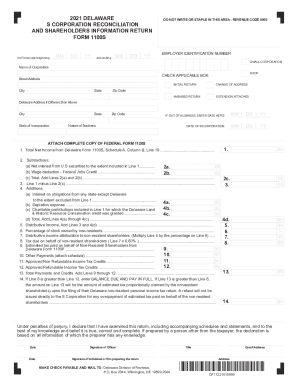
Delaware 1100s form
The document is the 2021 Delaware S Corporation Reconciliation and Shareholders Information Return Form 1100S, which out ...

District of Columbia Form D-40 (Individual Income TaxDistrict of Columbia Form D-40 (Individual Income TaxDistrict of Columbia Form D-40 (Individual Income TaxDistrict of Columbia Form D-40 (Individual Income Tax
District of Columbia Form D-40 (Individual Income TaxDistrict of Columbia Form D-40 (Individual Income TaxDistrict of Columbia Form D-40 (Individual Income TaxDistrict of Columbia Form D-40 (Individual Income Tax
The document is the 2021 Schedule H for the Homeowner and Renter Property Tax Credit in the District of Columbia. It out ...
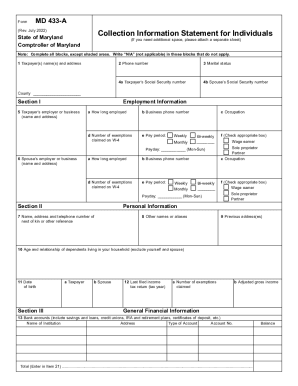
Md 433 a
The document is Form MD 433-A, a Collection Information Statement for Individuals used by the Comptroller of Maryland. I ...
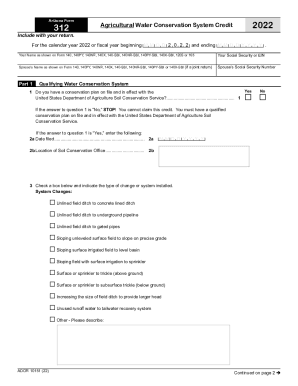
For the calendar year 2022 or fiscal year beginning M M D D 2 0 2 2 and ending M M D D Y Y Y Y
For the calendar year 2022 or fiscal year beginning M M D D 2 0 2 2 and ending M M D D Y Y Y Y
The document is the Arizona Form 312 for the year 2022, which pertains to the Agricultural Water Conservation System Cre ...
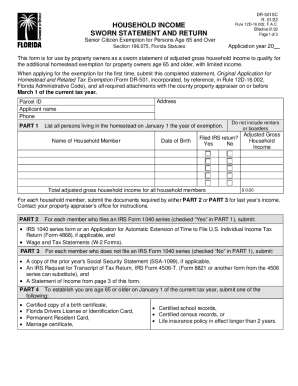
Dr 501sc
The document is a sworn statement and return form (DR-501SC) for property owners aged 65 and over in Florida, seeking an ...
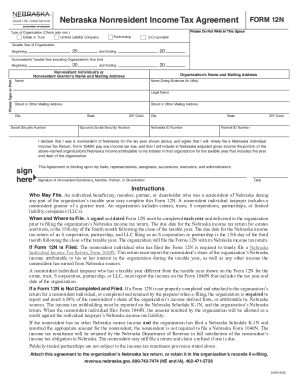
Revenue.nebraska.govtax-forms2021FORM 12N Nebraska Nonresident Income Tax Agreement 2021
The document is a Nebraska Nonresident Income Tax Agreement (Form 12N) that outlines the requirements for nonresident in ...
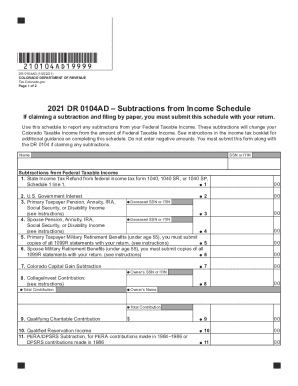
CO DR 0104AD Form
The document is the 2021 DR 0104AD Subtractions from Income Schedule issued by the Colorado Department of Revenue. It pr ...