Start using our platform today to streamline your document editing and submission process for free!
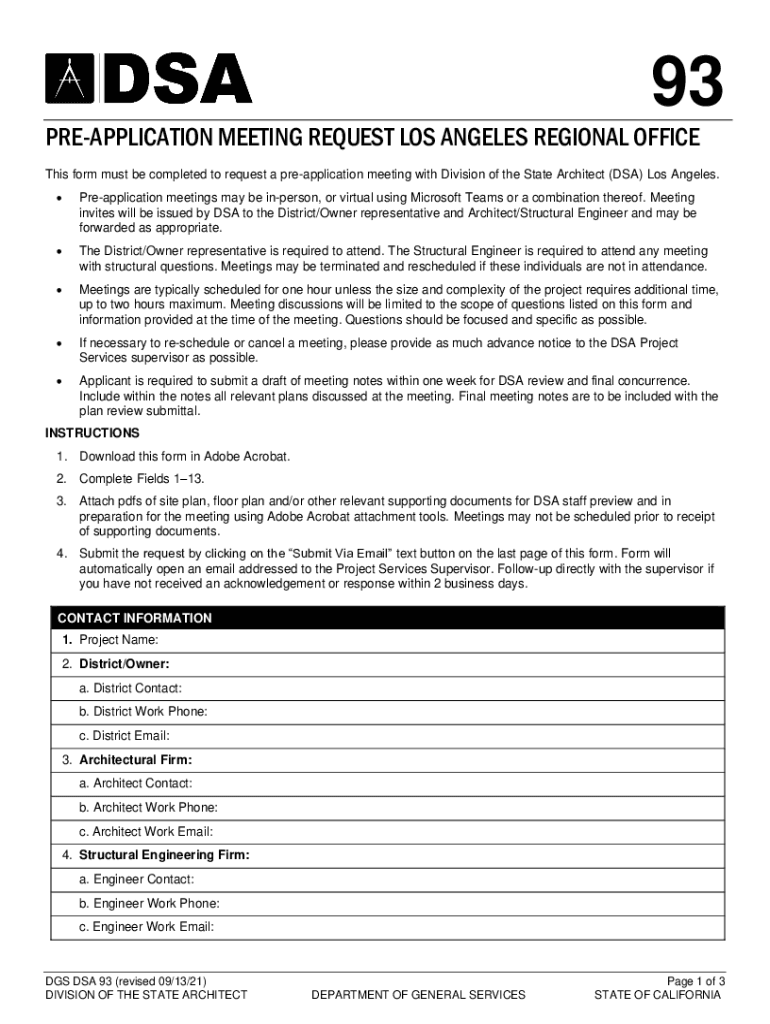
Yes, it is possible with DocHub. This reliable and compliant online service features a phone-based signing option. After you log in to your DocHub account and import your Get the free DSA 93: Pre-Application Meeting Request Form ... to our editor, fill out all necessary areas and utilize the Sign tool on the upper barf. Click on Create your signature and select Phone from the available choices. Here, you scan a QR code using your smartphone and draw your signature on your phone screen, as you usually do when approving physical papers. If you access DocHub right from your mobile device, you can electronically sign your paperwork by drawing your eSignature, adding its photo, or simply with a typed name.
If you store your papers in Google Drive, there is no need to download your Get the free DSA 93: Pre-Application Meeting Request Form ... on the computer and upload it back to our editor. A much simpler way is to set up a browser extension developed by DocHub to simplify this flow. The extension allows editing PDFs right in your web browser. Alternatively, you can integrate your DocHub and Gmail accounts for more efficient editing.
At DocHub, your data security is our priority. We follow HIPAA, SOC2, GDPR, and other standards, so you can work on your documents with confidence.
Learn more