
Computer Business Forms
Access state-specific Computer Business Forms and enhance their handling with DocHub. Easily get, modify, and distribute templates and stay safe and compliant at every stage of the process.

Create a new Computer Business Form
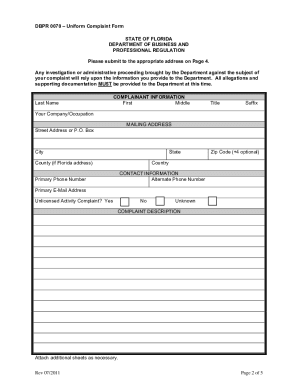
Dbpr complaint
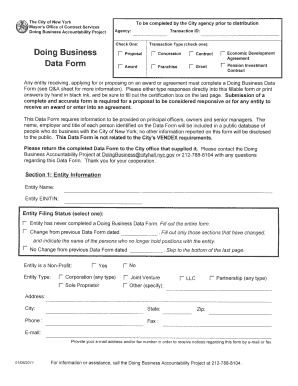
Doing business data form
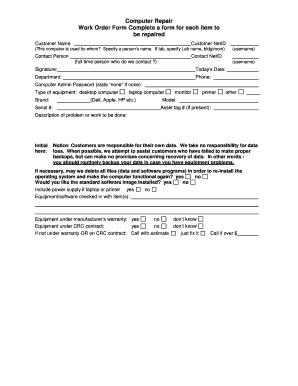
Computer repair intake form
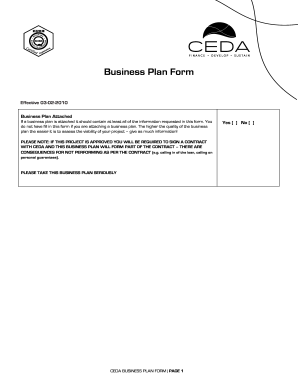
Ceda business plan
18003440996
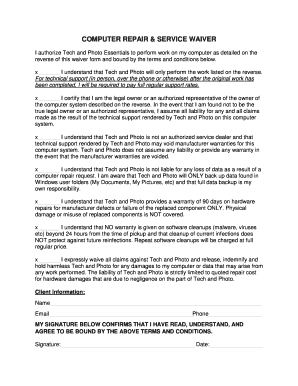
COMPUTER REPAIR & SERVICE WAIVER

Form #815, Application for a Real Estate Business Entity License - dsps wi
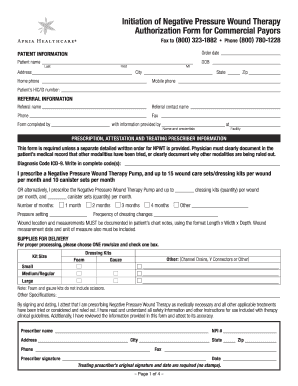
Apria wound vac order form
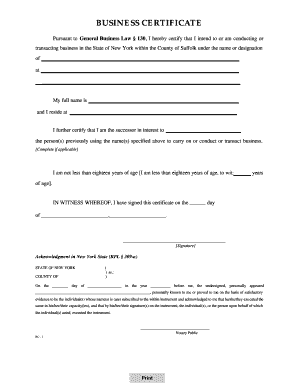
Suffolk county business certificate
Business Associate Agreement - Henry Ford Health System
Mr griffin ielts listening answers
Virginia offer in compromise business form
1120 pc 2017
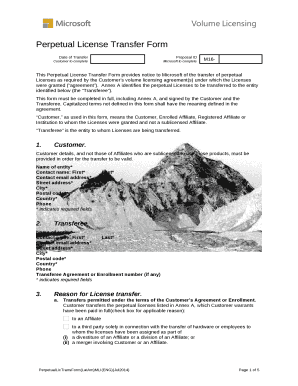
Perpetual license transfer form

Business idea worksheet

It 204
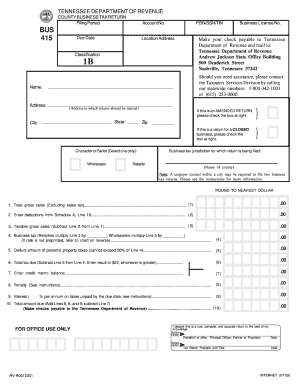
Tennessee county business tax return bus 415 2009 form
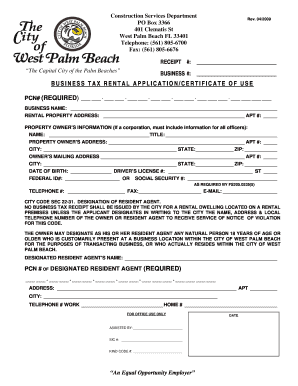
Business tax rental application/certificate of use - City of West Palm ... - wpb
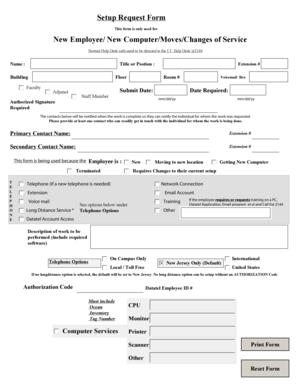
Computer request form template
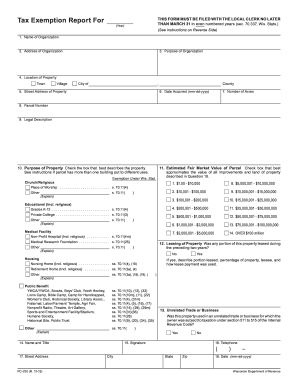
Form PC-220 - revenue wi
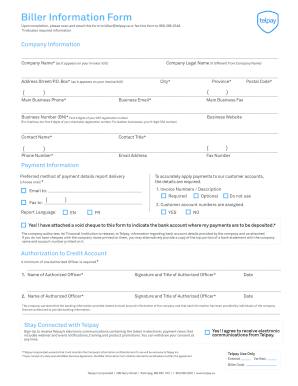
Biller Information Form - Telpay

Computer repair liability waiver
Computer Loan Program - IRS tax forms
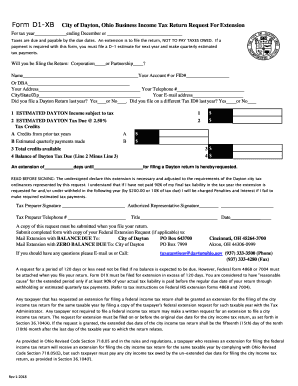
Form D1-X City of Dayton, Ohio Business Income Tax Return ...
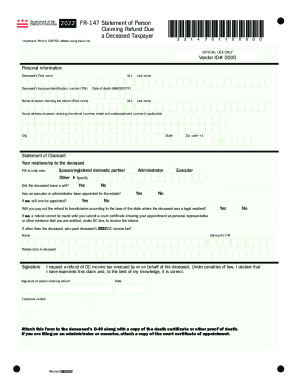
Business Tax Forms and Publications for 2022 Tax Filing ...
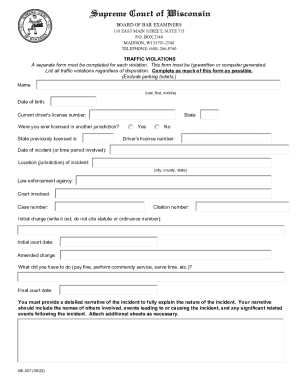
This Form Must Be Typewritten or Computer Generated

Kpd kfd emergency business form
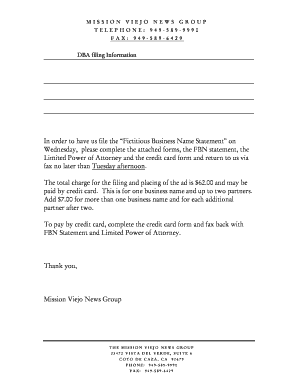
Mission viejo news fictitious business name
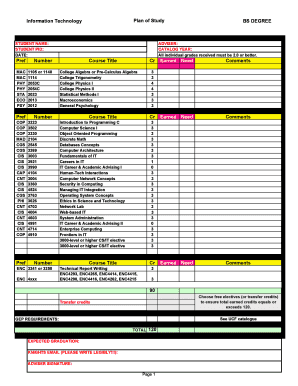
IT Plan of Study Form - UCF Computer Science - cs ucf

About Form 8974, Qualified Small Business Payroll Tax
Raise your output with Computer Business Forms
Document administration consumes to half of your business hours. With DocHub, it is easy to reclaim your time and effort and enhance your team's efficiency. Access Computer Business Forms collection and explore all templates relevant to your everyday workflows.
Easily use Computer Business Forms:
- Open Computer Business Forms and apply Preview to obtain the relevant form.
- Click Get Form to start working on it.
- Wait for your form to open in our online editor and begin editing it.
- Add new fillable fields, symbols, and pictures, change pages order, and many more.
- Fill out your form or prepare it for other contributors.
- Download or share the form by link, email attachment, or invite.
Speed up your everyday file administration with our Computer Business Forms. Get your free DocHub account today to discover all templates.
Video Guide on Computer Business Forms management

Commonly Asked Questions about Computer Business Forms
What is an example of a computer form factor?
The most obvious example of a computer form factor is the difference between a desktop and a laptop computer. Although the same parts are present in each, they are shaped and attached differently. For example, the keyboard from a desktop computer cannot fit into the keyboard space of a laptop computer.
What is the importance of form?
Forms provide a specific location for each item of the information that is needed; they facilitate the work of data processing and reference. Vii) Other services: If forms are used as records and are properly preserved, better services can be provided to vendors, dealers, customers, shareholder creditors etc.
What is a form in computer?
Answer: A form is a database object that you can use to enter, edit, or display data from a table or a query. You can use forms to control access to data, such as which fields of data are displayed. For example, certain users may not need to see all of the fields in a table.
What are the most common desktop computer form factors?
ATX is the most common form-factor used in personal desktop computers. While ATX has many smaller variants, the default ATX layout is the one found in full-size desktop computers. These are usually used by computer enthusiasts or users looking for a full suite of slots and connectors for all of their devices.
What is a computer full form?
COMPUTER Full Form: Full Form of Computer is Common Operating Machine Purposely Used for Technological and Educational Research. When computers were initially created in the middle of the 20th century, the phrase was first used.
Related Templates
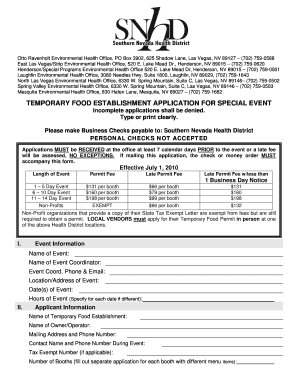
Otto Ravenholt Environmental Health Office, PO Box 3902, 625 Shadow Lane, Las Vegas, NV 89127 (702)
Otto Ravenholt Environmental Health Office, PO Box 3902, 625 Shadow Lane, Las Vegas, NV 89127 (702)
The document outlines the application process for obtaining a Temporary Food Establishment Permit for special events in ...
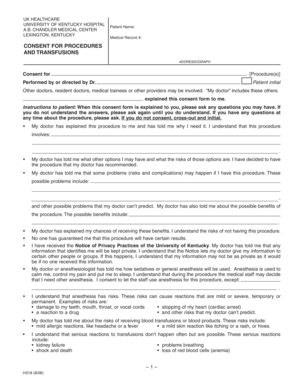
Consent for procedures and transfusions - University of Kentucky - uky
The document is a consent form from the University of Kentucky Hospital outlining the patient's agreement to undergo med ...

California npd 005 storm water mitigation form online
The document is a Preliminary Storm Water Mitigation Plan Worksheet (NPD-005) used for projects requiring a Standard Urb ...

Application renew adjuster public
The document is an application form for renewing Individual Insurance Adjuster (AJ) or Public Insurance Adjuster (PJ) li ...

Hud requisition form hud online
The document is a Printing and Graphics Requisition form used by the HUD's Printing and Graphic Arts Branch. It outlines ...

Dhs declaration
The document is a request form for individuals seeking access to their personal records held by the Immigration and Cust ...

Homeland security citizenship immigration services instructions
The document provides detailed instructions for immigrant investors on how to file Form I-829 to petition for the remova ...

Mn form instructions 2017
The document provides detailed instructions for filing the 2017 S Corporation Form M8 in Minnesota, including informatio ...