
Printing companies Business Forms
Obtain state-specific Printing companies Business Forms and enhance their management with DocHub. Easily download, modify, and share templates and stay safe and compliant at every stage of the workflow.

Create a new Printing companies Business Form
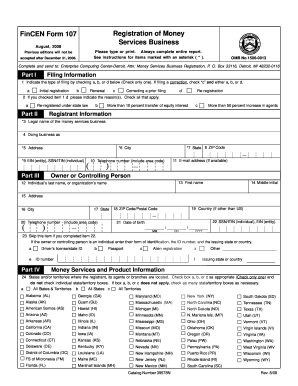
Fincen form 107 2008
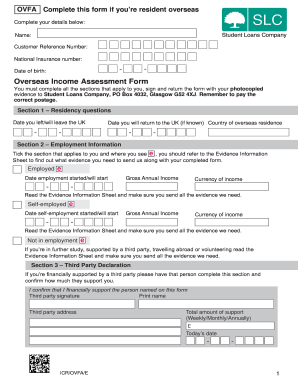
Uk student loans company
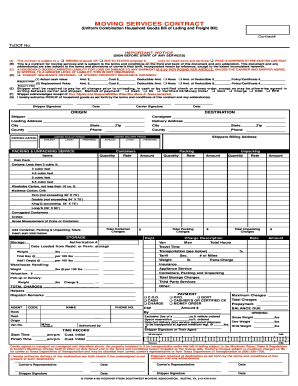
MOVING SERVICES CONTRACT - Milburn Printing
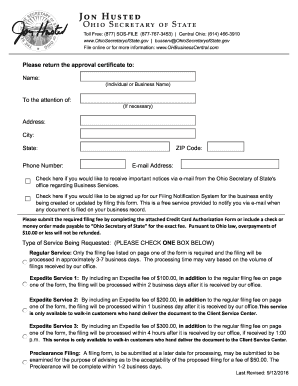
Ohio 561
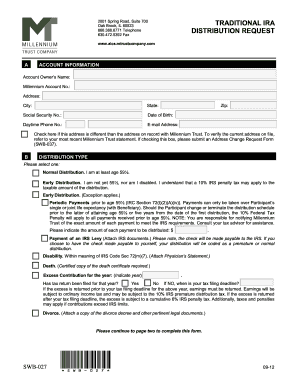
Millennium trust company withdrawal request

Mony life insurance forms

Companies office of jamaica forms
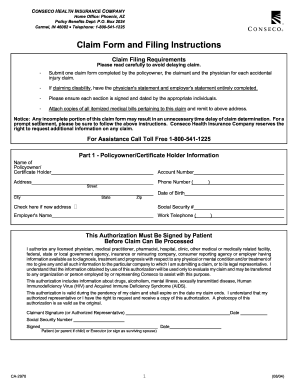
Wilco life insurance company forms
Centene vendor registration
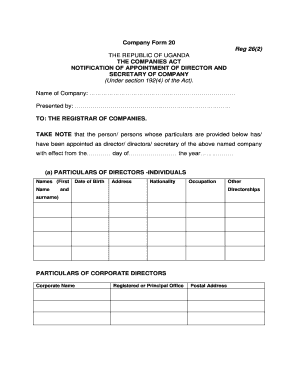
Company form 20
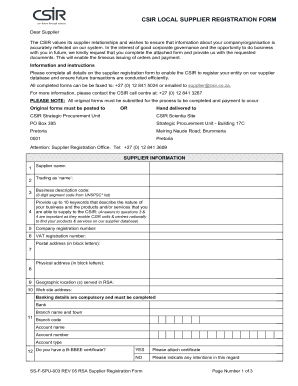
Business form
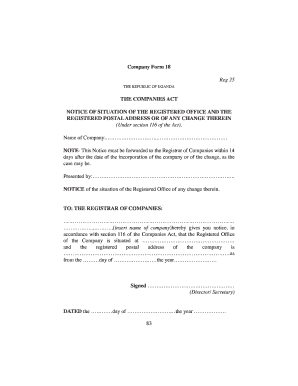
Company form 18 uganda

Moore business forms retirees
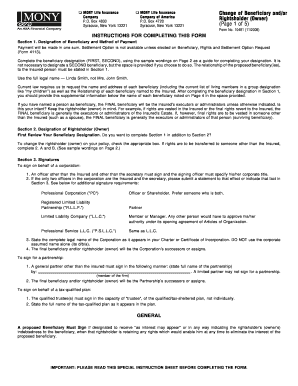
Mony life insurance beneficiary change form

Form 28 trinidad
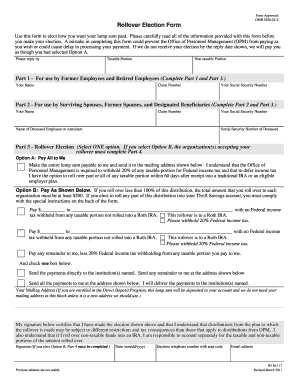
Printing formfl frp template
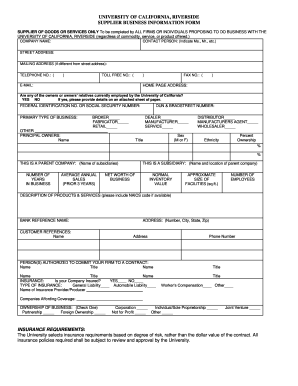
Business information template
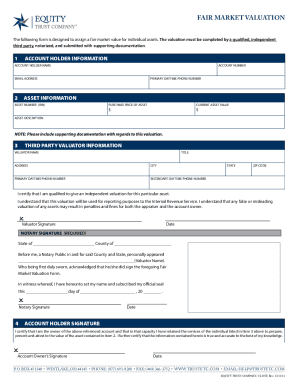
Equity trust company forms
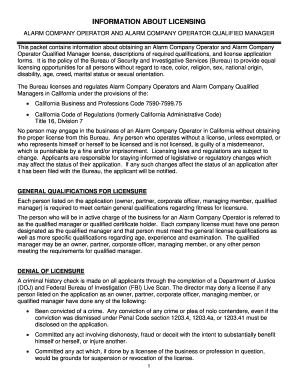
Bureau of Security and Investigative Services - Alarm Company Operator - Application for License. Bureau of Security and Investigative Services - Alarm Company Operator - Application for License - bsis ca
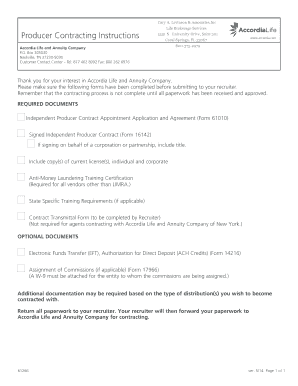
Accordia life and annuity company forms
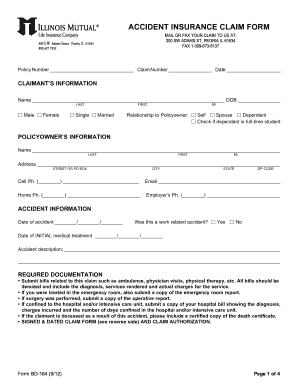
Illinois mutual life insurance company forms
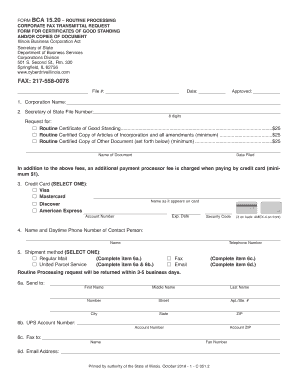
Corporate Fax Transmittal Request Form For Certificates Of Good Standing andor Copies Of Document - Routine Processing
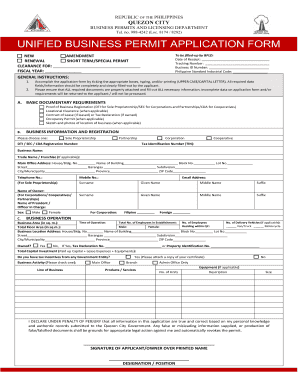
Unified application form for business permit
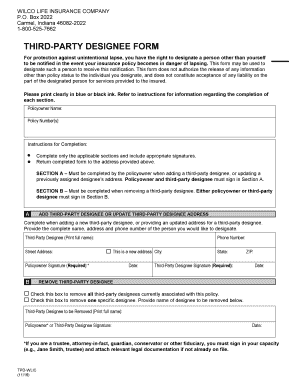
Wilco life insurance company login
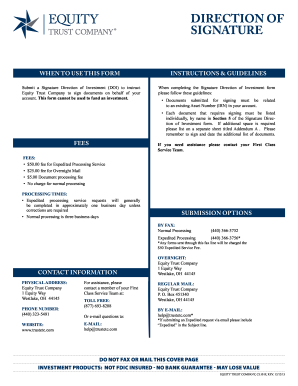
Signature Direction of Investment Form - Equity Trust Company
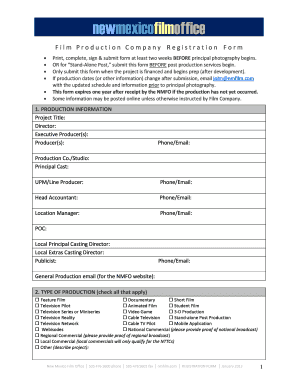
Film production company registration form
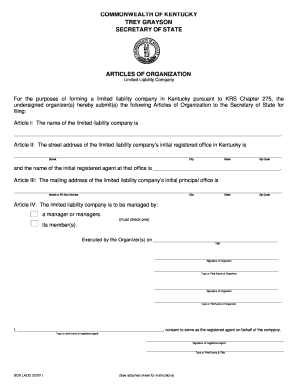
LLC Articles of Organization form for Kentucky Secretary of State

Equity trust forms

Jamaica instructions companies
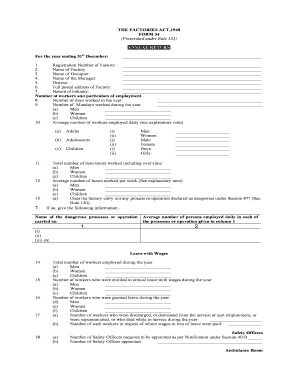
Pacra print out
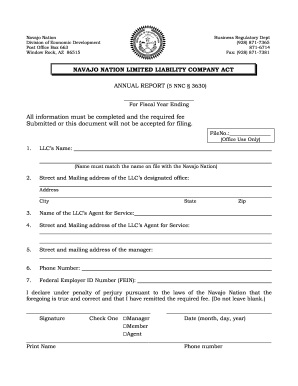
Navajo nation company report form

Articles of dissolution ontario form 10
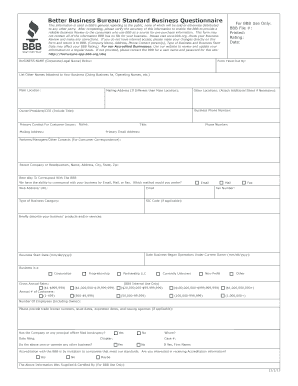
Bbb customer complaint form
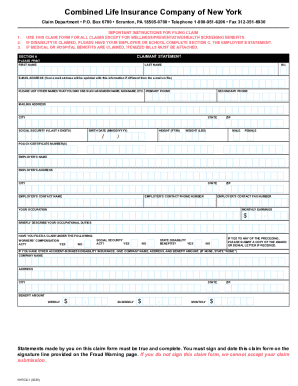
New york insurance company
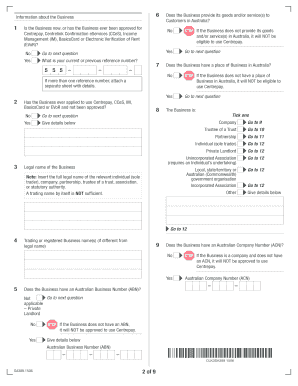
Services australia au centrepay business
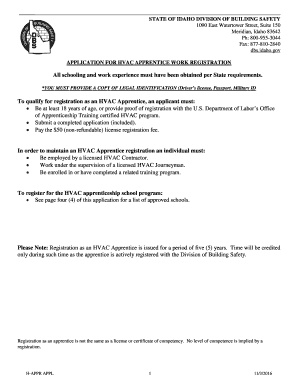
Limited Liability Company Forms - Idaho Secretary of State - State of ...
-
1
- 2
Get and handle Printing companies Business Forms online
Boost your form management using our Printing companies Business Forms online library with ready-made document templates that suit your needs. Access the form, modify it, complete it, and share it with your contributors without breaking a sweat. Begin working more efficiently together with your forms.
How to use our Printing companies Business Forms:
- Open our Printing companies Business Forms and look for the form you need.
- Preview your document to ensure it’s what you want, and click Get Form to start working on it.
- Alter, include new text, or point out important information with DocHub features.
- Complete your form and preserve the modifications.
- Download or share your document with other recipients.
Explore all of the possibilities for your online file management with our Printing companies Business Forms. Get your totally free DocHub profile today!
Video Guide on Printing companies Business Forms management

Commonly Asked Questions about Printing companies Business Forms
How does a carbon copy work?
A sheet of carbon paper is placed between two or more sheets of paper. The pressure applied by the writing implement (pen, pencil, typewriter or impact printer) to the top sheet causes pigment from the carbon paper to reproduce the similar mark on the copy sheet(s).
What are the benefits of carbon copy?
The use of carbon paper provides an exact copy of the typed original. There are different types of carbon paper and the type used will depend on the number of copies and the quality required. Some carbon paper can be used only once. Carbon is referred to by its weight - light, medium and heavy.
What is a carbon copy contract?
Generally, a carbon copy contract is a document that is duplicated for each party involved, so everyone has a copy of the same agreement.
What is the difference between carbon and carbonless copy paper?
Unlike carbon papers, carbonless papers are eco-friendly and leave a carbon-free impact on the planet. It will not curl even when the laser fuser temperature is used in the printing process.
Why is it called a carbon copy?
This meaning comes from the use of carbon paper, which was used to make copies of documents by pressing pigment onto an additional sheet of paper underneath. Blind carbon copies were copies that didnt let the recipient know it was a copy.
Can I print my own carbonless forms?
If you often create new forms, make changes to your forms, or simply wish to print your own forms immediately from your printer, our inkjet and laser carbonless paper provides an immediate solution. These are pre-collated and sheet-fed (not continuous) for easily printing forms on an as-needed basis.
Related Templates

Dhr fia 9711 request for assistance form
The document is an application form from the Maryland Department of Human Resources for elderly individuals (aged 60 and ...

Aphis form 256 1
The document outlines the APHIS Safety Inspection Checklist (USDA Form usda-aphis-256-1), which is mandated by Executive ...

US USDA Form usda-rd-3550-20 Free download
The document is the U.S. USDA Form RD 3550-20, which serves as an application for the settlement of indebtedness through ...

Uscis assessment update latest
The document is an update to the Privacy Impact Assessment (PIA) for the Computer Linked Application Information Managem ...
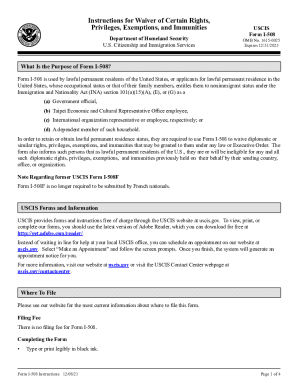
I 508 instructions
Form I-508 is a waiver form used by lawful permanent residents or applicants for lawful permanent residence in the U.S. ...
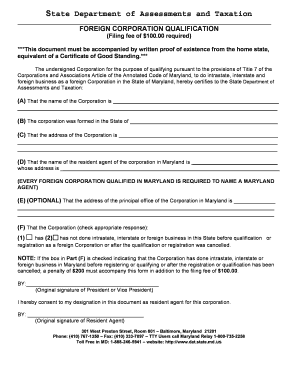
Form taxation
The document outlines the requirements for foreign corporations to qualify for doing business in Maryland, including a $ ...
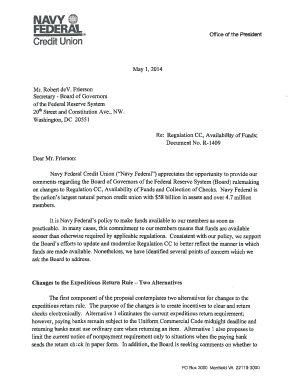
Federal document r 1409
Navy Federal Credit Union submitted comments to the Federal Reserve regarding proposed changes to Regulation CC, which g ...

Da 4572 form
The document is a U.S. Department of Defense form (dod-da-4572-r) titled 'Statement of Understanding for Appointment as ...