
Get any PDF form from the DocHub library of ready-made templates - Page 452

Sunrise Powerlink Project Weekly Report 87 May 13, 2012

Sunrise Powerlink Project Weekly Report 81 April 01, 2012
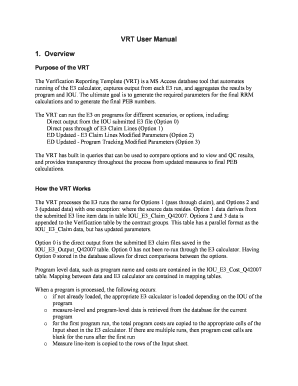
VRT User Manual 1 Overview
Volume III - California Public Utilities Commission - State of California - cpuc ca

PUBLIC UTILITIES COMMISSION OF THE STATE OF CALIFORNIA

Revisions to the California High-Cost Fund - cpuc ca

Siskiyou Telephone Company Proposed Happy Camp to Somes Bar

Printed References - cpuc ca

DCPP Steam Generator Replacement Project - cpuc ca

Chapter 6 Citations - California Public Utilities Commission - State - cpuc ca

6 0 Responses to Comments - California Public Utilities Commission

C 10 SOCIOECONOMICS AND PUBLIC SERVICES - California - cpuc ca

Section G-References - California Public Utilities Commission - cpuc ca

UCS - California Public Utilities Commission - State of California - cpuc ca

C 4 CULTURAL RESOURCES - California Public Utilities Commission

UGTL Report PDF - cpuc ca

Hazards and Hazardous Materials - California Public Utilities - cpuc ca

Banducci 66 12 kV Substation Project

WILDLAND FIRE PREVENTION and FIRE SAFETY GUIDE

DeversPalo Verde No 2 Transmission Line Project - California

Settlement - California Public Utilities Commission - State of California

California Interactive Broadband Map CASF Application Tool Work - cpuc ca

LA-CO-1185-E

BELLEVUE EDUCATORS ASSOCIATION, - perb ca

CALIFORNIA DECISION OF THE PERB Decision No 1618-H
Los Angeles Unified School District - Public Employment Relations

83 Cal Rptr 2d 603, 99 Cal Daily Op Serv 2446, 1999 Daily - perb ca

1517-H c doc - perb ca

GEORGE SARKA, - perb ca

Unit Modification Petition (PERB-1405)

Decision - Public Employment Relations Board - State of California - perb ca

PERB Decision-0409E - Tim Nolt, et al , Charging Party, v Fresno County Board of Education and Super

California Saw and Knife Works, 320 N L R B 224Casetext

Code of Professional Conduct Professional Engineering

License Certification Renewal Request - Board for Professional

Duplicate License Application - Board of Podiatric Medicine

The Script Newsletters - California State Board of Pharmacy

In PREPAREDisasterPlanTemplateIN808Prepare Disaster Plan Template in 8 08

California State Board of Pharmacy STATE AND CONSUMER

This report describes illnesses identified by the Pesticide Illness Surveillance Program of the

The California Department of Pesticide Regulation (DPR) during 2007

Washing Pesticide

Secretary, California - cdpr ca

Schedule R (Form 990) (Rev January 2025) Related Organizations and Unrelated Partnerships

Form 941 for 2017: Employer's QUARTERLY Federal Tax

Form 8995 Department of the Treasury

Form 843 (Rev December 2024)

Form 3800: How to fill out the general business credit tax

About Form 1125-A, Cost of Goods Sold

Form 1120-L: Taxable Income for Life Insurers

Topic no 857, Individual taxpayer identification number (ITIN)
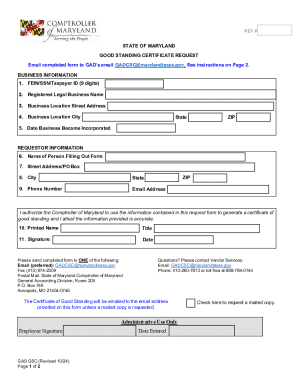
Good Standing Certificate Request

Form KW-3 City of Kettering Annual Withholding Reconciliation and

Mayo clinic high school internship

Speditionsauftrag - Gebr der Weiss

Mammogram request form

Claim form for Housing Benefit and Council Tax Reduction
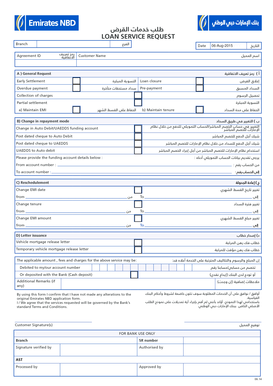
Loan service request - Emirates NBD

83D219 - Physiotherapy Extension Request ReportForPDF doc

DIOCESE EMPLOYER APPROVAL FORM

The continuing education plan retirement termination form

Soprema warranty

Field Trip Consent Form

Download Election Forms
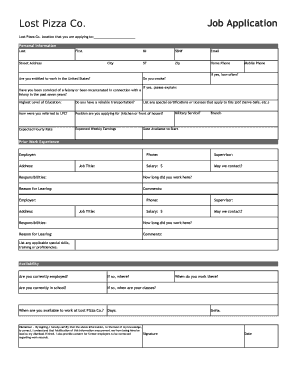
Lost pizza application

Ncat unofficial transcript

Justification for Laptop Request Form - Fill Out and Sign

Form 7 Teacher Input

Transcript Request Form (TRF) - Prairie View AandM University - pvamu
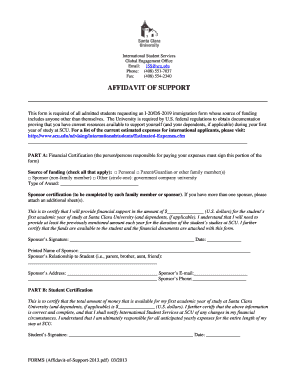
Affidavit of Support Form - Santa Clara University - scu

It essentials 6 3 3 4 worksheet

MERCY HOUSING MANAGEMENT GROUP

SUBSTITUTION REQUEST FORM - Harbor Architects

SUBSTITUTION REQUEST FORM Contractor - Harbor Architects

Maryland certificate of good standing
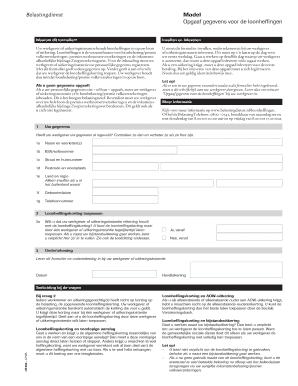
Model opgaaf gegevens voor de loonheffingen

Issues opening certain PDFs in Adobe Reader on Server

2024 Form 1116 Foreign Tax Credit (Individual, Estate, or Trust)

2024 Form 1120-POL U S Income Tax Return for Certain Political Organizations

2024 Form 4562 Depreciation and Amortization (Including Information on Listed Property)

IN THE CIRCUIT COURT FOR DAVIDSON COUNTY, TENNESSEE , Petitioner, vs , Respondent - circuitclerk nas

Model Opgaaf gegevens voor de loonheffingen - Vanaf 2024 LH 008 - 2Z*11FOL

PPEForms215-226no-pg-nos

Statement of truth

The Process Due When Rent Is Due

Guide Form D: Landlords Notice to Quit for Rental Arrears

ADVERTISEMENT SPACE ORDER FORM - bTampab-b2016b

Dog grooming consent form

Charity golf tournament registration form

Windy river ranch rottweilers

Capital campaign pledge form

Client Record For Standard Body Piercing - Oregon - oregon

Royal Rangers Outpost 115 Fall 2015 Registration Form - monmouthworship

CHILD FATALITY INTAKE FORM - infodhhsstatencus - info dhhs state nc

Subsidized Child Care Assistance Program Policy Manual

Pre-License Course Exam Proctor Affidavit Student Licensee Name - mn
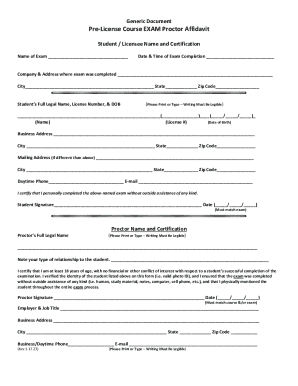
CE Course and or Exam Proctor Affidavit

Notice and Acknowledgement of Pay Rate and Payday - Notice for Employees Paid a Weekly Rate or a Sal
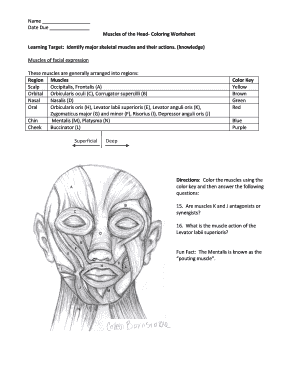
Muscles of the head worksheet

Free Sorority Recommendation Letter Template - with
Benefit from the DocHub online library of fillable PDF forms
Searching the PDF forms doesn't have to be a tedious and time-consuming process. With the DocHub online library, it has become easier to find the fillable PDF forms and modify them in your browser. The service allows you to adjust the document to your needs using powerful editing tools.
You can use online document editing features to modify almost any type of document with ease. You just need to find the template of your choice, open it in the editor, and use the toolbar to make the necessary corrections.
Follow this guide to get your document done with DocHub:
- Find the PDF template you need.
- Click the Get Form button to open the file in the editor.
- Use the toolbar to fill out and edit the document.
- Easily add and highlight text, insert images, checkmarks, and symbols.
- Drop new fillable fields, and rearrange or delete pages from your file.
- Save changes and download your record.
DocHub empowers everyone to streamline document editing, signing, and distribution, and form completion. Create an account and benefit from our well-organized PDF Forms library and comprehensive editor.