
Get any PDF form from the DocHub library of ready-made templates - Page 2132
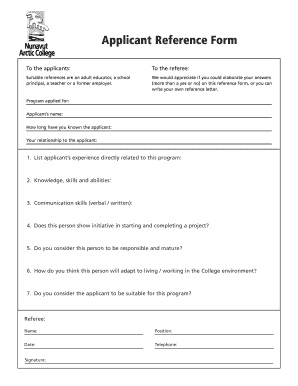
Reference form
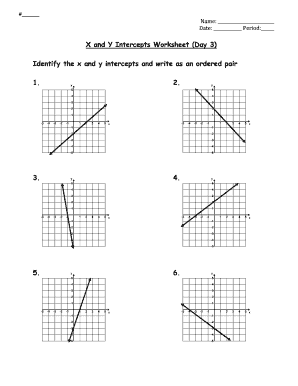
X and y intercepts worksheet day 2 answer key

Navmc 10132

Usmc mrow example
Print Form HOUSTON POLICE DEPARTMENT PERSONAL HISTORY STATEMENT This packet is essential to your application process
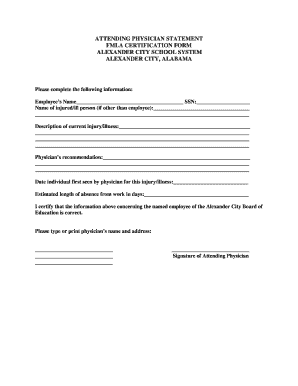
Attending physician statement fmla form

Nyc doe tax exempt form
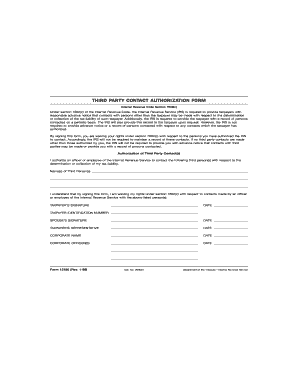
12180 form
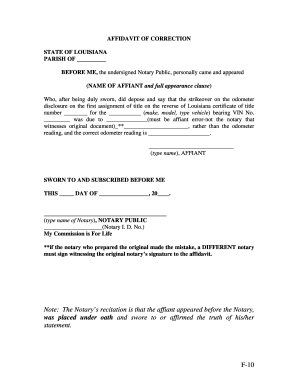
Affidavit of correction louisiana
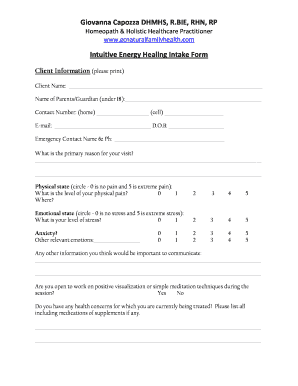
Energy healing intake form
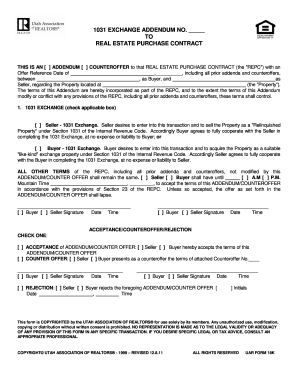
1031 addendum to real estate contract

Tax statement forms 1099
Photo addendum

T22si
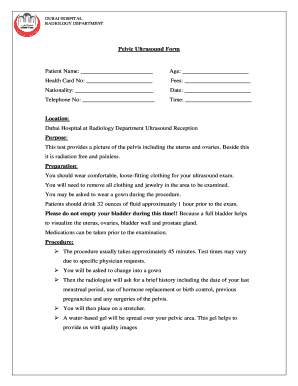
Ultrasound report format word
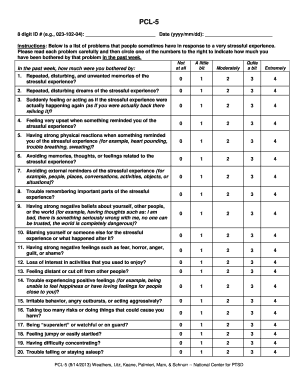
Pcl 5 fillable
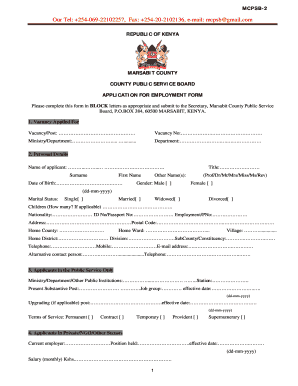
Marsabit county public service board
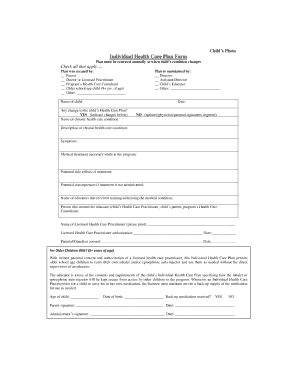
Care plan form
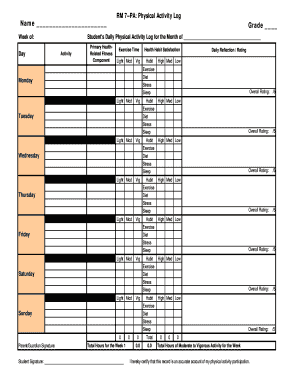
Physical activity log filled out

Sfccn medical
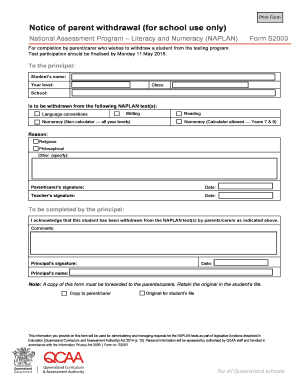
Naplan withdrawal form 2021 qld
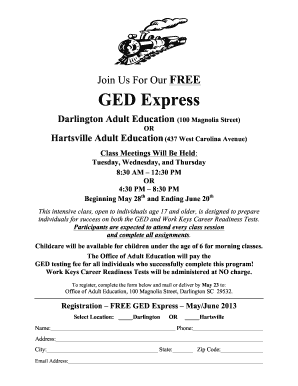
Editable ged template
Water heater and smoke detector statement of compliance
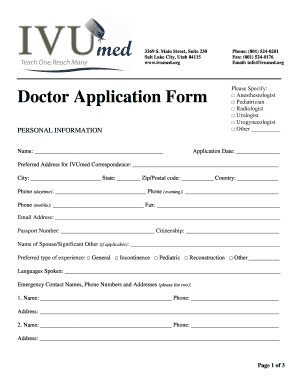
Form doctor
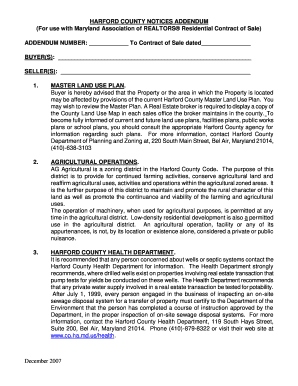
County notices addendum
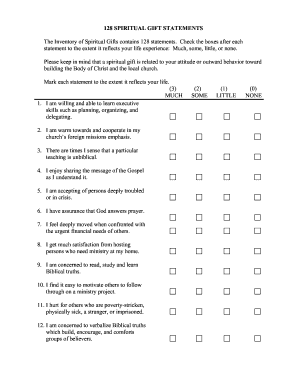
Printable spiritual gifts test
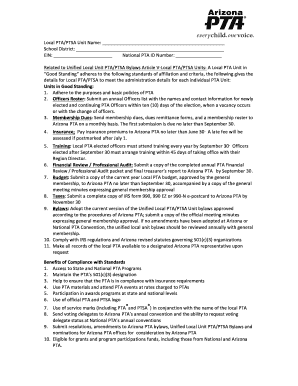
Standing Rules Template-PDF Version - Arizona PTA - azpta
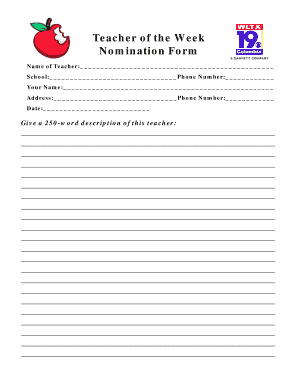
Teacher of the week nomination form
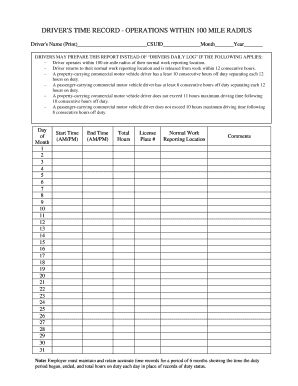
Driver time record operation

Biomolecules worksheet with answers pdf

Ilmoitusosa

Official form 410 claim
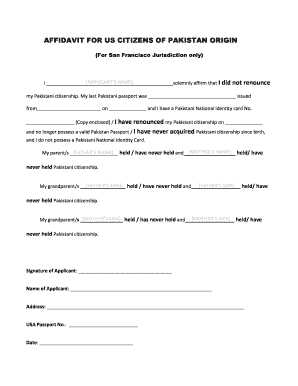
Affidavit of not having passport pakistan
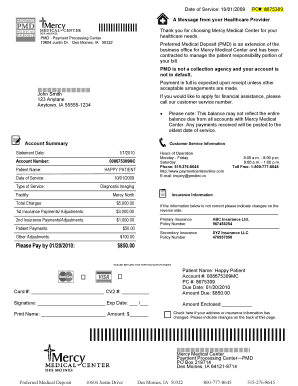
Sample billing statement (PDF) - Mercy Hospital Medical Center - mercydesmoines
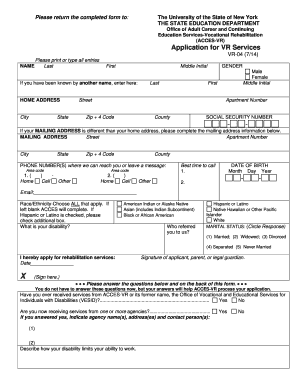
Access vr
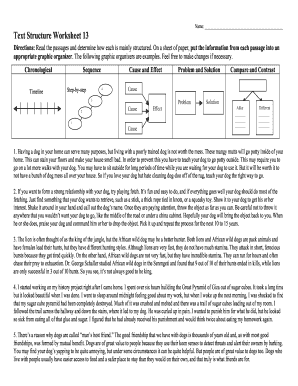
Text types worksheets with answers

Official form 106dec

Ri 012 2015-2019 form
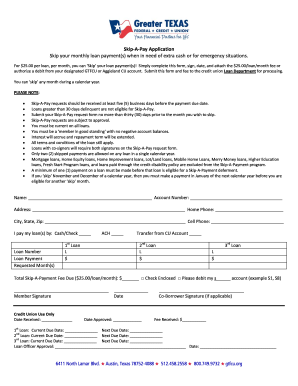
Skip-a-Payment Application - Greater TEXAS Federal Credit Union - gtfcu
Duties form
A 0700 ef
Pasture Lease Agreement - ces ncsu
Critical lift plan
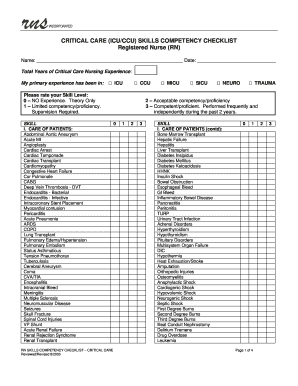
Icu checklist
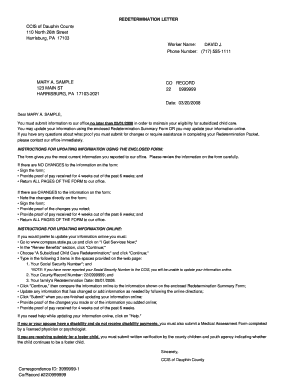
Ccis redetermination form

Snb new brunswick service new brunswick

Lab technician performance review examples
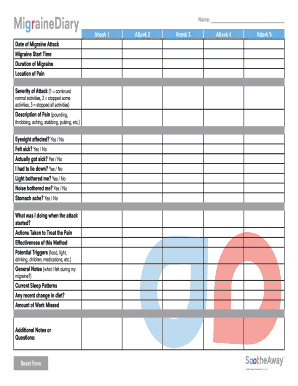
Download the SootheAway Migraine Diary
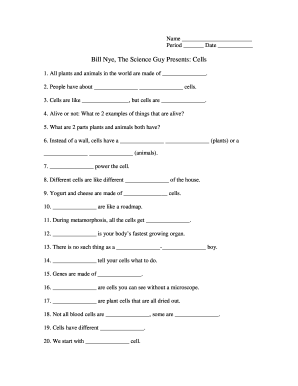
Bill nye cells
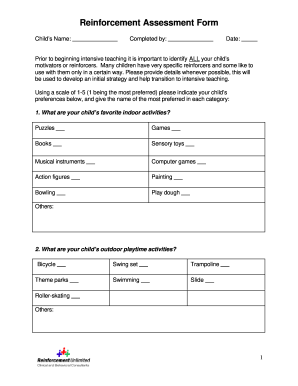
Printable reinforcer assessment forms
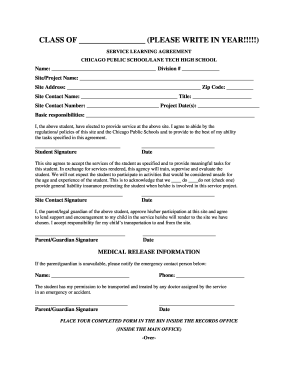
Lane tech service hours
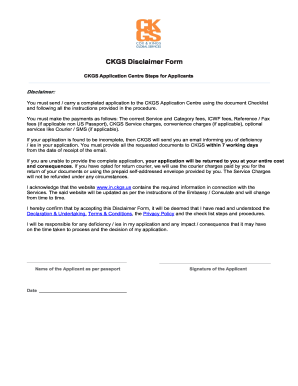
Ckgs form
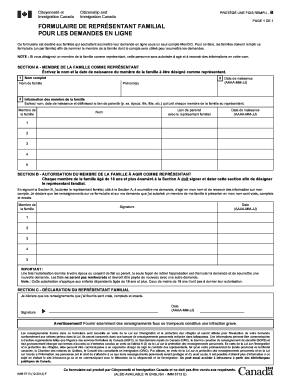
Ca imm
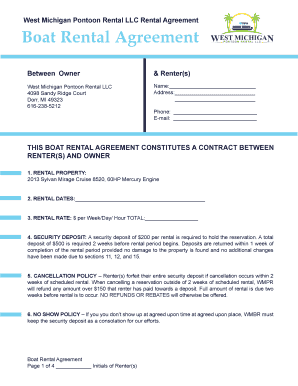
Boat rental agreement template
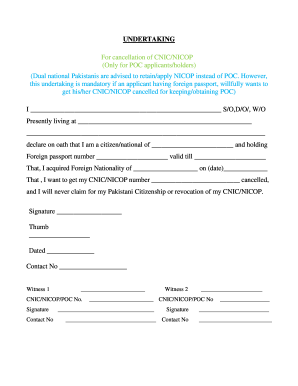
Nicop revocation
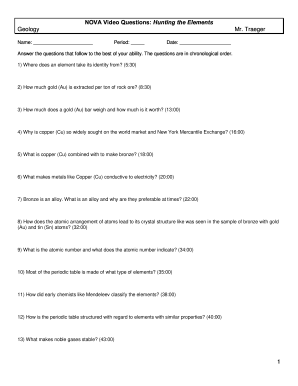
Nova hunting the elements video questions
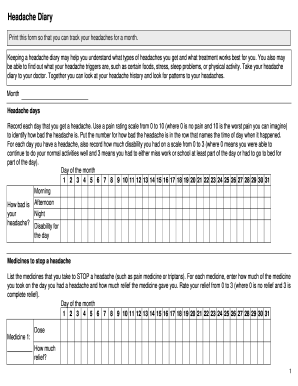
Migraine diary pdf download
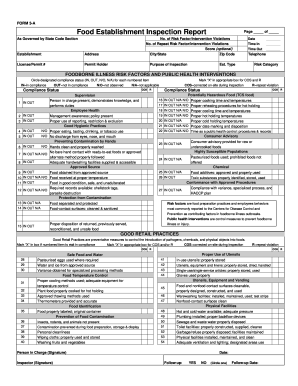
Food establishment inspection report

Certificate of prospective graduation
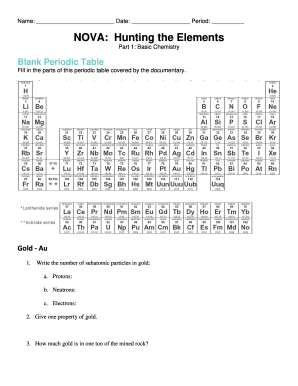
Nova hunting the elements answer key pdf
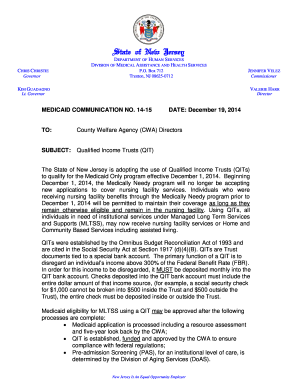
Nj qualified income form
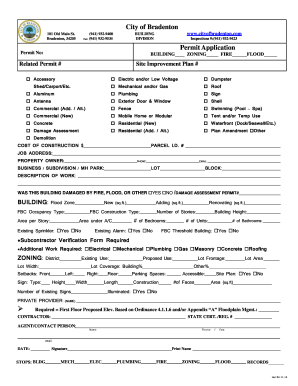
Permit Application - City of Bradenton
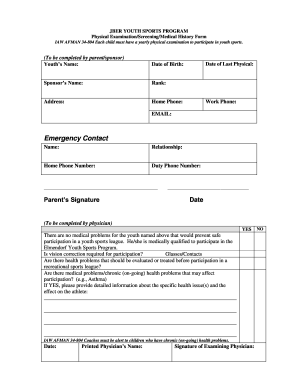
Generic sports physical form
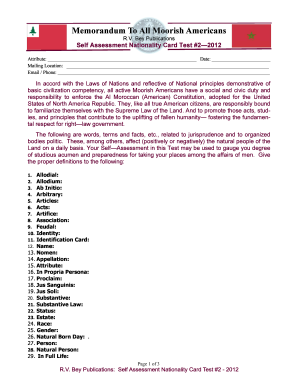
Rvbeypublications
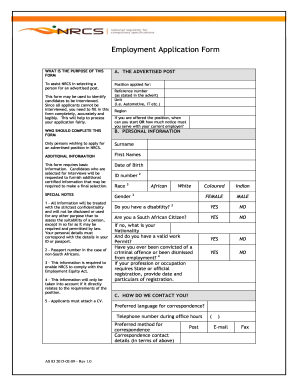
Z83 fill online
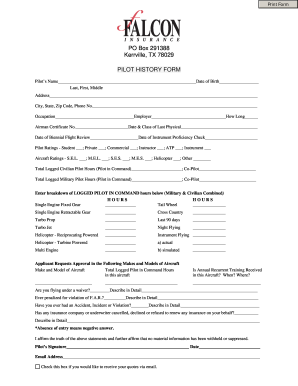
Pilot history form
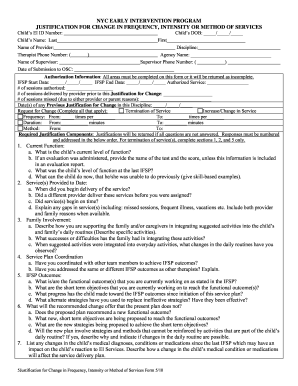
Nyc early intervention forms
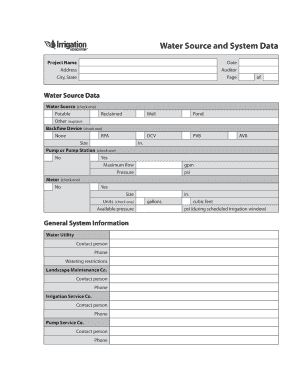
Irrigation Water Auditor Blank Forms Worksheets - LL Johnson - irrigation
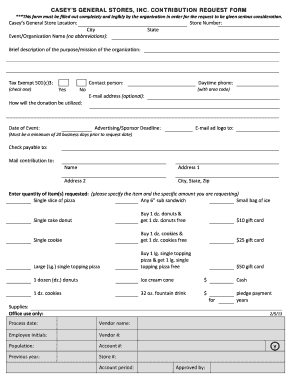
Casey's donation request
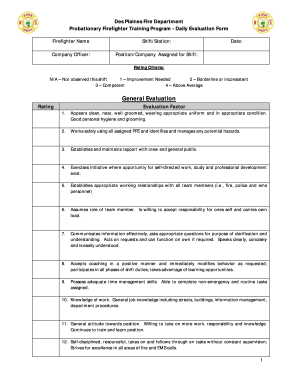
Firefighter performance appraisal examples
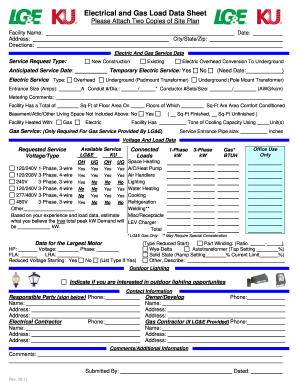
Get
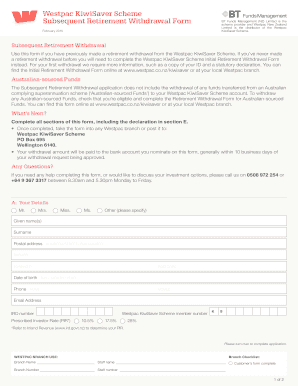
Westpac kiwisaver hardship withdrawal form

Girl scouts attendance
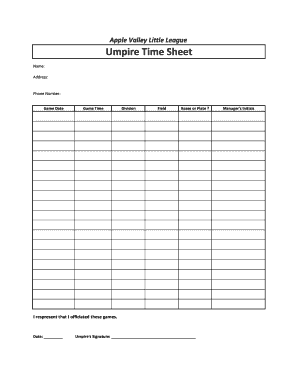
Umpire Time Sheet
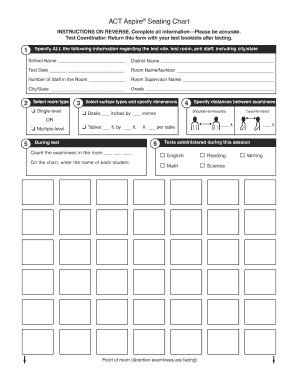
Act seating chart 2022
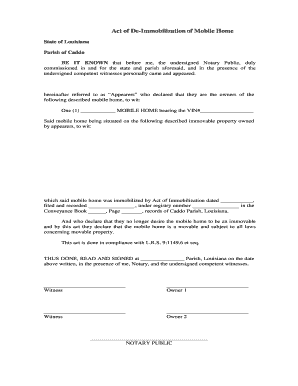
De immobilization
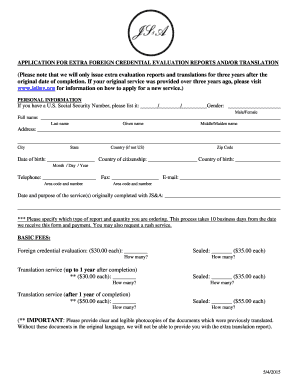
Josef silny application form
Sca incident report
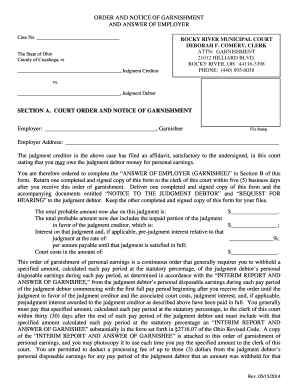
Oh garnishment employer form
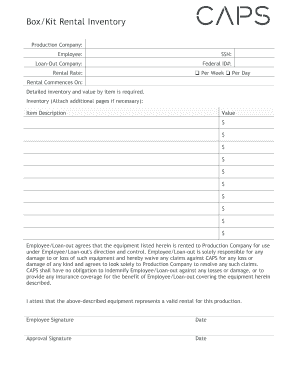
Box rental form

Appendix 1 - professional consultant's certificate - Council of ...
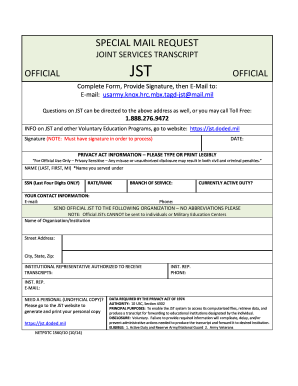
Jst dod
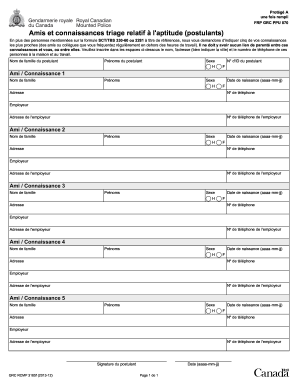
Form triage relatif form
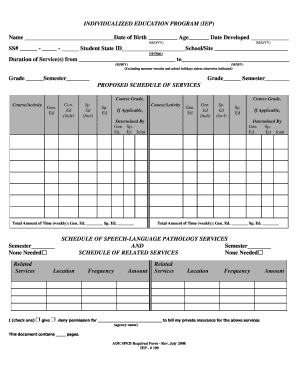
Ade education program iep sample
Skv 7750
Hunting lease agreement example
Dfas form 9213
Coast guard auxiliary forms

Partners alliance corporation
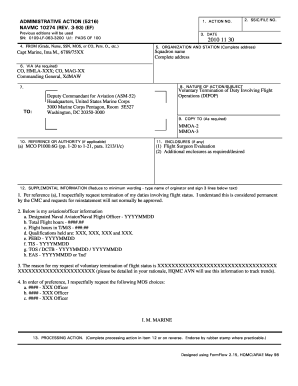
Navmc 10274 rev 09 11 pdf
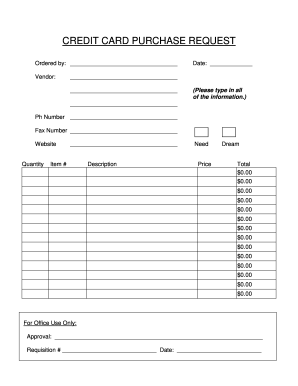
Credit card cpps

Miami Donation Receipt - The Shyp Blog
Notice payment massdot
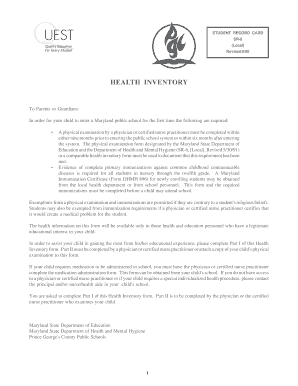
Pgcps health inventory form

Abn form printable for chiropractor
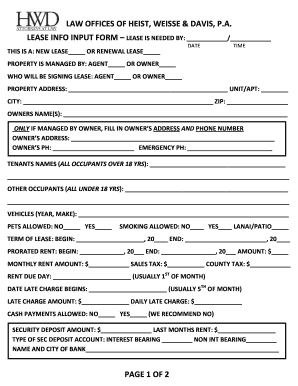
Lease input

Dd2963
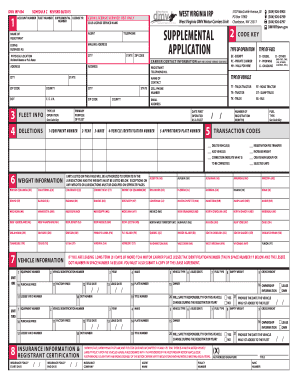
Wv irp online

One america 401k withdrawal form
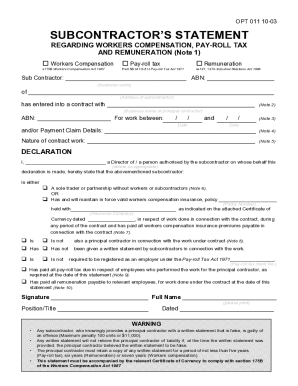
Subcontractor statement
Benefit from the DocHub online library of fillable PDF forms
Searching the PDF forms doesn't have to be a tedious and time-consuming process. With the DocHub online library, it has become easier to find the fillable PDF forms and modify them in your browser. The service allows you to adjust the document to your needs using powerful editing tools.
You can use online document editing features to modify almost any type of document with ease. You just need to find the template of your choice, open it in the editor, and use the toolbar to make the necessary corrections.
Follow this guide to get your document done with DocHub:
- Find the PDF template you need.
- Click the Get Form button to open the file in the editor.
- Use the toolbar to fill out and edit the document.
- Easily add and highlight text, insert images, checkmarks, and symbols.
- Drop new fillable fields, and rearrange or delete pages from your file.
- Save changes and download your record.
DocHub empowers everyone to streamline document editing, signing, and distribution, and form completion. Create an account and benefit from our well-organized PDF Forms library and comprehensive editor.