




01. Edit your care plan form online
Type text, add images, blackout confidential details, add comments, highlights and more.

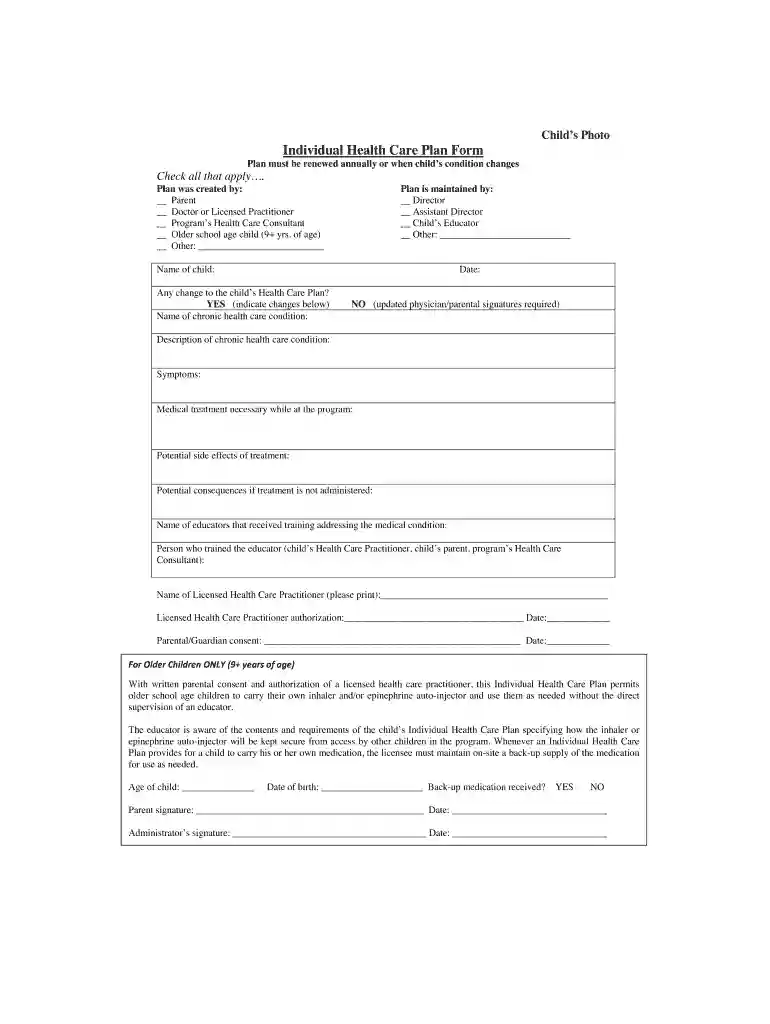
Type text, add images, blackout confidential details, add comments, highlights and more.

Draw your signature, type it, upload its image, or use your mobile device as a signature pad.

Send individual health care plan form via email, link, or fax. You can also download it, export it or print it out.

Start filling out your care plan form online for free today!
At DocHub, your data security is our priority. We follow HIPAA, SOC2, GDPR, and other standards, so you can work on your documents with confidence.
Describe the treatment plan for the early learning provider to follow in response to childs allergic reaction (include names of medication, dosage amount, andRead more
Aug 9, 2018 Includes claims previously paid by a Medicaid Managed Care. Plan and later recouped. Must be submitted within 60 days of date of notification.Read more
Dec 12, 2025 The three-column nursing care plan format includes sections for the nursing diagnosis, outcomes and evaluation and interventions. 4-ColumnRead more


