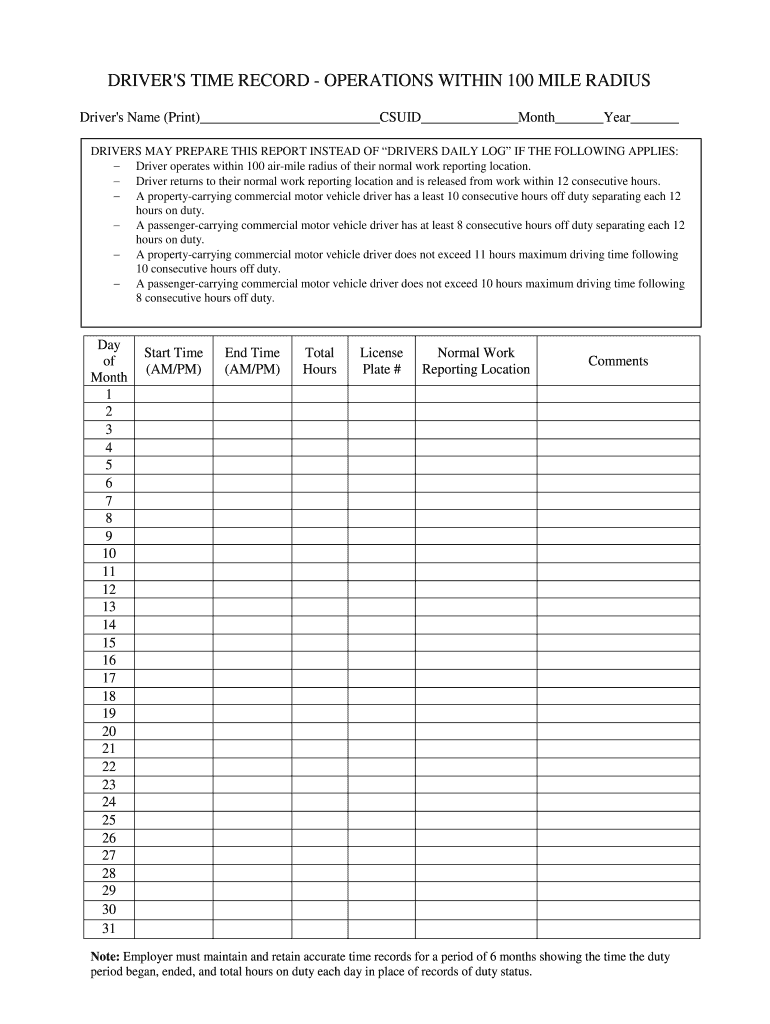
Driver time record operation templateCdl driver time record operationDrivers time record operations within 150 mile radiusDRIVERS time RECORD operations within 150 mile radius pdfDriver time record operation pdfFMCSA drivers time record formDRIVERS TIME RECORD pdfDrivers time RECORD sheet
Security and compliance
At DocHub, your data security is our priority. We follow HIPAA, SOC2, GDPR, and other standards, so you can work on your documents with confidence.
6.4.4 Drivers Record of Duty Status (RODS) (395.8) - CSA
Every driver needs to prepare a record of duty status for each 24-hour period. Failure to record, complete, or retain the log, or knowingly falsifying logs orRead more
e Press On (or Off). f Press . Page 4. 4. 6 Set the Time Zone. You can set the time zone (not summer time but standard time) on the machine for your location.Read more
- Driver operates within a 150 air-mile radius of their normal work reporting location. - Driver may drive a maximum of 11 hours after coming on duty followingRead more
Cookie consent notice
This site uses cookies to enhance site navigation and personalize your experience.
By using this site you agree to our use of cookies as described in our Privacy Notice.
You can modify your selections by visiting our Cookie and Advertising Notice.