




01. Edit your hsa aea cpp online
Type text, add images, blackout confidential details, add comments, highlights and more.

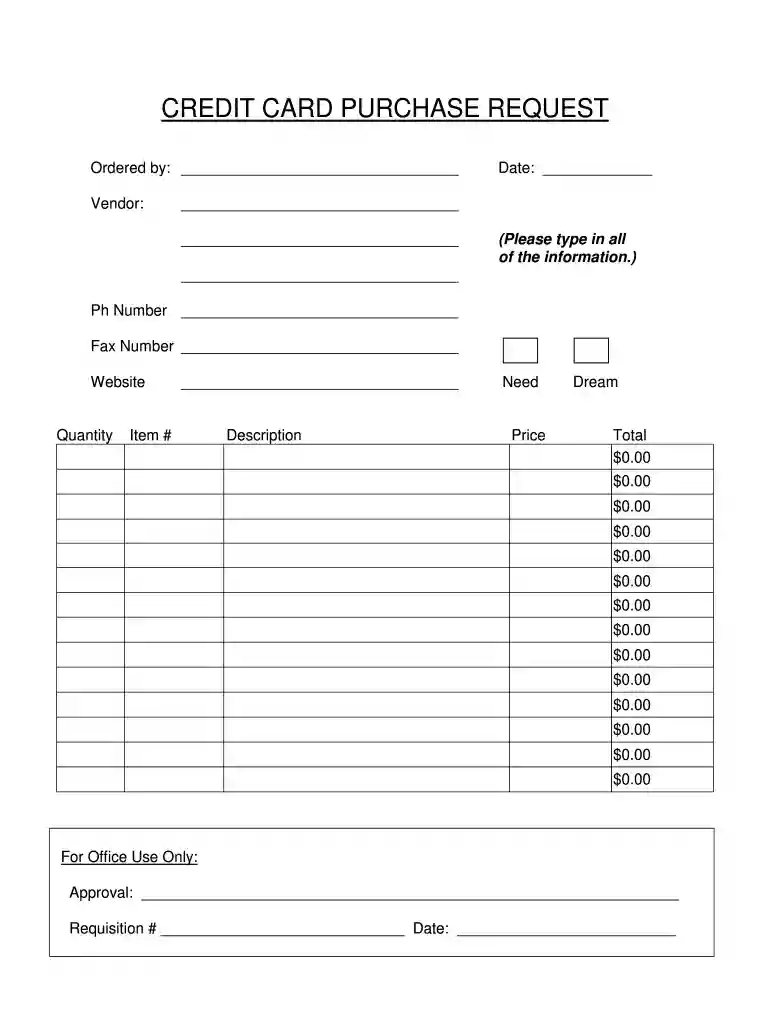
Type text, add images, blackout confidential details, add comments, highlights and more.

Draw your signature, type it, upload its image, or use your mobile device as a signature pad.

Send hsa aea cpp credit card charge on credit via email, link, or fax. You can also download it, export it or print it out.

Start using our platform today to streamline your credit card purchase requests for free!
At DocHub, your data security is our priority. We follow HIPAA, SOC2, GDPR, and other standards, so you can work on your documents with confidence.
* Credit and Debit Cards: Many peptide vendors accept standard credit and debit card paymentsBuy USA-made researchpeptidesverified through 8 independent quality
We support the students, faculty, and staff of the College of Pharmacy Pharmaceutical Sciences in all academic, research, and administrative areas.Read more
Jun 30, 2024 Complete the checklist and sign the form. Submit. Submit completed form via email to CPPS@SanDiego.gov ASAP and no later than July 31, 2024 withRead more


