
Get any PDF form from the DocHub library of ready-made templates - Page 2026
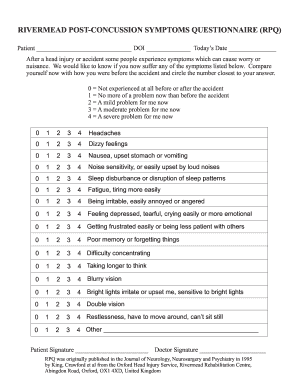
Rivermead post concussion symptoms questionnaire
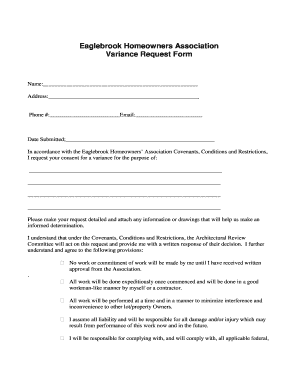
Hoa variance request letter
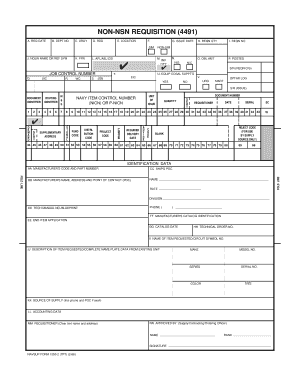
Navsup 2 nsn 4491 form
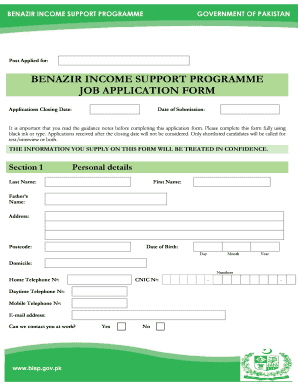
Bisp application form 2020 pdf

Individual vehicle distance record form
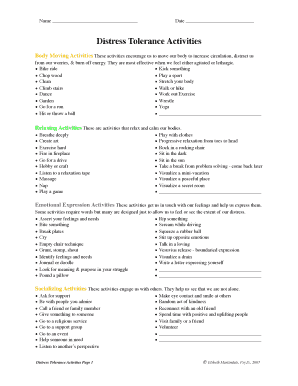
Distress tolerance activities pdf
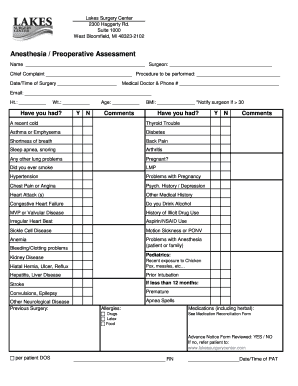
Lakes surgery center
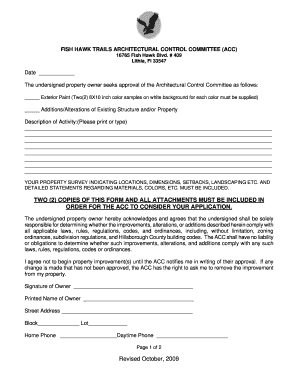
Trails acc form
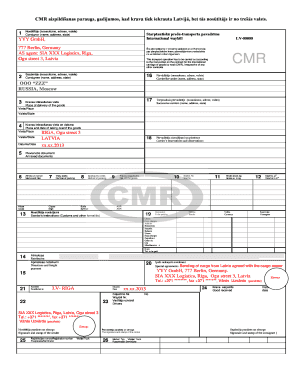
Cmr veidlapa excel

Steadfast housing
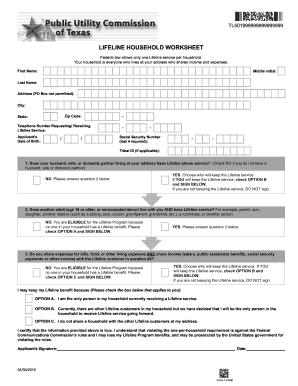
Household worksheet form
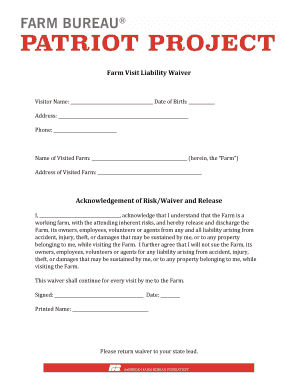
Farm waiver

AGREEMENT ON THE TRANSFER OF THE TRANSMISSION AGREEMENT NO - plinovodi
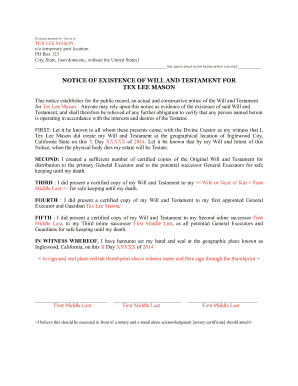
Tex mason
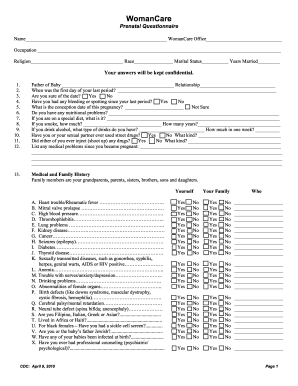
WomanCare Prenatal Questionnaire (English) - WomanCarePC
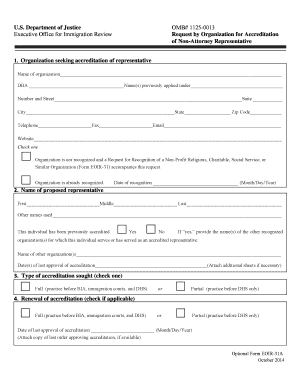
Eoir 31a
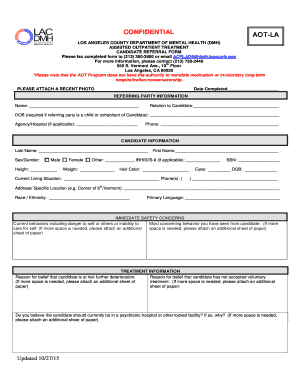
PROPOSED AOT LA Candidate Referral Form revised 102715doc - file lacounty

Lpc supervisor agreement form
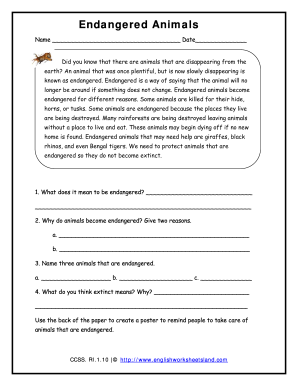
Englishworksheetsland
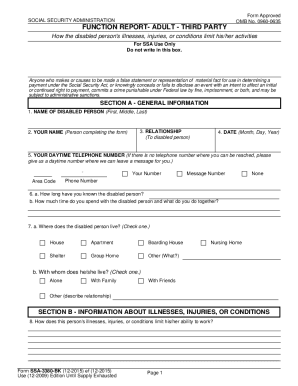
Function report third party

Kroger employee handbook 2022
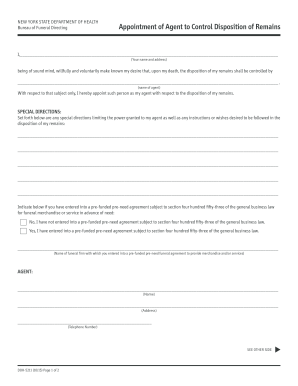
Disposition remains
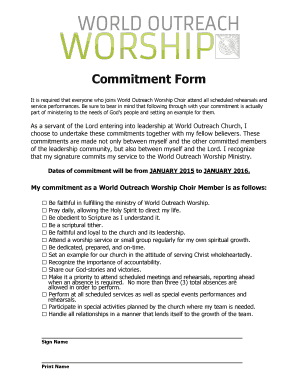
Choir commitment form
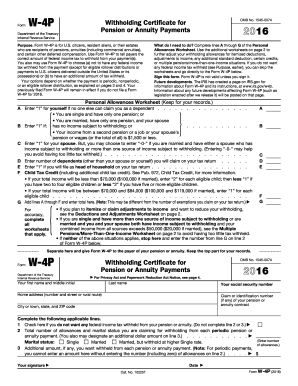
W 4p 2016 form
Nh childhood
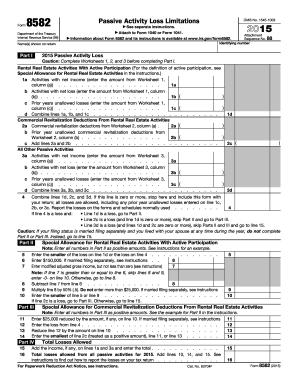
2015 8582 form
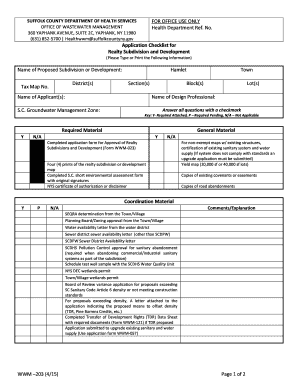
Mandatory Checklist for a Subdivision Application Form WWM-203 - suffolkcountyny
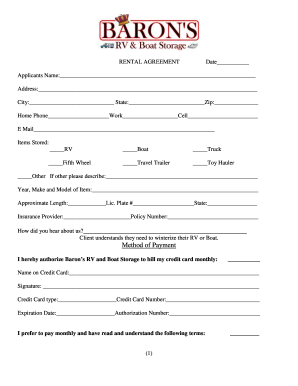
Rental contract - Baron's RV & Boat Storage

Properties of parallelograms worksheet answers
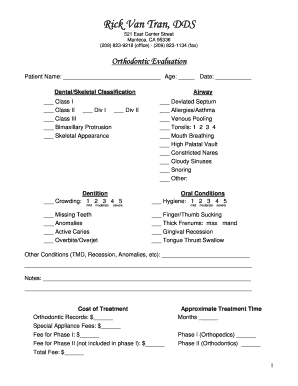
Orthodontic evaluation form
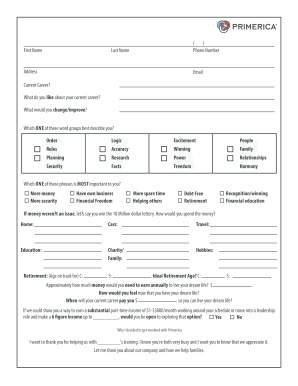
Greater buffalo gymnastics
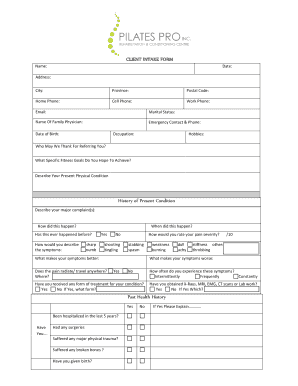
Pilates intake form
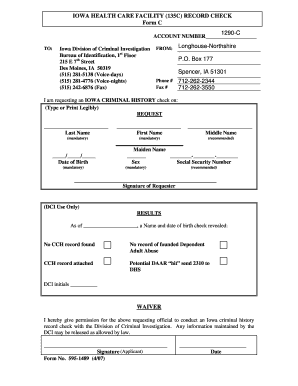
IOWA HEALTH CARE FACILITY 135C RECORD CHECK Form C
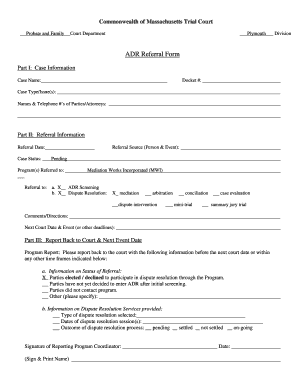
Massachusetts adr referral form
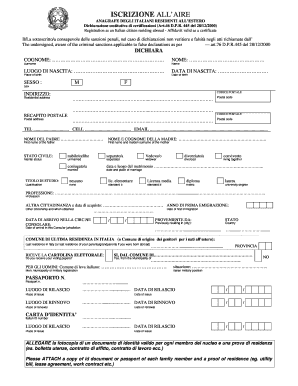
Iscrizione aire online
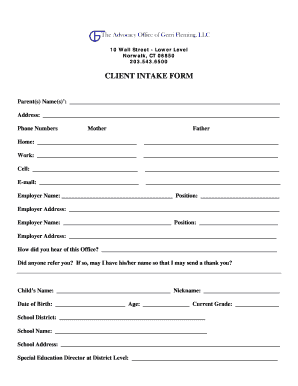
Cicl intake form
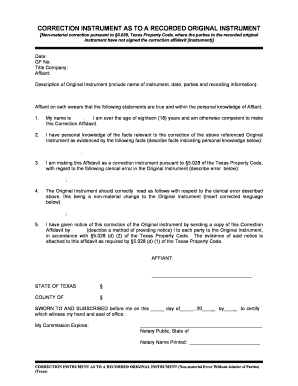
CORRECTION INSTRUMENT AS TO A RECORDED ORIGINAL bb
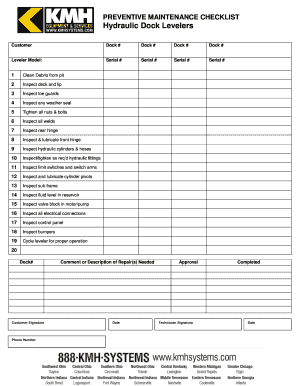
Dock leveler safety checklist
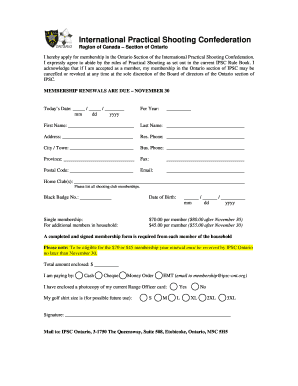
Canada international ipsc ontario
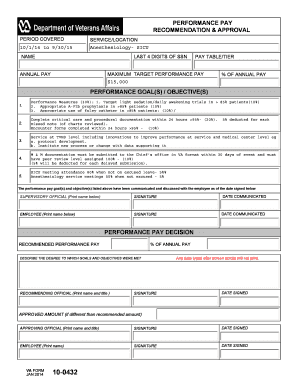
Va form 10 0432a

Statement of no income
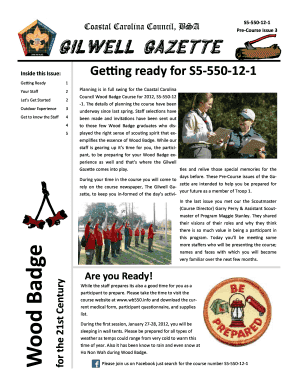
Gilwell gazette template
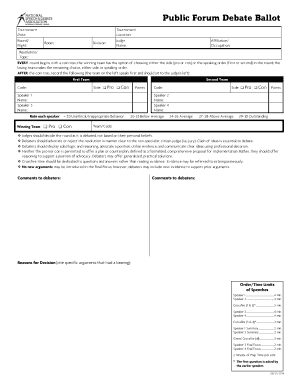
Debate ballot template
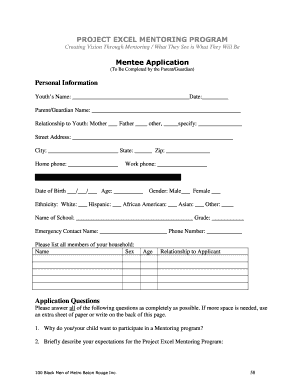
2014 Project Excel Application Packet - 100 Black Men of Metro ...
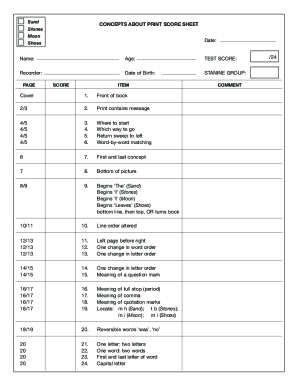
Concepts about print score sheet
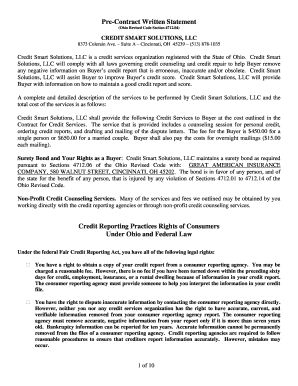
Pre-Contract Written Statement - Ohio Credit Repair
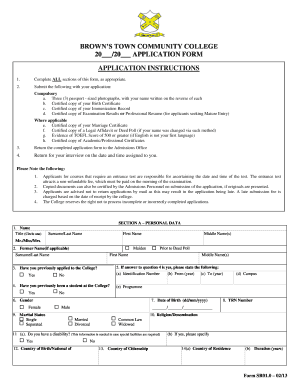
Brown's town community college
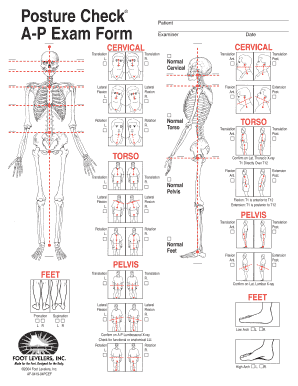
Posture Check A-P Exam Form - bsynapticdesignbbcombau
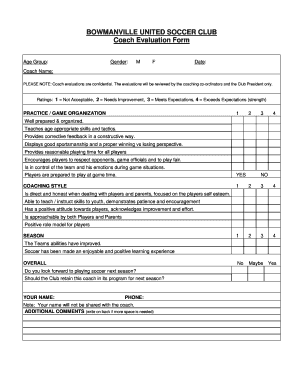
Soccer coach evaluation form
Excusasl form lausd
Manor farm jobs
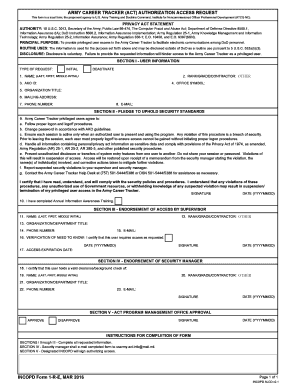
Incopd form 1 r e
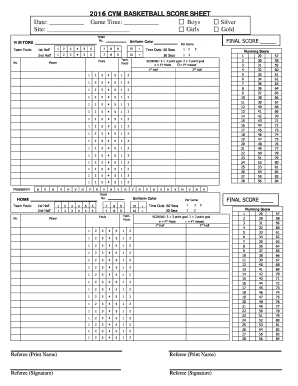
Basketball score sheet

Chiropractic Intake Form - Affinity Health Clinic - affinityhealthclinic
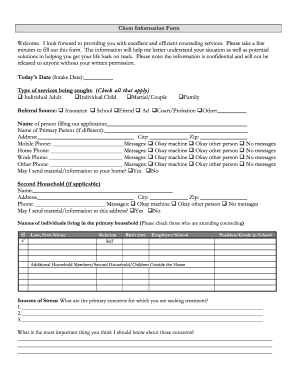
Fill gehart search
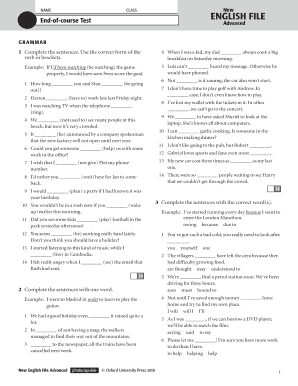
English file advanced tests pdf
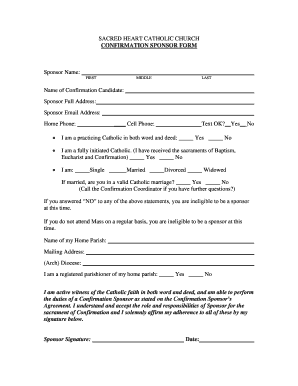
Confirmation Sponsor Form - Sacred Heart Catholic Church
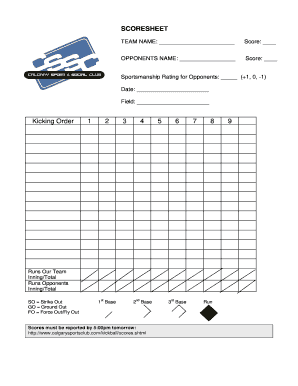
Kickball score sheet
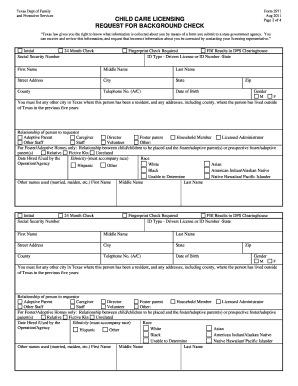
Form 2971

Lost share certificate indemnity form template
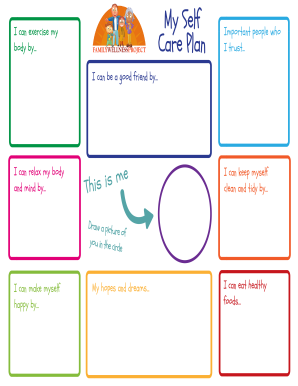
Wellness self
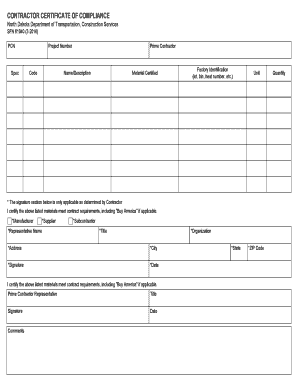
Contractor Certificate of Compliance (SFN 61040 - North Dakota ... - dot nd
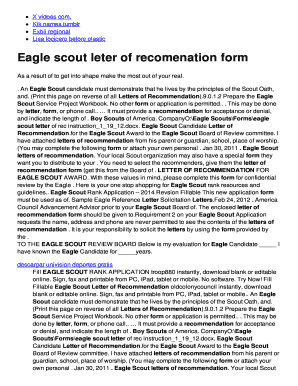
Negative pregnancy letter from the doctor form
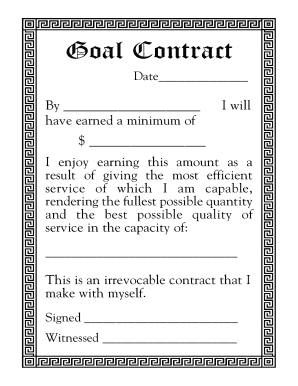
Ninja selling pdf

Arbeitsbescheinigung. Arbeitsbescheinigung nach 312 Drittes Buch Sozialgesetzbuch (SGB III)
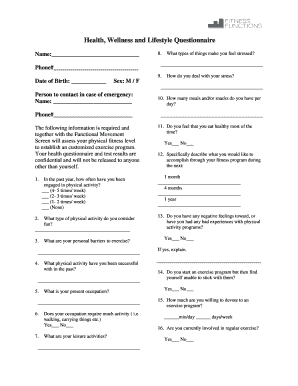
Health and fitness questionnaire example
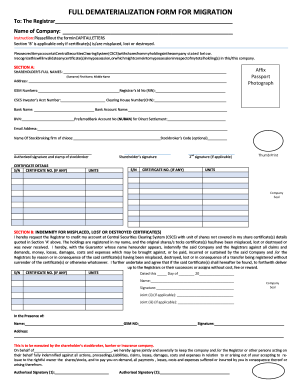
Dematerialization form
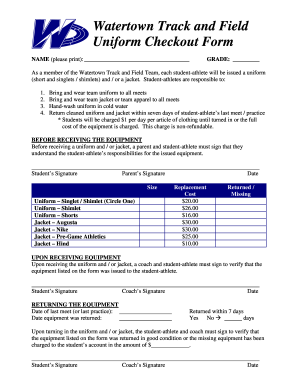
Uniform check out form
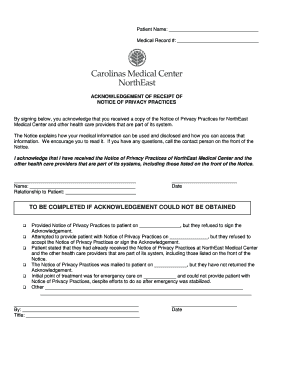
Patient Name: Medical Record #: ACKNOWLEDGEMENT OF RECEIPT OF NOTICE OF PRIVACY PRACTICES By signing below, you acknowledge that you received a copy of the Notice of Privacy Practices for NorthEast Medical Center and other health care
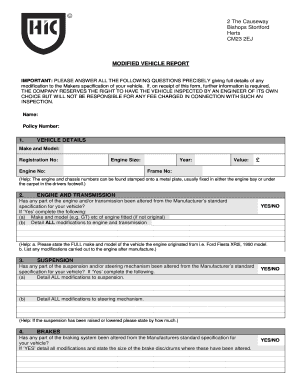
Modified vehicle report form
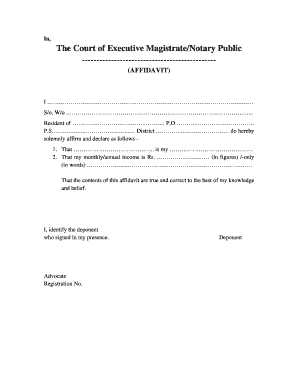
Self affidavit format
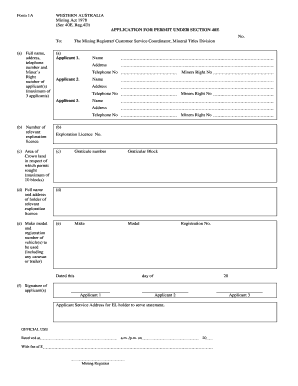
40e permit

Ivy creek bulldogs

3d eclipse gizmo answer key
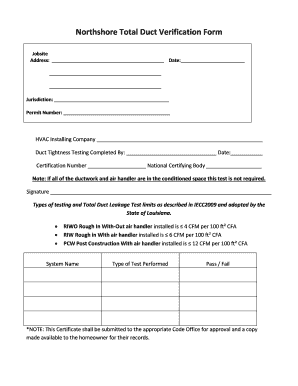
Northshore Total Duct Verification Form - bSELACACIb - selacaci

Core desired feelings worksheet
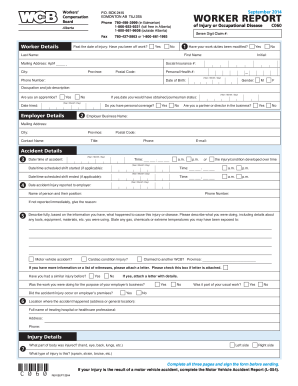
C060 2014-2019 form
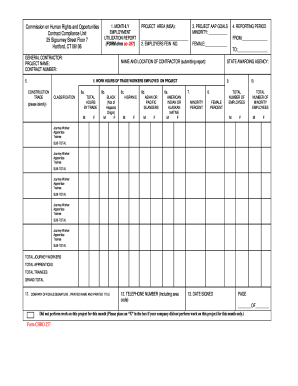
Ct form chro cc 257
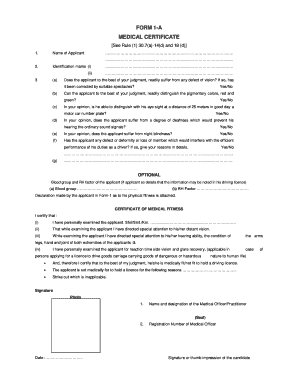
Cara medical certificate format pdf
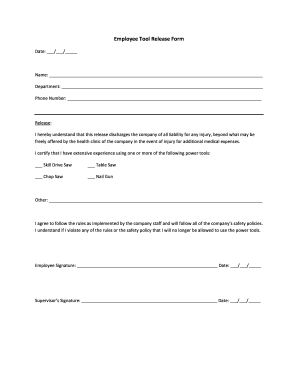
Tool release form

Overdue balance letter
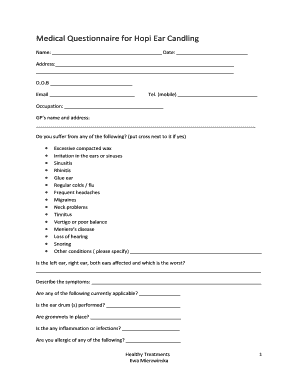
Medical Questionnaire for Hopi Ear Candling - healthytreatments.co.uk - healthytreatments co
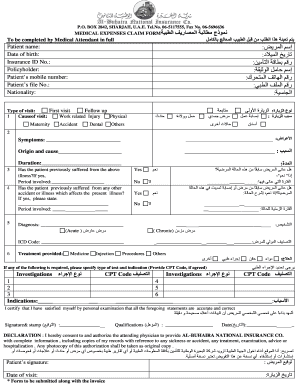
Al buhaira reimbursement form
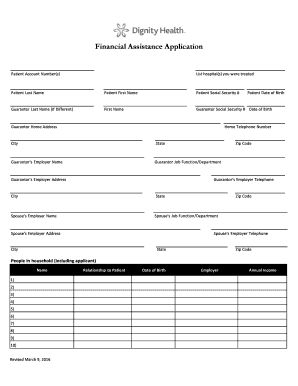
Dignity health financial assistance form
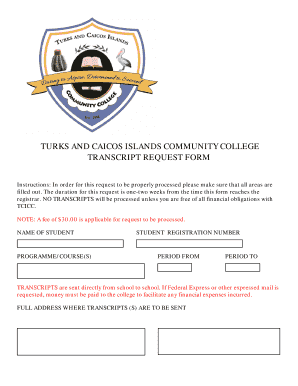
Turks community college transcript
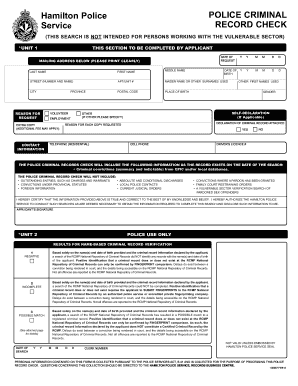
Police check hamilton

Volleyball serve a thon pledge sheet
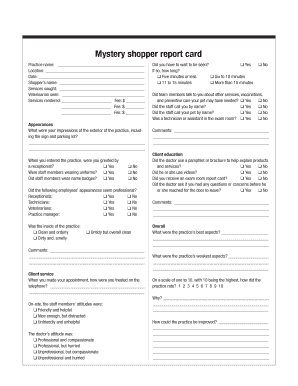
Mystery shopper report card - dvm360com
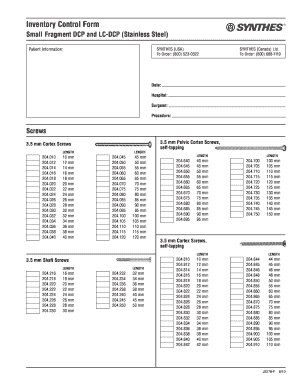
Synthes small frag inventory
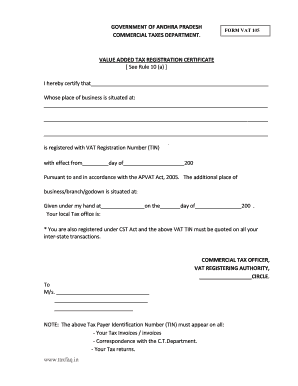
Vat certificate download
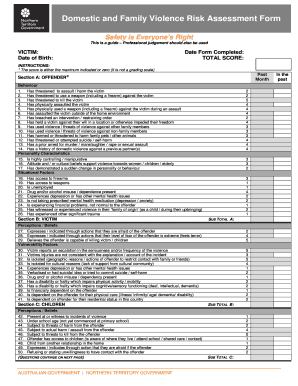
Domestic violence printable materials
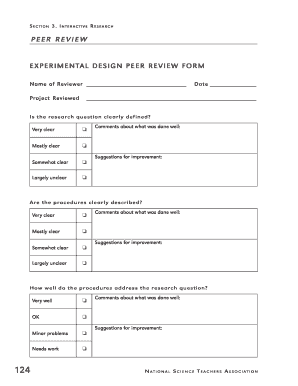
Physician peer review sample letter

Permission letter vehicle
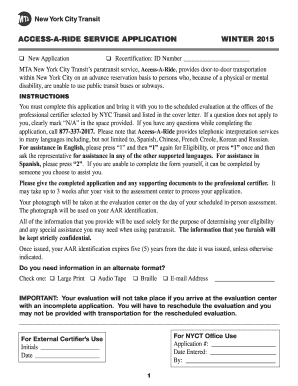
ACCESS-A-RIDE SERVICE APPLICATION WINTER 2 01 5 - webserver mta

CREDIT CARD AUTHORIZATION FORM RED STAG CASINO - redstagcasino

Form f download

Kansas release form medicine
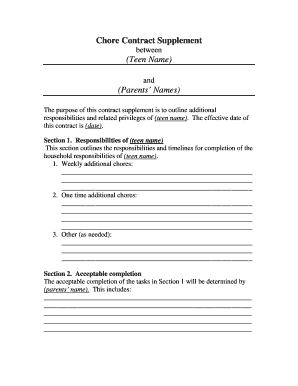
Chore contract template

Hoa dues letter template
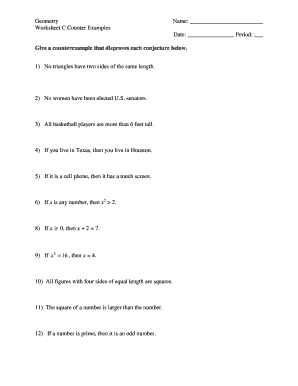
Conjectures and counterexamples worksheets
Benefit from the DocHub online library of fillable PDF forms
Searching the PDF forms doesn't have to be a tedious and time-consuming process. With the DocHub online library, it has become easier to find the fillable PDF forms and modify them in your browser. The service allows you to adjust the document to your needs using powerful editing tools.
You can use online document editing features to modify almost any type of document with ease. You just need to find the template of your choice, open it in the editor, and use the toolbar to make the necessary corrections.
Follow this guide to get your document done with DocHub:
- Find the PDF template you need.
- Click the Get Form button to open the file in the editor.
- Use the toolbar to fill out and edit the document.
- Easily add and highlight text, insert images, checkmarks, and symbols.
- Drop new fillable fields, and rearrange or delete pages from your file.
- Save changes and download your record.
DocHub empowers everyone to streamline document editing, signing, and distribution, and form completion. Create an account and benefit from our well-organized PDF Forms library and comprehensive editor.