
Get any PDF form from the DocHub library of ready-made templates - Page 863
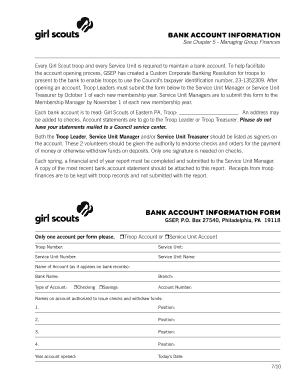
Bank account InformatIon Bank account InformatIon form - gsep
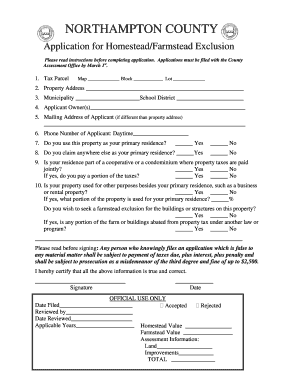
Homestead northampton county
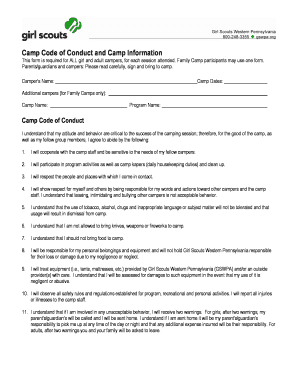
Girl scouts camp code
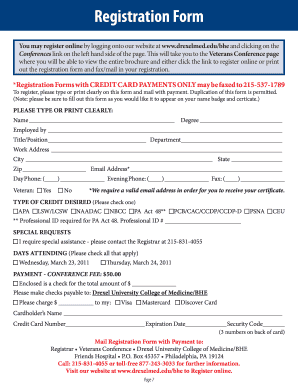
Reducing Justice Involvement For People with Mental Illness
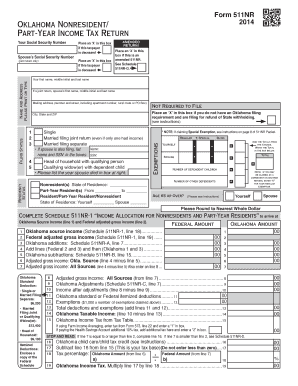
2014 Oklahoma Individual Income Tax Forms and Instructions for - ok
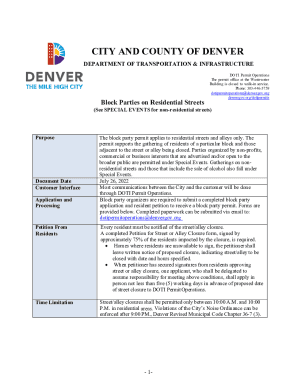
DOTI Permit 103 1 Block Parties on Residential Streets

Permit Code:
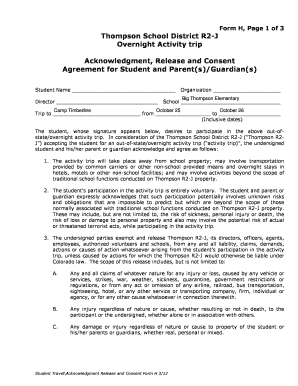
Form H, Page 1 of 3
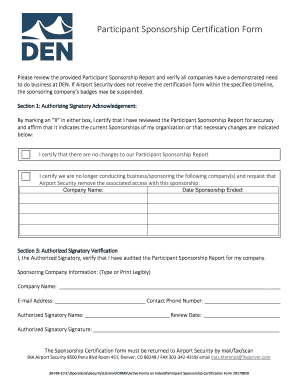
Participant Sponsorship Certification Form

Student-Accident-Form V3 FINAL - Fillable

Accident Incident Report Form - Eastern Nazarene College

TO: Denver City Council FROM: Brandon Shaver, Senior City
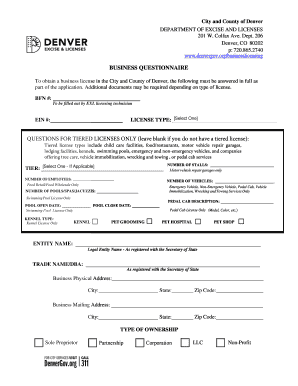
Business Questionnaire Business Questionnaire
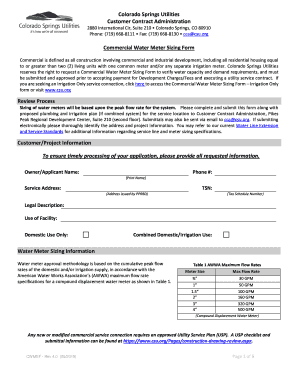
Colorado sizing form

Green Roof Declaration Form Green Roof Declaration Form
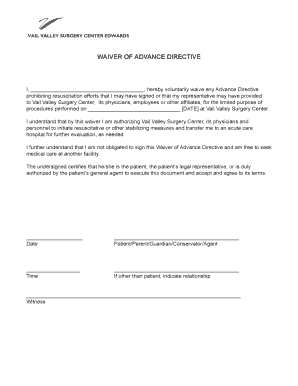
111234 Directive Waiver indd
Nebraska tax form

Pa rent rebate form

Mi
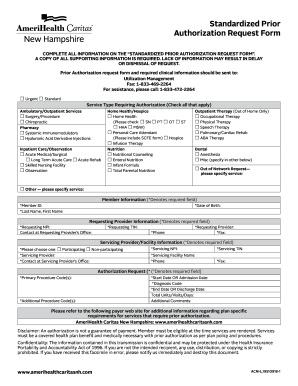
Amerihealth authorization request
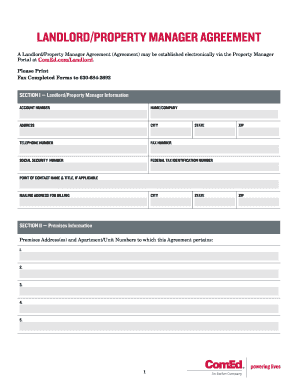
Comed landlord agreement
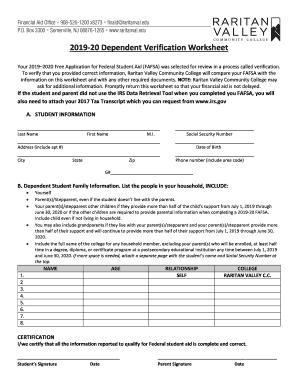
2019-20 Dependent Verification Worksheet - Raritan Valley
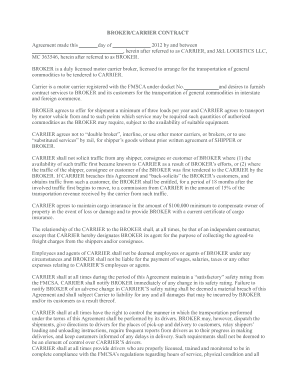
Agreement between carrier and shipper

Ups scs claim

Uniform goods lading freight bill
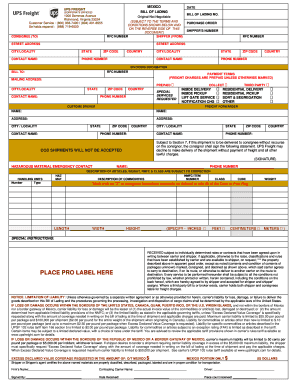
Bass Crane Service - Crane Services - 700 Semmes Ave, Old Town

Grandview Owner's Options Selections - Daily Management, Inc
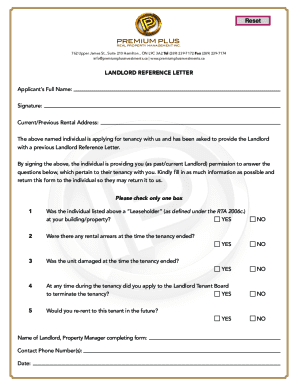
40+ Landlord Reference Letters & Form Samples ?

First New Apartment Checklist - 40 Essential Templates ?

Ideas for Writing an Accommodation Request LetterEnforcement Guidance on Reasonable Accommodation an

Nar referral form

Capped rental

APPLICATION FOR PARTICIPATION (Broker) - HGAR

Free Background Check Authorization Form - PDF eForms

Union pacific railroad land lease
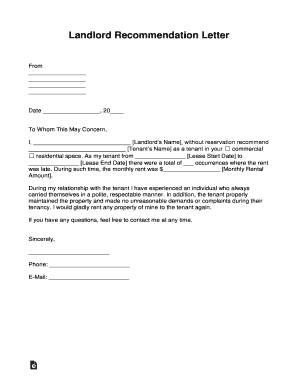
Sample letter informing customer of an error in payment
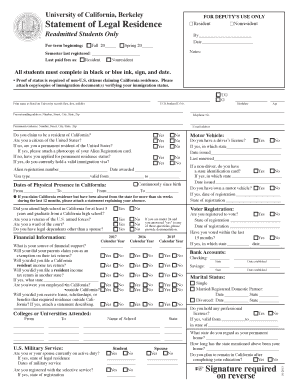
Berkeley statement residence

DATE ISSUED 0710 - twu
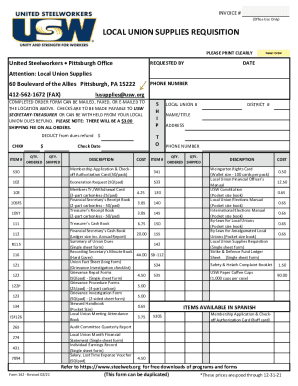
Usw supplies

Spouse & Dependent Tuition Waiver Form - Minot State

Employee questionnaire regulated

O 1 checklist

Form 5 wc

Sign up checklist

National university form fill
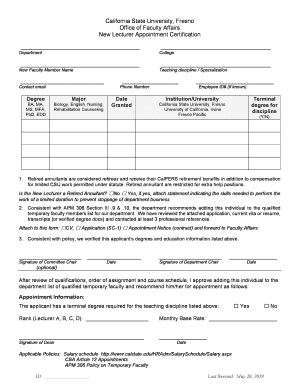
Otto Berg, Ph D - Fresno State

6 month evaluation
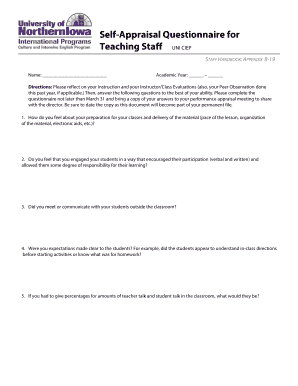
Self appraisal teaching staff form

College release letter

How Does Tuition Reimbursement Work with Financial Aid?Study

Retirement-form docx

MK Grant Employment Verification Form- updated Oct 2015

AGREEMENT Between the BOARD OF TRUSTEES of SOUTHERN ILLINOIS
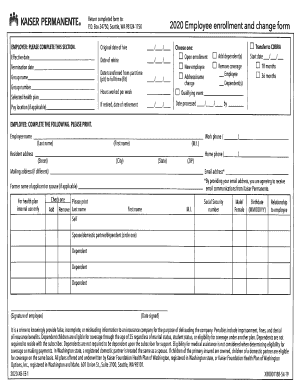
Employee enrollment change form

WORK & TRAV
Program placement agreement

TTUHSC Immigration Questionnaires & FormsTexas Tech

Immigrationcourtside "The Voice of the New Due Process
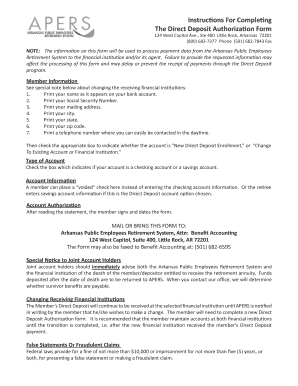
Apers direct deposit form

Student-Employee Confidentiality Agreement - Miami University

New york university reference form

Employee performance appraisal form

Tn questionnaire form
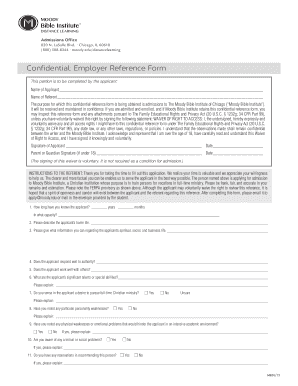
Confidential Employer Reference Form - moody

New york university reference form

Teaching Credential Programs - California State University

Wssu action
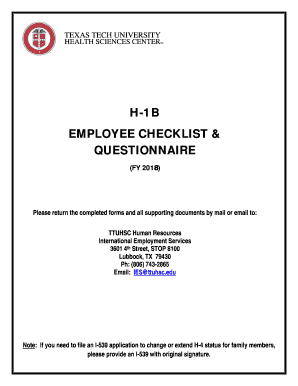
H1b questionnaire

Employee Information Contact Information - CUNY

800 Florida Avenue, NE Washington, DC 20002 202-651-5352 (V) 202-250-2284 (VP)

Fingerprinting consent form

County of Residence (required) Nonresidents enter Maryland

Seatle DCI Form - Permit Transfer Electrical Sign Seatle DCI Form Permit Transfer ElectricalSign

Wa police report overlay
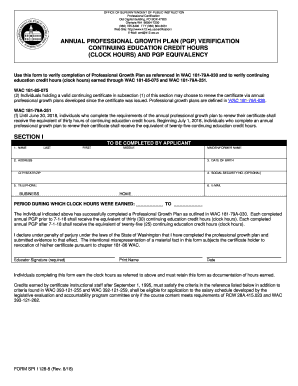
Pgp form
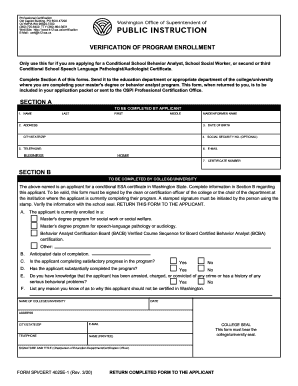
4025e

SIT Intake Form

Plant Classification Form - California State Water
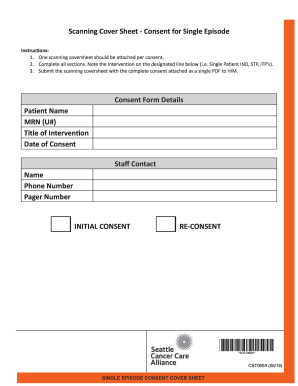
How To Set Up the Scan Cover Sheet Feature in DocuShare

Declaration of Intent to Provide Home-Based Instruction for

Child abuse reporting form - Yakima School District
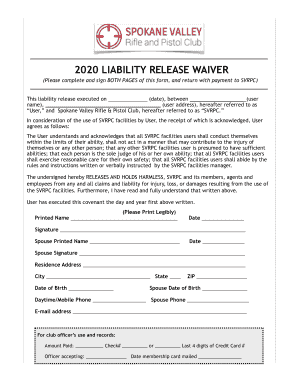
MEMBERSHIP APPLICATION AND WAIVER OF LIABILITY

Primarylanguagespoken:(parent)(child)

Newport High School job in Bellevue, WA - SchoolSpring
Odjfs field trip checklist

Facility use application
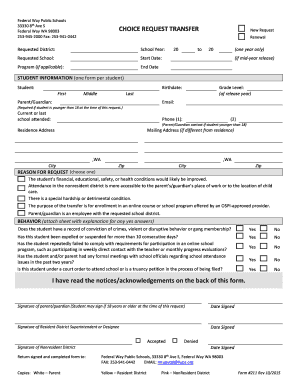
Fwps choice

Bike to School Agreement and Consent Form
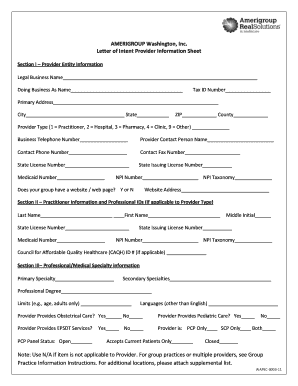
AMERIGROUP Washington, Inc Letter of Intent Provider

Washington foreign registration

Intent provide

Field trip sack lunch form

Clallam county burn permit
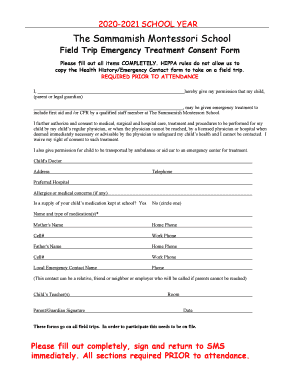
PLEASE COMPLETE, SIGN & RETURN

Pasco Dog License Application
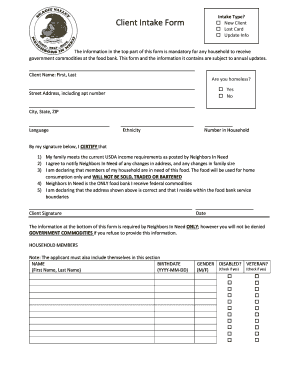
Note:Theapplicantmustalsoincludethemselvesinthissection
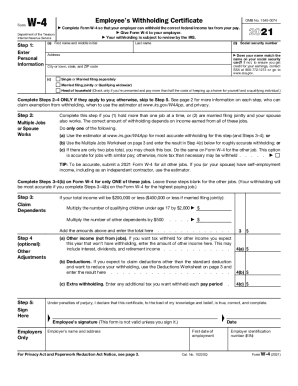
Employee Assignment Form (word) - SUNY RF
Time clock form

Cicd work travel

HR INFO SHEET
Benefit from the DocHub online library of fillable PDF forms
Searching the PDF forms doesn't have to be a tedious and time-consuming process. With the DocHub online library, it has become easier to find the fillable PDF forms and modify them in your browser. The service allows you to adjust the document to your needs using powerful editing tools.
You can use online document editing features to modify almost any type of document with ease. You just need to find the template of your choice, open it in the editor, and use the toolbar to make the necessary corrections.
Follow this guide to get your document done with DocHub:
- Find the PDF template you need.
- Click the Get Form button to open the file in the editor.
- Use the toolbar to fill out and edit the document.
- Easily add and highlight text, insert images, checkmarks, and symbols.
- Drop new fillable fields, and rearrange or delete pages from your file.
- Save changes and download your record.
DocHub empowers everyone to streamline document editing, signing, and distribution, and form completion. Create an account and benefit from our well-organized PDF Forms library and comprehensive editor.