




01. Edit your form online
Type text, add images, blackout confidential details, add comments, highlights and more.

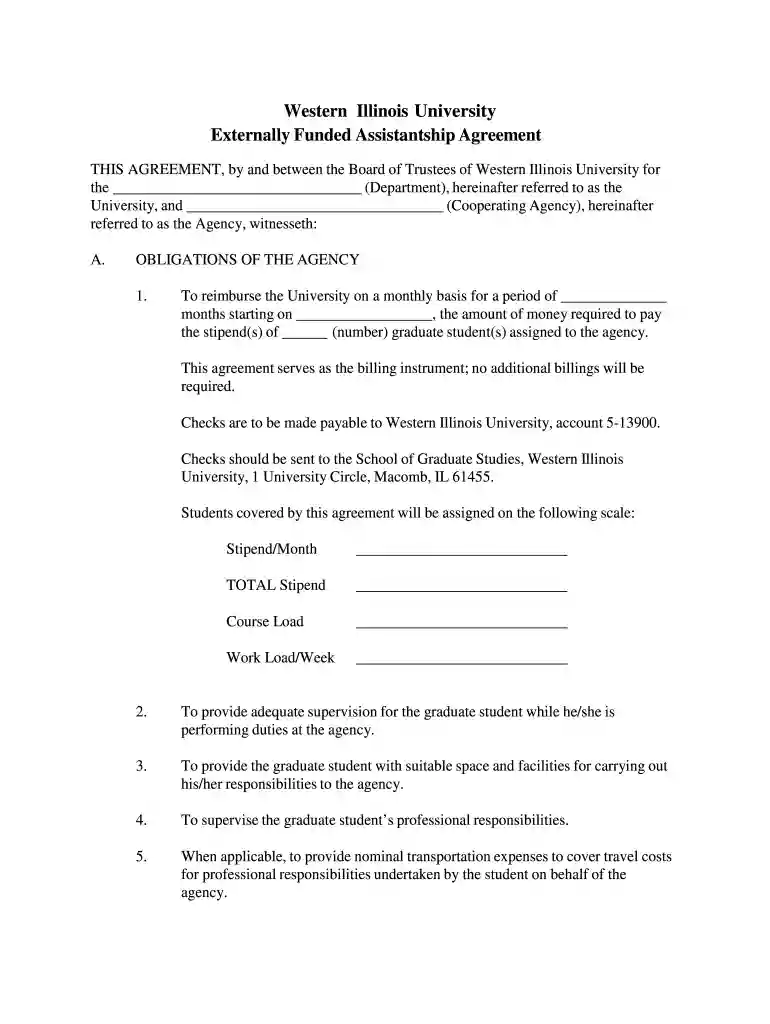
Type text, add images, blackout confidential details, add comments, highlights and more.

Draw your signature, type it, upload its image, or use your mobile device as a signature pad.

Send it via email, link, or fax. You can also download it, export it or print it out.

Start using our platform today to streamline your document editing and signing process for free!
We've got more versions of the AGREEMENT Between the BOARD OF TRUSTEES of SOUTHERN ILLINOIS form. Select the right AGREEMENT Between the BOARD OF TRUSTEES of SOUTHERN ILLINOIS version from the list and start editing it straight away!
| Versions | Form popularity | Fillable & printable |
|---|---|---|
| 2013 | 4.8 Satisfied (89 Votes) |
Sure, a typed name is accepted as a legitimate electronic signature when you create it on your form utilizing a compliant solution like DocHub. Simply add your AGREEMENT Between the BOARD OF TRUSTEES of SOUTHERN ILLINOIS to our editor, click Sign in the top tool pane → Create your signature → Type your name in the appropriate tab, and choose how it will appear on your document.
If you choose analog methods of completing your AGREEMENT Between the BOARD OF TRUSTEES of SOUTHERN ILLINOIS, it is simple to download your file for printing. Search DocHub’s Forms & Templates catalog to find the exact document template you need and open it for editing or download it on your gadget in the format of your liking. It is possible to complete your form electronically and put your handwritten signature on it right after printing or eSign your document with DocHub.
At DocHub, your data security is our priority. We follow HIPAA, SOC2, GDPR, and other standards, so you can work on your documents with confidence.
The Board of Trustee governs, manages, and maintains Southern Illinois University, including all its branches; employs educational and administrative personnel.Read more
Aug 13, 2024 AGREEMENT Between the BOARD OF TRUSTEES of SOUTHERN ILLINOIS UNIVERSITY. Effective July 1, 2024 - June 30, 2028
Ball State Universitys Board of Trustees approved a proposal to phase out the campuss four existing coal-fired boilers and replace them with geothermal


