
Get any PDF form from the DocHub library of ready-made templates - Page 468

Homeowners Verification of 2022 and 2023 Property Taxes (For use with Form PTR-1)

RTF-3 State of NJ Division of Taxation Claim for Refund - NJ

DR 0145, Colorado Tax Information Authorization or Power of Attorney

DR 1093 Annual Transmittal of State W-2 Forms (DR 1093) If you are using a screen reader or other as

215 W 10th Street, Ste 204

DR 8404-I Individual History Record If you are using a screen reader or other assistive technology,
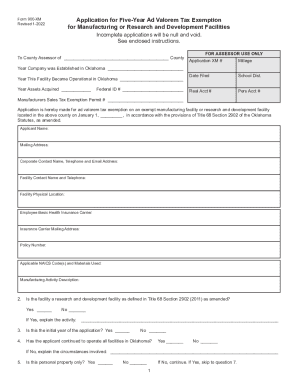
Form 900-XM Application for Five-Year Ad Valorem Tax Exemption

Instructions for Form CST-240 Claim for Refund or Credit of

CIT-120 Instructions - West Virginia Tax Division

P40202303A

K-41 Fiduciary Income Tax Return Rev 7-17

Substitute Tax Form Requirements - West Virginia Tax Division
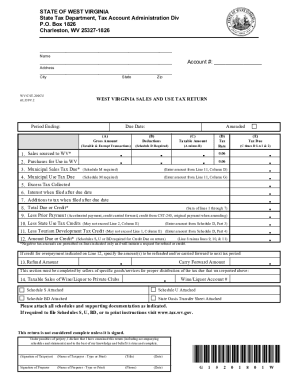
West Virginia State Tax DepartmentDivisions - West Virginia State Tax DepartmentDivisions - West Vir

Local Services Tax (LST-1) FAQ

Personal Income TaxDepartment of Revenue

Form A-3128 Claim for Refund of the Estimated Gross Income Tax Payment for the Sale of New Jersey Re

Request for Transcript of Individual Income Tax Returns (Form

State of New Jersey, W-9 Questionnaire - NJ

SECTION I - Employer
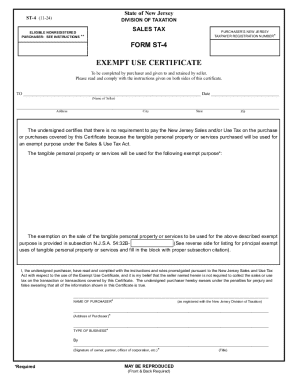
Free New Jersey Sales Tax Exempt Use Certificate ST-4

Form ST-13 Contractor's Exempt Purchase Certificate Form ST-13 Contractor's Exempt Purchase Certific

ET-706 - New York State Estate Tax Return

IT-40 Full Year Resident Individual Income Tax Booklet 2024 Edition of the Indiana Department of Rev

Schedule IN-EDGE-R
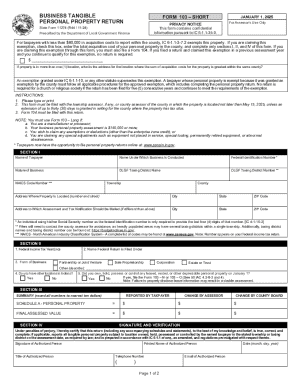
BUSINESS TANGIBLE PERSONAL PROPERTY

Payroll tax in Indiana: What employers need to know

Indiana Property Tax Benefits: (This Form Must Be Printed

Indiana Tax Power of Attorney (Form 49357) - eForms

Form NC-NPA Nonresident Partner Affirmation

Fill Online

BUSINESS TANGIBLE PERSONAL PROPERTY ASSESSMENT

Enterprise Zone Qualified Employee Deduction Certificate

BC-100 BC-100, Indiana Business Tax Closure Request

Indiana Department of Revenue - Business Tax Application

Commercial Motor Vehicle Guidebook - May 2021

DEPARTMENT OF REVENUE Taxpayer Service Division

PROPERTY TAX DEDUCTION CLAIM BY VETERAN - NJ

State form 55434: Fill out and sign online

Transient Occupancy Tax Online Filing - Find Account

2023 Form 3809 Targeted Tax Area Deduction and Credit Summary

State Form 46402 - Indiana

2024 FORM 587 Nonresident Withholding Allocation Worksheet

Attendance note template

Ohio Change of Address or Relocation Form

Franklin County Relocation Notice (Juvenile Court)

Douglas county oracle
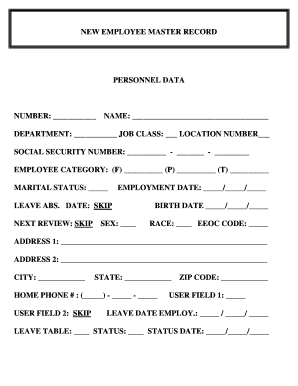
New employee forms

Year-End Reminders for Employees

Snvrha

Snvrha

REASONABLE ACCOMMODATION REQUEST - San Antonio

Saha housing list

HIGHWAY SAFETY PERFORMANCE

Designation Application Form - Alaska Department of Transportation - dot state ak

Public Review With Maps - Alaska Department of Natural

Fort Knox and True North Mines

LNG Export Issues

0 0 0 - Alaska Department of Fish and Game - State of Alaska

Creel Surveys, Alaska Department of Fish and Game

1 of 82 Public Comment #8 - Alaska Department of Fish and Game

Technical Paper No 363 - Alaska Department of Fish and Game

Fishery data series no 10-34 - Alaska Department of Fish and Game

Adfg alaska indexOil Spill Response, Alaska Department of Fish and Game

Through September 2011 - State of Alaska - doa alaska

Afr03t table of contents afr03t table of contents

15 judges are up for retention statewideHere's how you can lear

AIO6 005 doc - doa alaska

MULTIPLE-POSITION EMPLOYEES

DIVISION OF PERSONNEL OEEO

ADMINISTRATIVE APPROVAL AIO 3 008 Mr Steve - Administration - doa alaska
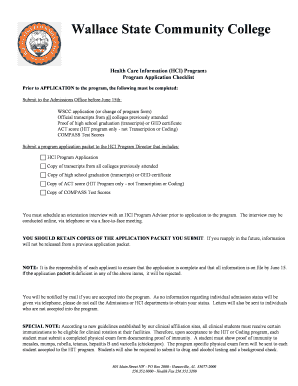
Mercury alumni 2007 summer scholarship Application-final xps

Advanced Benefits Form 2 doc - treasury alabama

MEDICAL ASSISTING (MAT)

Book Review: The Two Degrees Dangerous Limit for

Elementary Education (Alt M Ed ) - University of South Alabama - southalabama

A New Paradigm for the Estimation of Post-Disaster Property Value and Liability - southalabama

Psychology Department - University of South Alabama - southalabama

Consulting - southalabama

Graduate Certificate Data Sheet and Application

Chapter 5: Consciousness Lecture Preview Waking Consciousness - southalabama

GS Form8A Graduate Teaching Assistant Evaluation Form

HOMOLOGICAL TOPICS IN THE REPRESENTATION THEORY OF

It is a practical guide for providers who participate in the Medicaid

Bid 874-Maritime Training Center Vending Services - AIDT - aidt

Math patterns: table (video)Khan Academy

Vitamin D: A Quick Review of Forms, Labs and Other Things People - adph

Aunt C Choosing Infant Milks andFormulas Part2 only form 2-11 THIS doc

AUTHORIZED VENDOR LIST BY CITY

ALABAMA COMPREHENSIVE AND CONTROL PLAN ALABAMA

Toronto pandemic influenza plan - Alabama Department of Public

December - Alabama Department of Public Health - adph

July - Alabama Department of Public Health - adph

November 2011 - Alabama Department of Public Health - adph

Nutrition Topics for WIC Participants and Families
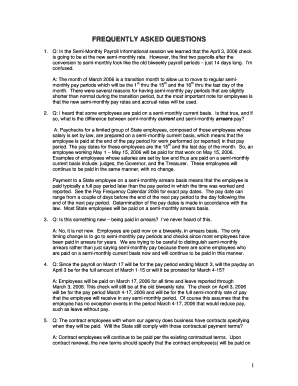
Is going to be at the new semi-monthly rate

View Preliminary Flood Maps and DataFEMA Region II

This Requisition solicits proposals to provide required bonds, labor, material, equipment, and super

Alabama Department of Archives and History Functional Analysis - archives alabama
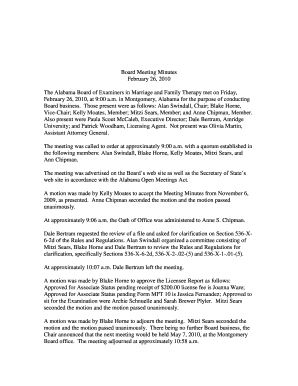
Febuary 26, 2010 - Alabama Board of Examiners in Marriage and - mft state al

Service-Mitglieder im Camp Buehring, Kuwait, klatscht wie Joan Jett
Benefit from the DocHub online library of fillable PDF forms
Searching the PDF forms doesn't have to be a tedious and time-consuming process. With the DocHub online library, it has become easier to find the fillable PDF forms and modify them in your browser. The service allows you to adjust the document to your needs using powerful editing tools.
You can use online document editing features to modify almost any type of document with ease. You just need to find the template of your choice, open it in the editor, and use the toolbar to make the necessary corrections.
Follow this guide to get your document done with DocHub:
- Find the PDF template you need.
- Click the Get Form button to open the file in the editor.
- Use the toolbar to fill out and edit the document.
- Easily add and highlight text, insert images, checkmarks, and symbols.
- Drop new fillable fields, and rearrange or delete pages from your file.
- Save changes and download your record.
DocHub empowers everyone to streamline document editing, signing, and distribution, and form completion. Create an account and benefit from our well-organized PDF Forms library and comprehensive editor.