
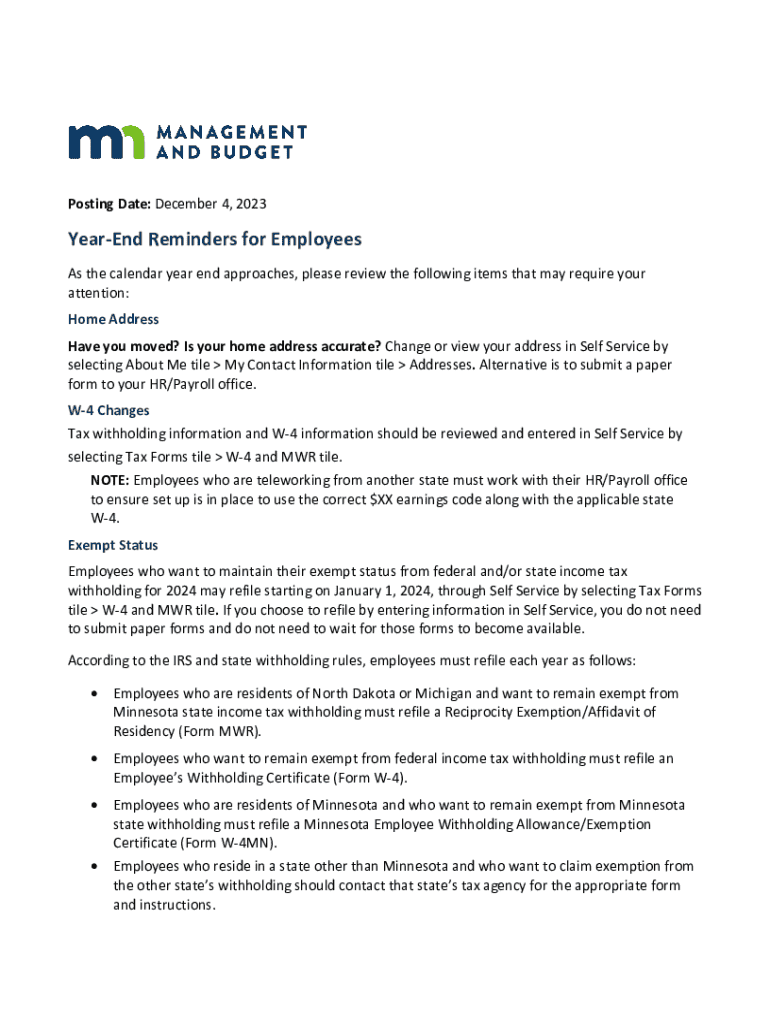







Understanding "Form Online" in the Digital Landscape
The concept of "form online" has significantly transformed how individuals and organizations manage and perform various tasks. Unlike traditional paper-based forms, online forms offer digital convenience, enhanced efficiency, and greater accessibility. By leveraging online forms, users can complete necessary paperwork from virtually any location, providing a seamless experience tailored to modern needs. These forms can range from simple contact forms to complex tax filings and legal documents, making them a versatile tool for both personal and professional use.
How to Use Forms Online Effectively
Navigating the world of digital forms effectively requires understanding their features and functionalities. Most online forms are designed with user-friendliness in mind, offering intuitive interfaces that guide users step-by-step through the input process. Users typically follow these instructions:
- Access the form through a secure platform or website.
- Input required information into designated fields.
- Use dropdown menus, checkboxes, and text areas to respond in various formats.
- Review all entries for accuracy before submitting. Many platforms save progress automatically or allow users to save and return later, ensuring that partial data is not lost. Some forms even provide real-time validation, alerting users to errors or missing information.
Importance of Choosing to Form Online
Opting to use forms online can save time and reduce errors compared to traditional methods. Digital forms are often equipped with built-in checks to prevent incomplete submissions and ensure all necessary information is provided. They also facilitate easy data analysis and integration with other digital systems, streamlining workflows. In professional settings, using online forms can accelerate processes such as employee onboarding, client intake, and order processing by allowing instant access and submission.
Steps to Complete a Form Online
Completing an online form requires attention to detail to ensure accuracy and compliance. Here is a general outline of the steps involved:
- Locate the Form: Identify the specific form you need on the appropriate website or platform.
- Read Instructions: Thoroughly review any instructions or guidelines provided.
- Fill Out Required Fields: Enter your information into mandatory fields first, indicated by an asterisk or similar symbol.
- Complete Optional Sections: Fill in additional fields if relevant to your situation.
- Review and Edit: Double-check all entries for typos or errors, using any editing tools available.
- Submit: Once satisfied, click the submit button, keeping a confirmation copy when possible for your records.
Key Elements of an Online Form
Online forms share several key elements that contribute to their functionality and effectiveness:
- Fields: Various input types like text, numbers, dates, and dropdowns to capture specific data points.
- Validation Checks: Automated systems to verify the integrity of inputs and flag potential errors.
- Security Features: Encryption and secure connections to protect sensitive information.
- Data Handling Options: Integration capabilities with databases and third-party applications for streamlined data processing.
Legal Considerations and Compliance
When dealing with online forms, legal considerations cannot be overlooked. Many forms, such as those related to taxes or contracts, must comply with specific regulations. For instance, electronic signatures on legal documents through platforms like DocHub must adhere to acts such as the ESIGN Act to be considered valid. Users should ensure they understand and meet all applicable requirements, using secure platforms to minimize risks.
Software Compatibility and Integration
Utilizing forms online effectively often requires understanding their compatibility with various software systems. Platforms like DocHub integrate seamlessly with cloud services and applications like Google Workspace, making it easier to import and export forms as needed. This compatibility ensures that digital forms can be used efficiently in conjunction with popular business software such as TurboTax and QuickBooks, facilitating financial reporting and other tasks.
State-Specific Rules and Variations
Some online forms, especially those related to taxes or legal matters, may be subject to state-specific rules. For example, tax forms can vary from state to state, with unique deadlines, exemptions, and filing requirements. Understanding these variations is critical for compliance and ensuring that submissions are correctly routed and accepted. Users should consult relevant state guidelines or websites for detailed information applicable to their location.
Advantages of Digital Over Paper Forms
Digital forms present numerous advantages over traditional paper forms, promoting a shift toward more sustainable practices:
- Cost Savings: Eliminating printing and storage costs.
- Environmental Benefits: Reducing paper usage contributes to eco-friendly operations.
- Efficiency: Instant transmission and processing save time and resources.
- Accuracy: Reducing human error through automated validation and checks.


