
Get any PDF form from the DocHub library of ready-made templates - Page 2124
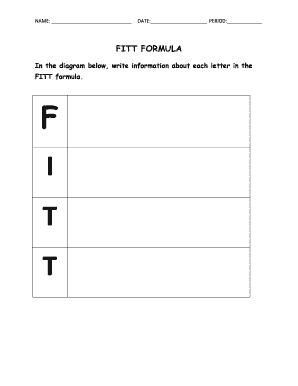
Fitt principle workout plan worksheet
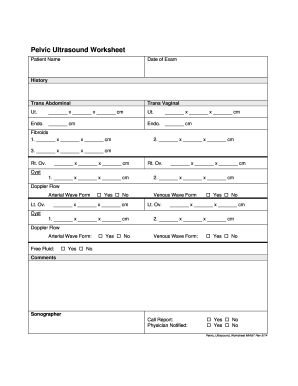
Ultrasound worksheet form
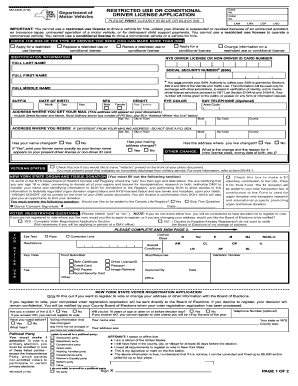
Mv44cr

Primerica fast start planner
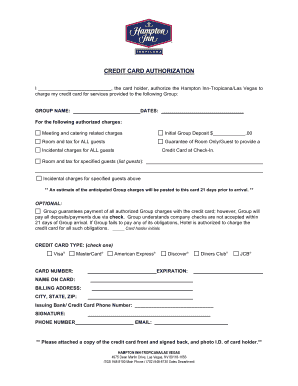
Hampton inn credit card authorization form

Medical history checklist questionnaire

Passenger locator form
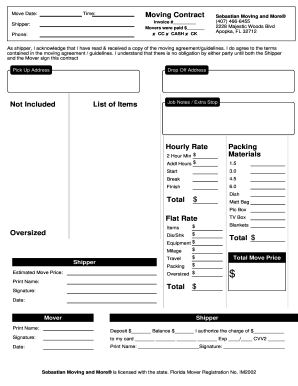
Move Date: Time: Moving Contract SebastianMovingand ...
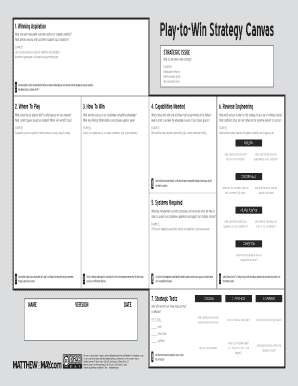
Play to win canvas
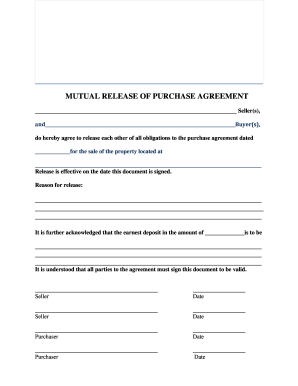
Mutual release agreement pdf
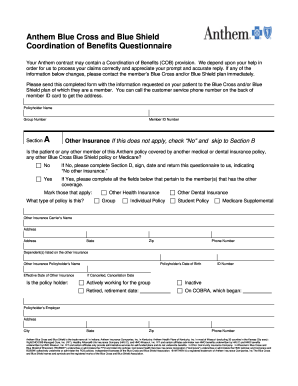
Anthem coordination of benefits form
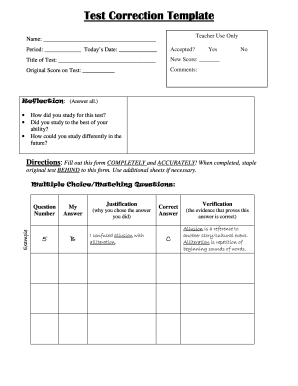
Correction test
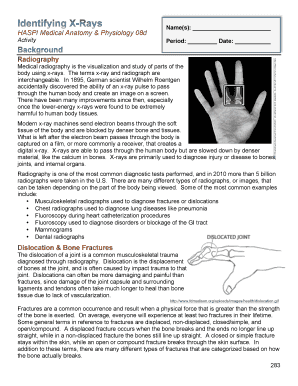
Identifying x rays haspi 08d answers
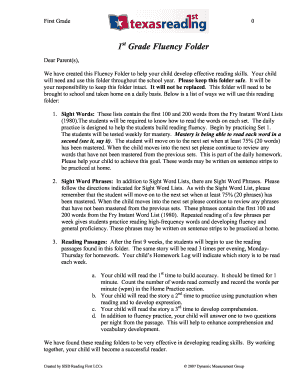
Texas fluency 1st grade

Lomautusilmoitus
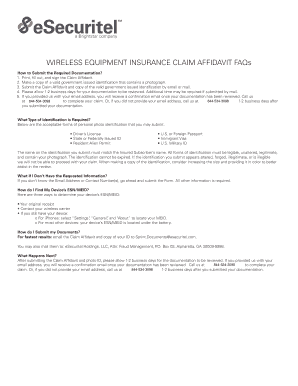
Myphoneguardian
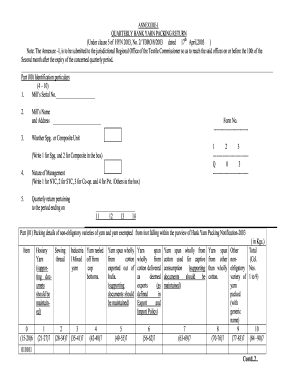
Hank yarn return
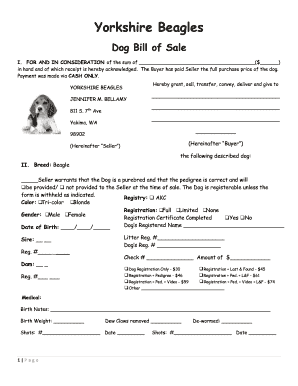
Bill of sale for puppies
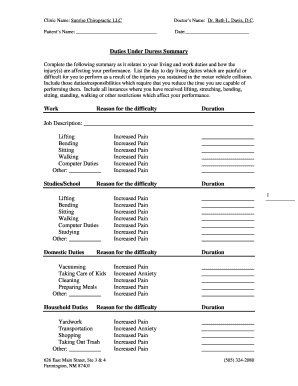
Duties under duress

Poker run registration form template
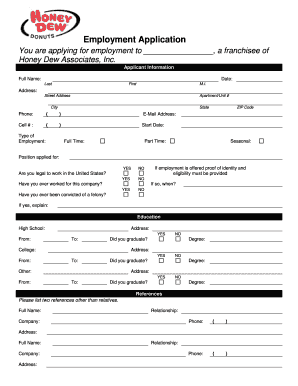
Honey dew application
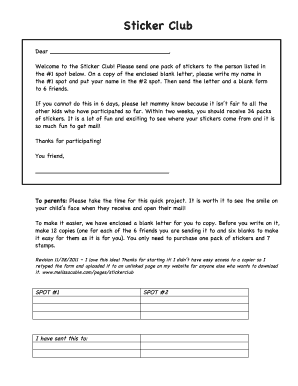
Sticker club form

Awana puggles parent form
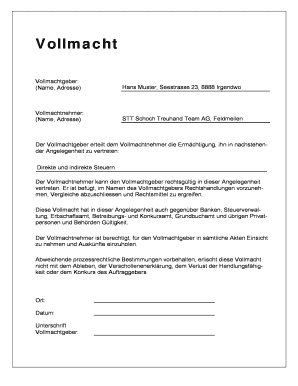
Vollmachtsformular
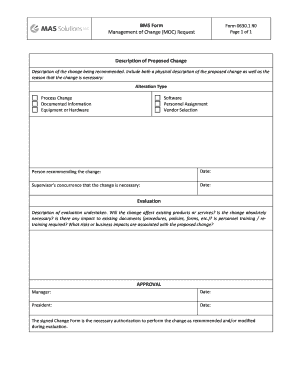
Management of change form pdf
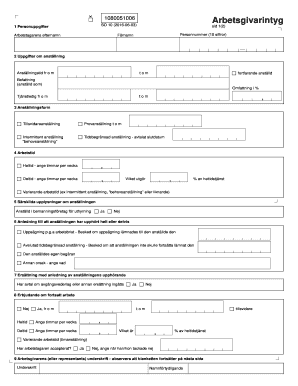
Arbetsgivarintyg pdf gratis
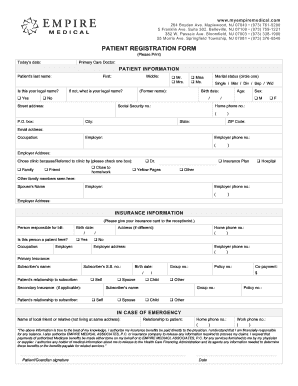
Empire medical registration form
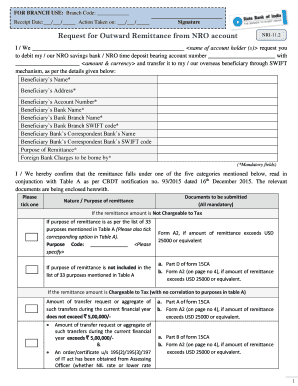
Sbi outward remittance form
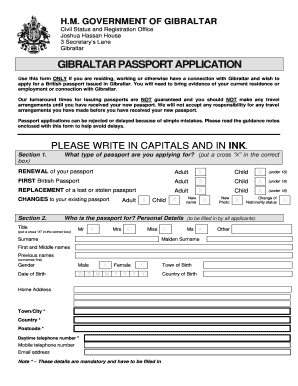
Gibraltar passport form
Newburgh Free Academy Cross Country Tick Sheet
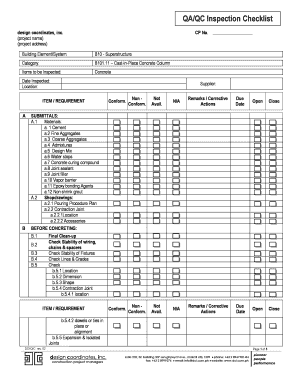
Qa qc form army
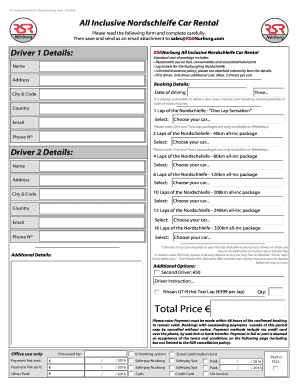
Nordschleife All-Inclusive Car Rental Form
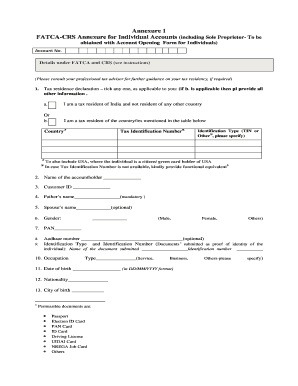
Bank of baroda fatca form
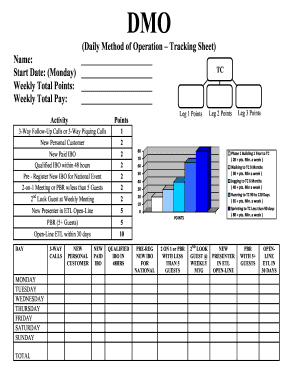
Daily method of operation template
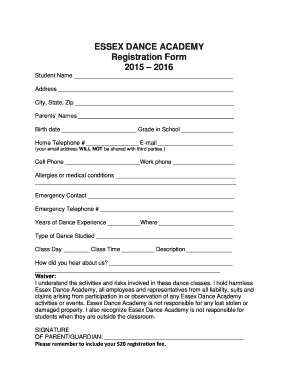
Dance academy sign up sheet
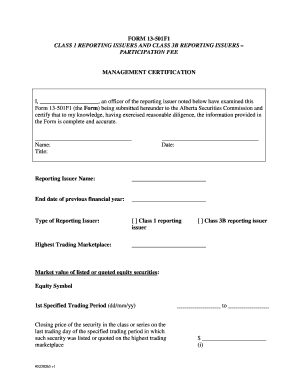
Specified reporting issuer sample
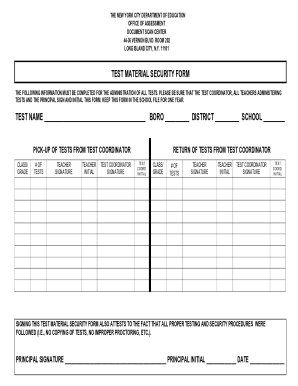
Nyc doe test security form
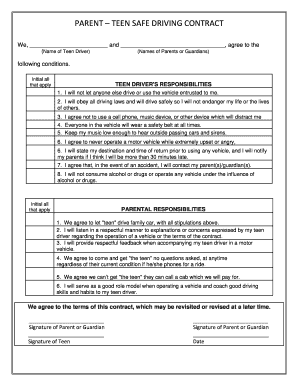
PARENT TEEN SAFE DRIVING CONTRACT
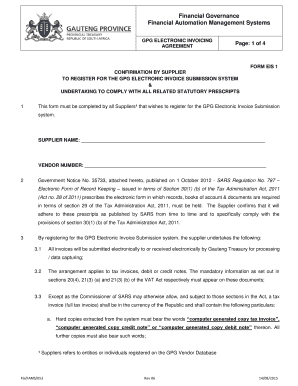
Eis registration form
Empower retirement separation from employment withdrawal request
Skinpen consent form

Chronicles of darkness character sheet

Withdrawal form from school in oklahoma
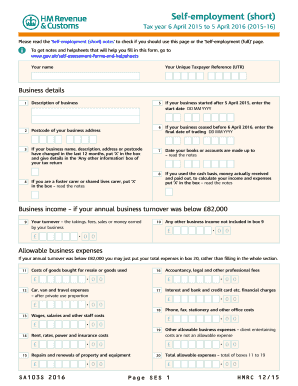
Sa103s
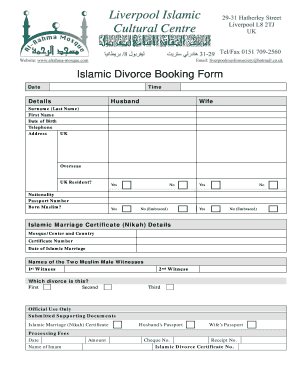
Islamic divorce letter sample
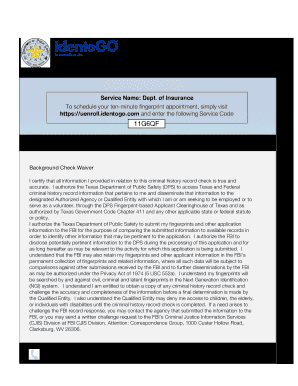
Texas fingerprint service
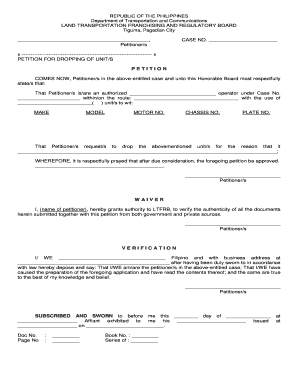
Lto dropping process
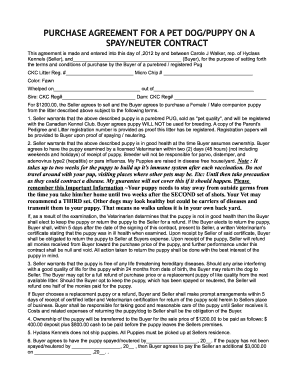
Purchase agreement for a pet dog/puppy on a spay ... - Hyclass Pugs
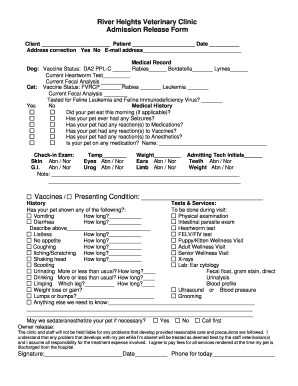
River Heights Veterinary Clinic Admission Release Form Client Patient Date Address correction Yes No Email address Medical Record Dog: Vaccine Status: DA2 PPLC Rabies Bordetella Lymes Current Heartworm Test Current Fecal Analysis Cat:
Versatiles worksheets pdf
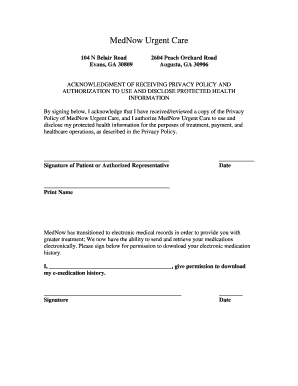
Signature Acknowledgement Page - MedNow Urgent Care - mednowurgentcare

Mv 39 form
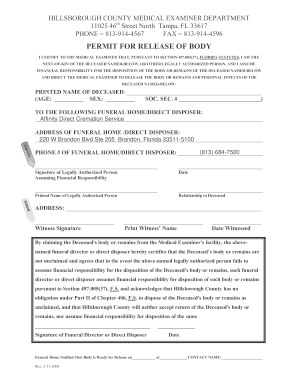
Florida permit body county get
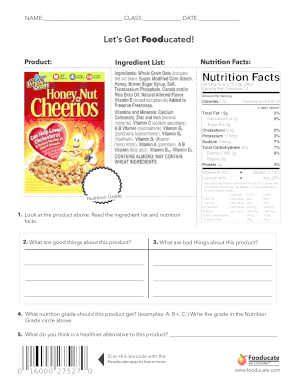
Let's get fooducated answer key
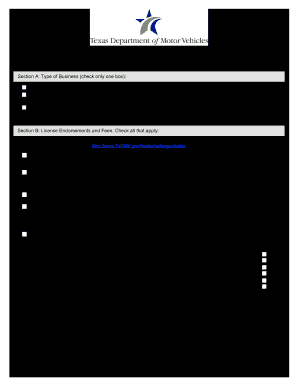
Texas dealer license application form
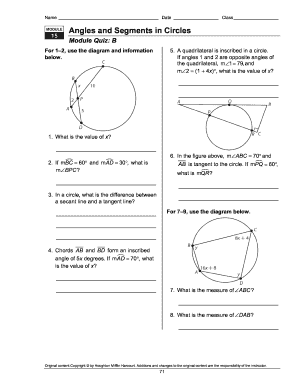
Module 15 angles and segments in circles answer key
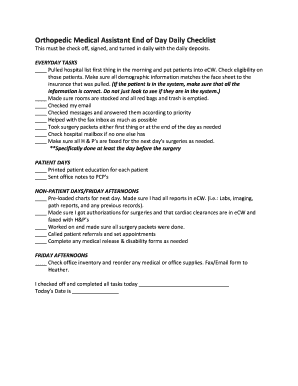
Medical assistant daily checklist
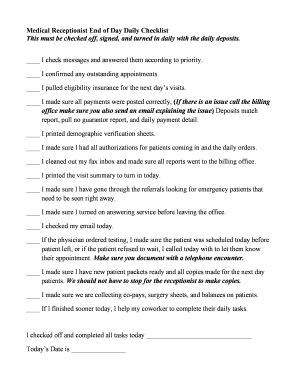
Medical receptionist daily checklist
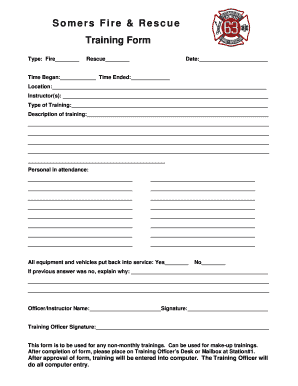
Fire training forms
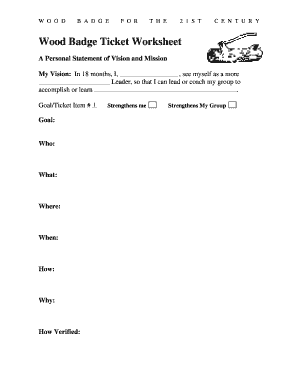
Wood badge ticket worksheet
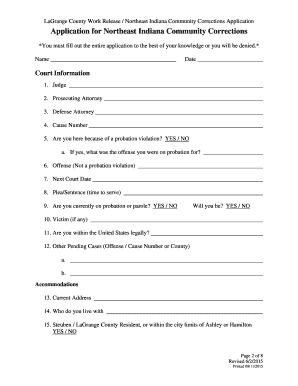
Lagrange county community corrections
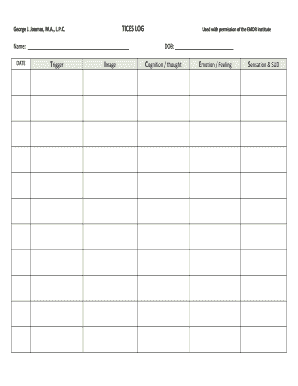
Tices worksheet
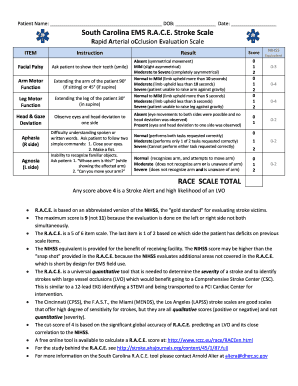
Race stroke
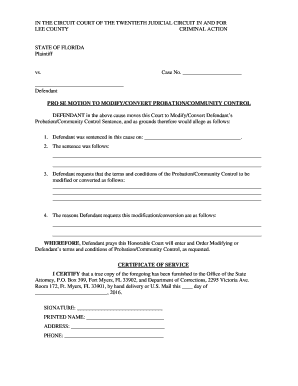
Pro se motion template
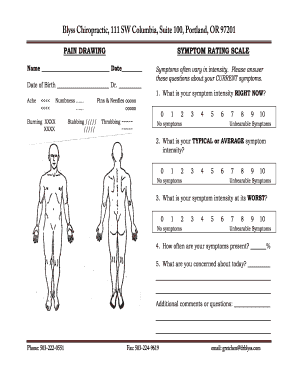
PAIN DRAWING SYMPTOM RATING SCALE - Blyss Chiropractic
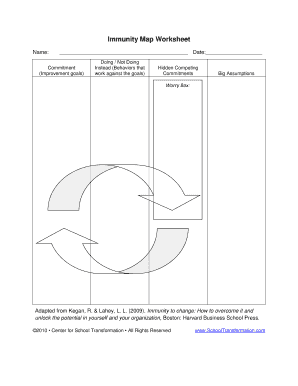
Immunity to change map template
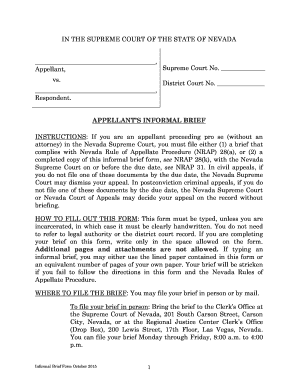
Informal brief
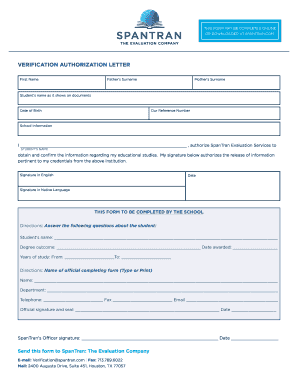
Spantran verification form
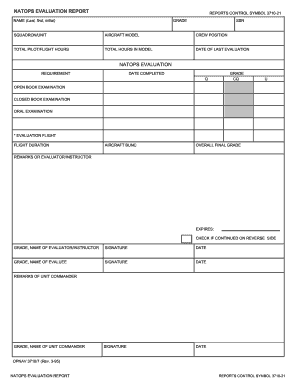
Opnav 3710 7
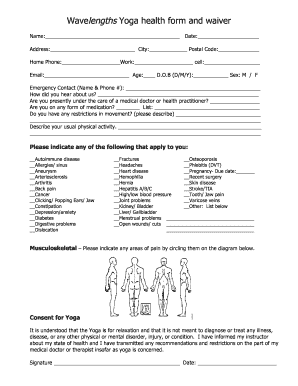
Yoga intake form

Decision making leave
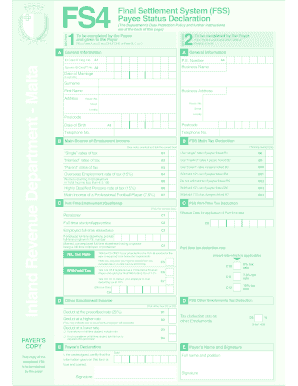
Fs4 form

Ash forms initial health status
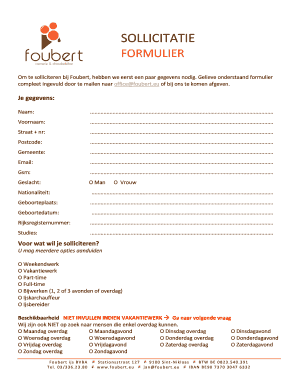
Sollicitatieformulier voorbeeld

Reiki client consultation form

Infosheet appointment login
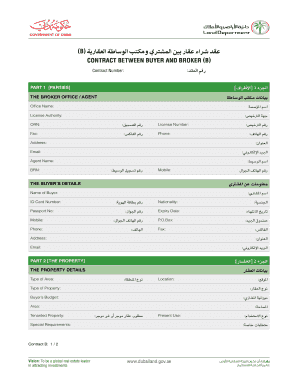
United arab emirates broker
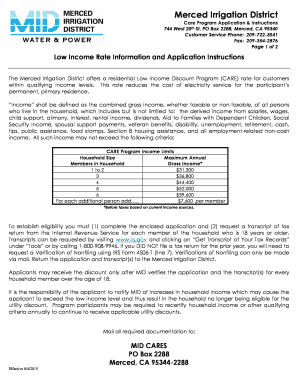
Mid merced
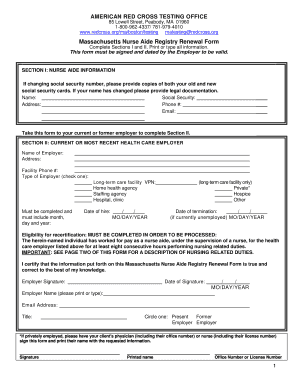
Massachusetts renewal
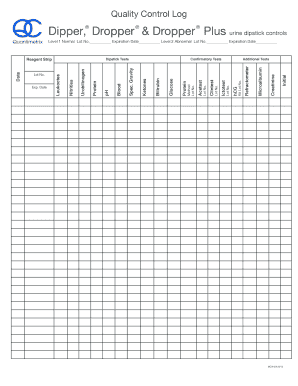
Quality control log
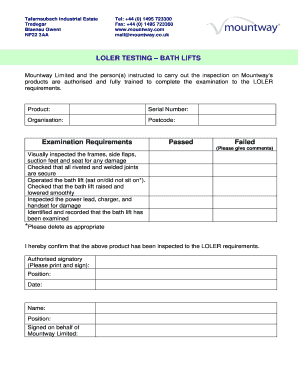
Loler certificate template
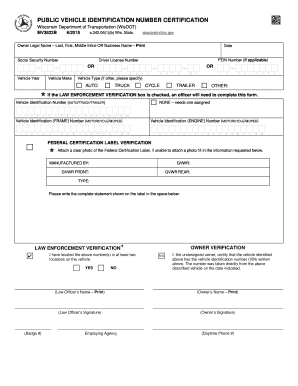
Wisconsin vehicle identification form
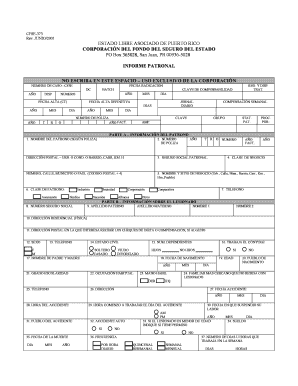
Fondo seguro estado formulario
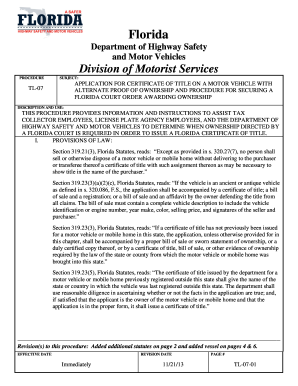
Procedure tl 07
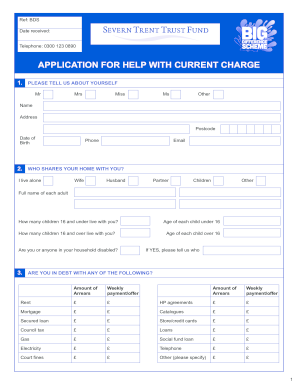
Big difference scheme application form online
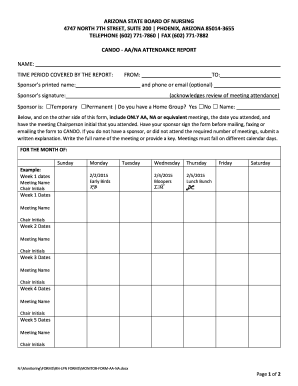
Azbn
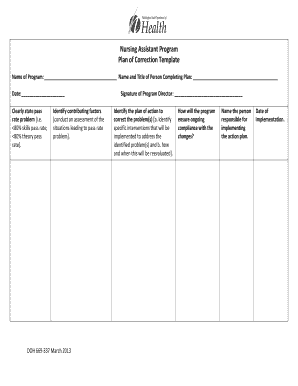
Plan of correction template
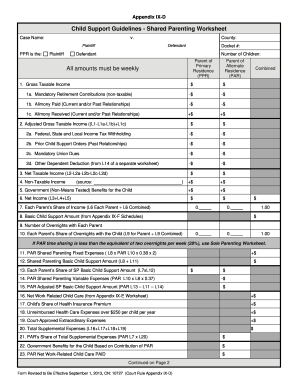
Nj parenting worksheet
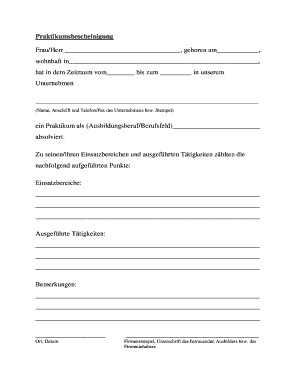
Praktikumsbescheinigung
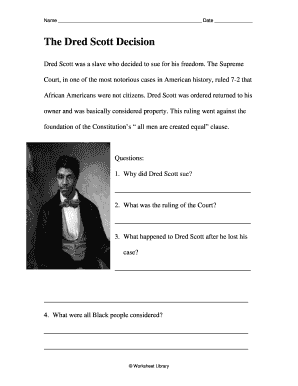
Dred scott decision worksheet pdf
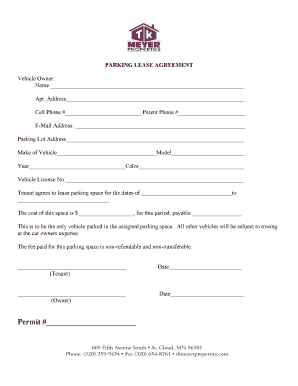
Tk meyer properties
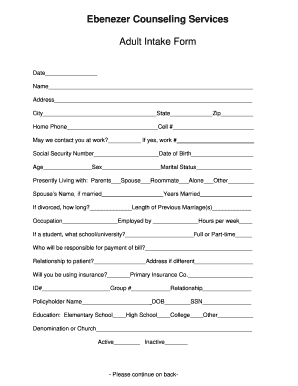
Social work intake form
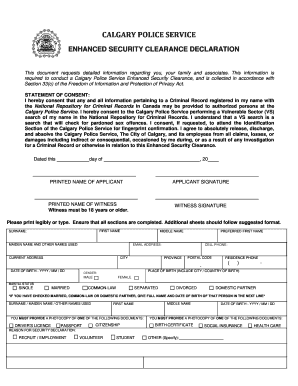
Enhanced security declaration - Calgary Police Cadets
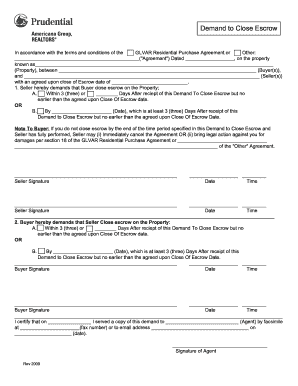
Demand close escrow form
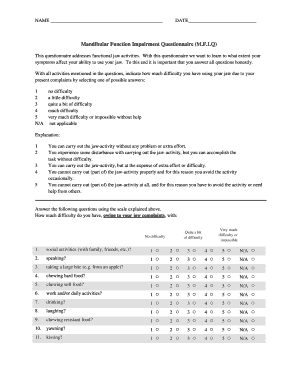
Mandibular function impairment questionnaire
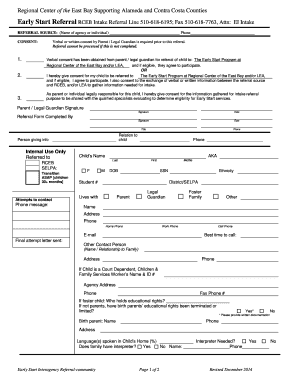
Rceb referral

Vehicle export sheet
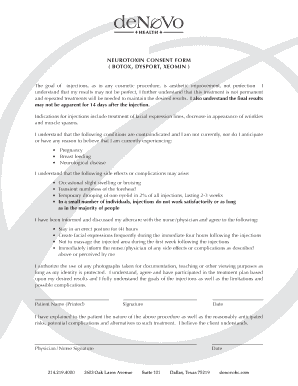
Neurotoxin consent form
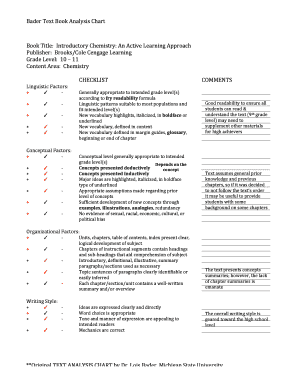
Textbook analysis pdf
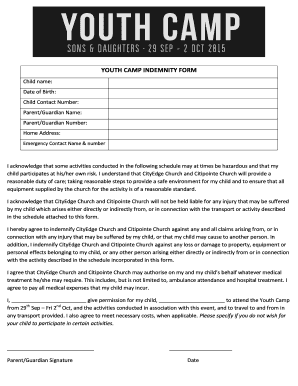
Indemnity form church camp
Benefit from the DocHub online library of fillable PDF forms
Searching the PDF forms doesn't have to be a tedious and time-consuming process. With the DocHub online library, it has become easier to find the fillable PDF forms and modify them in your browser. The service allows you to adjust the document to your needs using powerful editing tools.
You can use online document editing features to modify almost any type of document with ease. You just need to find the template of your choice, open it in the editor, and use the toolbar to make the necessary corrections.
Follow this guide to get your document done with DocHub:
- Find the PDF template you need.
- Click the Get Form button to open the file in the editor.
- Use the toolbar to fill out and edit the document.
- Easily add and highlight text, insert images, checkmarks, and symbols.
- Drop new fillable fields, and rearrange or delete pages from your file.
- Save changes and download your record.
DocHub empowers everyone to streamline document editing, signing, and distribution, and form completion. Create an account and benefit from our well-organized PDF Forms library and comprehensive editor.