
Get any PDF form from the DocHub library of ready-made templates - Page 2126
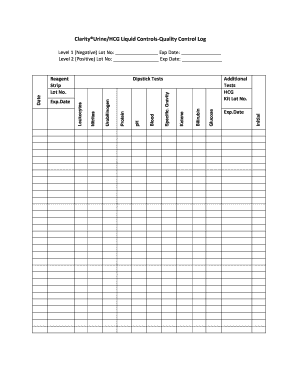
ClarityUrineHCG Liquid Controls-Quality Control Log
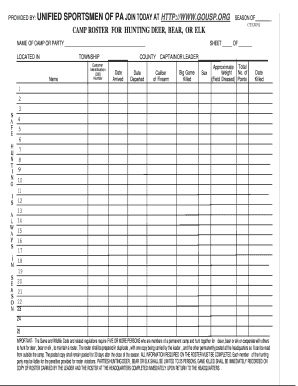
PROVIDED BY UNIFIED SPORTSMEN OF PA JOIN TODAY AT - unifiedsportsmenpa
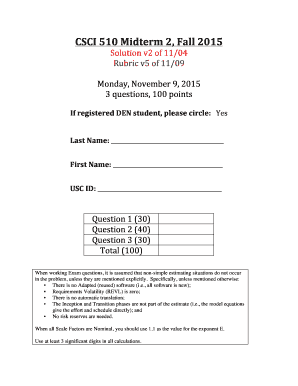
Midterm 2 - Center for Systems and Software Engineering - csse usc
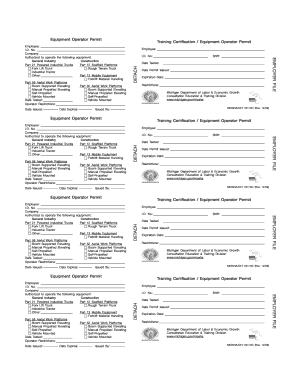
Equipment Operator Permit Training Certification - static hmic
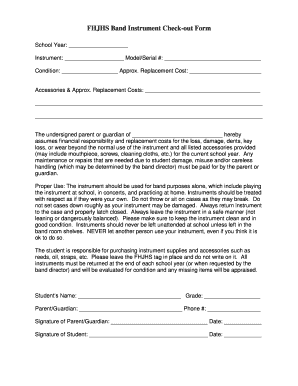
Instrument check out form
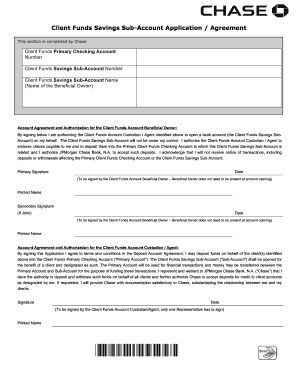
Client Funds Savings Sub-Account Application Agreement
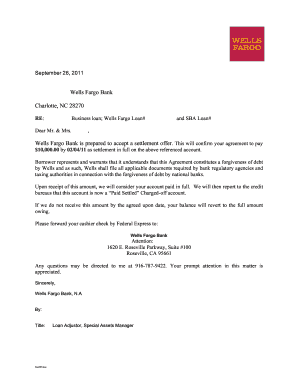
Second wind consultants reviews
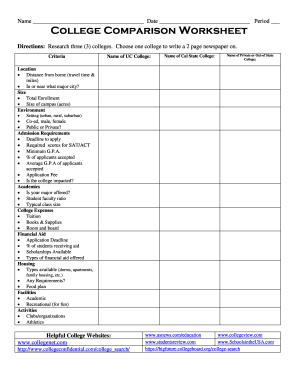
College comparison worksheet pdf
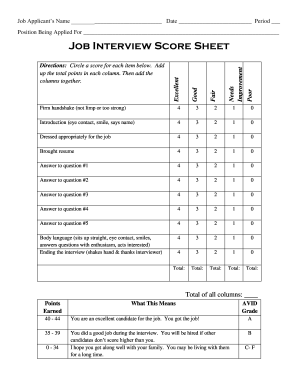
Police oral board scoring sheet

Golf yardage book template pdf
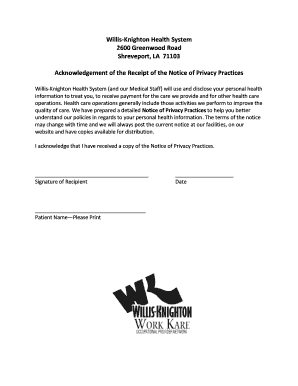
Willis knighton doctors excuse
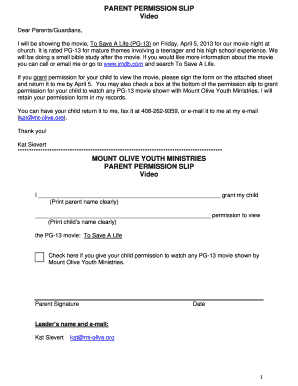
Hamilton permission slip
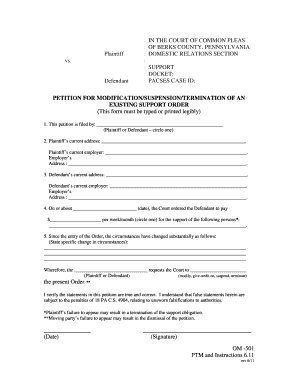
Om 501 form

Furnished rental unit addendum

Scion character sheet

Hunter the reckoning character sheet
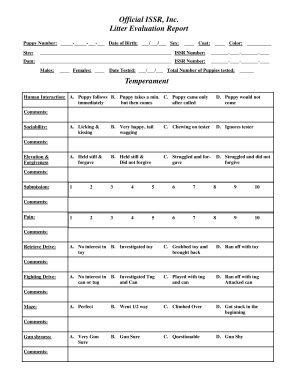
Litter evaluation form shiloh shepherds

Human body fill in the blank worksheet

Century village deerfield beach rules and regulations
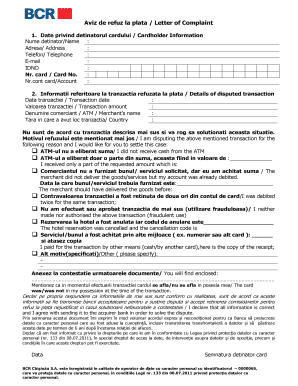
Aviz de refuz la plata bcr
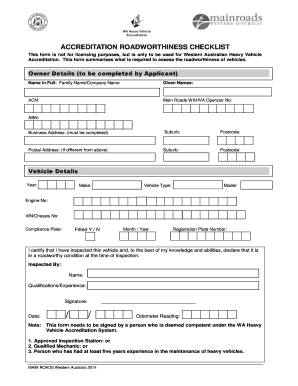
Main roads accreditation roadworthiness checklist
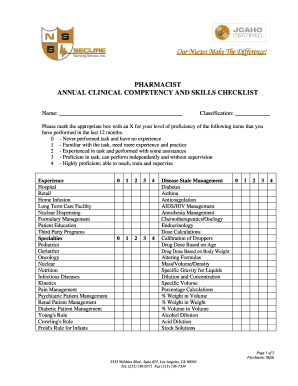
Pharmacist skills checklist

Trumbull business college transcript

DAILY ACTIVITY LOG - bjamesorrbbcomb
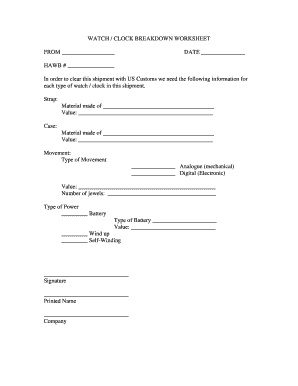
U s customs watch worksheet
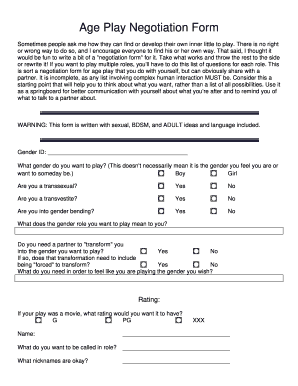
Age play negotiation
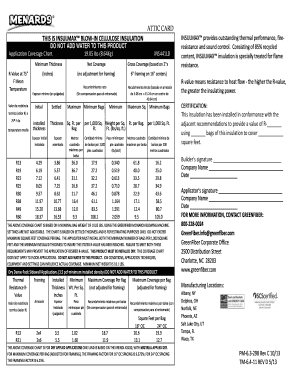
Insulmax cellulose insulation
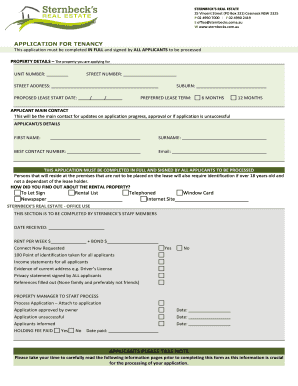
Sternbecks
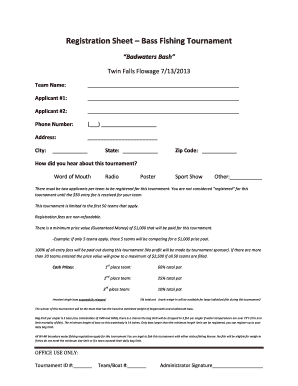
Fishing tournament registration form
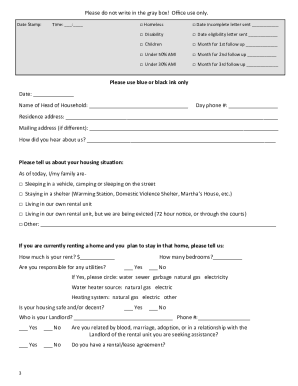
Moving forward program
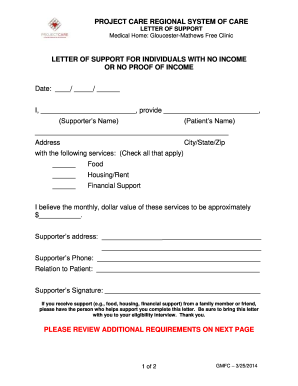
Form letter proclaiming no income
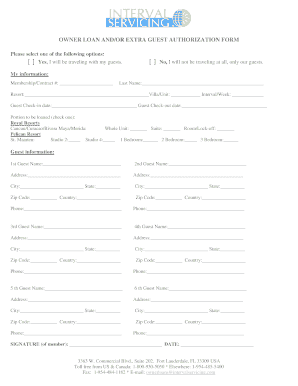
Interval servicing owner loan form
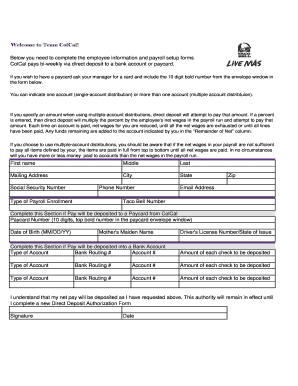
Taco bell direct deposit
Potpisni karton erste
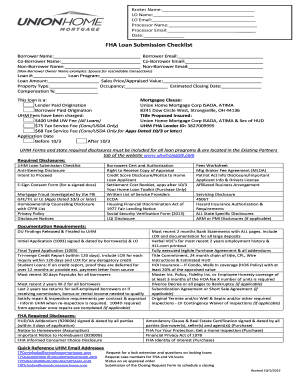
Mortgage loan processor checklist pdf

All About Me Brain Differences - FASD Network UK - kyfasd

Label parts of a bird worksheet
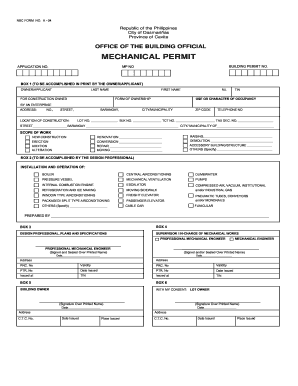
Mechanical permit form
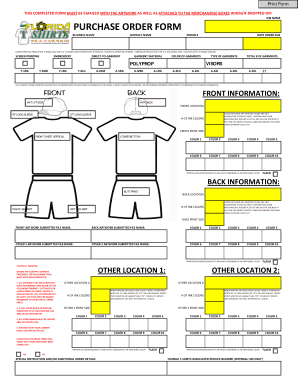
Bpurchase order formb - Ft Lauderdale Custom T-Shirts Screen bb - floridatshirts
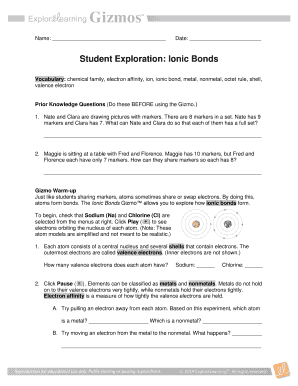
Ionic bonds gizmo answer key
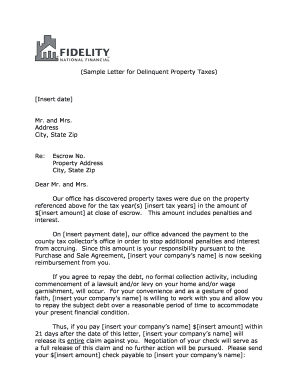
Property tax deliquent letter
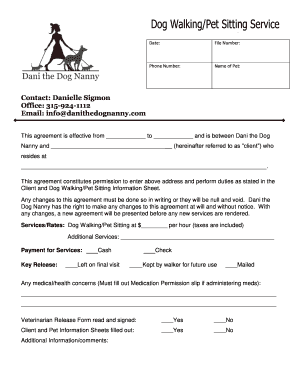
Pet sitting contracts and forms
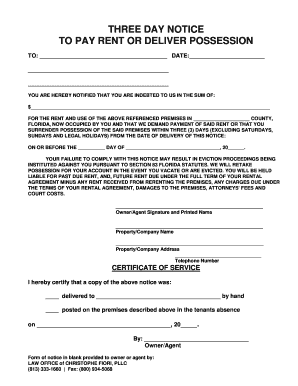
3 Day Notice to Pay Rent or Return Possession
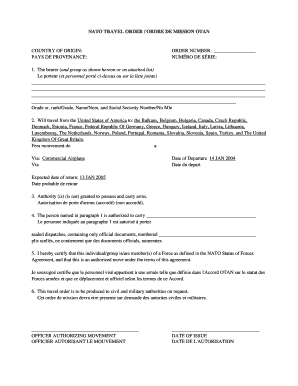
Mission order sample
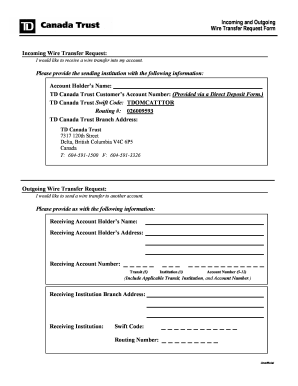
Wire transfer form td
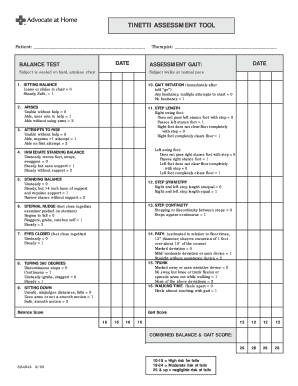
Tinetti test
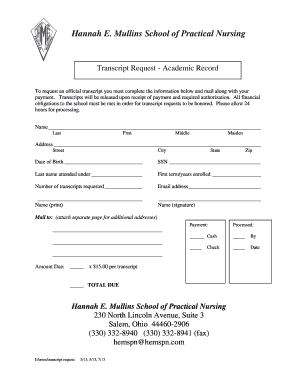
Transcript Request - Hannah E. Mullins School of Practical Nursing

Tinetti
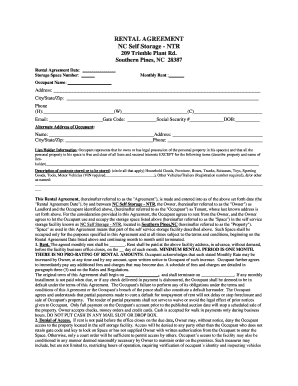
RENTAL AGREEMENT NC Self Storage - NTR 209 Trimble Plant
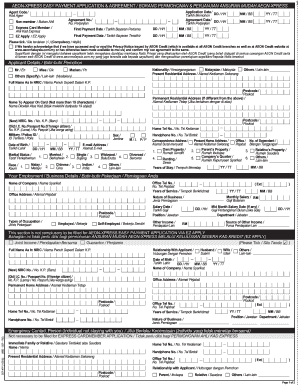
Aeon express card
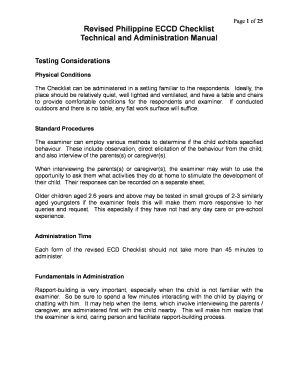
Kindergarten eccd checklist form download
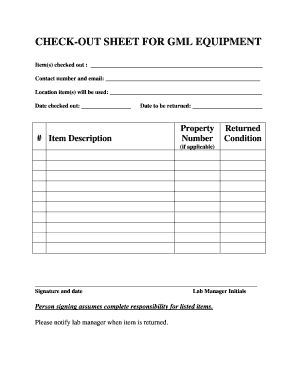
Equipment checkout and responsibility agreement
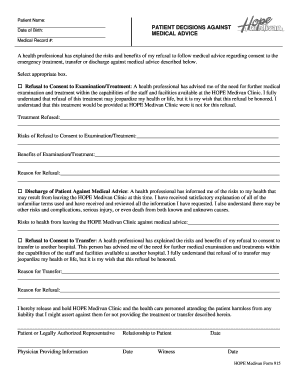
Patient Name PATIENT DECISIONS AGAINST MEDICAL ADVICE

Wells fargo gift letter

Ltfrb online confirmation

Nervous system fill in the blank worksheet answers
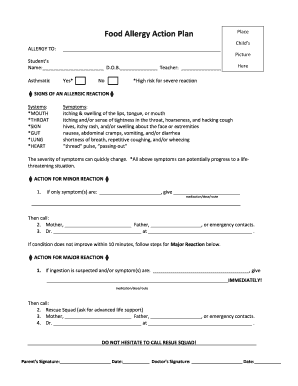
Food Allergy Action Plan Place - watertownymcaorg
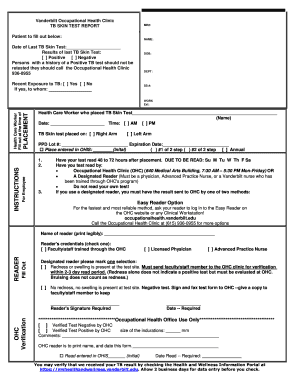
Vanderbilt Occupational Health Clinic TB SKIN TEST REPORT MR - healthandwellness vanderbilt
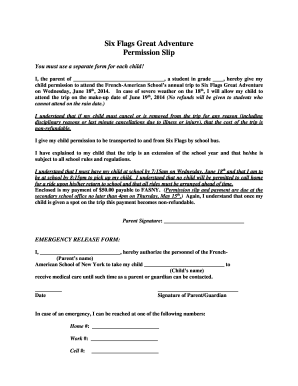
Six flags permission slip
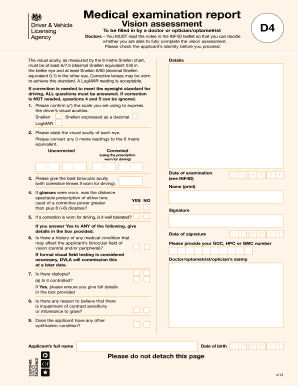
Dvla d4 form pdf download
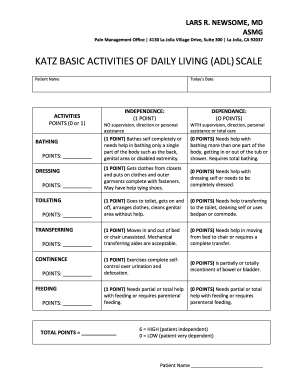
Katz adls scale

Blood draw consent form
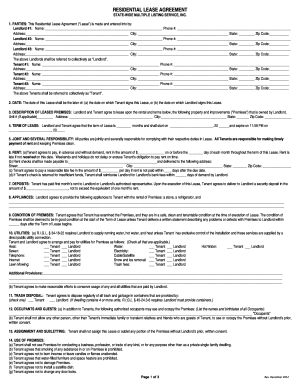
State wide multiple lease
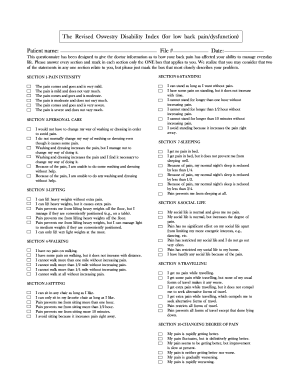
Oswestry disability index back
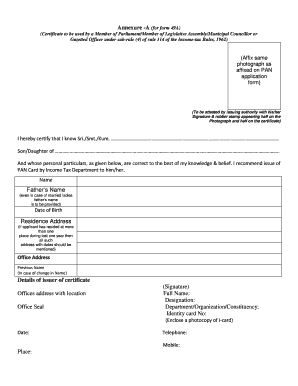
Annexure a form

Life jacket inspection checklist pdf
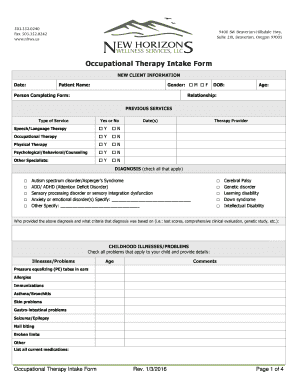
Occupational therapy intake form

Agreement mpowered empire get

Last day events study guide pdf

Iowa dot forms printable
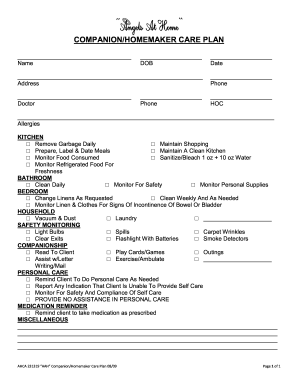
Homemaker and companion services business plan

Waiver for Mechanical Bull
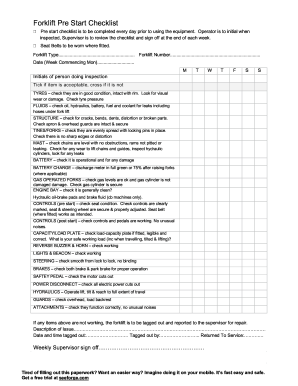
Forklift pre start checklist

Form 735 226

Moon phases worksheet pdf answer key
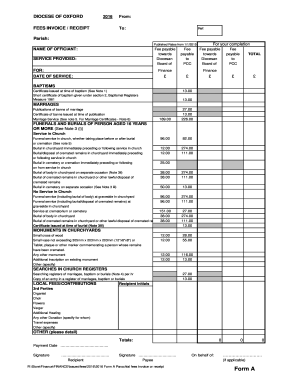
Ico uk no fee form
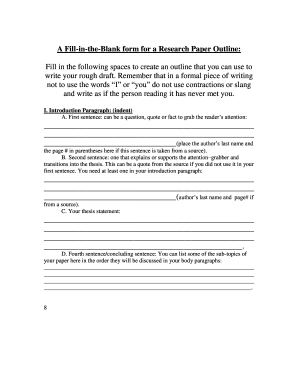
Research paper fill in the blank outline
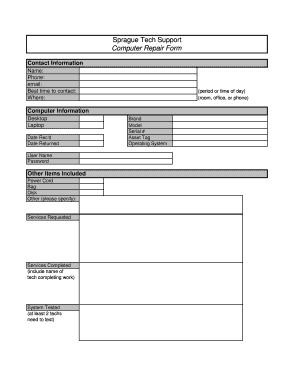
Computer repair form pdf
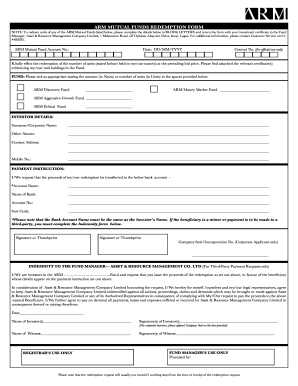
Arm redemption form
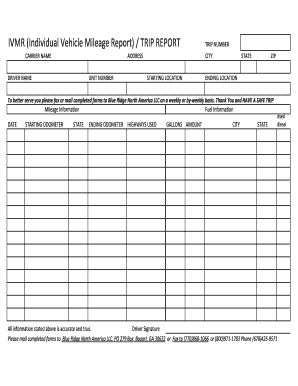
Ivmr
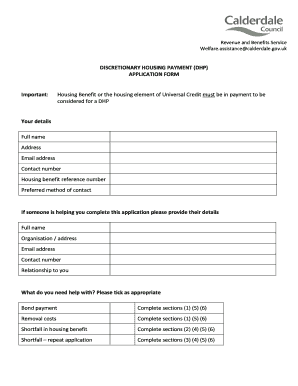
Discretionary housing payment application form
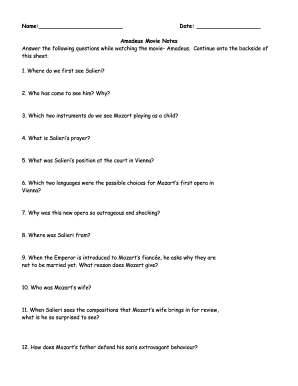
Amadeus movie worksheet pdf
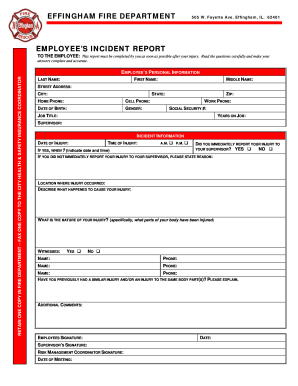
Ems incident report
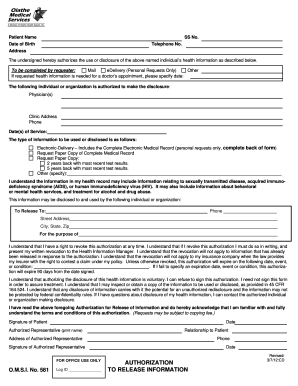
Omsi 581 form

Receptionist application form
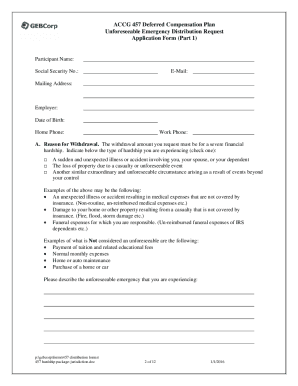
Gebcorp withdrawal form
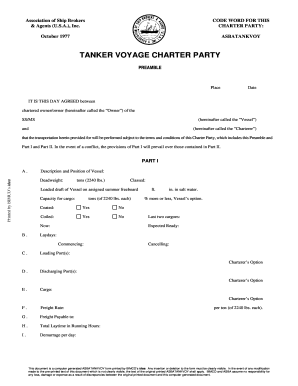
Asbatankvoy
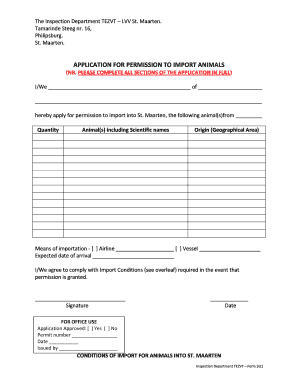
Tezvt
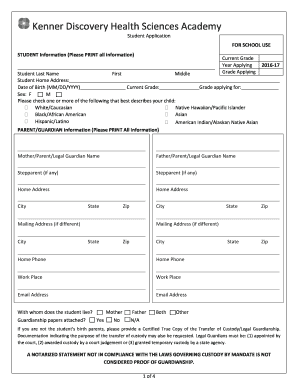
Kenner discovery application
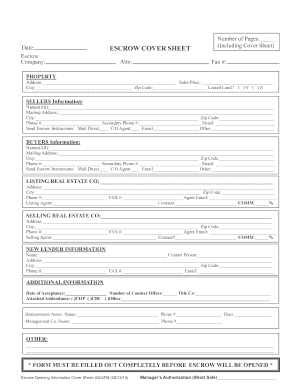
Escrow cover sheet form
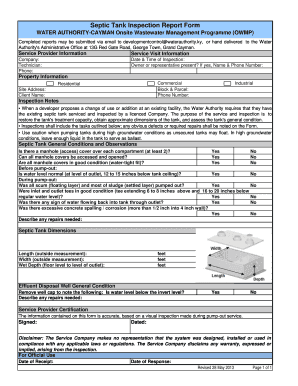
Septic inspection form word template
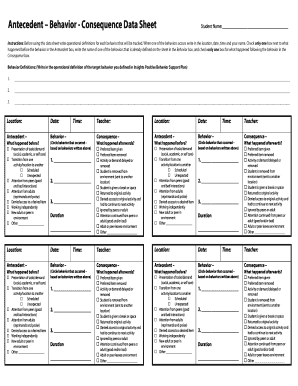
Antecedent Behavior - Consequence Data Sheet

Family safety net confirmation form

Roofing safety plan template
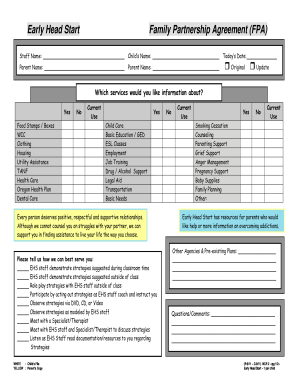
Head start and early head start family partnership form
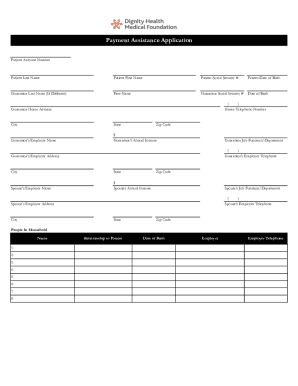
Dignity health foundation payment assistance
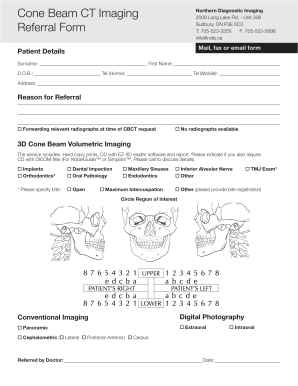
Beam ct referral form
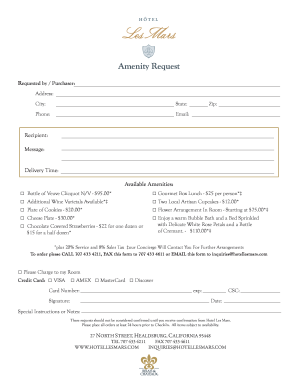
Amenity form
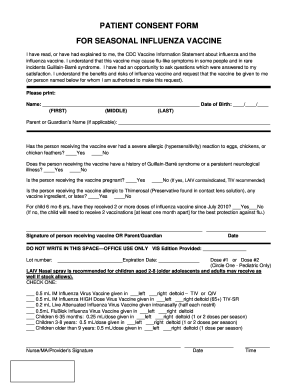
Ma flu consent form 2021
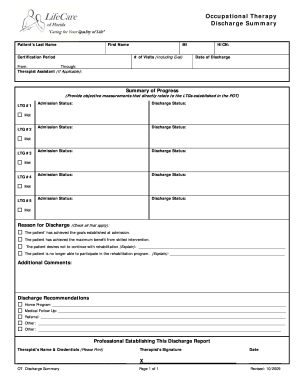
Discharge summary ot
Benefit from the DocHub online library of fillable PDF forms
Searching the PDF forms doesn't have to be a tedious and time-consuming process. With the DocHub online library, it has become easier to find the fillable PDF forms and modify them in your browser. The service allows you to adjust the document to your needs using powerful editing tools.
You can use online document editing features to modify almost any type of document with ease. You just need to find the template of your choice, open it in the editor, and use the toolbar to make the necessary corrections.
Follow this guide to get your document done with DocHub:
- Find the PDF template you need.
- Click the Get Form button to open the file in the editor.
- Use the toolbar to fill out and edit the document.
- Easily add and highlight text, insert images, checkmarks, and symbols.
- Drop new fillable fields, and rearrange or delete pages from your file.
- Save changes and download your record.
DocHub empowers everyone to streamline document editing, signing, and distribution, and form completion. Create an account and benefit from our well-organized PDF Forms library and comprehensive editor.