
Get any PDF form from the DocHub library of ready-made templates - Page 2123
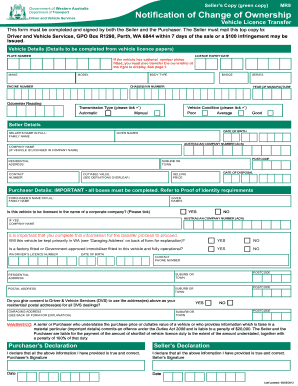
2012 WA Form MR9 2012-08-05
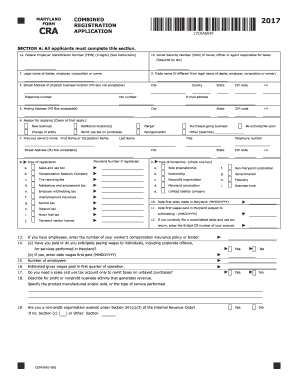
Maryland form cra 2017
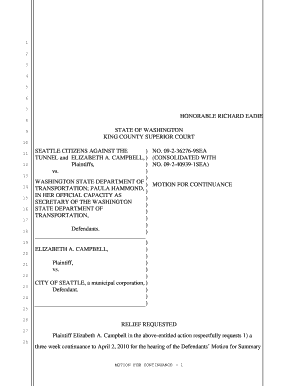
Motion continuance county superior court
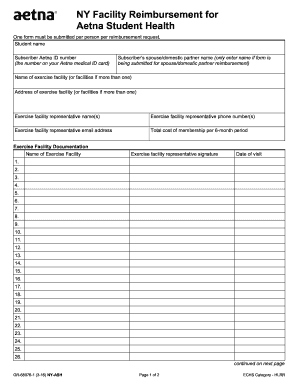
NY Facility Reimbursement Form - Gannett Health Services - gannett cornell

Hud form 51000
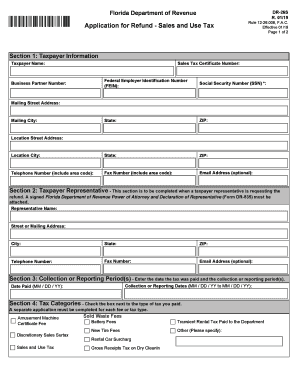
Fl revenue form sales tax

Dycd incident report
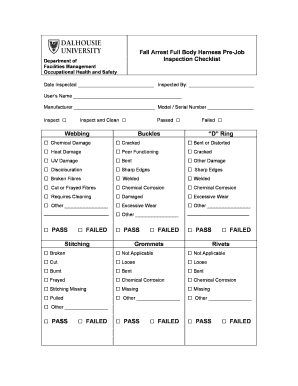
Full body harness checklist pdf

Dtf 719 form 2020
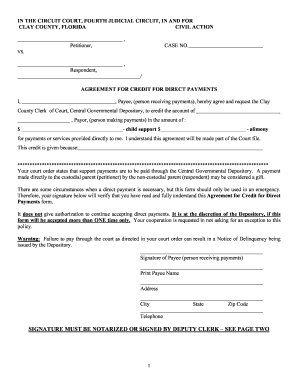
Child Support Credit Affidavit - Clay County Clerk of the Circuit Court
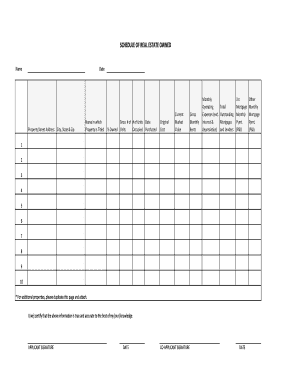
Schedule of real estate owned form
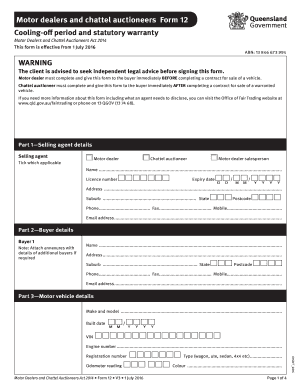
Form 12 motor dealer
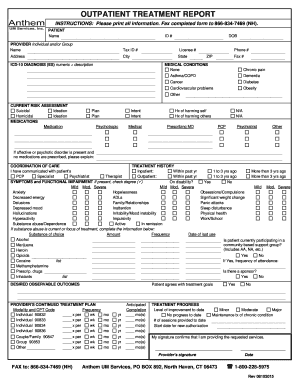
Outpatient treatment form
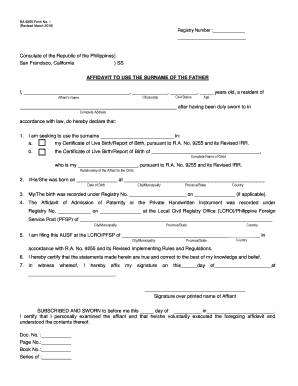
Affidavit to use the surname of the father

Lifeguard timesheet
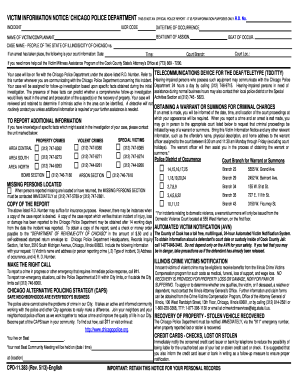
VICTIM INFORMATION NOTICE/ CHICAGO POLICE DEPARTMENT THIS IS NOT AN
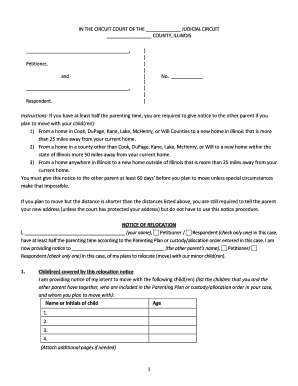
Illinois notice of relocation form
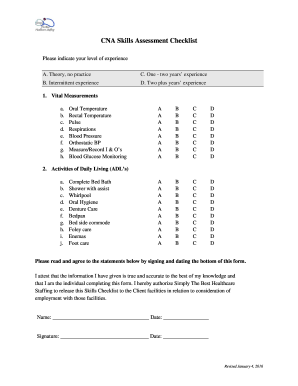
Cna rounds checklist
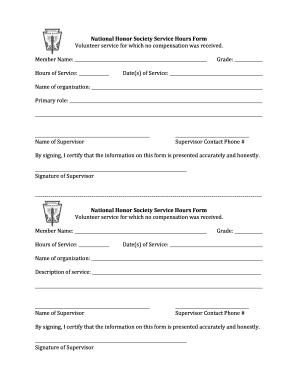
National honor society volunteer hours form 2021
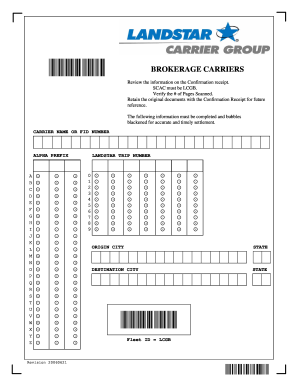
Landstar transflo code

Cec cf1r
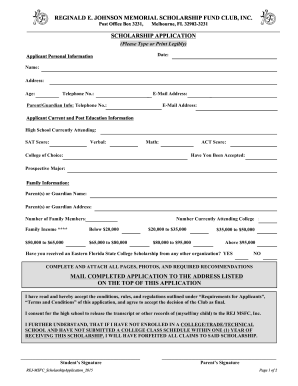
Application Form - Reginald E. Johnson Memorial Scholarship
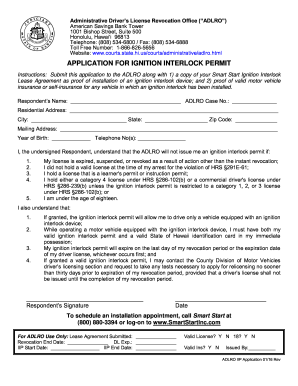
Hi application permit form
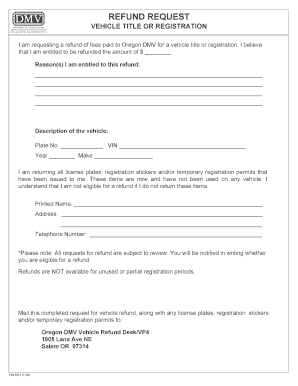
Vehicle registration oregon
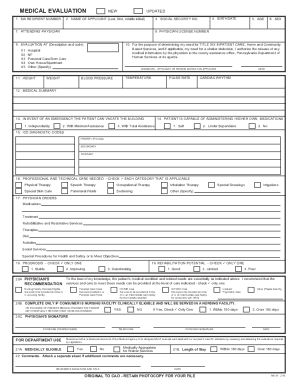
Ma 51 form pennsylvania
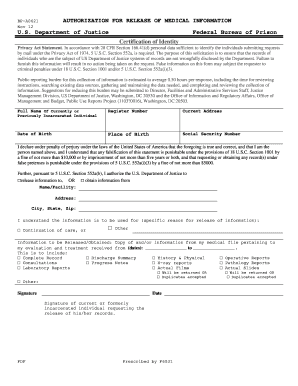
Bop release form
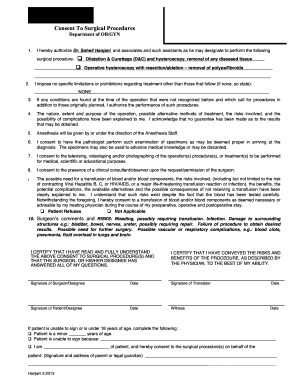
Surgical Consent - D&C and Hysteroscopy - Hanjani MD
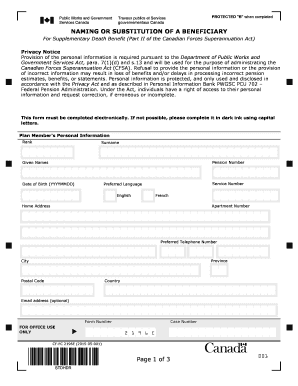
Cf fc 2196
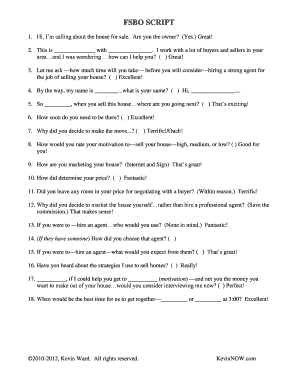
Kevin ward fsbo script
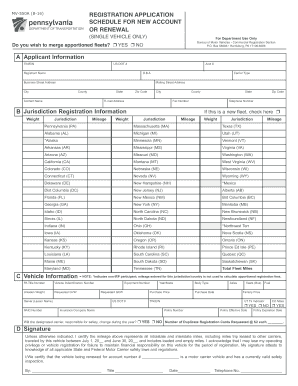
Form MV-550A - PennDOT

Salary sacrifice super form template

Red light therapy consent form
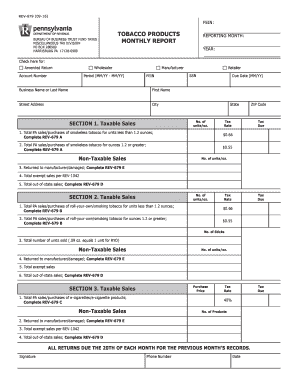
Get
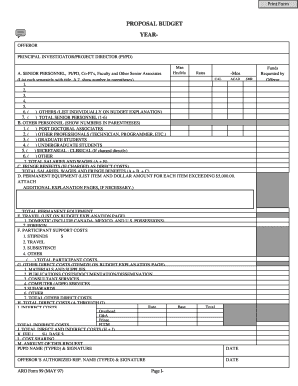
Aro form 99

Sweet frog application DocHub
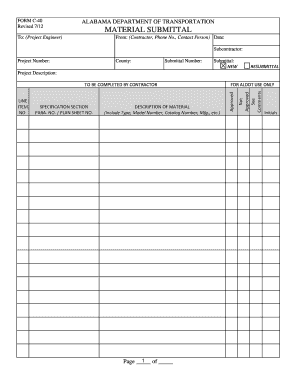
Al c 40 form
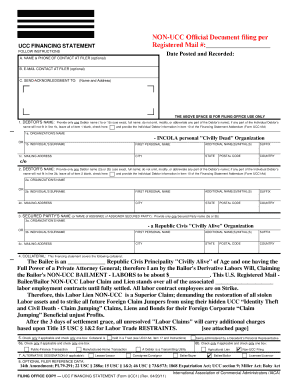
Non ucc form
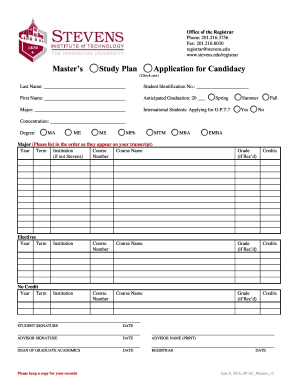
Stevens study plan
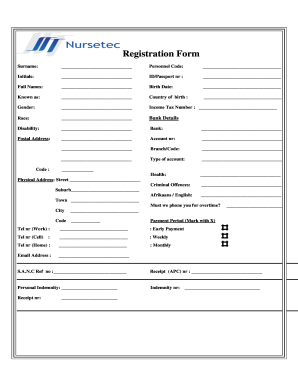
Nursetec agency application form download
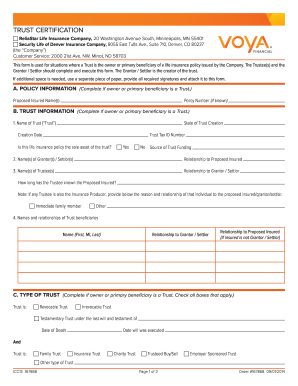
Voya trust certification

Opwdd fire safety post test answers
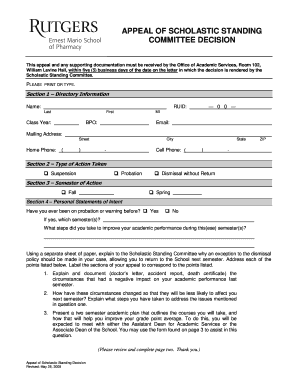
APPLICATION FOR READMISSION TO THE ERNEST MARIO SCHOOL OF PHARMACY - pharmacy rutgers
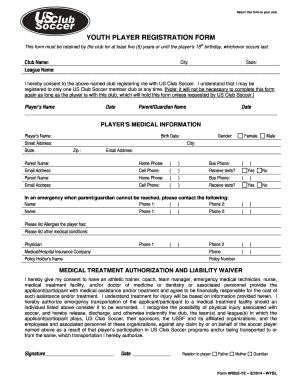
Us club soccer form
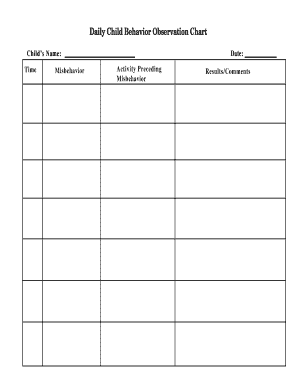
Child behavior observation chart printable
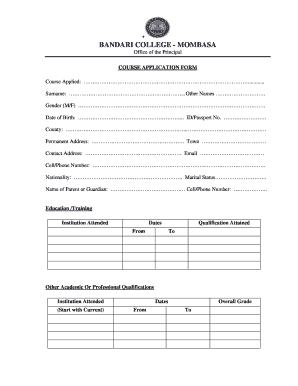
Sifa ya kujiunga na chuo cha bandari
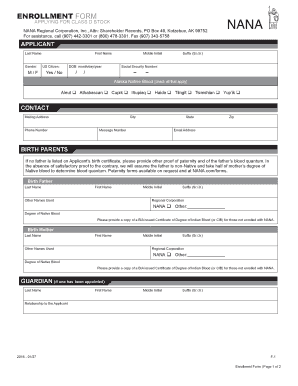
Nana enrollment emailaddress
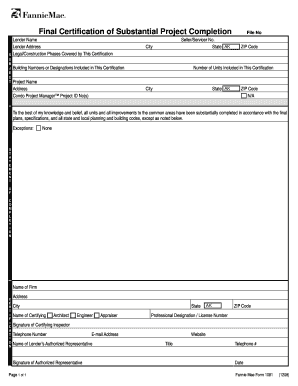
Fannie mae form 1081
Massachusetts m nra

Medicare Annual Wellness Visit Questionnaire
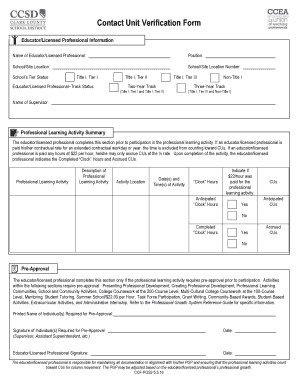
Ccf pgs2
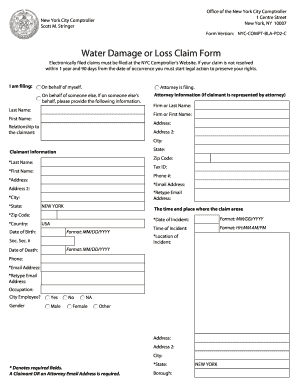
Comptroller nyc water damage
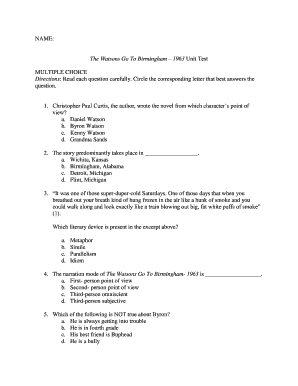
The watsons go to birmingham questions and answers pdf
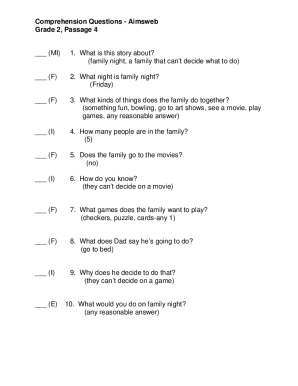
Caiu reading comprehension
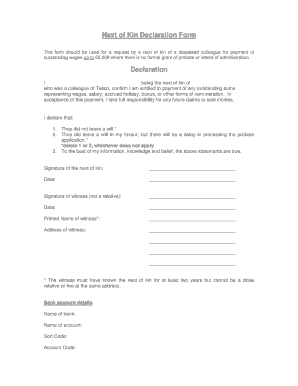
Tsc next of kin details

Printable scaffold inspection checklist

Weekly planner template morning afternoon evening
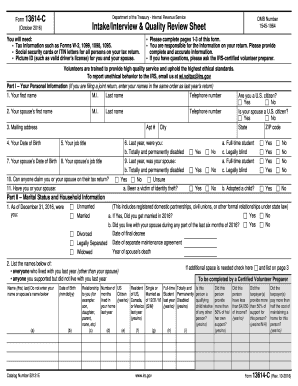
2016 13614 c form

Hqp aaf 212
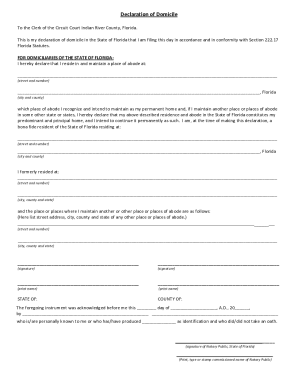
Declaration of domicile indian river county
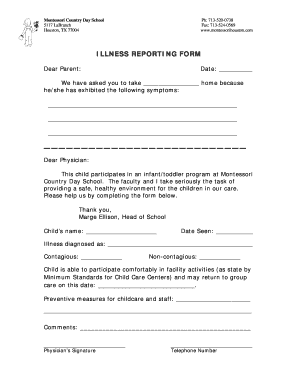
Montessori country day school houston
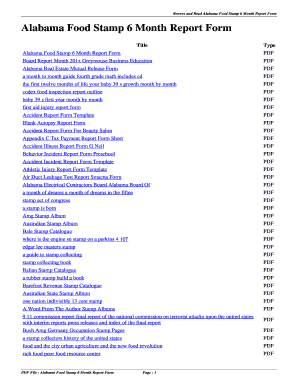
6 month report for food stamps alabama

Printable blank volleyball court rotation sheets
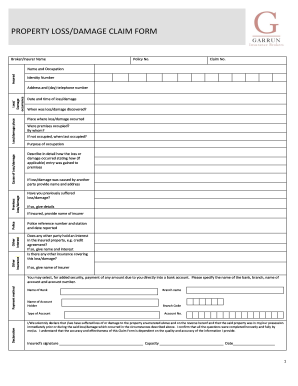
South africa property damage
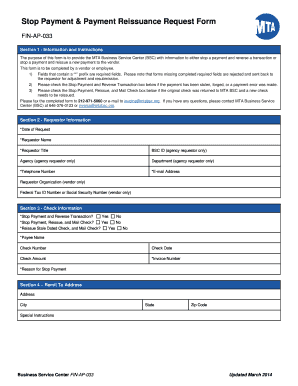
New york stop payment
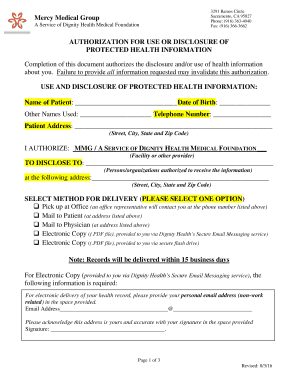
Medical group authorization health
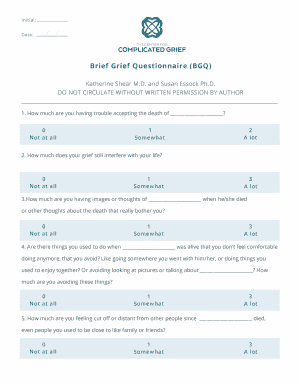
Grief brief questionnaire
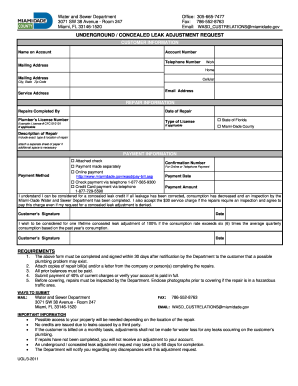
Florida underground dade
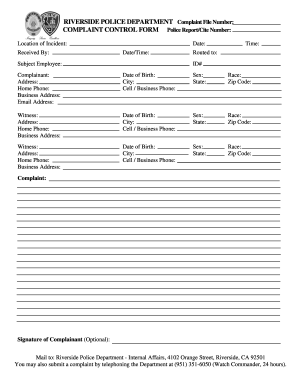
Complaint riverside police
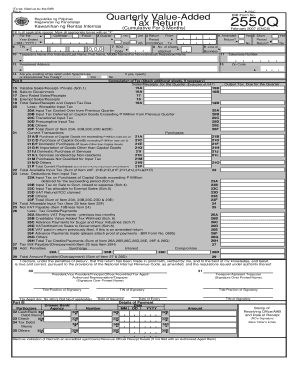
2550q form pdf
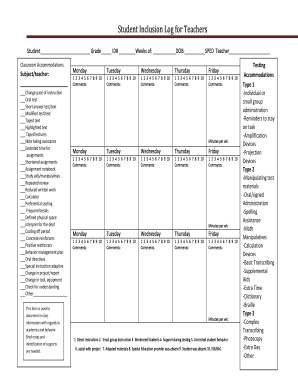
Student Inclusion Log for Teachers
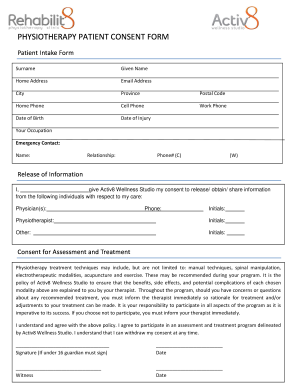
Consent form for physiotherapy
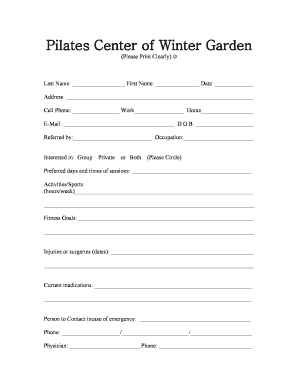
Pilates new client form sample

Dbpr forms
Calpers long term care form
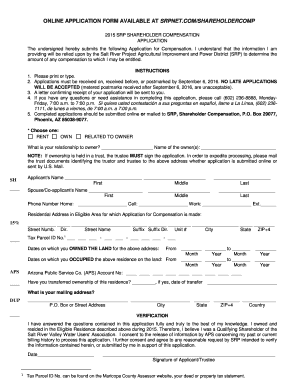
Srp compensation

Caregiver liability waiver form
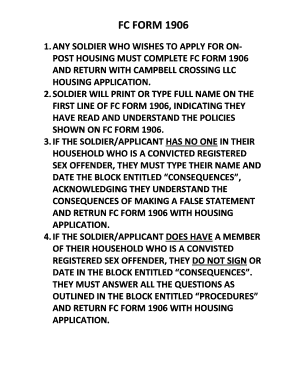
Fc form 1906
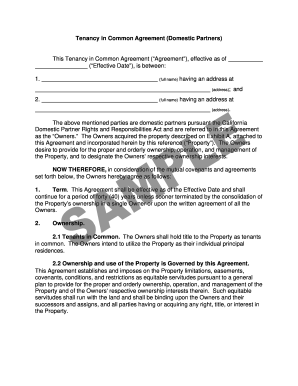
California transmutation agreement template
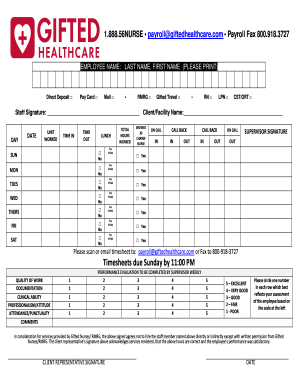
Gifted healthcare timesheet
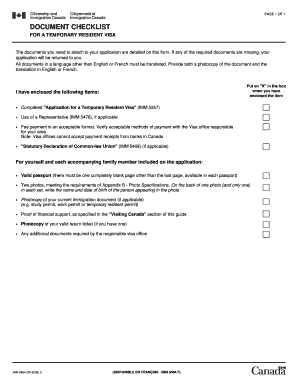
IMM 5484 E - Document Checklist for a Temporary Resident Visa
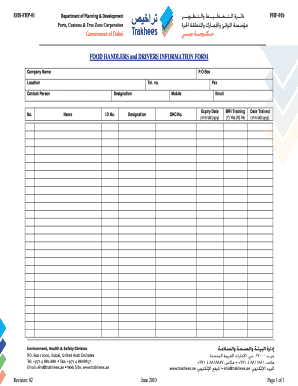
Food handlers form pdf

Mcdaniel leasing
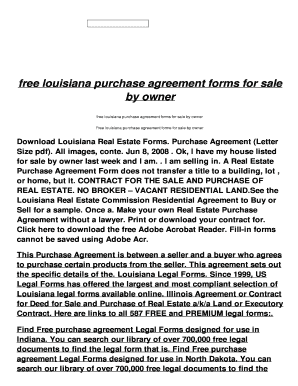
For sale by owner purchase agreement louisiana
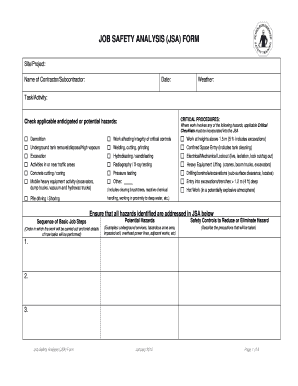
Jsa for sandblasting
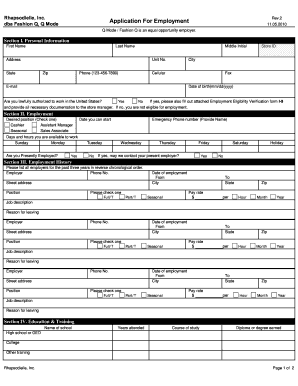
Rhapsodielle careers
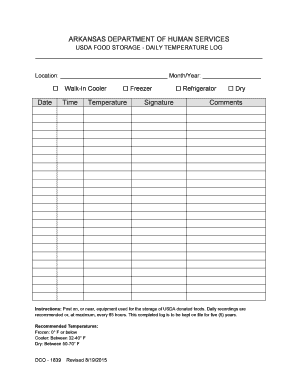
Arkansas department of health employee temperature log
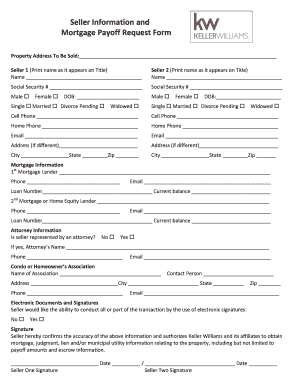
Seller Information and Mortgage Payoff Request Form
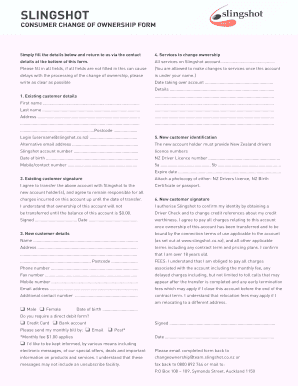
Slingshot change of ownership form
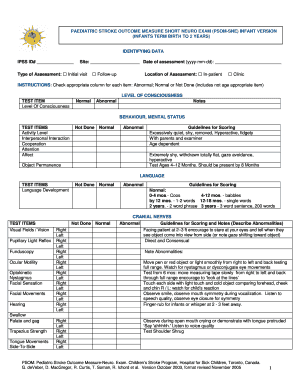
Pediatric stroke outcome measure pdf
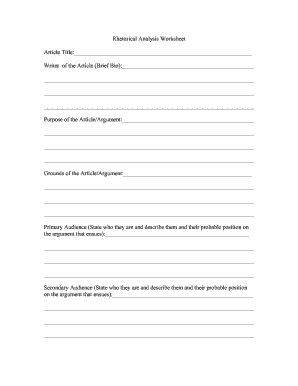
Rhetorical analysis worksheet pdf
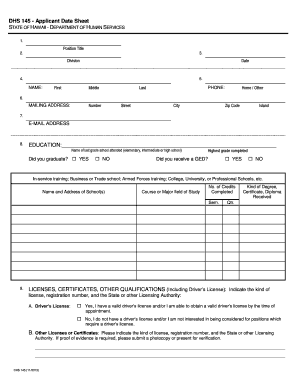
DHS 145 - APPLICANT DATA SHEET
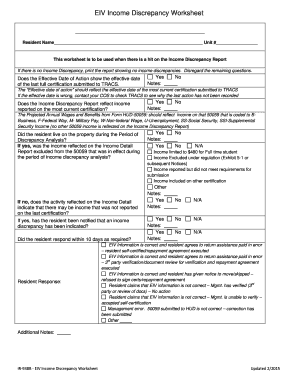
Eiv income discrepancy worksheet
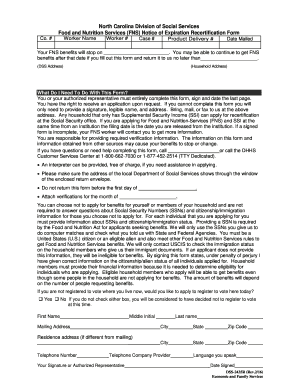
DSS-2435I. Food and Nutrition Services (FNS) Notice of Expiration and Recertification Form
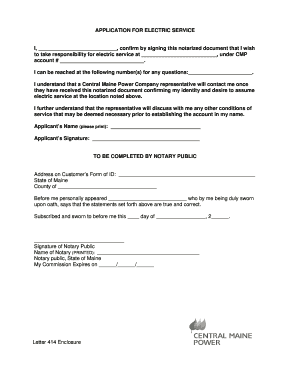
Cmpco com
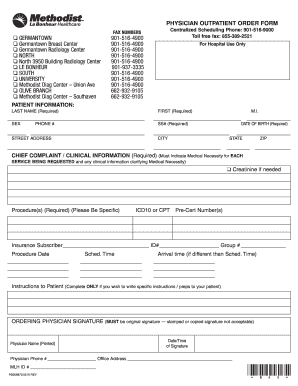
Le bonheur order
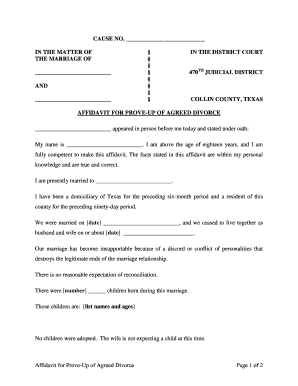
Affidavit divorce
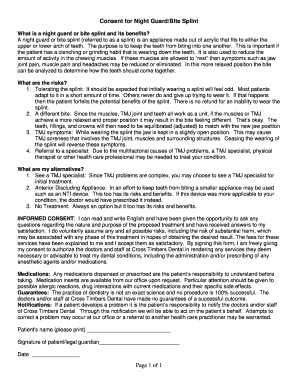
Night guard consent form
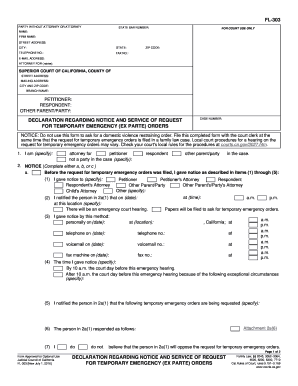
Fl 303 2016 form
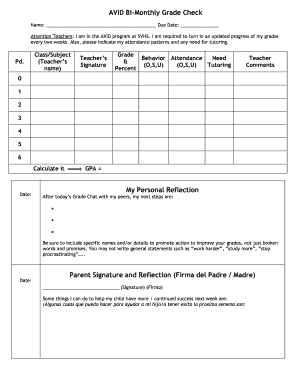
Avid grade check form

Ricardo kaufvertrag vorlage
Benefit from the DocHub online library of fillable PDF forms
Searching the PDF forms doesn't have to be a tedious and time-consuming process. With the DocHub online library, it has become easier to find the fillable PDF forms and modify them in your browser. The service allows you to adjust the document to your needs using powerful editing tools.
You can use online document editing features to modify almost any type of document with ease. You just need to find the template of your choice, open it in the editor, and use the toolbar to make the necessary corrections.
Follow this guide to get your document done with DocHub:
- Find the PDF template you need.
- Click the Get Form button to open the file in the editor.
- Use the toolbar to fill out and edit the document.
- Easily add and highlight text, insert images, checkmarks, and symbols.
- Drop new fillable fields, and rearrange or delete pages from your file.
- Save changes and download your record.
DocHub empowers everyone to streamline document editing, signing, and distribution, and form completion. Create an account and benefit from our well-organized PDF Forms library and comprehensive editor.